

Your Browsing History

Meet Your Seller


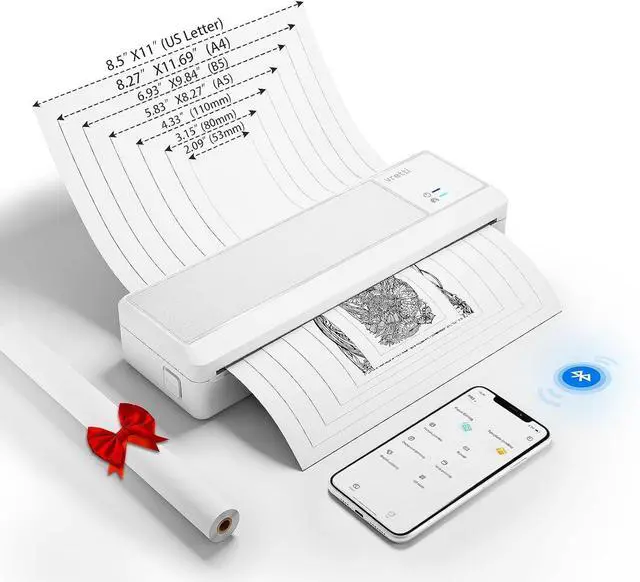
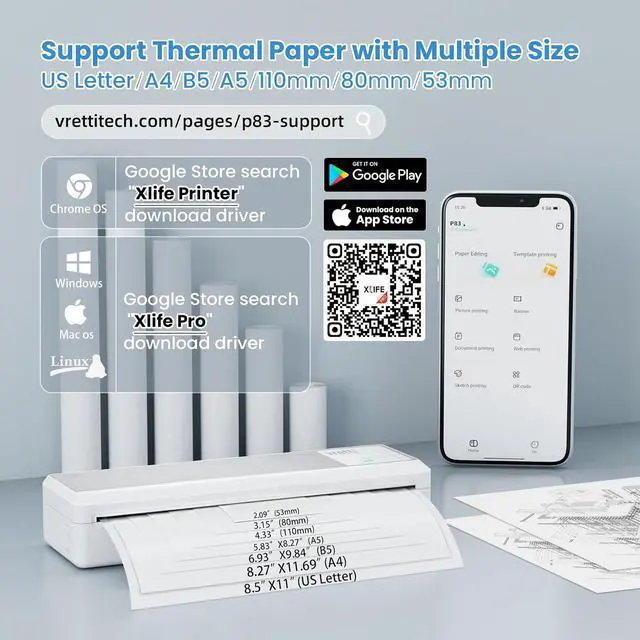
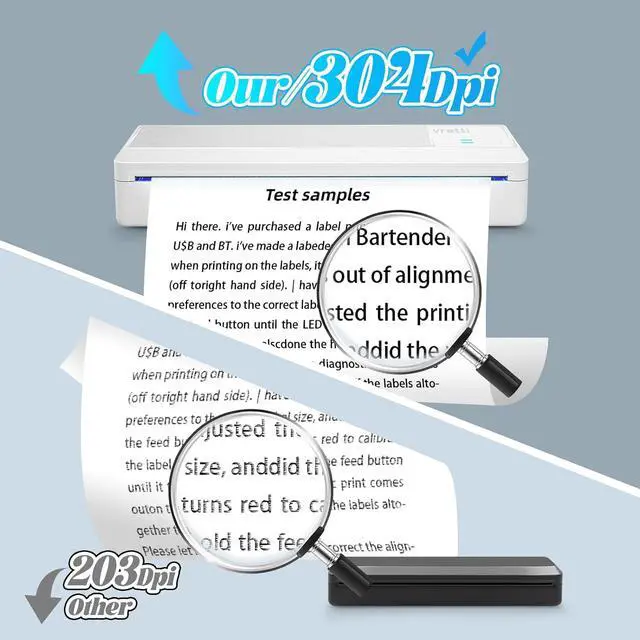


vretti P83 Portable Printers Wireless for Travel, A4 Portable Thermal Printer, Mobile Inkless Printer Compatible with Phone & Laptop, Supports 8.5 x 11 US Letter for Car School Office Home Use, White
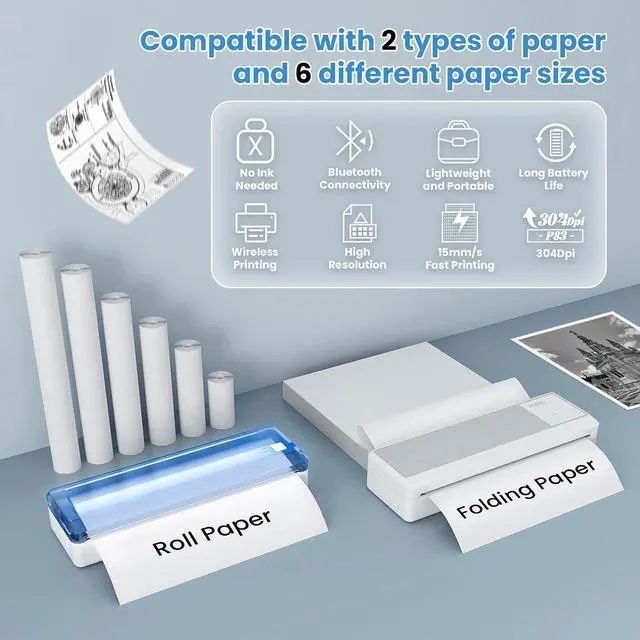
- Inkless printer: Our portable printer uses thermal printing technology, eliminating the need for ink, toner, or ribbon. This saves you the tedious process and high cost of replacing consumables. So you don't have to worry about clogging or cleaning issues when using a inkless portable printer
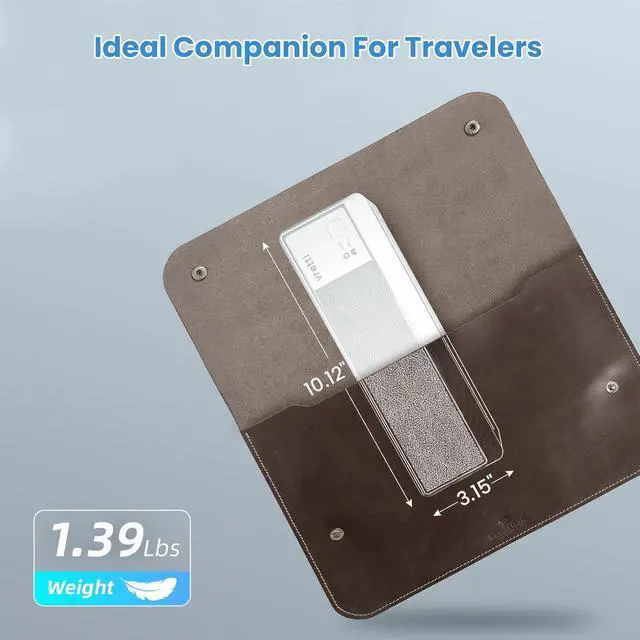
- Portable & Lightweight Design: This portable printer weighs only 1.43 pounds and can be easily placed in a backpack or briefcase. Whether you are in the car, home, travel, work, meetings or during university for use, this portable printers can help you, especially in emergency situations where you need to print contracts, office documents, inventory lists, business checks, shipping labels, boarding passes, etc. With this mobile inkless printer can enjoy convenience of printing anytime, anywhere
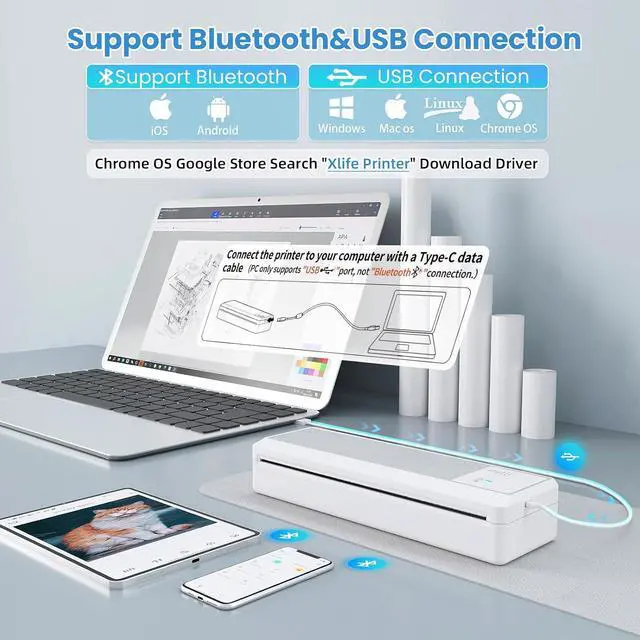
- High Compatibility: The portable printer can be connected for phone or tablet via bluetooth for printing, and can also be connected for laptop or computer via USB for printing. Easy to set up, install us
+
+
Overview
Specs
Reviews

Any questions? Our AI mode will help you find out quickly.
Try me now
What to do if a phone or tablet fails to connect to the inkless portable printer ?
1. Turn on your phones Bluetooth and connect to the inkless portable printer via the XLife Pro app.
2. Note: Android phones require location services to be enabled for connection (Xlife Pro does not collect user information).
How to print via email on mobile devices?
1. Save the file to be printed via email.
2.Open the XLife Proapp, ensure that phone is connected to the inkless portable printer, select the file, and tap Print.
Can I use regular copy paper for printing?
No! This inkless portable printer only supports dedicated thermal paper. Purchase thermal paper through official stores or authorized channels to ensure print quality.
How to print from computer ?
1. Use included USB drive or download driver from official site (vrettitech.com)
2. CRITICAL STEP: You must connect inkless portable printer to computer via data cable before driver download.
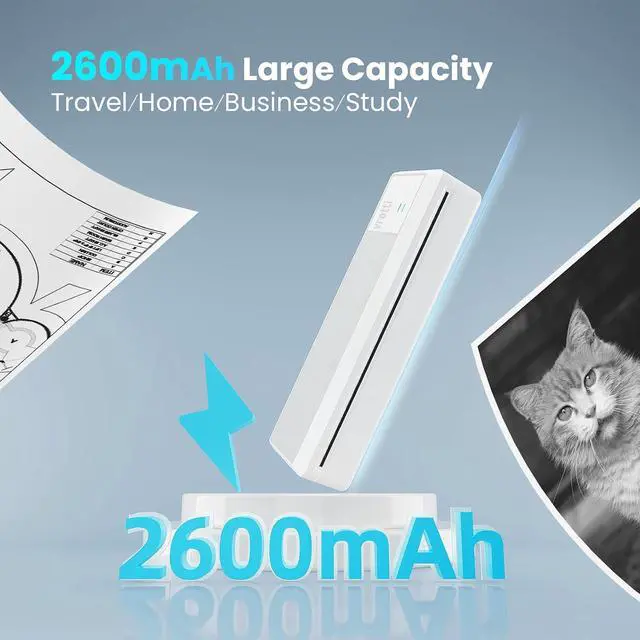
vretti P83 inkless portable printers wireless for travel THERMAL PAPER CLICK ENTER Large capacity battery, supports used continuously for 2~3 hours inkless portable printer for travel, home, office, school use How to solve the issue of unclear printing?
What to do if a phone or tablet fails to connect to the inkless portable printer ?
How to print via email on mobile devices?
Can I use regular copy paper for printing?
How to print from computer ?
1. Turn on your phones Bluetooth and connect to the inkless portable printer via the XLife Pro app.
2. Note: Android phones require location services to be enabled for connection (Xlife Pro does not collect user information).
How to print via email on mobile devices?
1. Save the file to be printed via email.
2.Open the XLife Proapp, ensure that phone is connected to the inkless portable printer, select the file, and tap Print.
Can I use regular copy paper for printing?
No! This inkless portable printer only supports dedicated thermal paper. Purchase thermal paper through official stores or authorized channels to ensure print quality.
How to print from computer ?
1. Use included USB drive or download driver from official site (vrettitech.com)
2. CRITICAL STEP: You must connect inkless portable printer to computer via data cable before driver download.
vretti P83 inkless portable printers wireless for travel THERMAL PAPER CLICK ENTER Large capacity battery, supports used continuously for 2~3 hours inkless portable printer for travel, home, office, school use How to solve the issue of unclear printing?
What to do if a phone or tablet fails to connect to the inkless portable printer ?
How to print via email on mobile devices?
Can I use regular copy paper for printing?
How to print from computer ?
Warranty & Returns
Warranty, Returns, And Additional Information
Warranty
- Please contact the Seller directly for warranty information. Warranty information may also be found on the Manufacturer's website.
- CONTACT
Return Policies
- Return for refund within: 30 days
- Return for replacement within: 30 days
- This item is covered by LionTech Direct Return Policy
Manufacturer Contact Info
- For a directory of all our manufacturers, please click below.
- Manufacturers Directory
LOADING...