

Your Browsing History

Meet Your Seller


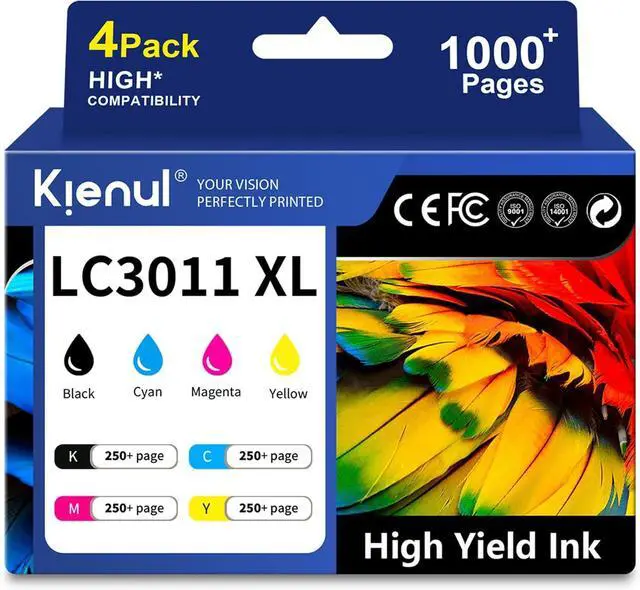



LC3011XL High Yield Ink Cartridges 4 Pack, LC3011BK LC3011C LC3011M LC3011Y Replacement for Brother LC3011 Ink Cartridge, Work with MFC-J491DW MFC-J497DW MFC-J690DW MFC-J895DW Printers (BK/C/M/Y)
- Package Contents: LC3011XL Ink Cartridges, LC3011 Black Ink×1, LC3011 Cyan Ink×1, LC3011 Magenta Ink×1, LC3011 Yellow Ink×1
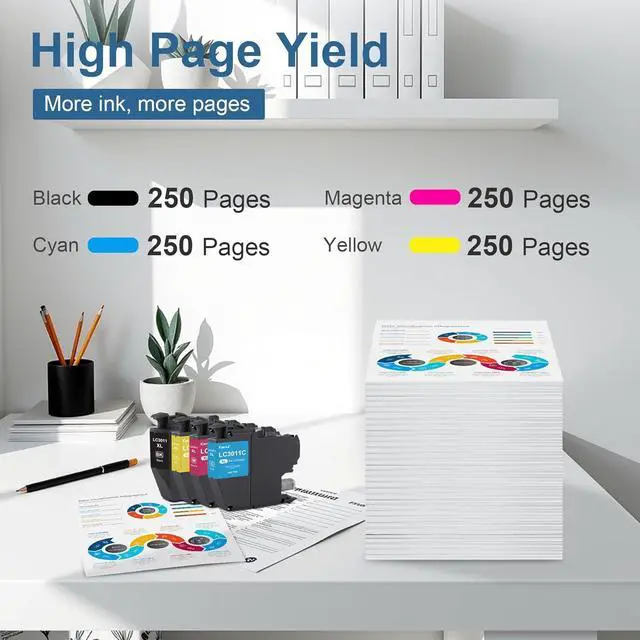
- High Capacity: Up to 250 pages from the Black cartridge and up to 250 pages from each Color cartridge (Cyan, Magenta, Yellow) (at 5% coverage). Perfect for high-volume printing
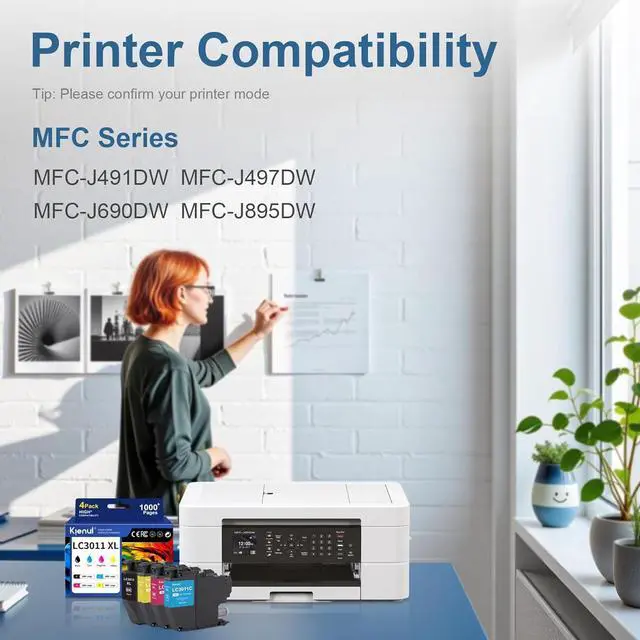
- Extensive Compatibility: MFC-J491DW MFC-J497DW MFC-J690DW MFC-J895DW Printer. Easy installation with instant printer recognition
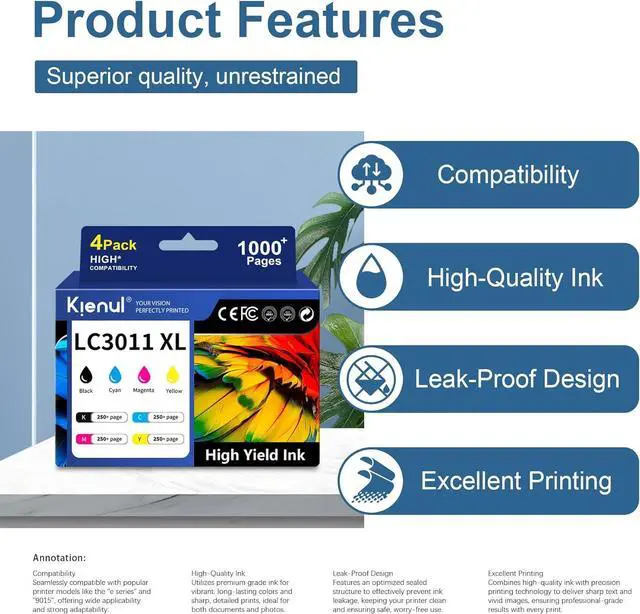
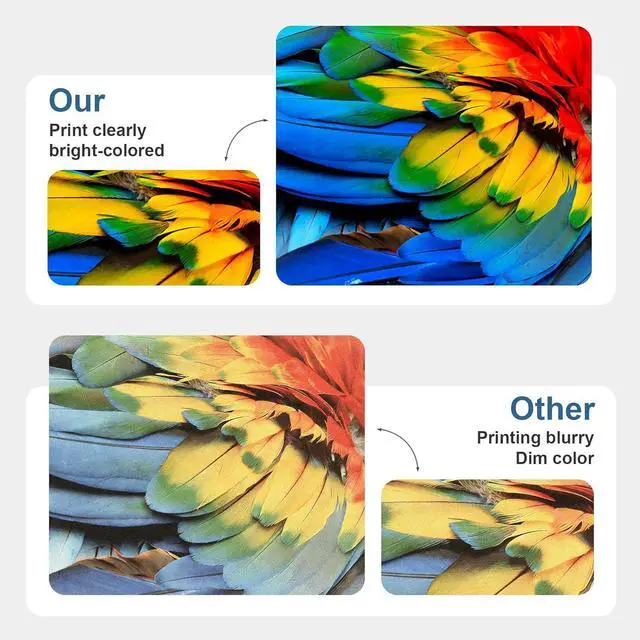
- Print Quality: Made with premium ink for sharp, smudge-free text and vibrant, true-to-life colors. Delivers professional, reliable results for everyday documents, business reports, and family photos
- Reliability & Support: Rigorously quality-controlled to be smear-resistant, quick-drying, and clog-resistant, ensuring smooth and stable output from the first page to the last. Backed by our comprehensive quality guarantee and customer support for your peace of mind
+
+
Overview
Specs
Reviews

Any questions? Our AI mode will help you find out quickly.
Try me now
Product Model
4 Pack LC 3011 XL Ink Cartridges
Compatibility
MFC-J491DW
MFC-J497DW
MFC-J690DW
MFC-J895DW
Professional print results
Whether you're printing contracts, reports, or schoolwork, Ink delivers sharp lines,
solid fills, and clean text, page after page. Expect crisp, professional results with every print.
High quality materials, quality assurance
Made with premium ink and high-quality components, cartridges deliver smooth
operation and consistent output from start to finish.
Installation Instructions
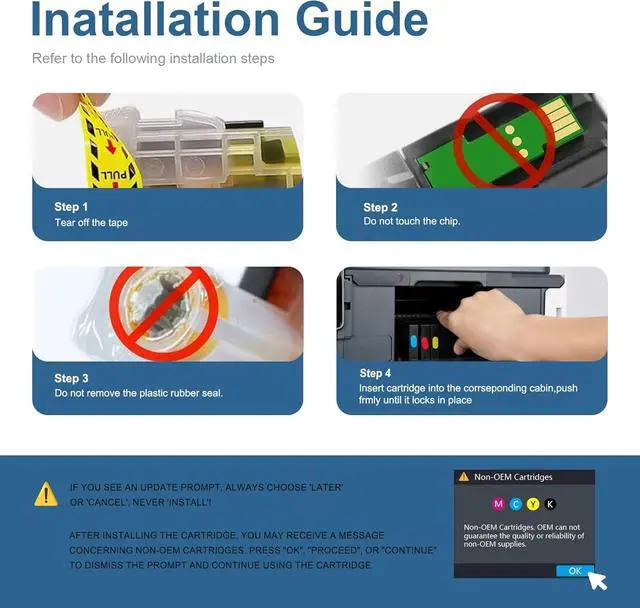
1.Power on and open the cover: Turn on the printer power and lift up the front cover.
2.Tear off the tape: Completely remove the transparent sealing tape from the new ink cartridge.
3.Do not touch the chip: Avoid touching the chip at the bottom of the ink cartridge during installation.
4.Keep the seal intact: Do not remove the plastic rubber seal on the cartridge nozzle (it will be
automatically pierced during printing).
5.Insert and lock: Align the cartridge with the corresponding color-coded slot, insert it vertically,
and press down firmly until you hear a "click" indicating it is locked in place.
After Installation:
Close the printer's front cover.
The printer will automatically run a cleaning cycle (approximately 1-2 minutes). Once completed,
it is ready for normal use.
Troubleshooting:
If the printer does not recognize the cartridge, check: ? Whether the tape is fully removed;
? Whether the cartridge is firmly pressed into place.
4 Pack LC 3011 XL Ink Cartridges
Compatibility
MFC-J491DW
MFC-J497DW
MFC-J690DW
MFC-J895DW
Professional print results
Whether you're printing contracts, reports, or schoolwork, Ink delivers sharp lines,
solid fills, and clean text, page after page. Expect crisp, professional results with every print.
High quality materials, quality assurance
Made with premium ink and high-quality components, cartridges deliver smooth
operation and consistent output from start to finish.
Installation Instructions
1.Power on and open the cover: Turn on the printer power and lift up the front cover.
2.Tear off the tape: Completely remove the transparent sealing tape from the new ink cartridge.
3.Do not touch the chip: Avoid touching the chip at the bottom of the ink cartridge during installation.
4.Keep the seal intact: Do not remove the plastic rubber seal on the cartridge nozzle (it will be
automatically pierced during printing).
5.Insert and lock: Align the cartridge with the corresponding color-coded slot, insert it vertically,
and press down firmly until you hear a "click" indicating it is locked in place.
After Installation:
Close the printer's front cover.
The printer will automatically run a cleaning cycle (approximately 1-2 minutes). Once completed,
it is ready for normal use.
Troubleshooting:
If the printer does not recognize the cartridge, check: ? Whether the tape is fully removed;
? Whether the cartridge is firmly pressed into place.
Warranty & Returns
Warranty, Returns, And Additional Information
Warranty
- Please contact the Seller directly for warranty information. Warranty information may also be found on the Manufacturer's website.
- CONTACT
Return Policies
- Return for refund within: 30 days
- Return for replacement within: 30 days
- This item is covered by LionTech Direct Return Policy
Manufacturer Contact Info
- For a directory of all our manufacturers, please click below.
- Manufacturers Directory
LOADING...