

Your Browsing History

Meet Your Seller


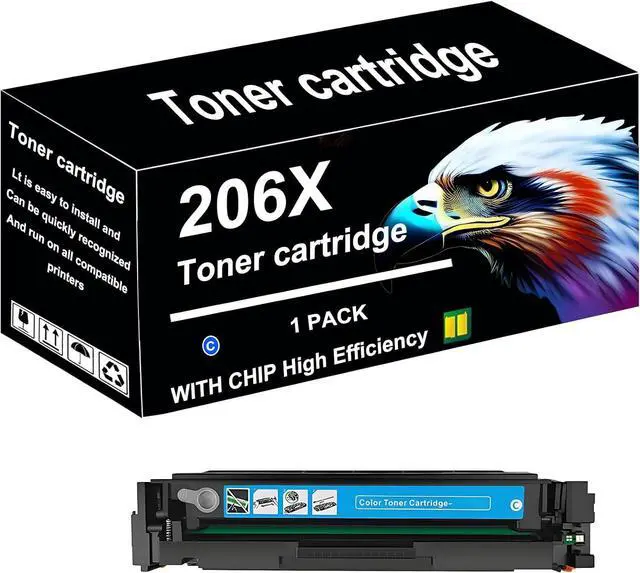


206X Toner Cartridge Replacement Compatible Black and Color for HP CC530X
- CC531X CC532X CC533X for HP OfficeJet Pro CP2020 2024 2025 2026 2027 2024n 2024dn Toner Cartridge Printer, Blue x1
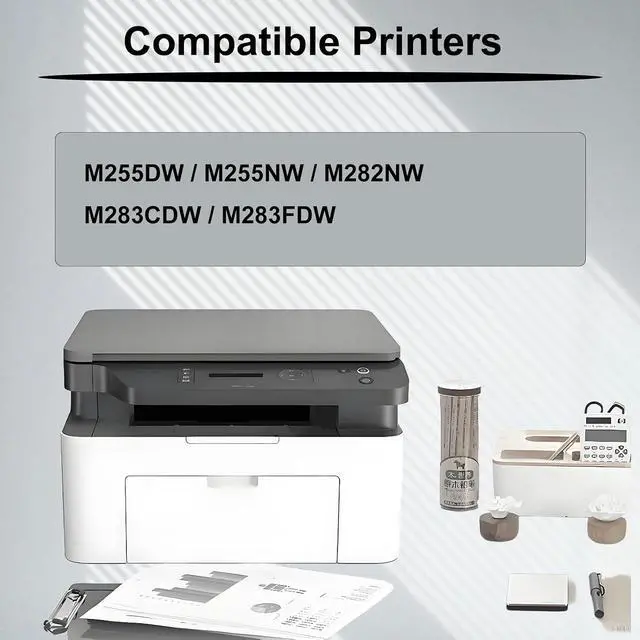
- PRODUCT MODEL:206X for HP Toner cartridge for HP CP2020 2024 2025 2026 2027 2024n 2024dn 2025n 2025dn 2025x 2026n 2026dn 2027n 2027dn CM2320 Toner cartridge printer.
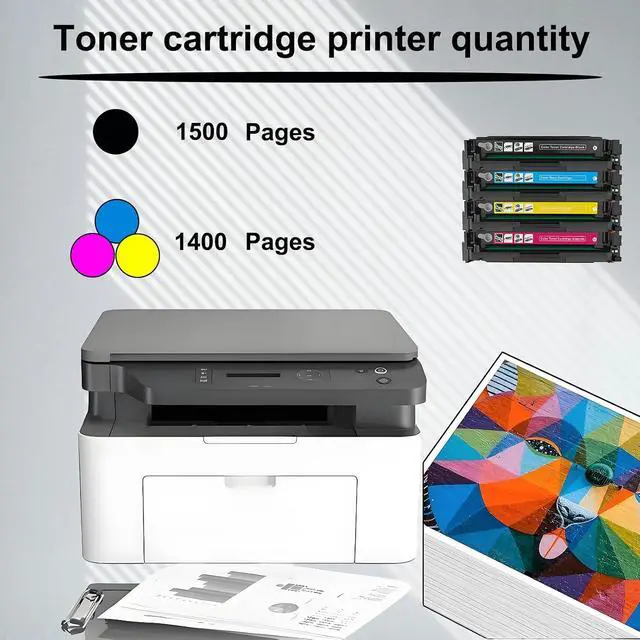
- REAL HIGH YIELD:1500 pages per 206X Great black Toner cartridge,1400 pages 206X color,Toner cartridge at 5 percentage coverage on A4 paper.
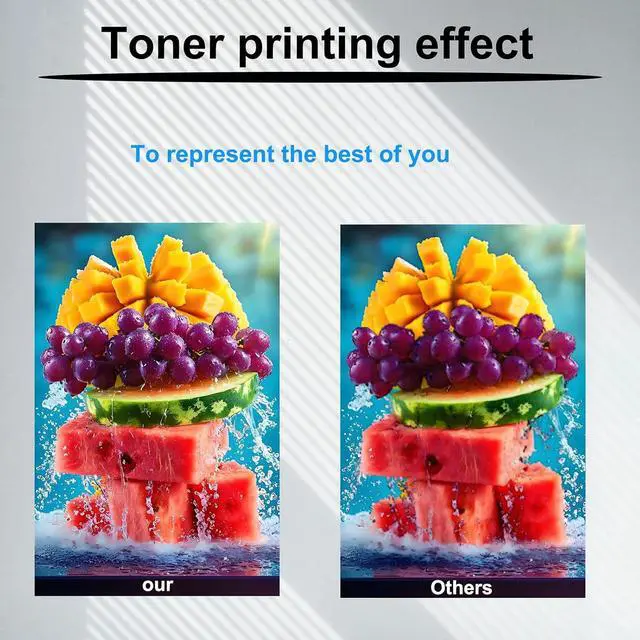
- RELIABLE QUALITY: 206X for HP Toner cartridge provides you with exceptional prints, tested and stable to ensure crisp text and bright, vivid colors, and if you have questions, our team will get back to you within 24 hours Provide you with satisfactory solutions.
- COLOR CONTAINS:4 pack high yield 206X for HP Toner cartridge black and color Achieve higher page yield with 206X for HPToner cartridge to meet your printing needs.
- AFTER-SALE SERVICE: If you have a problem, please contact us directly, we guarantee to reply your message within 24 hours. We provide you with eff
+
+
Overview
Specs
Reviews

Any questions? Our AI mode will help you find out quickly.
Try me now
Product Description
Why choose us?
206X CC530X CC531X CC532X CC533X for HP Toner cartridge Our Toner cartridge useLatest upgraded chips the equipped chips and advanced anti-clogging nozzles to prevent clogging.The ink cartridge provides high-quality printing results, clear text and bright colors. Compatible with a variety of printers, simple installation and easy replacement. High cost performance, an ideal choice for home and office printing!
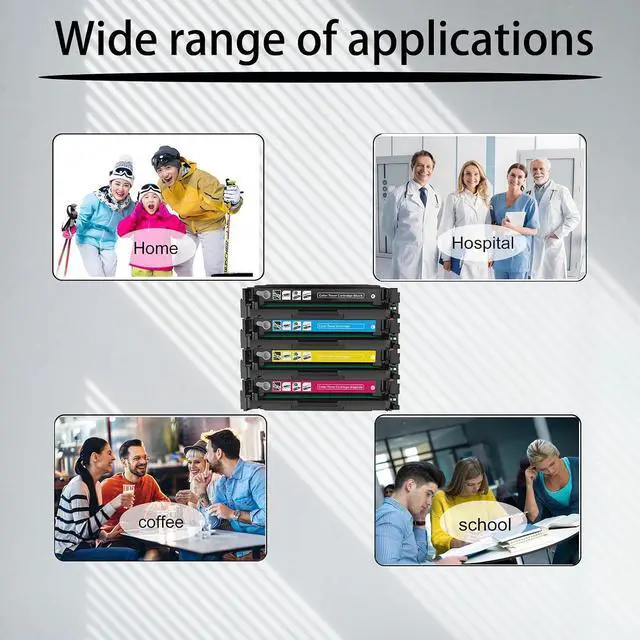
Be applicable: 206X for HP OfficeJet Pro MFP CP2020 2024 2025 2026 2027 2024n 2024dn 2025n 2025dn 2025x 2026n 2026dn 2027n 2027dn CM2320 Toner cartridge printer.
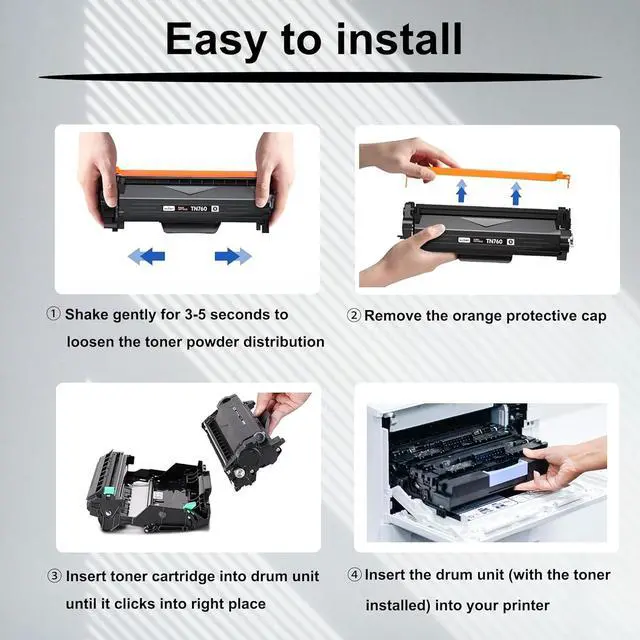
Installation steps:
1. Shake gently for 3-5 seconds to loosen the toner powder distribution.
2. Remove the orange protective cap.
3. Insert toner cartridge into drum unit until it clicks into right place.
4. Insert the drum (with the toner installed) into your printer.
[Notes]
- Before purchasing, please check and confirm the printer model and toner cartridge model.
-For best performance, do not touch the chip on the toner cartridge.
If you have any Toner cartridge, please contact us directly, we will reply within 24 hours.
Why choose us?
206X CC530X CC531X CC532X CC533X for HP Toner cartridge Our Toner cartridge useLatest upgraded chips the equipped chips and advanced anti-clogging nozzles to prevent clogging.The ink cartridge provides high-quality printing results, clear text and bright colors. Compatible with a variety of printers, simple installation and easy replacement. High cost performance, an ideal choice for home and office printing!
Be applicable: 206X for HP OfficeJet Pro MFP CP2020 2024 2025 2026 2027 2024n 2024dn 2025n 2025dn 2025x 2026n 2026dn 2027n 2027dn CM2320 Toner cartridge printer.
Installation steps:
1. Shake gently for 3-5 seconds to loosen the toner powder distribution.
2. Remove the orange protective cap.
3. Insert toner cartridge into drum unit until it clicks into right place.
4. Insert the drum (with the toner installed) into your printer.
[Notes]
- Before purchasing, please check and confirm the printer model and toner cartridge model.
-For best performance, do not touch the chip on the toner cartridge.
If you have any Toner cartridge, please contact us directly, we will reply within 24 hours.
Warranty & Returns
Warranty, Returns, And Additional Information
Warranty
- Please contact the Seller directly for warranty information. Warranty information may also be found on the Manufacturer's website.
- CONTACT
Return Policies
- Return for refund within: 30 days
- Return for replacement within: 30 days
- This item is covered by LionTech Direct Return Policy
Manufacturer Contact Info
- For a directory of all our manufacturers, please click below.
- Manufacturers Directory
LOADING...