

Your Browsing History

Meet Your Seller


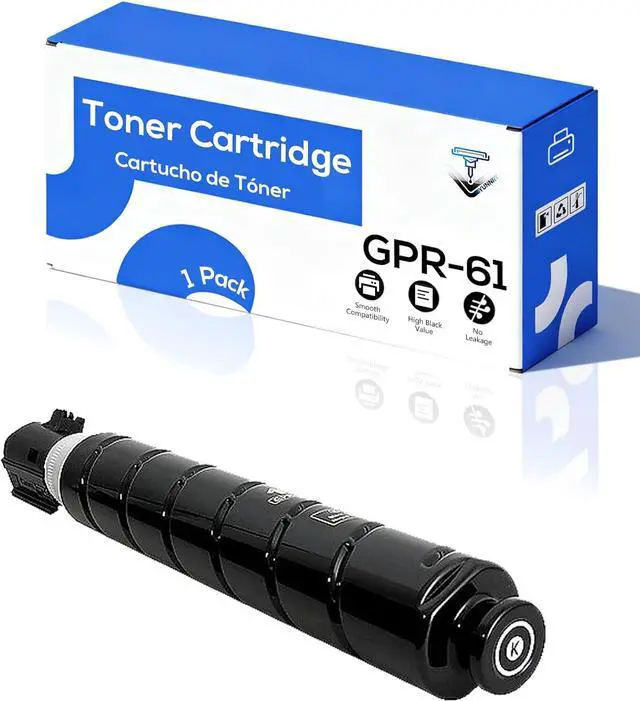



GPR-61 GPR61 3763C003AA Toner Cartridges Compatible for ImageRUNNER Advance DX C5840i C5850i C5860i C5870i Printers, High Yield - 40000 Pages Black
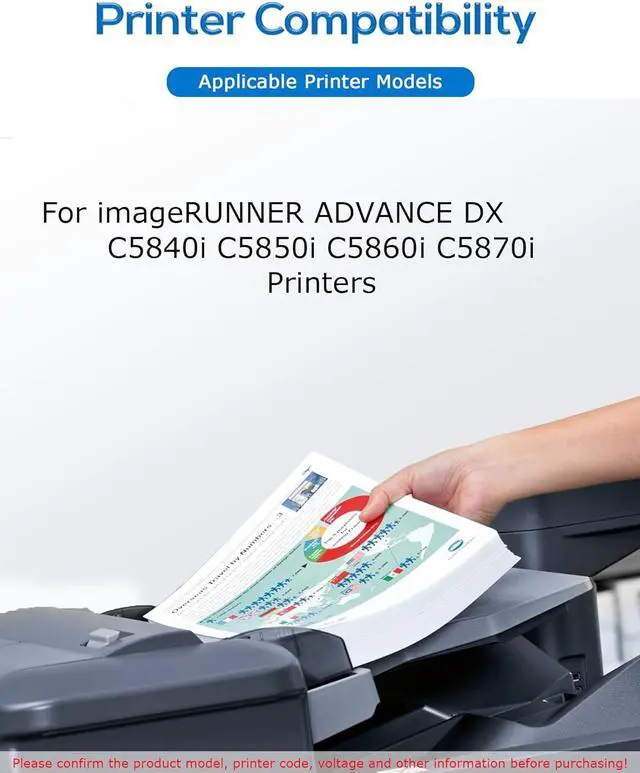
- for Canon Compatible With Printers: For C5840i C5850i C5860i C5870i printers
- Compatible With Printers: For C5840i C5850i C5860i C5870i printers
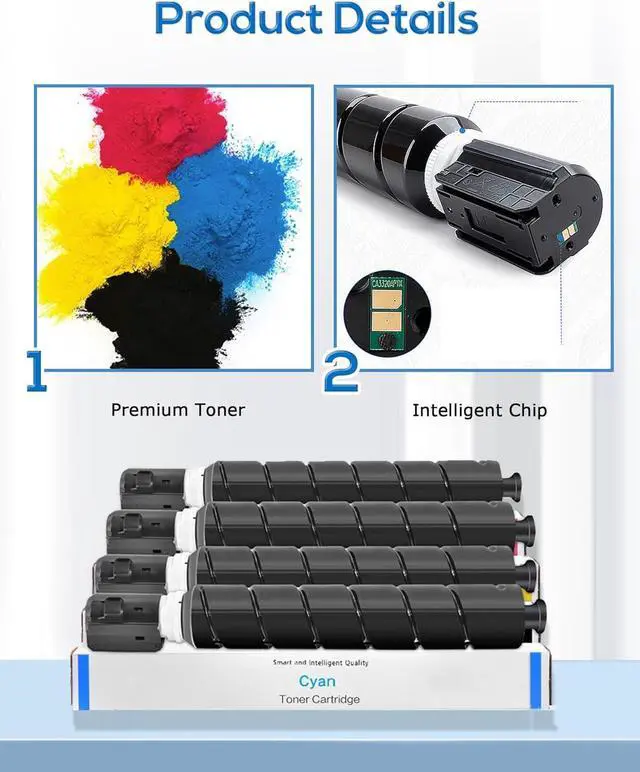
- High Page Yield: 40000 pages per black toner cartridge, 26000 pages color toner at 5% coverage A4 paper
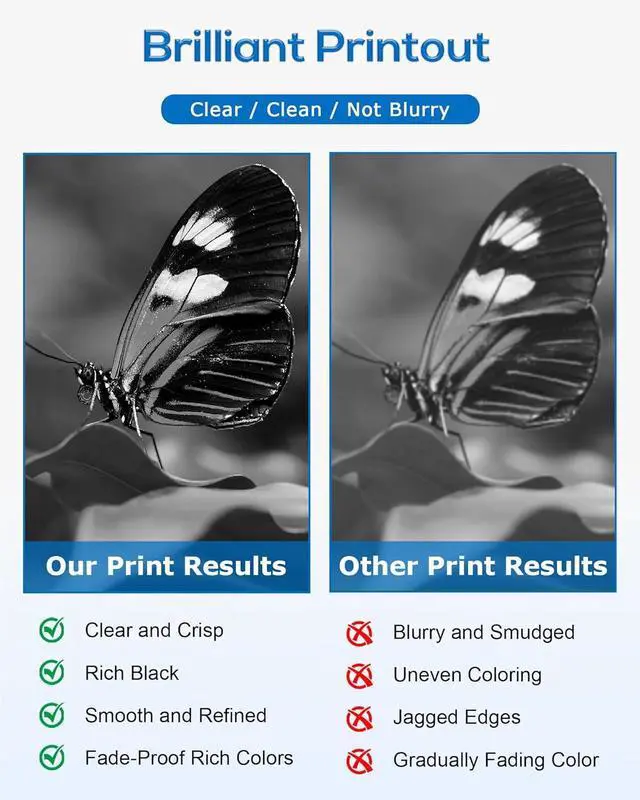
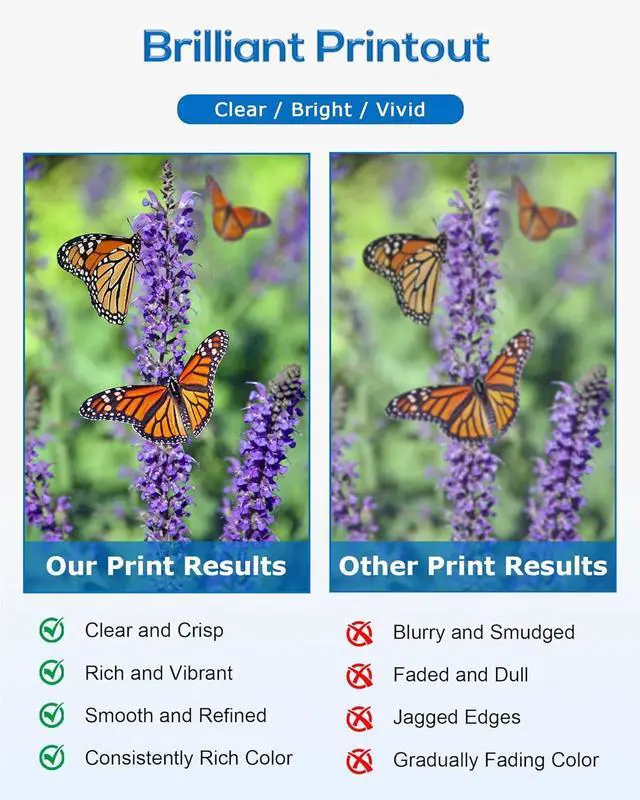
- Stunning Performance: Deliver distinct texts, crisp images and high printer compatibility. No fading, leakage, or streaks guaranteed
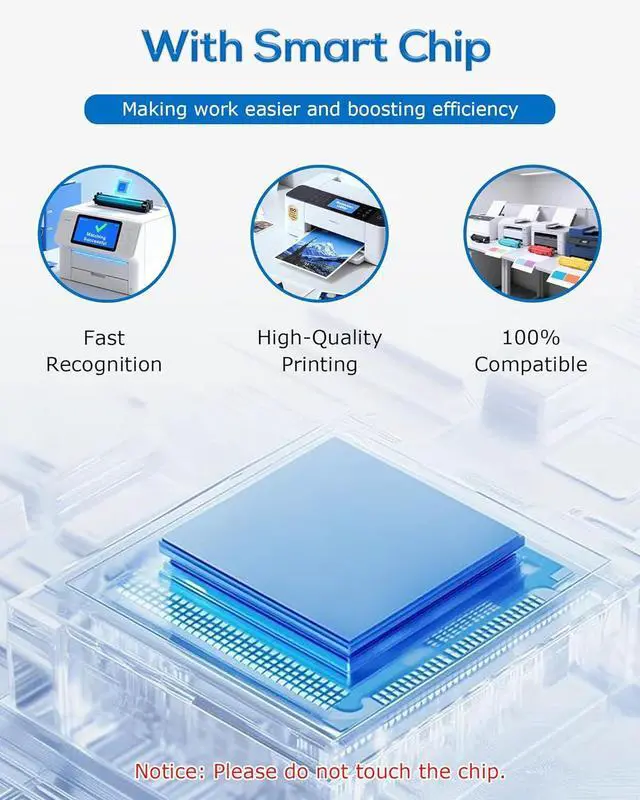
- Smart Chip: Each toner has an auto-recognition chip for seamless printer communication. Ensures clearer text, vibrant colors and consistent performance
+
+
Overview
Specs
Reviews

Any questions? Our AI mode will help you find out quickly.
Try me now
Model Confirmation
When purchasing GPR-61 GPR61 3763C003AA toner cartridge, please confirm if your printer model meets the requirements.
Compatible With C5840i C5850i C5860i C5870i Printers
Installation Steps
1.Turn off the printer and unplug it for safety. Open the front cover or toner compartment and remove the old toner cartridge.
2.Shake the new toner cartridge side to side more than 10 times to distribute the toner evenly and prevent clumping.
3.Carefully remove the protective seal as indicated on the packaging. Slide the new toner cartridge into the printer along the guide rail until it clicks into place.
4.Close the cover and plug the printer back in to turn it on.
When purchasing GPR-61 GPR61 3763C003AA toner cartridge, please confirm if your printer model meets the requirements.
Compatible With C5840i C5850i C5860i C5870i Printers
Installation Steps
1.Turn off the printer and unplug it for safety. Open the front cover or toner compartment and remove the old toner cartridge.
2.Shake the new toner cartridge side to side more than 10 times to distribute the toner evenly and prevent clumping.
3.Carefully remove the protective seal as indicated on the packaging. Slide the new toner cartridge into the printer along the guide rail until it clicks into place.
4.Close the cover and plug the printer back in to turn it on.
Warranty & Returns
Warranty, Returns, And Additional Information
Warranty
- Please contact the Seller directly for warranty information. Warranty information may also be found on the Manufacturer's website.
- CONTACT
Return Policies
- Return for refund within: 30 days
- Return for replacement within: 30 days
- This item is covered by LionTech Direct Return Policy
Manufacturer Contact Info
- For a directory of all our manufacturers, please click below.
- Manufacturers Directory
LOADING...