

Your Browsing History

Meet Your Seller


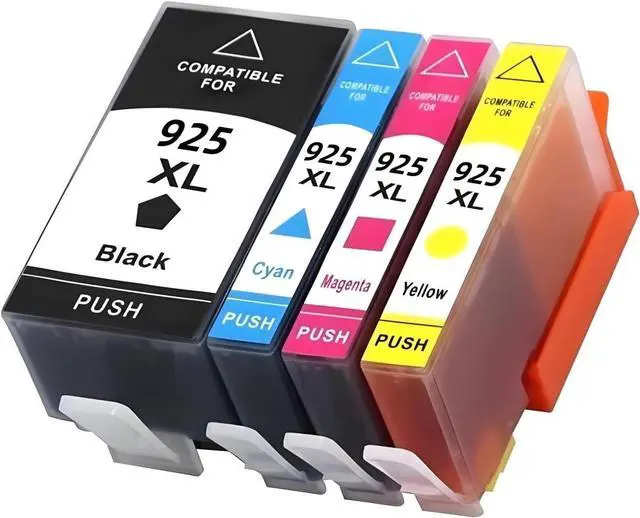
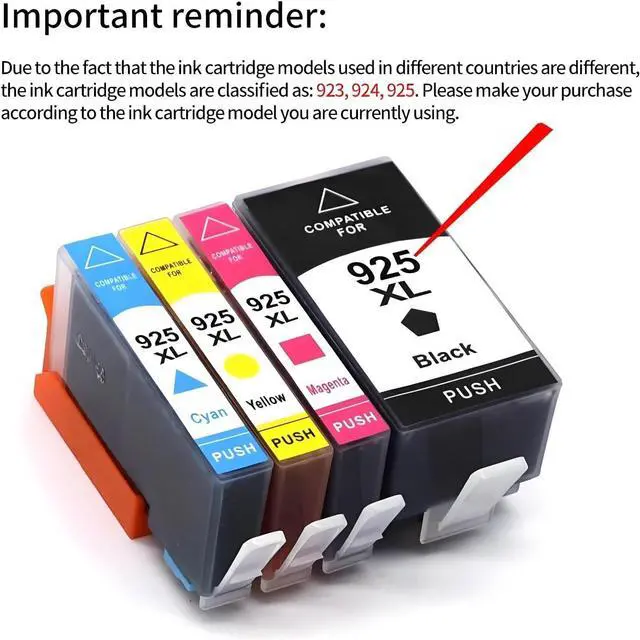
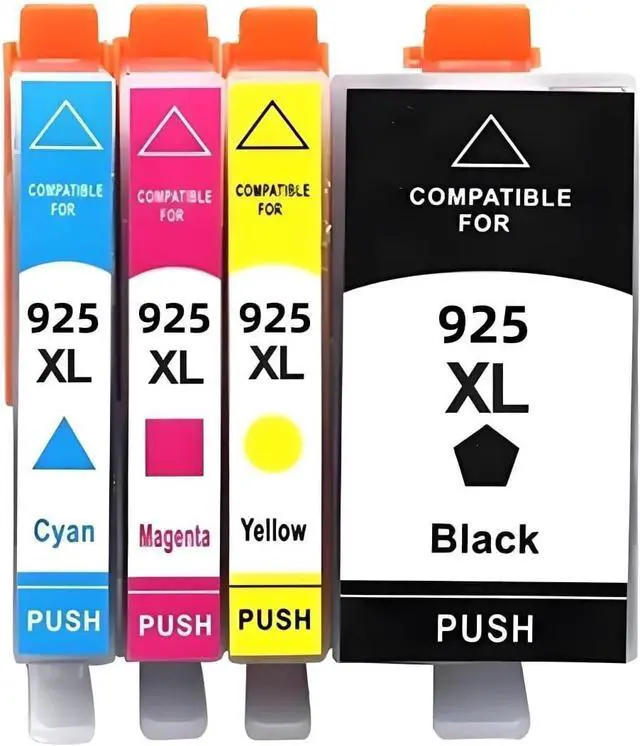


4-Color Ink Cartridge Pack 923 924 925 Compatible For HP Officejet Pro 8120 8123 8133 8122E 8124E Black Cyan Magenta Yellow 4 Pack(925-4color)
- BROAD COMPATIBILITYCompatible For HP 923 924 925 ink cartridges suitable for Officejet Pro 8120 8123 8133 8122E 8124E 8125E 8130 8132E 8134E 8135E 8138E 8139E
- COMPLETE 4-COLOR SETIncludes Black Cyan Magenta Yellow four cartridges supplied as a 4 pack for full color printing needs
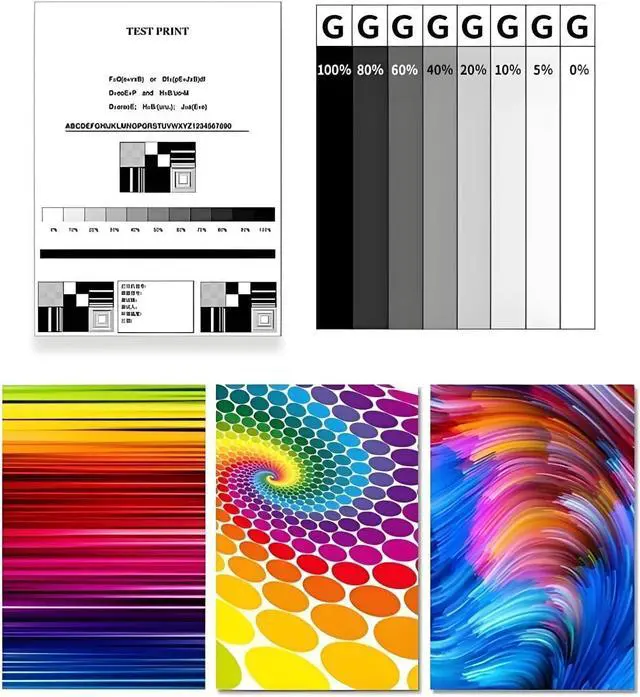
- CONSISTENT PRINT PERFORMANCEDesigned for stable ink flow and consistent color output for documents and photos
- EASY FIT AND INSTALLStandard cartridge form factor simple to install and replace without tools or setup changes
- USER GUIDANCEEach pack includes basic install tips and recommendations for nozzle check and head cleaning if required
+
+
Overview
Specs
Reviews

Any questions? Our AI mode will help you find out quickly.
Try me now
Product Description
Product Overview
Compatible For HP 4-Color Ink Cartridge Pack (Models 923 924 925) designed to provide full color printing for Officejet Pro 8120 series and compatible models. This 4-pack contains one cartridge each: Black Cyan Magenta Yellow suitable for standard office and home photo printing tasks.
Materials & Specifications
(1) Compatible Models: 923 924 925
(2) Colors: Black Cyan Magenta Yellow
(3) Pack Quantity: 4 Pack (1 of each color)
(4) Compatible Printers: Officejet Pro 8120 8123 8133 8122E 8124E 8125E 8130 8132E 8134E 8135E 8138E 8139E
(5) Format: Standard ink cartridge dimensions matching Officejet Pro series
Core Components
Black cartridge model 923/924/925
Cyan cartridge model 923/924/925
Magenta cartridge model 923/924/925
Yellow cartridge model 923/924/925
Instruction leaflet with install tips
Applicable Scenarios
Office document printing Home office reports and letters Color invoices and labels Photo proofs and color charts Classroom and study printing
Installation Steps
(1) Power on printer and open cartridge access door
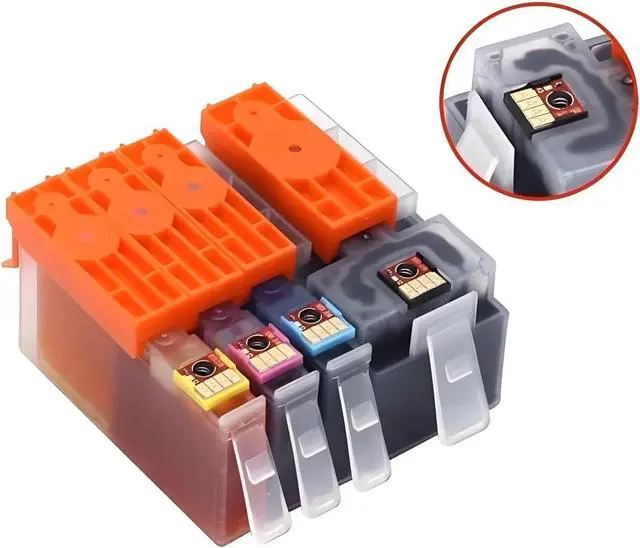
(2) Remove empty cartridge by pressing tab and pulling out
(3) Unpack new cartridge and remove protective tape if present
(4) Insert cartridge until it clicks into place then close access door
(5) Run printer nozzle check or alignment if prompted
Q and A
Q: Will these cartridges fit my Officejet Pro 8120 printer?
A: Yes they are compatible with the listed Officejet Pro 8120 series models
Q: Do I need to remove any seals?
A: Remove only the protective tape on the ink port before installation
Q: Should I run alignment after install?
A: If prompted by the printer perform the alignment for best print results
Product Overview
Compatible For HP 4-Color Ink Cartridge Pack (Models 923 924 925) designed to provide full color printing for Officejet Pro 8120 series and compatible models. This 4-pack contains one cartridge each: Black Cyan Magenta Yellow suitable for standard office and home photo printing tasks.
Materials & Specifications
(1) Compatible Models: 923 924 925
(2) Colors: Black Cyan Magenta Yellow
(3) Pack Quantity: 4 Pack (1 of each color)
(4) Compatible Printers: Officejet Pro 8120 8123 8133 8122E 8124E 8125E 8130 8132E 8134E 8135E 8138E 8139E
(5) Format: Standard ink cartridge dimensions matching Officejet Pro series
Core Components
Black cartridge model 923/924/925
Cyan cartridge model 923/924/925
Magenta cartridge model 923/924/925
Yellow cartridge model 923/924/925
Instruction leaflet with install tips
Applicable Scenarios
Office document printing Home office reports and letters Color invoices and labels Photo proofs and color charts Classroom and study printing
Installation Steps
(1) Power on printer and open cartridge access door
(2) Remove empty cartridge by pressing tab and pulling out
(3) Unpack new cartridge and remove protective tape if present
(4) Insert cartridge until it clicks into place then close access door
(5) Run printer nozzle check or alignment if prompted
Q and A
Q: Will these cartridges fit my Officejet Pro 8120 printer?
A: Yes they are compatible with the listed Officejet Pro 8120 series models
Q: Do I need to remove any seals?
A: Remove only the protective tape on the ink port before installation
Q: Should I run alignment after install?
A: If prompted by the printer perform the alignment for best print results
Warranty & Returns
Warranty, Returns, And Additional Information
Warranty
- Please contact the Seller directly for warranty information. Warranty information may also be found on the Manufacturer's website.
- CONTACT
Return Policies
- Return for refund within: 30 days
- Return for replacement within: 30 days
- This item is covered by LionTech Direct Return Policy
Manufacturer Contact Info
- For a directory of all our manufacturers, please click below.
- Manufacturers Directory
LOADING...