

Your Browsing History

Meet Your Seller


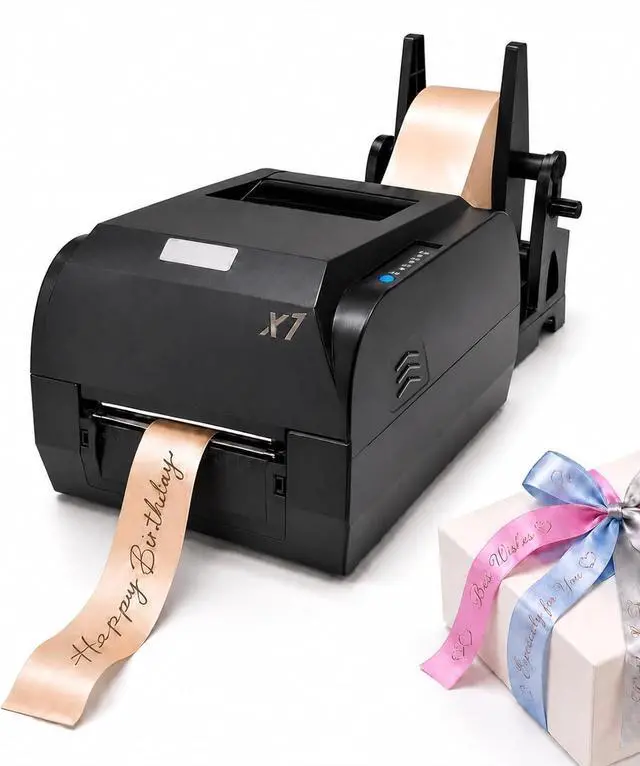
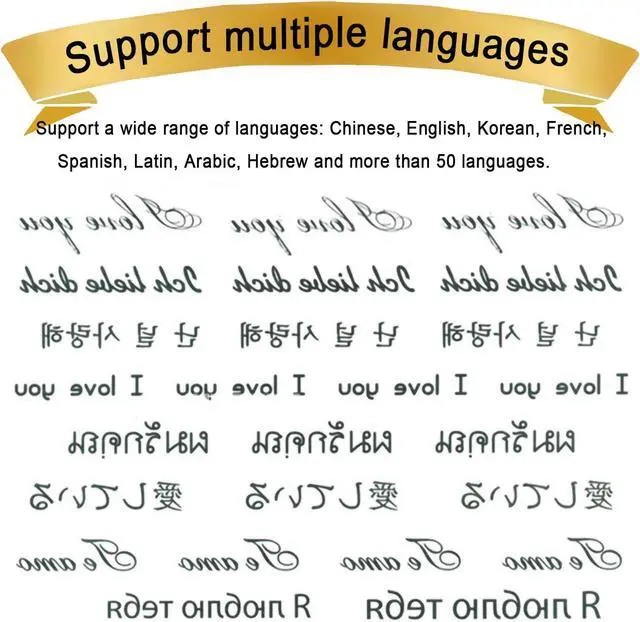
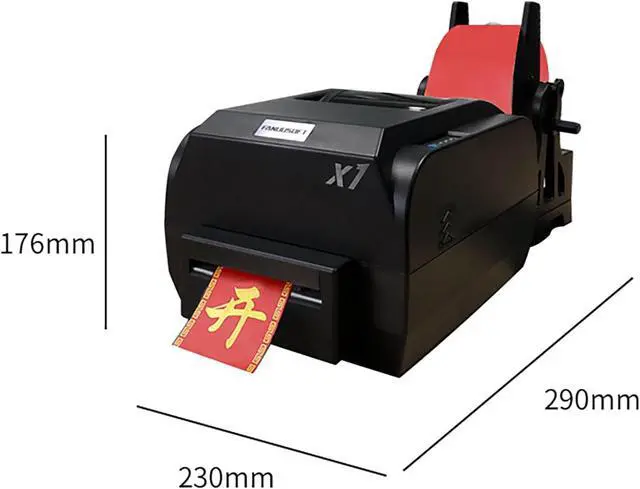


Satin Ribbon Printing Machine with Holder,200 Dpi Ribbon Printer Machine Stain Ribbon Label Printer 150mm/S Supports 50+ Languages, DIY Decorative RibbonSingle Row
- [Important] The English version of this product uses tutorials and drivers to extract the QR code from the English business card inside the package. The contents of the instructions inside the package are in Chinese, and the QR code above the instructions cannot be extracted.
- INSTALLATION BECOMES SIMPLEThis Machine Supports Win 7, Win 8 And Win 10 Systems. Mac System Is Not Supported. The Package Contains The Product Driver, Editing Software, And Detailed English Version Of The Step-By-Step Video Guide For Installation And Use, So It Is Easy To Install And Use The Device.
- MULTI-SCENARIO REVENUE STREAMSRibbon Printer Machine Serves High-Profit Markets: Florists, Gift Shops, Weddings, Birthdays, Corporate Events. One Device Covers Holiday Celebrations, Business Customization, Personalized GiftsCapturing Diverse Paid Opportunities To Boost Income Sources.
- WIDE PRINTING RANGE 25-108MM Stain Ribbon Label Printer The Printing Width Covers 25mm To 108mm, And It Can Print Various Sp
+
+
Overview
Specs
Reviews

Any questions? Our AI mode will help you find out quickly.
Try me now
Do I need to install drivers and editing software before using this ribbon printer?
Yes, this ribbon printer needs to install drivers and editing software before use.
Where can I download drivers and editing software?
Please find the English card instructions in the packaging carton for the installation instructions of drivers and editing software, and extract and install them according to the card instructions.
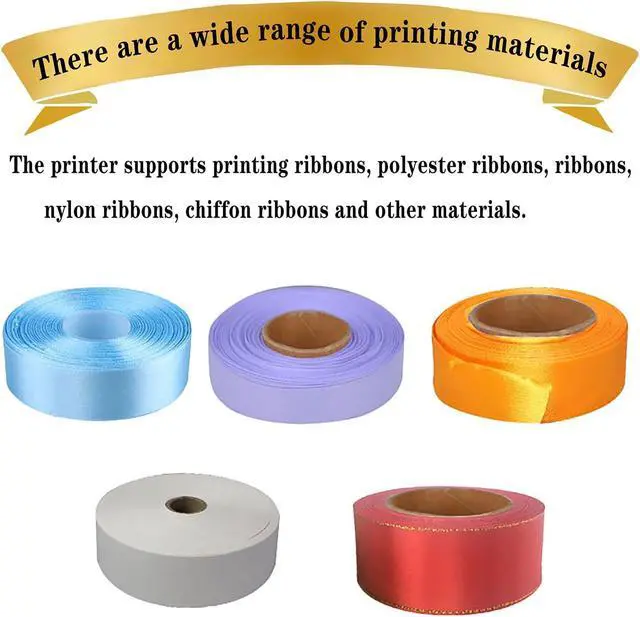
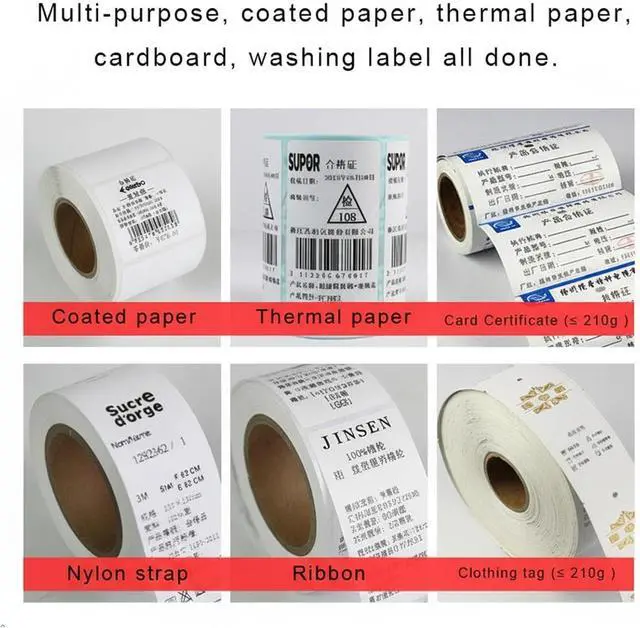
What kind of material can use this printer?
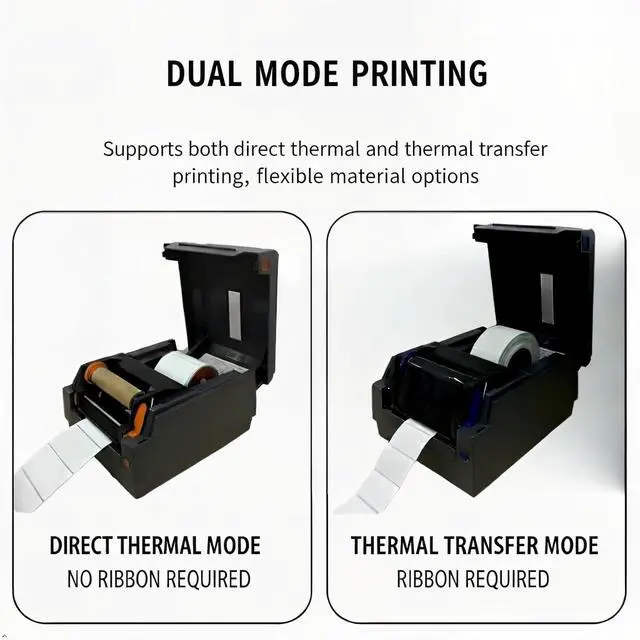
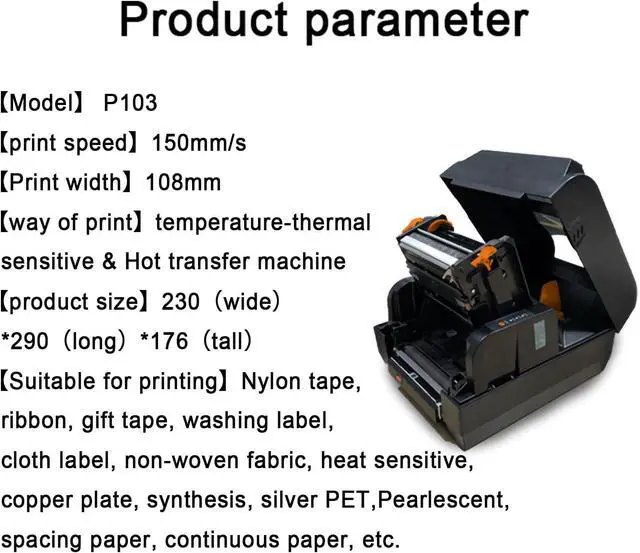
This printer can print ribbons, nylon tapes, gift tapes, washing labels, cloth labels, non-woven fabrics, thermal sensitive, copperplate, synthetic, silver PET, pearlescent, spacing paper, continuous paper and so on.
How to install carbon ribbon for your printer? How to install carbon ribbon for your printer? How to install materials for your printer? How to install materials for your printer? How to clean your printer? How to clean your printer? Do I need to install drivers and editing software before using this ribbon printer?
Where can I download drivers and editing software?
What kind of material can use this printer?
Warranty & Returns
Warranty, Returns, And Additional Information
Warranty
- Please contact the Seller directly for warranty information. Warranty information may also be found on the Manufacturer's website.
- CONTACT
Return Policies
- Return for refund within: 30 days
- Return for replacement within: 30 days
- This item is covered by LionTech Direct Return Policy
Manufacturer Contact Info
- For a directory of all our manufacturers, please click below.
- Manufacturers Directory
LOADING...