

Your Browsing History

Meet Your Seller


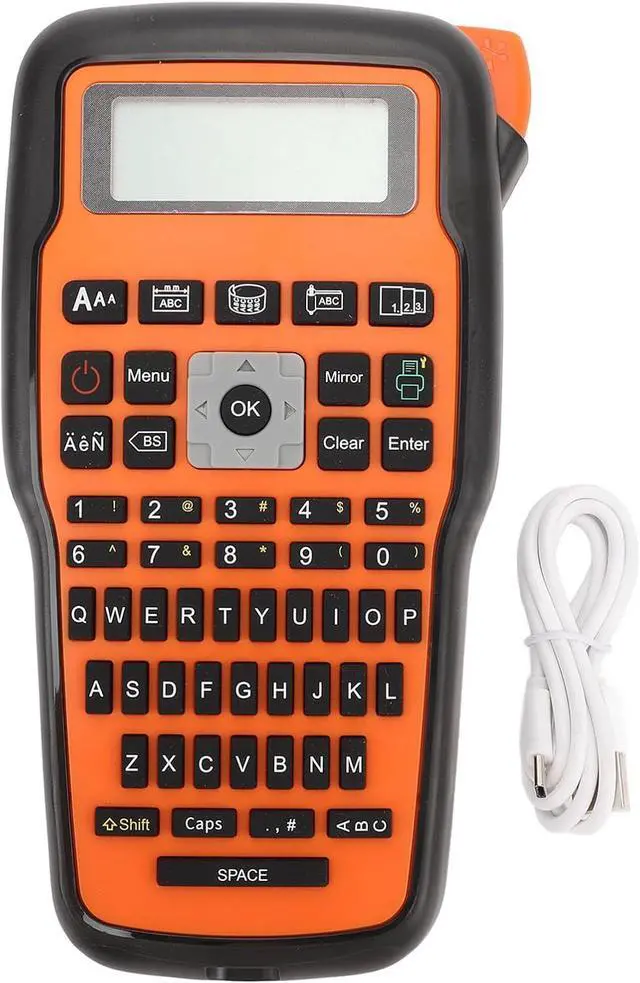
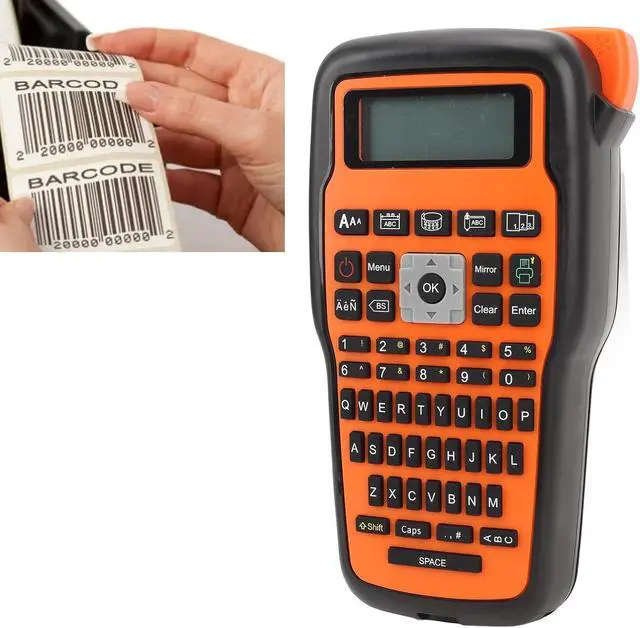


Portable Label Maker, Handheld Label Printer with Keyboard, Thermal Transfer Mini Label Maker for Cable Can Toy and Commercial Labels, Suitable for Home
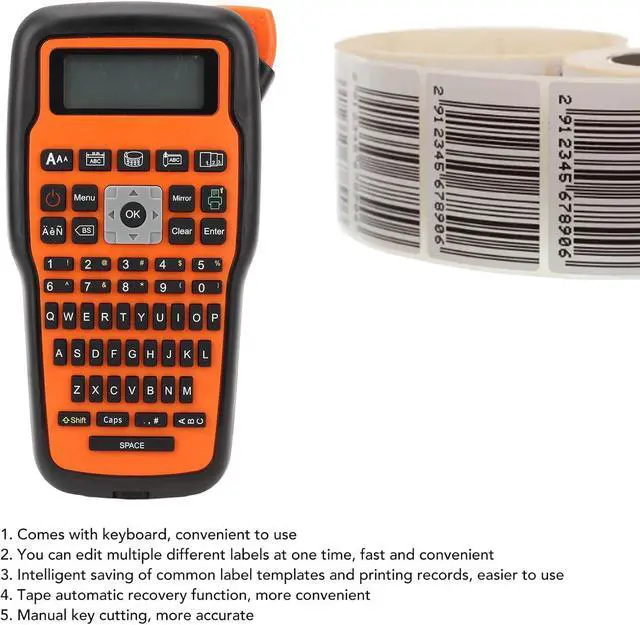
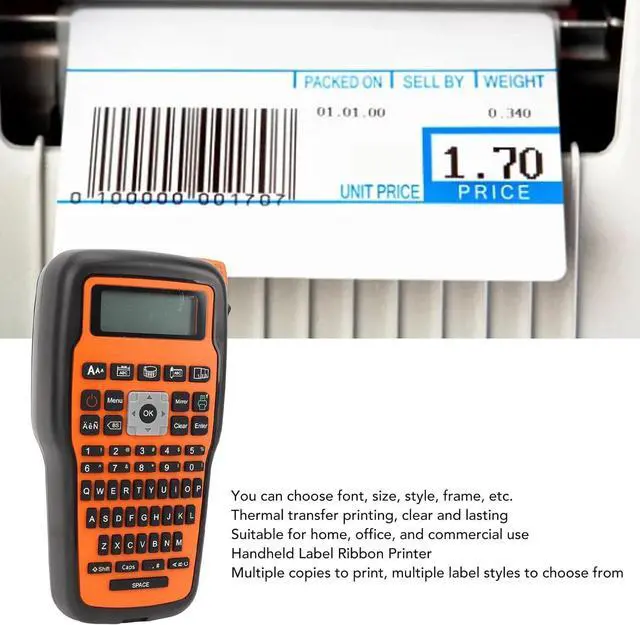
- [Effortless Editing] With intuitive one-key control, easily customize fonts, sizes, styles, and frames for personalized labels on cables, jars, toys, and more. the editing process for quick labeling efficiency.
- [Portable and Efficient] Powered by battery (not included), this thermal transfer label maker is compact, lightweight, and easy to operate, improving work efficiency by allowing convenient use anytime and anywhere.
- [Sturdy Prints] Suitable for a wide range of labeling tasks, this printer delivers long-lasting prints that are clear and visible in both indoor and outdoor environments, ensuring optimal visibility under different conditions.
- [Convenient Design] This mini label printer is lightweight and portable, ideal for various settings such as home, office, and industrial use. print labels anytime, anywhere with ease.
- [Intelligent Technology] The handheld label printer with keyboard utilizes thermal transfer printing technology, suitable for various label types such as fixe
+
+
Overview
Specs
Reviews

Any questions? Our AI mode will help you find out quickly.
Try me now
Specification:
Item Type: Handheld Label Printer
Product Material: ABS
Battery Type: 6 x AAA Battery (not included)
Print Technology: Thermal Transfer
Print Label Types: Fixed Length Labels, Wrapped Labels, Flag Labels
Weight: Approx. 542g / 19.1oz
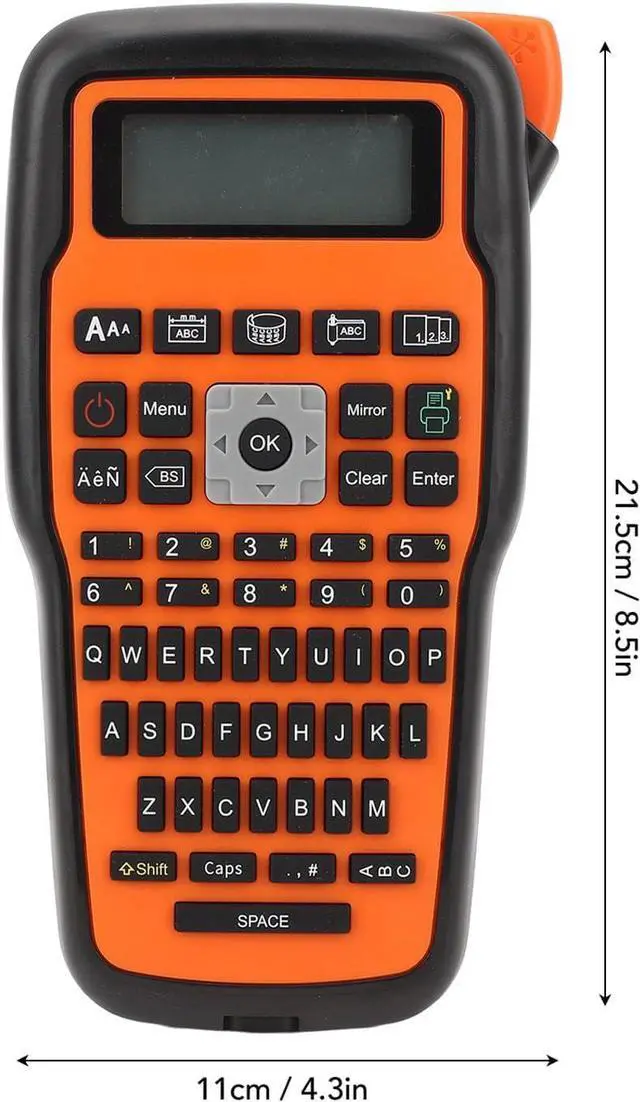
Size: Approx. 21.5 x 11cm / 8.5 x 4.3in
How to Use:
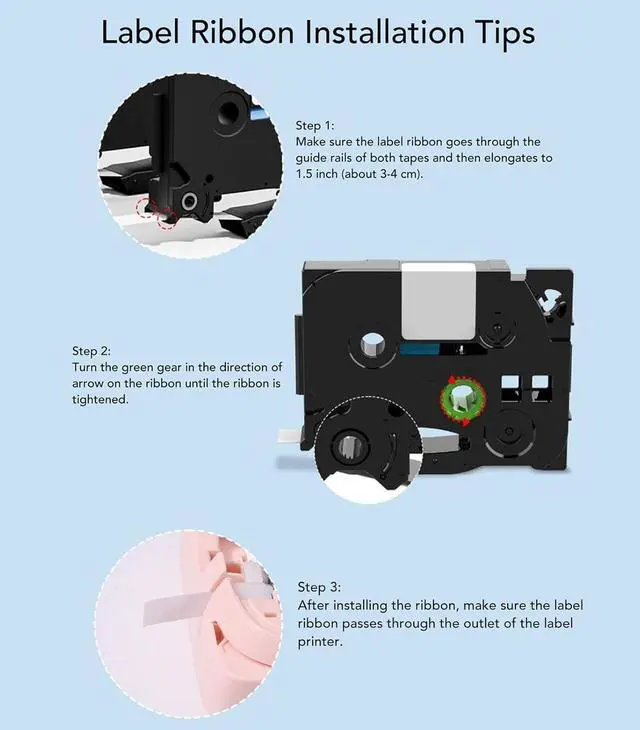
1. Take out the tape and remove the .
2. Make sure the end of the tape passes through tape guides and , then extend the end of the tape from tape guide by about (3 cm).
3. Rotate the gear in the direction of on the label tape until it is tight to avoid damage.
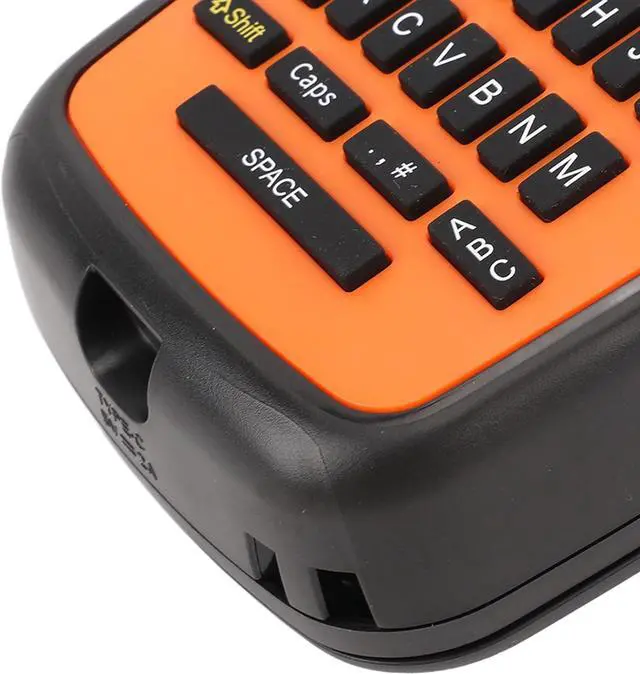
4. Install the label tape correctly as indicated, and make sure the extended tape comes out of the outlet slot of the label maker.
packing list:
1 x Accessory
1 x Label Printer
1 x English User Manual
1 x USB Data Cable
Notice:
It is recommended to install the label tape on the label printer after turning on the power.
Item Type: Handheld Label Printer
Product Material: ABS
Battery Type: 6 x AAA Battery (not included)
Print Technology: Thermal Transfer
Print Label Types: Fixed Length Labels, Wrapped Labels, Flag Labels
Weight: Approx. 542g / 19.1oz
Size: Approx. 21.5 x 11cm / 8.5 x 4.3in
How to Use:
1. Take out the tape and remove the .
2. Make sure the end of the tape passes through tape guides and , then extend the end of the tape from tape guide by about (3 cm).
3. Rotate the gear in the direction of on the label tape until it is tight to avoid damage.
4. Install the label tape correctly as indicated, and make sure the extended tape comes out of the outlet slot of the label maker.
packing list:
1 x Accessory
1 x Label Printer
1 x English User Manual
1 x USB Data Cable
Notice:
It is recommended to install the label tape on the label printer after turning on the power.
Warranty & Returns
Warranty, Returns, And Additional Information
Warranty
- Please contact the Seller directly for warranty information. Warranty information may also be found on the Manufacturer's website.
- CONTACT
Return Policies
- Return for refund within: 30 days
- Return for replacement within: 30 days
- This item is covered by LionTech Direct Return Policy
Manufacturer Contact Info
- For a directory of all our manufacturers, please click below.
- Manufacturers Directory
LOADING...