

Your Browsing History

Meet Your Seller


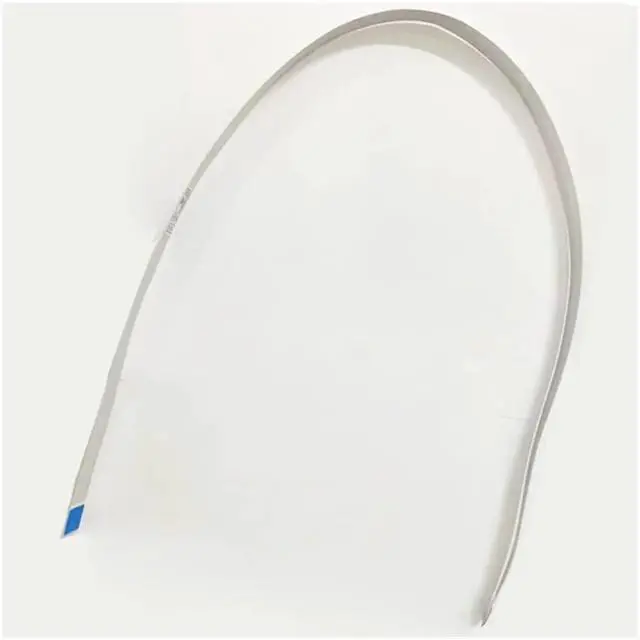
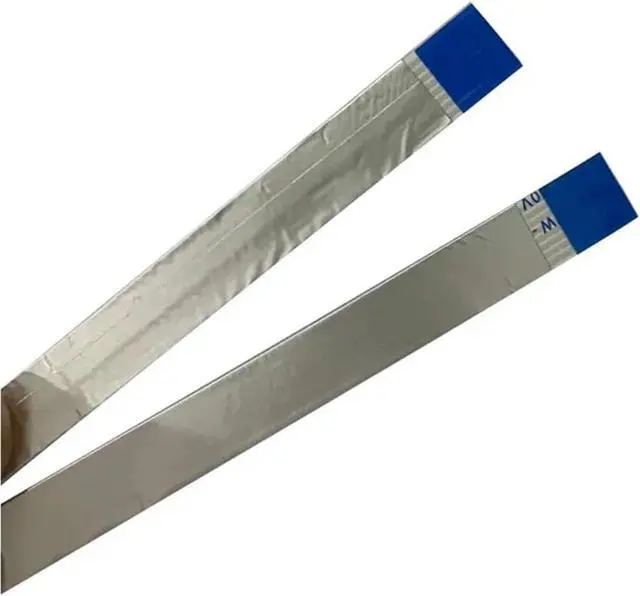
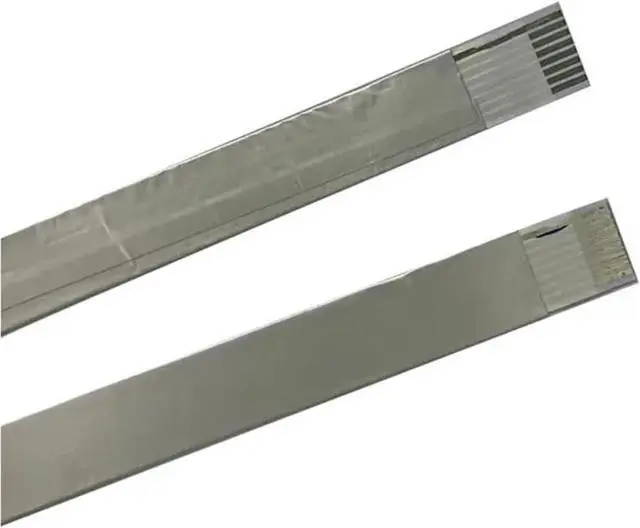


Keypad Connect Cable for Zebra GK420d GX420d GK420T GX420T GX430T Barcode Label Printer Replacement Parts
- It can effectively improve printing blurriness, inaccurate positioning, and paper feed lag caused by equipment aging, extending the overall service life of the machine and saving additional expenses on equipment repair and replacement.
- Thermal printer replacement parts adhere to industry-standard dimensions and craftsmanship, compatible with internal wearable components of multi-brand thermal barcode printers.
- For Zebra GK420d GX420d GK420T GX420T GX430T Barcode Label Printer Product name: Keypad Connect Cable Voltage : 110V,220V Packaging quantity: 1pcs Keypad Connect Cable
- The installation process is simple and requires no professional tools, allowing for quick resolution of common issues such as paper feed offset, missing print lines, paper jams, and slippage. It is suitable for daily maintenance and replacement in office, logistics, and supermarket equipment.
- This thermal barcode printer accessory is compatible with most mainstream desktop and commercial barcode models on the
+
+
Overview
Reviews

Any questions? Our AI mode will help you find out quickly.
Try me now
Product Type : Keypad Connect Cable
For Zebra GK420d GX420d GK420T GX420T GX430T Barcode Label Printer
Voltage : 110V,220V
Origin : Mainland China
Packaging quantity: 1pcs Keypad Connect Cable
Note:
1. Before installation, please turn off the power to the device and unplug the power cord to prevent electric shock or damage to internal parts.
2. During installation, do not forcefully pull on the accessories. Install them in the correct orientation to avoid breakage or deformation of the accessories.
For Zebra GK420d GX420d GK420T GX420T GX430T Barcode Label Printer
Voltage : 110V,220V
Origin : Mainland China
Packaging quantity: 1pcs Keypad Connect Cable
Note:
1. Before installation, please turn off the power to the device and unplug the power cord to prevent electric shock or damage to internal parts.
2. During installation, do not forcefully pull on the accessories. Install them in the correct orientation to avoid breakage or deformation of the accessories.
Warranty & Returns
Warranty, Returns, And Additional Information
Warranty
- Please contact the Seller directly for warranty information. Warranty information may also be found on the Manufacturer's website.
- CONTACT
Return Policies
- Return for refund within: 30 days
- Return for replacement within: 30 days
- This item is covered by LionTech Direct Return Policy
Manufacturer Contact Info
- For a directory of all our manufacturers, please click below.
- Manufacturers Directory
LOADING...