

Your Browsing History

Meet Your Seller


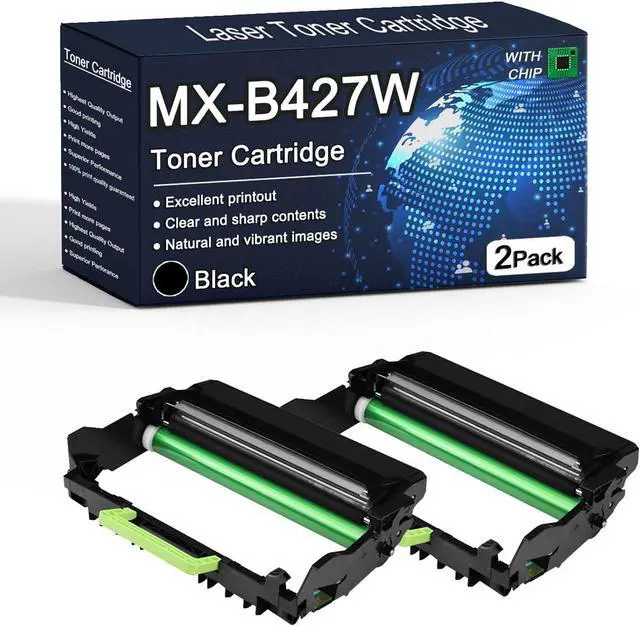





MX-B427W High Yield Drum Unit Compatible MX-B427W Imaging Drum Unit Replacement for Sharp MX-B427W MX-B427PW Printer, High Estimated Yield 40000 Page,Black,2pack
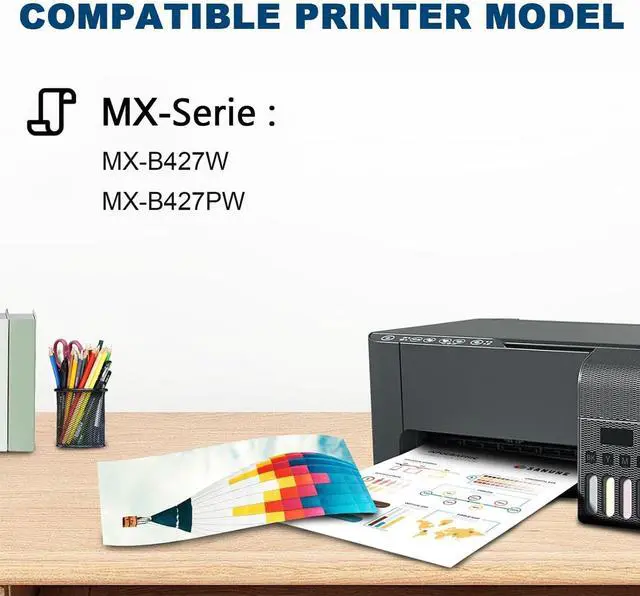
- COMPATIBLE PRINTERS: Compatible with Sharp MX-B427W MX-B427PW Printers (Please confirm your printer model before placing an order)
- HIGH YIELD: 40000 Pages for black drum unit (Letter/A4, at 5% Coverage), these toner cartridge provides clear and vibrant printing effect, which gives you a good visual feast
- HIGH QUALITY: Choose our high-quality drum unit for consistent, outstanding printing quality that can meet or exceed an originally manufactured performance, Elevate your printing experience with our reliable and long-lasting supplies
- ENVIRONMENTAL PROTECTION: Our are manufactured with recycled plastic, minimize energy consumption and carbon emissions
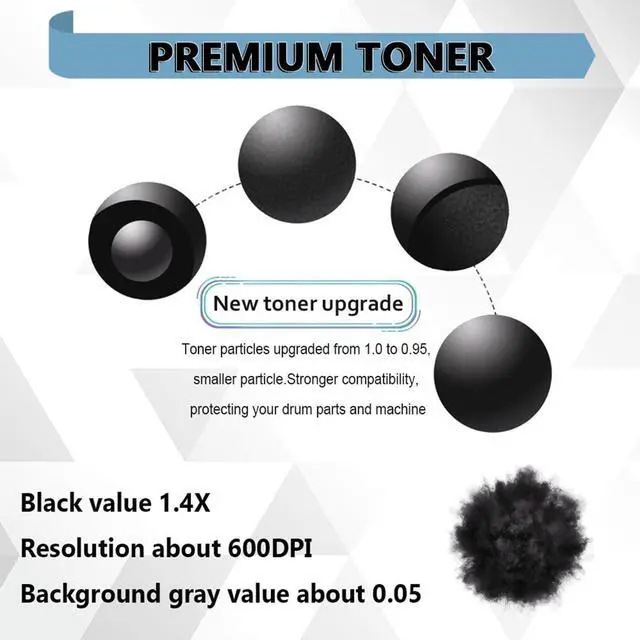
- Excellent Printing Performance:No Fading, No ink Leakage, No clogging. Printouts are crisp, fine and clean. Our toner cartridges provide you with a smooth printing experience that helps improve office productivity
+
+
Overview
Specs
Reviews

Any questions? Our AI mode will help you find out quickly.
Try me now
Page Yield:
BK: 40000 Pages(Letter/A4, at 5% Coverage)
Colour: Black
The number of pages printed is based on factors such as: consumable change intervals, paper loading intervals, speed and typical customer usage
Weight: 1 kg
Compatible Printer Models
For Sharp MX-B427W
For Sharp MX-B427PW
Installation Tip:
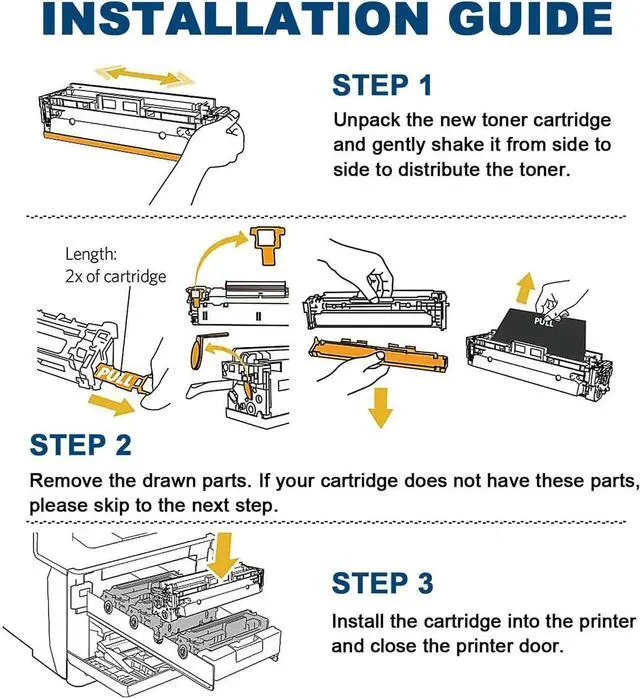
1. Remove the toner cartridge and drum unit assembly from the machine
2. Push down the lock lever and take the toner cartridge out of the drum unit
3. Unpack the new toner cartridge, and then remove the protective cover
4. Put the new toner cartridge firmly into the drum unit until you hear it lock into place
5. Install the toner cartridge and drum unit assembly back into the machine
BK: 40000 Pages(Letter/A4, at 5% Coverage)
Colour: Black
The number of pages printed is based on factors such as: consumable change intervals, paper loading intervals, speed and typical customer usage
Weight: 1 kg
Compatible Printer Models
For Sharp MX-B427W
For Sharp MX-B427PW
Installation Tip:
1. Remove the toner cartridge and drum unit assembly from the machine
2. Push down the lock lever and take the toner cartridge out of the drum unit
3. Unpack the new toner cartridge, and then remove the protective cover
4. Put the new toner cartridge firmly into the drum unit until you hear it lock into place
5. Install the toner cartridge and drum unit assembly back into the machine
Warranty & Returns
Warranty, Returns, And Additional Information
Warranty
- Please contact the Seller directly for warranty information. Warranty information may also be found on the Manufacturer's website.
- CONTACT
Return Policies
- Return for refund within: 30 days
- Return for replacement within: 30 days
- This item is covered by LionTech Direct Return Policy
Manufacturer Contact Info
- For a directory of all our manufacturers, please click below.
- Manufacturers Directory
LOADING...