

Your Browsing History

Meet Your Seller


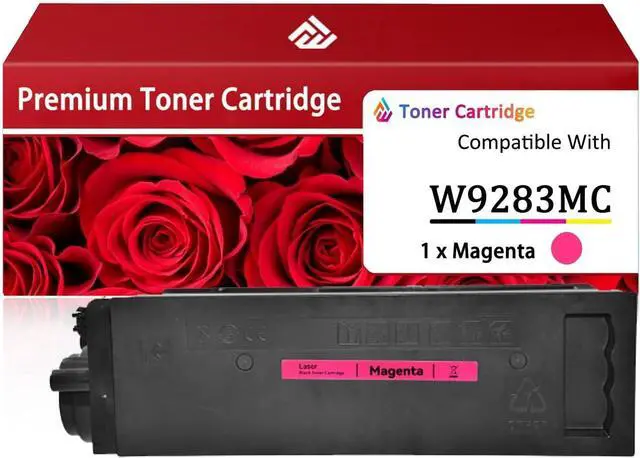





W9283MC Magenta Imaging Drums Work for HP LaserJet Enterprise Flow MFP X677dn MFP X654dn MFP X57945dn Printers
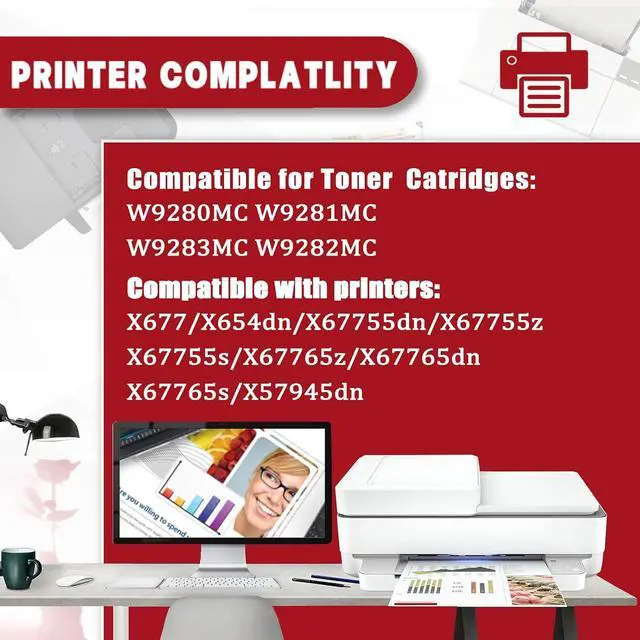
- Compatibility With: For HP Laserjet Enterprise X677 X654dn X67755dn X67755z X67755s X67765z X67765dn X67765s X57945dn Printers
- Efficient printing: With 5% coverage on A4 paper, up to 44,000 pages can be printed with the W9280MC black Imaging drum, and up to 33,000 pages with the W9281MC W9283MC W9282MC color Imaging drum
- Package Includes: One W9283MC magenta Imaging drum
- Effortless Installation: The W9280MC W9281MC W9283MC W9282MC Imaging drums boast a straightforward installation process, unpack and install for a seamless experience
- Before purchasing, please be sure to confirm that the Imaging drum and printer model are compatible to ensure you purchase the correct Imaging drum
+
+
Overview
Specs
Reviews

Any questions? Our AI mode will help you find out quickly.
Try me now
Compatible Models
The W9280MC W9281MC W9283MC W9282MCImaging drum is compatible for HP Laserjet Enterprise X677 X654dn X67755dn X67755z X67755s X67765z X67765dn X67765s X57945dn Printers.
Print capacity:
W9280MC Black Imaging drum: 44,000 pages.
W9281MC Cyan Imaging drum: 33,000 pages.
W9283MC Magenta Imaging drum: 33,000 pages.
W9282MC Yellow Imaging drum: 33,000 pages.
Product Advantage
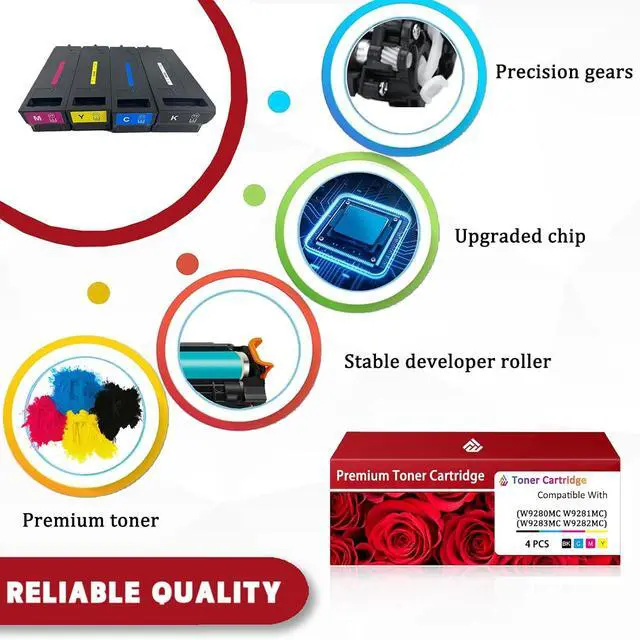
Our W9280MC W9281MC W9283MC W9282MCImaging drums are made of premium toner, which undergoes strict quality control during the production process, longer service life and reduced replacement frequency. Ensure stable work under various printing conditions, reduce paper jam, toner leakage and other faults, improve office efficiency.
Installation Instructions
1. Before use, shake the Imaging drum horizontally 2-3 times to evenly distribute the toner.
2. Before installing, remove the protective cover from the Imaging drum.
3. Gently pull out the Imaging drum seal horizontally and insert the cartridge into the printer.
Important Reminder
1.Please note that the cartridge models and versions may vary by region. Please verify the exact model of the Imaging drum and printer before purchasing our Imaging drums.
2. To ensure optimal performance, avoid touching important parts on the Imaging drum.
Warranty & Returns
Warranty, Returns, And Additional Information
Warranty
- Please contact the Seller directly for warranty information. Warranty information may also be found on the Manufacturer's website.
- CONTACT
Return Policies
- Return for refund within: 30 days
- Return for replacement within: 30 days
- This item is covered by LionTech Direct Return Policy
Manufacturer Contact Info
- For a directory of all our manufacturers, please click below.
- Manufacturers Directory
LOADING...