

Your Browsing History

Meet Your Seller


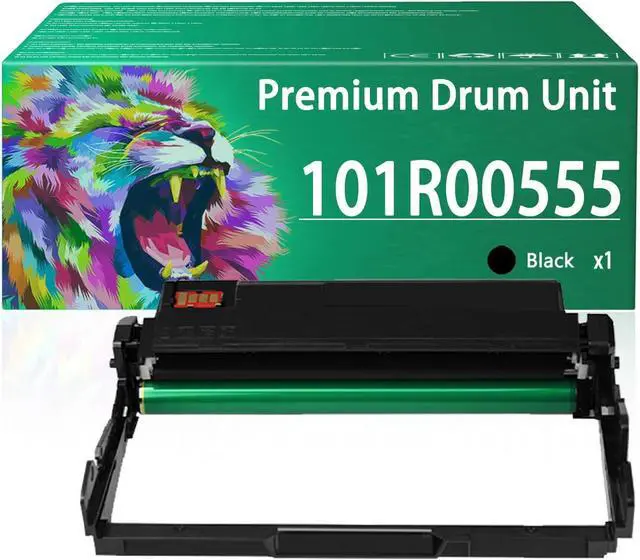






Replacement 101R00555 Drum Unit Compatible for Xerox 101R00555 Imaging Unit Work for Xerox Phaser 3330 WorkCentre 3335 3345 Printers
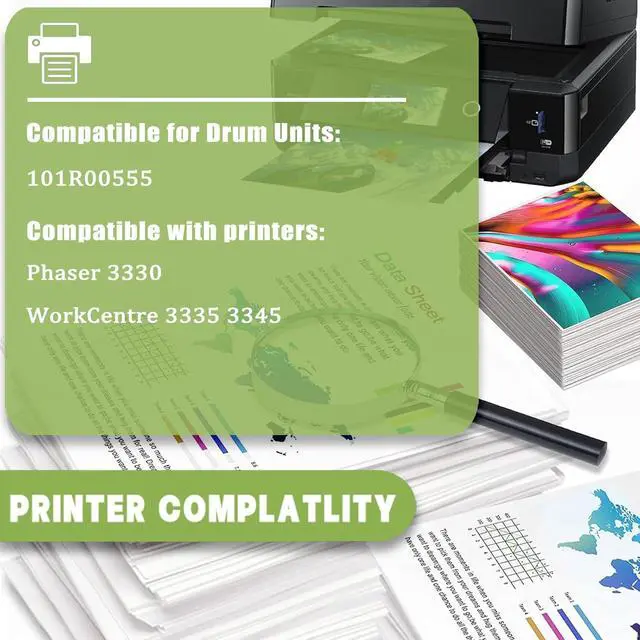
- Compatible PrintersFor Xerox Phaser 3330 WorkCentre 3335 3345 printers.
- High Page Yield: Up to 30,000 pages for 101R00555 black drum units.(With 5% coverage on A4 paper)
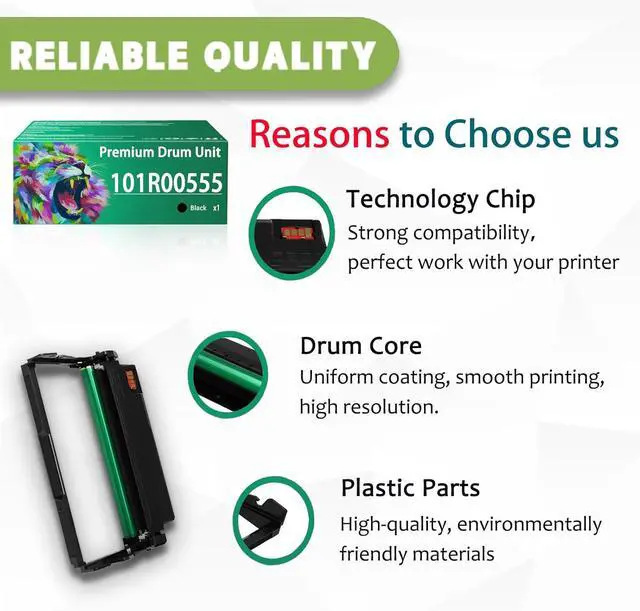
- Our AdvantagesOur Imaging Unit is built to last, providing a high page yield to meet your printing needs.Provides you with realistic printing results.
- Easy To InstallThe installation process for the 101R00555 drum unit is also simple. It can be easily installed by unpacking it. Ensuring a seamless installation experience.
- After-Sale ServiceIf you have a problem, please contact us directly, we guarantee to reply your message within 12 hours. We provide you with efficient after-sales service to ensure that all your problems can be solved satisfactorily.
+
+
Overview
Specs
Reviews

Any questions? Our AI mode will help you find out quickly.
Try me now
Compatible printers
For Xerox Phaser 3330 WorkCentre 3335 3345 printers.
Lasting Performance:
101R00555 Black drum unit: 30,000 pages.
Package Contents:
101R00555 Black drum unit 1 pack.
Printing experience:
The drum kit printing has been tested for stability and provides excellent results with clear fonts and lifelike images when used with toner cartridges, and ensures that it delivers sharp text and vibrant, bright colors. Stable output, easy installation, ready to use, safe and environmentally friendly, giving you a healthy environment.
Warm Tips
1. This is just the drum assembly. Please confirm that you want to buy drum kits, not toner cartridges before buying.
2. Due to the different drum kit models in different regions, please confirm your drum kit model and send us a photo of your printer when you buy a drum kit. (Prevent buying a drum kit that is not compatible with your printer)
3. Make sure not to touch the chip on the drum kit to get the best performance.
Warranty & Returns
Warranty, Returns, And Additional Information
Warranty
- Please contact the Seller directly for warranty information. Warranty information may also be found on the Manufacturer's website.
- CONTACT
Return Policies
- Return for refund within: 30 days
- Return for replacement within: 30 days
- This item is covered by LionTech Direct Return Policy
Manufacturer Contact Info
- For a directory of all our manufacturers, please click below.
- Manufacturers Directory
LOADING...