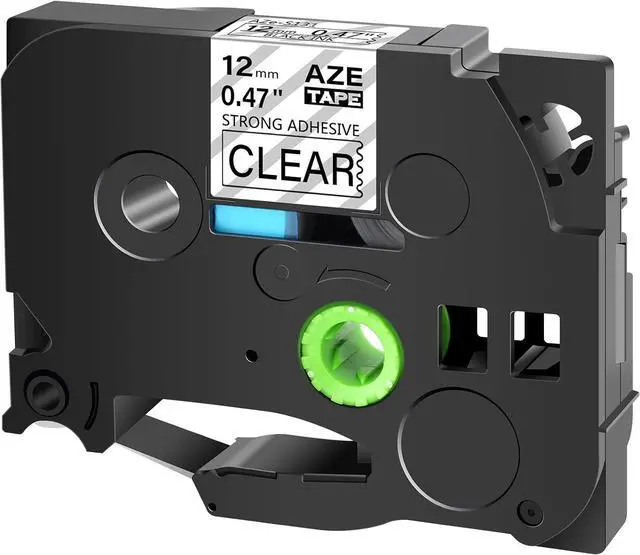
Cruxer Compatible Brother P-touch 12mm .47 laminated transparent tz tze tapes are widely used in our daily life.
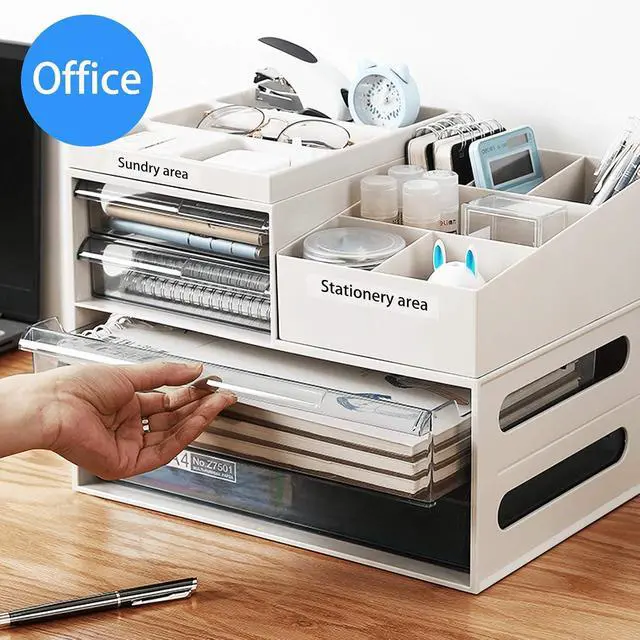
No matter for home or business, black print on clear color is always suitable and attractive.
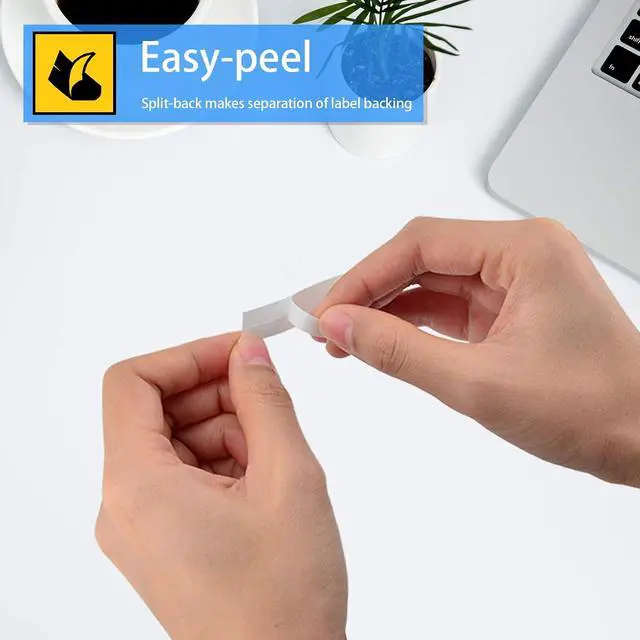
Maybe you are curious why tze-S131 compatible brother label maker tape is durable as it is very thin. Here is the answer for you.
There are 6 layers of every tze-S131 p-touch label tape which protects 12mm compatible brother tz tape from temperature,chemical,water and fading
How to AVOID wasting your label tape?
1. Be sure your machine is available with this "Label Setting" function.
2. Set the space you prefer on your label maker first Before printing,then you will get a better print.
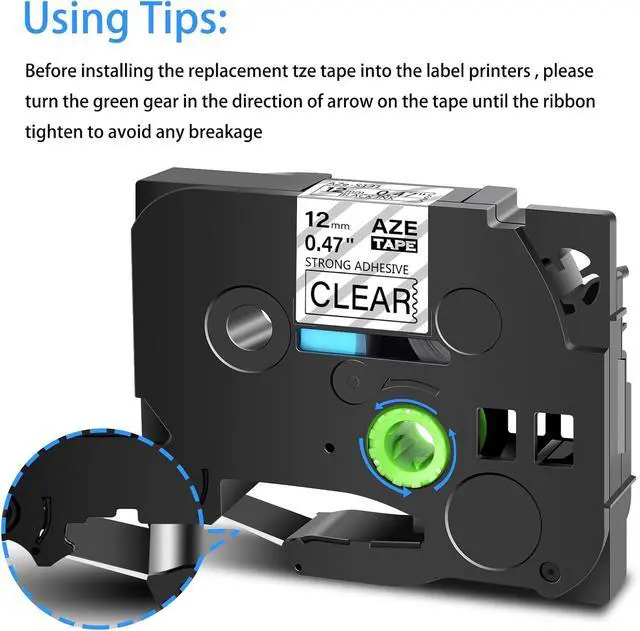
Tips:
Before installing, Turn the ribbon spool counter clockwise once or twice to tighten the ribbon to avoid any breakage or stuck of the tape.
Used for Below Brother Ptouch Printers: PTD200DA,D200MA,D200SA,D210BK,D200BT,D215E,PTE100,E105,E300,E300VP,E500,E500VP,E550W,E550WVP,PTP300BT,P710BT,P750WVP,P900W,P950NW,PTH100P,H100R,H105,H110BK,PT200,GL100,PT1000,PT1000BM,PT1010,PT1010B,PT1010NB,PT1010R,PT1010S,PT1090,PT1280SR,PT1290,PT1880,PT2030AD,PT-2300,PT2730,PT2730VP,PT9600,PT9700PC,P-touch CUBE P-touch Embellish GLH100,PT1010RDT,PT1090BK,PT1100,PT1100QL,PT1100SB,PT1100SBVP,PT1100 ST,PT1120,PT1130,PT1160,PT1170,PT1170S,PT1180,PT1180SP,PT11Q,PT1200,PT1280BT,PT1280SP,PT1280TG,PT1280VP,PT128AF,PT1290BT,PT1290BT2,PT1290RS,PT1290SBVP,PT1300,PT1400,PT1500,PT1500PC,PT1600,PT1700,PT1750,PT1750SC,PT1810,PT1830C,PT1830SC,PT1830VP,PT18R,PT18RKT,PT1900,PT1900C,PT1910,PT1960,PT2030,PT2030VP,PT2100,PT2110,PT2200,PT2210,PT2300,PT2310,PT2400,PT2410,PT2470,PT2500PC,PT2600,PT2610,PT2700,PT2710,PT300,PT300B,PT310,PT310B,PT320,PT330,PT340,PT350,PT3600,PT4000,PT520,PT530,PT540,PT550,PT580C,PT7100,PT7500,PT7600,PT9200DX,PT9200PC,PT9400,PT9500PC,PT9800PCN,ST-1150,ST-1150DX,ST-5,PT1280,PT1800,PT1830,PT1880CT,PT1950





 here!
here!