Your Browsing History
- Free 30-day Returns
$96.99
Meet Your Seller
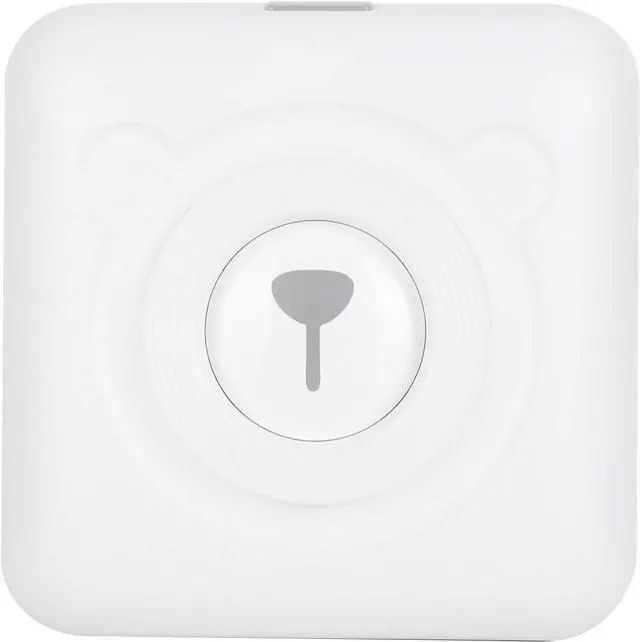
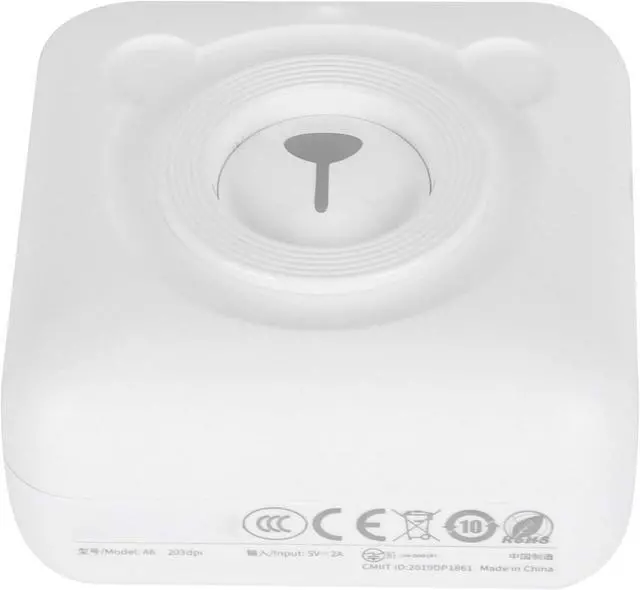
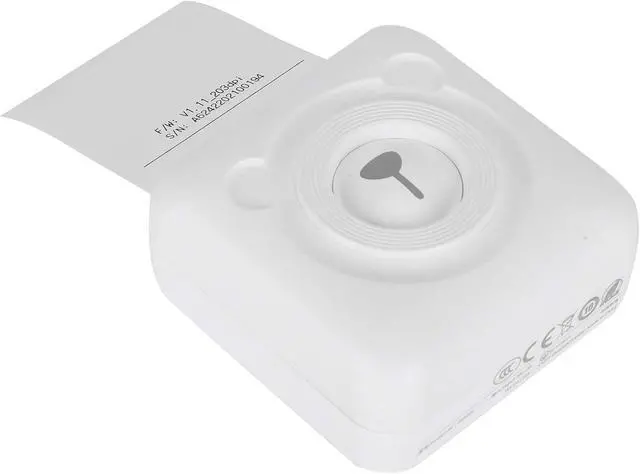
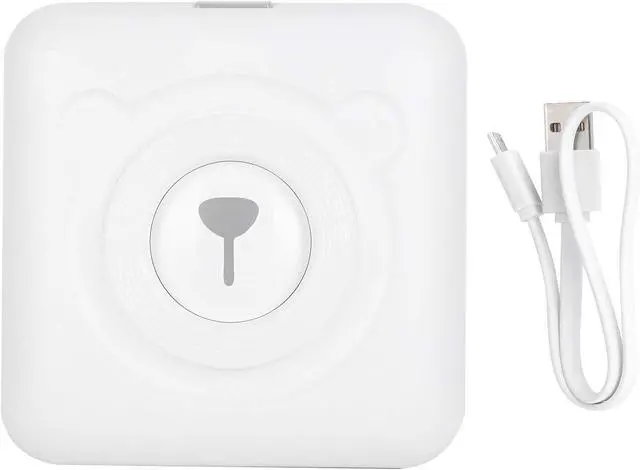
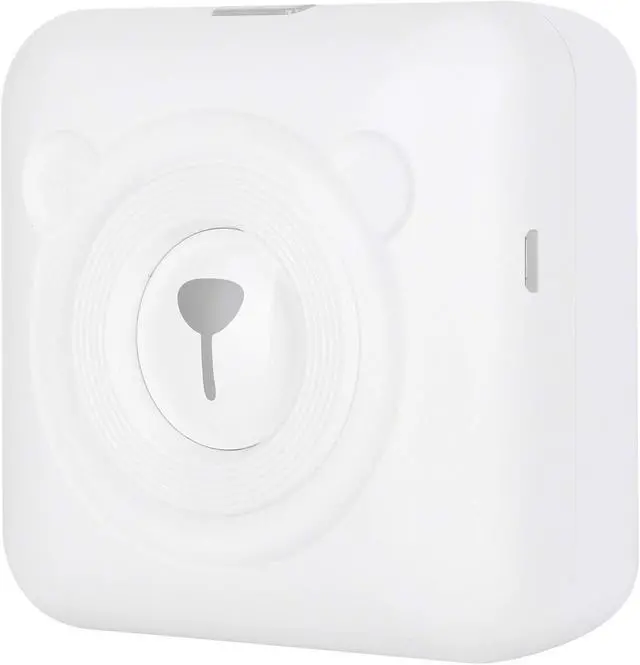
Mini Printer Pocket Thermal Printer Bluetooth Label Maker with 203dpi Resolution for Receipt Label Sticker Printing
- This pocket printer can be used for label printing. After the record sticker is printed, it can be directly attached to the article for marking.
- The mini printer has a concave stainless steel head, easy to tear paper neatly, glossy shape, and ergonomic design.
- Support USB fast charging, and realize printing while charging, which can greatly improve printing efficiency.
- This receipt printer can be directly connected via for Bluetooth and has a builtin lithium battery to ensure a long battery life.
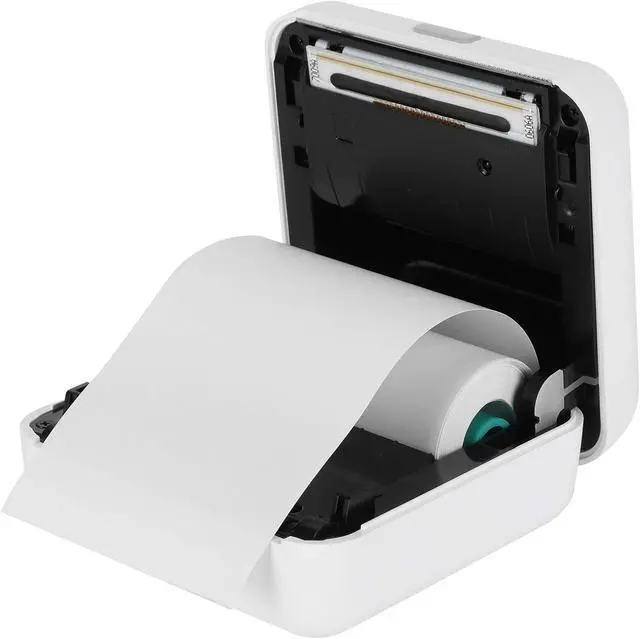
- The single-button body is convenient and simple to operate, with one-handed operation, sliding the lid to easily replace the paper roll.
+
+
Overview
Specs
Reviews
Any questions? Our AI mode will help you find out quickly.
Try me now
Spec:
Item Type: Pocket Printer
Material: ABS+Stainless steel
Size: Approx. 7.8 x 7.7 x 3.8cm / 3.1 x 3 x 1.5in (manual measurement, for reference)
Battery Type: Lithium battery
Battery Model:
Battery Capacity: 1500mAh
Resolution: 203dpi
Support 5 languages, and provide Chinese-English, Chinese-Japanese, Chinese-Korean, Chinese-French, Chinese-Russian dictionary and sentence (paragraph) translation
Connect Printing:
App Printing: Turn on the device, press the App prompt to search and connect to the printer, or double-click the power button to print the QR code, scan the code with the App and connect to the printer to print.
(Note: Do not search for the for Bluetooth connection of the printer in the for Bluetooth settings of the mobile phone.)
Computer Printing: Connect the printer and the computer with a USB data cable, install the driver and set appropriately, then you can print. It can be used as an ordinary printer or used in conjunction with label software.
Function: It can be connected to for Bluetooth for printing, and it can also be used as a computer printer. It can be used as an ordinary computer printer when connected to a computer by USB. How much content can be printed and how long is flexible and not wasteful. It is compact and convenient for storage
Note: Not currently supported for OS X computers.
For Bluetooth connection to print, for Bluetooth directly connects to mobile phones, low power consumption
8-10 rolls can be printed at a time after completely charged
Charging Time: 1.5-2 hours
Can use 2A fast charge
Charge for five minutes to print a roll of paper
Clean The Print Head:
1. Please turn off the printer and open the paper compartment cover to take out the paper roll;
2. Dip a cotton cloth or cotton swab with water, and wipe gently along the center to the periphery of the print head;
3. After cleaning the print head, do not use the printer

Item Type: Pocket Printer
Material: ABS+Stainless steel
Size: Approx. 7.8 x 7.7 x 3.8cm / 3.1 x 3 x 1.5in (manual measurement, for reference)
Battery Type: Lithium battery
Battery Model:
Battery Capacity: 1500mAh
Resolution: 203dpi
Support 5 languages, and provide Chinese-English, Chinese-Japanese, Chinese-Korean, Chinese-French, Chinese-Russian dictionary and sentence (paragraph) translation
Connect Printing:
App Printing: Turn on the device, press the App prompt to search and connect to the printer, or double-click the power button to print the QR code, scan the code with the App and connect to the printer to print.
(Note: Do not search for the for Bluetooth connection of the printer in the for Bluetooth settings of the mobile phone.)
Computer Printing: Connect the printer and the computer with a USB data cable, install the driver and set appropriately, then you can print. It can be used as an ordinary printer or used in conjunction with label software.
Function: It can be connected to for Bluetooth for printing, and it can also be used as a computer printer. It can be used as an ordinary computer printer when connected to a computer by USB. How much content can be printed and how long is flexible and not wasteful. It is compact and convenient for storage
Note: Not currently supported for OS X computers.
For Bluetooth connection to print, for Bluetooth directly connects to mobile phones, low power consumption
8-10 rolls can be printed at a time after completely charged
Charging Time: 1.5-2 hours
Can use 2A fast charge
Charge for five minutes to print a roll of paper
Clean The Print Head:
1. Please turn off the printer and open the paper compartment cover to take out the paper roll;
2. Dip a cotton cloth or cotton swab with water, and wipe gently along the center to the periphery of the print head;
3. After cleaning the print head, do not use the printer
Warranty & Returns
Warranty, Returns, And Additional Information
Warranty
- Please contact the Seller directly for warranty information. Warranty information may also be found on the Manufacturer's website.
- CONTACT
Return Policies
- Return for refund within: 30 days
- Return for replacement within: 30 days
- This item is covered by Zhanfu Technology Co., Limited Return Policy
Manufacturer Contact Info
- For a directory of all our manufacturers, please click below.
- Manufacturers Directory
LOADING...