Your Browsing History
- Free 30-day Returns
$72.99
Meet Your Seller
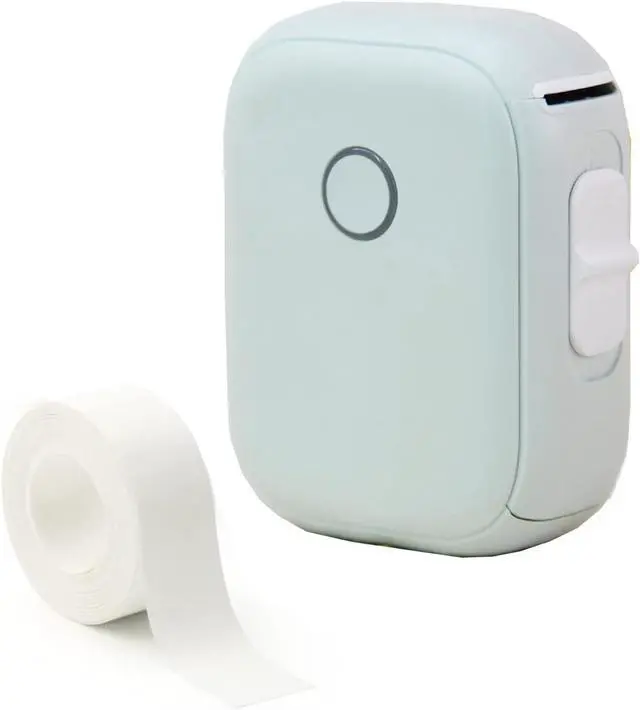
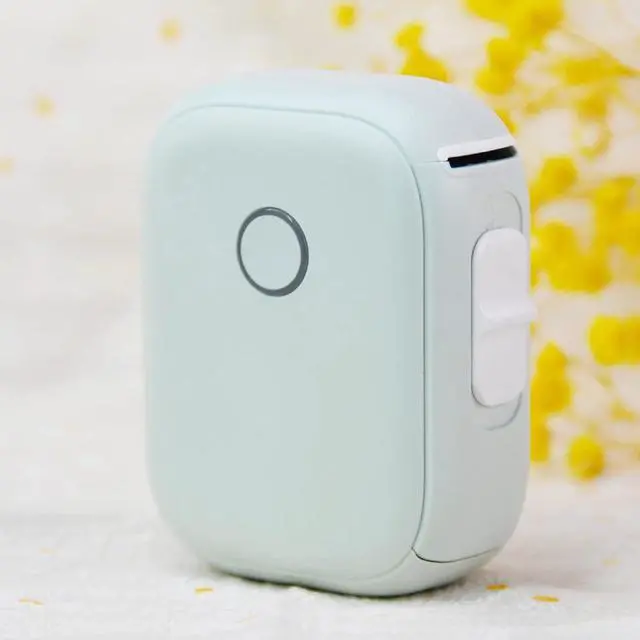
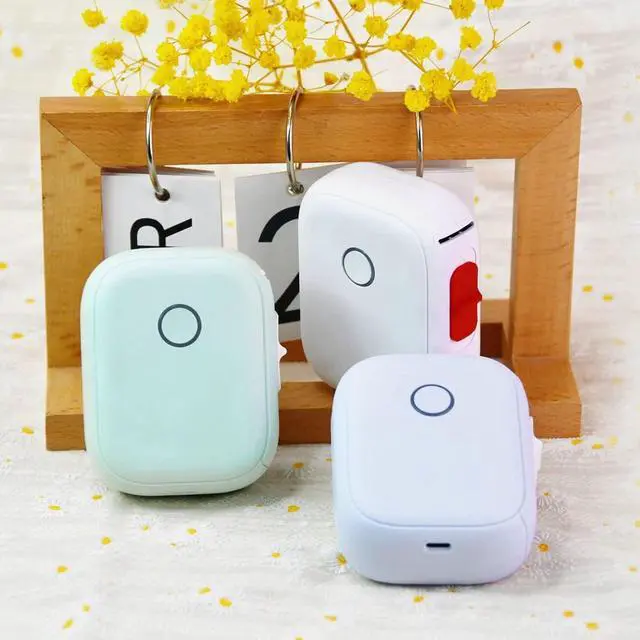
ele ELEOPTION Label Maker Machine with Tape Portable Bluetooth Label Maker Mini Sticker Printer Compatible with iOS Android for Home Office
- Upgraded TechnologyNo ink, toner, and lower cost compared with inkjet printers. high quality smooth printing effects and fast processing.
- Bluetooth ConnectionFree Label: 0.59inx14.1ft continuous label. App Compatible with iPhone & Android phones. bluetooth label makers can print within 10-meter away from the smartphone, connected by Bluetooth 4.0.
- Portable The label marker is small and lightweight and can be carried in a pocket or with you, with a body weight of 140 grams.The size is 5.3in*4.7in*1.7in.
- Multiple Label TemplatesThe contains various texts, graphic symbols, It supports printing various texts, numbers, graphics, symbols, logos, barcodes, QR codes, etc.
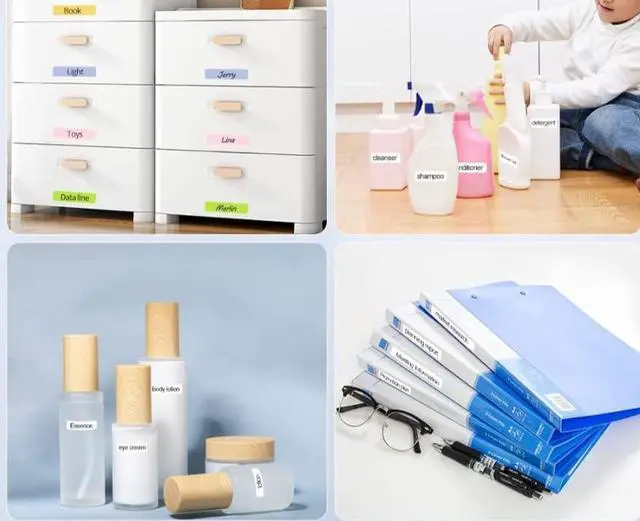
- Widely UseThis mini label maker printer is used widely in organizing home supplies, classifying cosmetics items, file folder,food storage containers, etc.It is the ideal gift for friends and family! make your life colorful.
+
+
Overview
Specs
Reviews
Any questions? Our AI mode will help you find out quickly.
Try me now
Maybe you want to know:
Q: Keeps shooting out blank labels after print one.what should I do?
A: Currently, we sell continuous labels, please check when printing and choose to create "continuous labels".If you select "Gap Label", the label gap will be automatically retrieved after printing, resulting in a blank.
Q: My phone cannot connect to the printer, what should I do?
A: Please connect the bluetooth in the software, check whether the bluetooth of the printer can be searched, if not, please turn on "GPS" (GPS is required to search for bluetooth, without violating privacy).
Q: The printer does not work after connecting to bluetooth, what should I do?
A: Please make sure you are connected to the printer via Bluetooth in the APP. Please do not connect bluetooth in system settings. After the bluetooth connection, the indicator light of the printer will turn blue, and "link" will be displayed in the upper right corner of the app printing interface.
Package:
1x Label Maker
1x Label tape 0.59in*14.1ft
1x User Manual
1x USB Cable

Q: Keeps shooting out blank labels after print one.what should I do?
A: Currently, we sell continuous labels, please check when printing and choose to create "continuous labels".If you select "Gap Label", the label gap will be automatically retrieved after printing, resulting in a blank.
Q: My phone cannot connect to the printer, what should I do?
A: Please connect the bluetooth in the software, check whether the bluetooth of the printer can be searched, if not, please turn on "GPS" (GPS is required to search for bluetooth, without violating privacy).
Q: The printer does not work after connecting to bluetooth, what should I do?
A: Please make sure you are connected to the printer via Bluetooth in the APP. Please do not connect bluetooth in system settings. After the bluetooth connection, the indicator light of the printer will turn blue, and "link" will be displayed in the upper right corner of the app printing interface.
Package:
1x Label Maker
1x Label tape 0.59in*14.1ft
1x User Manual
1x USB Cable
Warranty & Returns
Warranty, Returns, And Additional Information
Warranty
- Please contact the Seller directly for warranty information. Warranty information may also be found on the Manufacturer's website.
- CONTACT
Return Policies
- Return for refund within: 30 days
- Return for replacement within: 30 days
- This item is covered by Zhanfu Technology Co., Limited Return Policy
Manufacturer Contact Info
- For a directory of all our manufacturers, please click below.
- Manufacturers Directory
LOADING...