• $113.99
  • Free 30-day Returns
  • Price alert
    Shop it at NeweggBusiness.

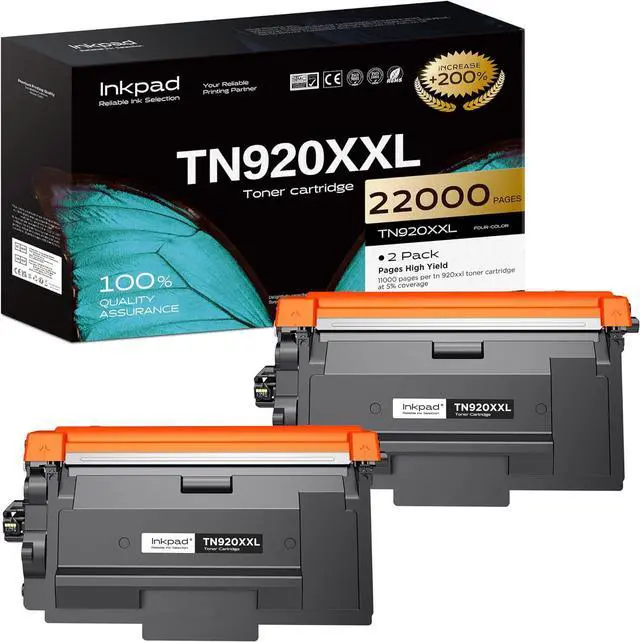
    iNKPAD TN920XXL Toner Cartridge Replacement for Brother HL-L6210DW(2 Black)

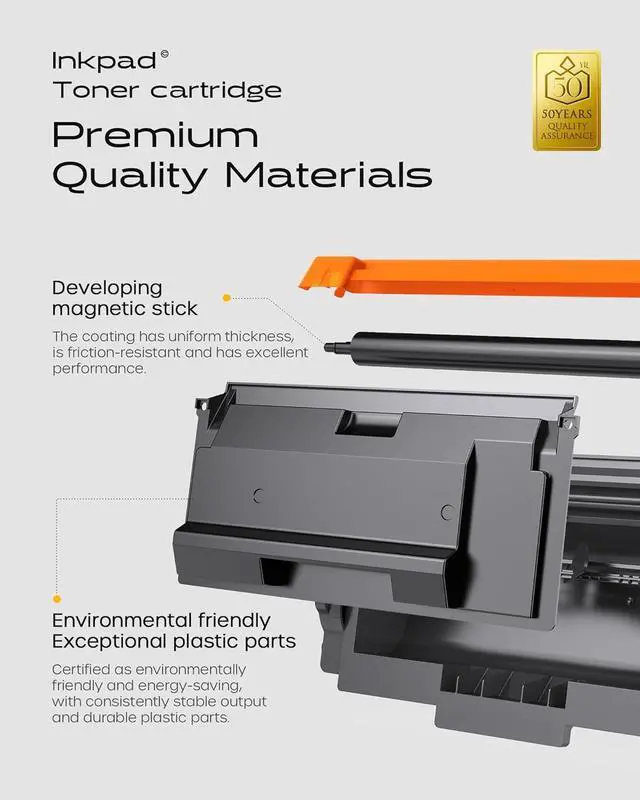
    • TN920XXL Extra High Yield Black Toner with Chip. Up to 11,000 Pages Each. Compatible with HL-L5210DN, MFC-L5710DN Printers
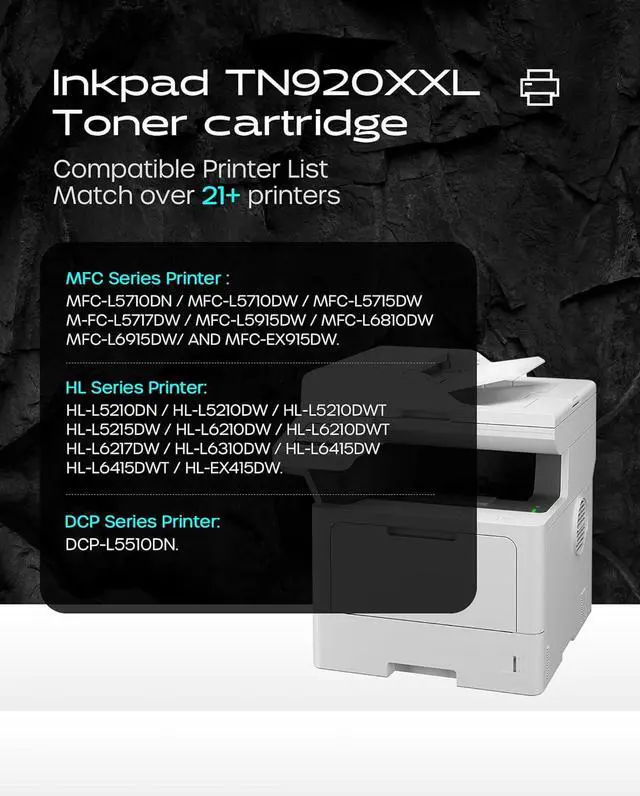
    • Compatible Printers: Our TN920XXL toner cartridge compatible with Brother HL-L5210DN/ HL-L5210DW/ HL-L5210DWT/ HL-L5215DW/ HL-L6210DW/ HL-L6210DWT/ HL-L6217DW/ HL-L6310DW/ HL-L6415DW/ HL-L6415DWT/ HL-EX415DW/ MFC-L5710DN/ MFC-L5710DW/ MFC-L5715DW/ MFC-L5717DW/ MFC-L5915DW/ MFC-L6810DW/ MFC-L6915DW/ MFC-EX915DW/ DCP-L5510DN/ DCP-L5660DN Series Printer.
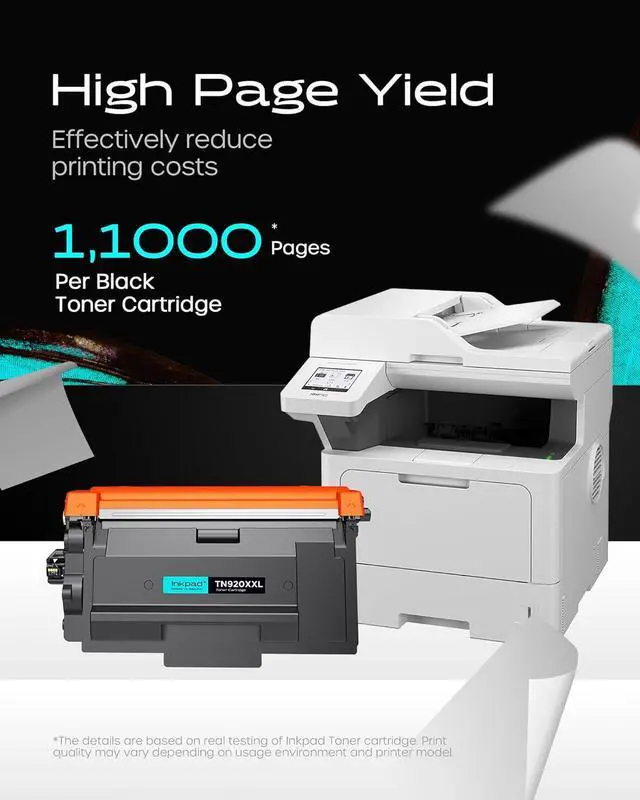
    • High Page Yield : Up to 11,000 pages per TN920XXL black toner cartridge(at 5% coverage).
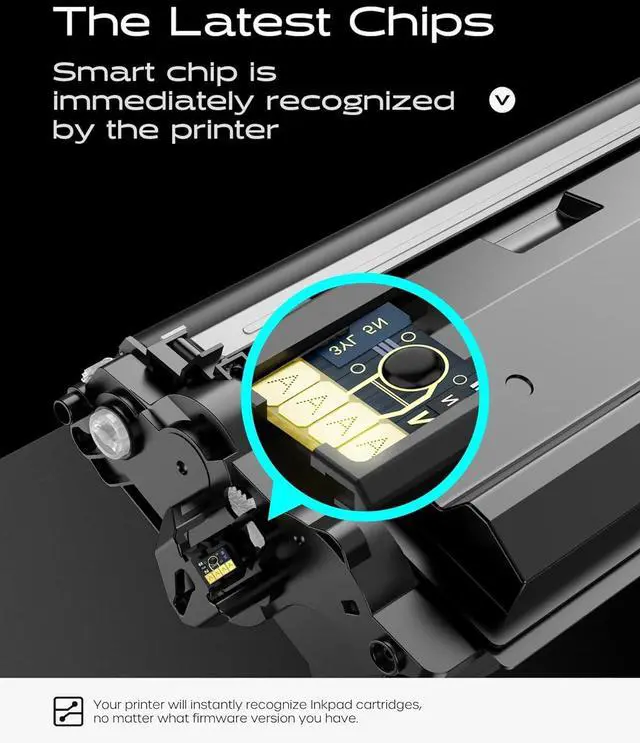
    • Latest Chip Version: TN920 XXL toner cartridge is equipped with the latest chip, ensuring a perfect fit with your printer.
    • Package Contents : 1 x User Guide, 2 x TN920XXL toner cartridges.
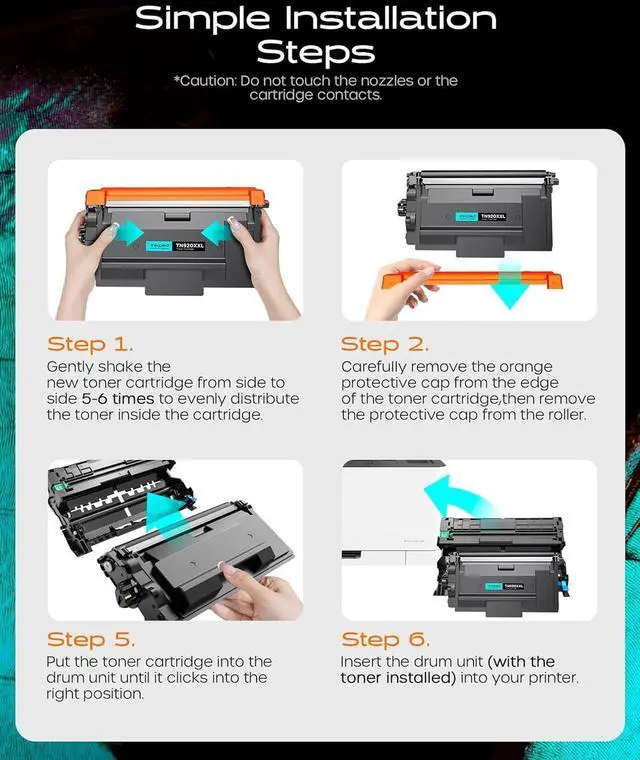
    • Tips: 1: If the printer prompts Non Brother Toner, please click Yes for normal use. 2: If the printer prompts "445,446" or "Cartridge Error", please restart the printer for normal use. 3: Don't remove or touch the CHIP.

    +
    +
    Overview
    Specs
    Reviews
    avatar

    Any questions? Our AI mode will help you find out quickly.

    Compatible Printers: Our TN920XXL toner cartridge compatible with Brother HL-L5210DN/ HL-L5210DW/ HL-L5210DWT/ HL-L5215DW/ HL-L6210DW/ HL-L6210DWT/ HL-L6217DW/ HL-L6310DW/ HL-L6415DW/ HL-L6415DWT/ HL-EX415DW/ MFC-L5710DN/ MFC-L5710DW/ MFC-L5715DW/ MFC-L5717DW/ MFC-L5915DW/ MFC-L6810DW/ MFC-L6915DW/ MFC-EX915DW/ DCP-L5510DN/ DCP-L5660DN Series Printer.
    High Page Yield : Up to 11,000 pages per TN920XXL black toner cartridge(at 5% coverage).
    Latest Chip Version: TN920 XXL toner cartridge is equipped with the latest chip, ensuring a perfect fit with your printer.
    Package Contents : 1 x User Guide, 2 x TN920XXL toner cartridges.
    Tips: 1: If the printer prompts Non Brother Toner, please click Yes for normal use. 2: If the printer prompts "445,446" or "Cartridge Error", please restart the printer for normal use. 3: Don't remove or touch the CHIP.

    Warranty & Returns

    Warranty, Returns, And Additional Information

    Warranty

    • Please contact the Seller directly for warranty information. Warranty information may also be found on the Manufacturer's website.
    • CONTACT

    Return Policies

    Manufacturer Contact Info

    LOADING...