Your Browsing History
- Free 30-day Returns
$119.99
Meet Your Seller
SRITE B225 B235 B230 Black Toner Cartridge 006R04400 Toner (3000 Pages)
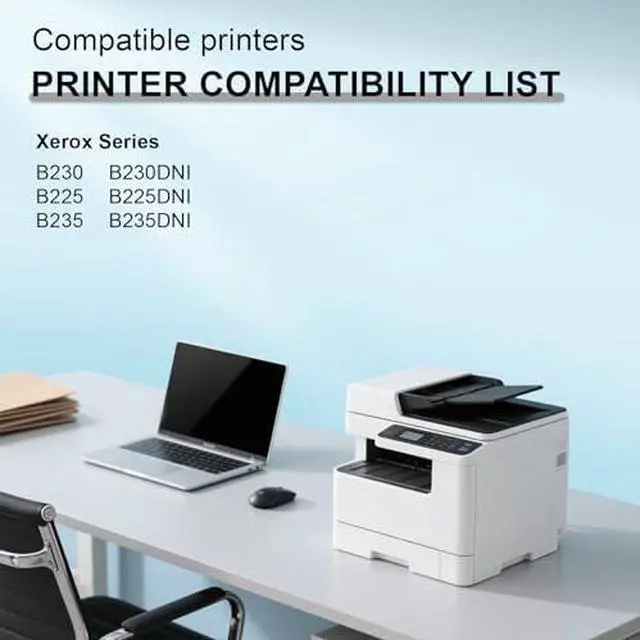
- Compatible for Xerox B225DNI B230 B230DNI B225 B235DNI B235 Printers Ink (1-Pack,with New chip)
- Packaging: 1 Pack B230 toner cartridge (Black)
- Compatible With Printers: Xerox B230 B230DNI B225 B225DNI B235 B235DNI Printers
- Original No.: Black B230 toner (006R04400)
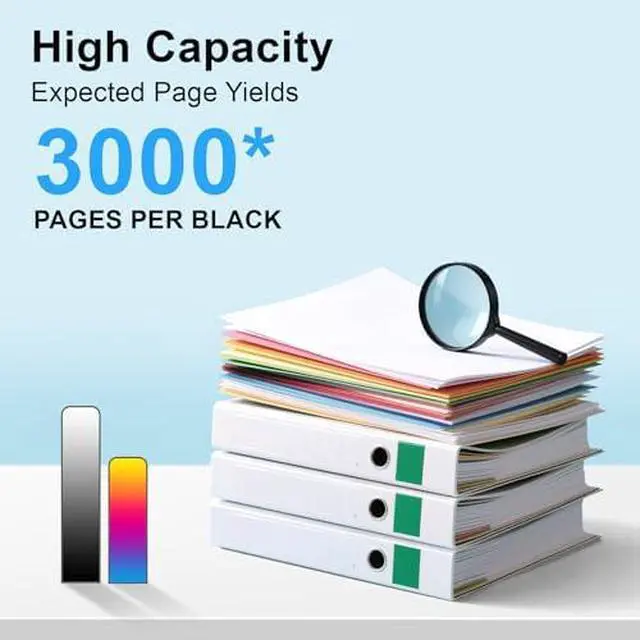
- High Page Yield: Up to 3,000 pages in Black at 5% coverage on letter a4
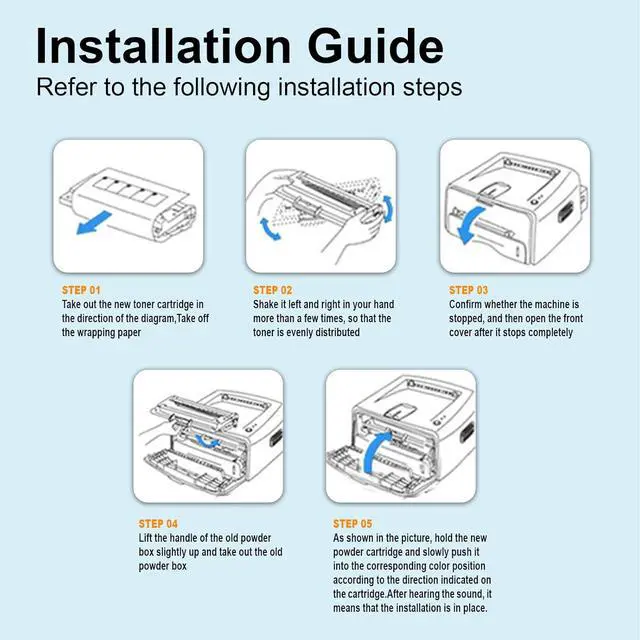
- Installation Tips: Before installing the new toner cartridge, it can be properly shaken horizontally a few times to make the toner distribution more uniform, which will make the printing effect more even and avoid the situation of varying depths and shades
+
+
Overview
Specs
Reviews
Any questions? Our AI mode will help you find out quickly.
Try me now
Which printers work with this Xerox B230 black toner?
This toner is compatible with Xerox B230,B225,B235,B230DNI,B235DNI and B225DNI monochrome laser printers.
Does this toner include a smart chip?
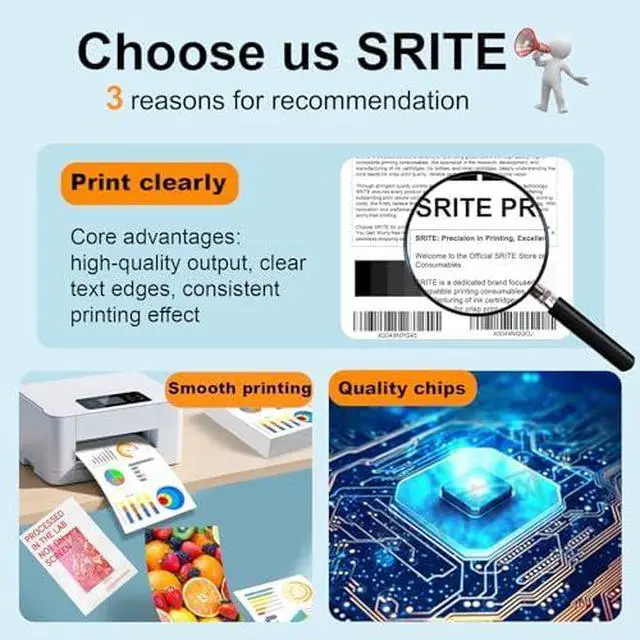
Yes, it has a built-in smart chip for stable recognition and accurate toner level display.
How to install this B230 toner cartridge?
Just open the front cover of your printer, take out the old toner, insert the new toner firmly into place, close the cover, and the printer will be ready to use. No extra tools or drivers are needed.
The printer does not recognize the toner or shows toner level incorrectly, what should I do?
Please take out the toner, gently shake it left and right for 2-3 times, reinsert it firmly into the printer, then restart the printer. This can solve most recognition issues.
Which printers work with this Xerox B230 black toner?
Does this toner include a smart chip?
How to install this B230 toner cartridge?
The printer does not recognize the toner or shows toner level incorrectly, what should I do?

This toner is compatible with Xerox B230,B225,B235,B230DNI,B235DNI and B225DNI monochrome laser printers.
Does this toner include a smart chip?
Yes, it has a built-in smart chip for stable recognition and accurate toner level display.
How to install this B230 toner cartridge?
Just open the front cover of your printer, take out the old toner, insert the new toner firmly into place, close the cover, and the printer will be ready to use. No extra tools or drivers are needed.
The printer does not recognize the toner or shows toner level incorrectly, what should I do?
Please take out the toner, gently shake it left and right for 2-3 times, reinsert it firmly into the printer, then restart the printer. This can solve most recognition issues.
Which printers work with this Xerox B230 black toner?
Does this toner include a smart chip?
How to install this B230 toner cartridge?
The printer does not recognize the toner or shows toner level incorrectly, what should I do?
Warranty & Returns
Warranty, Returns, And Additional Information
Warranty
- Please contact the Seller directly for warranty information. Warranty information may also be found on the Manufacturer's website.
- CONTACT
Return Policies
- Return for refund within: 30 days
- Return for replacement within: 30 days
- This item is covered by Zhanfu Technology Co., Limited Return Policy
Manufacturer Contact Info
- For a directory of all our manufacturers, please click below.
- Manufacturers Directory
LOADING...