

Your Browsing History
- Free 30-day Returns
$396.99

Meet Your Seller

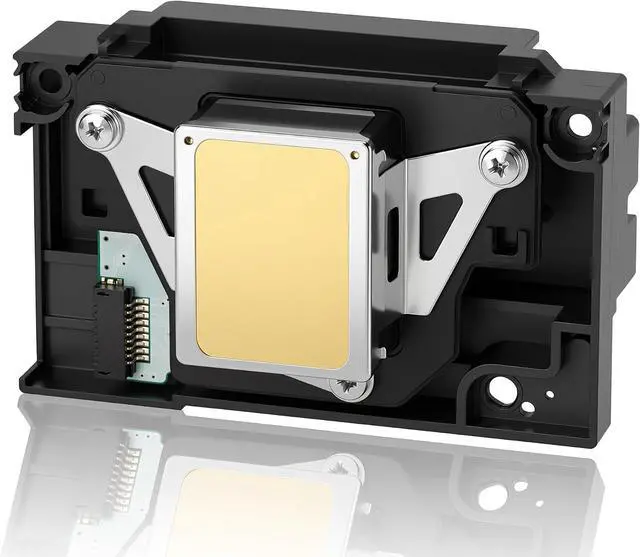

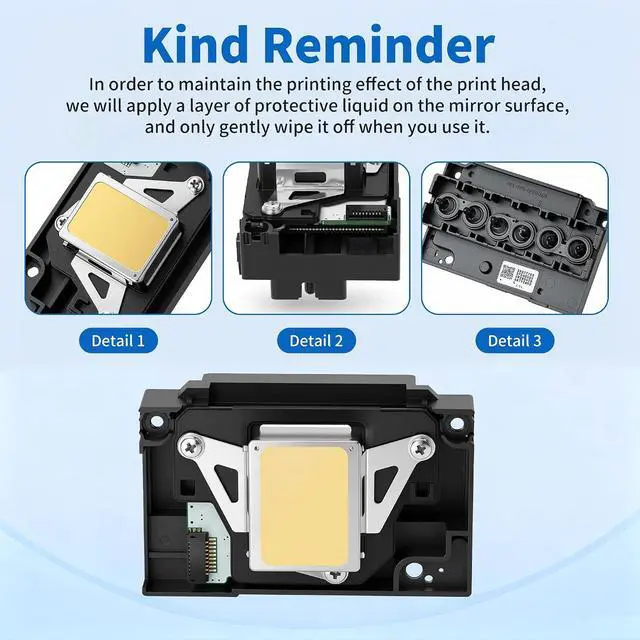
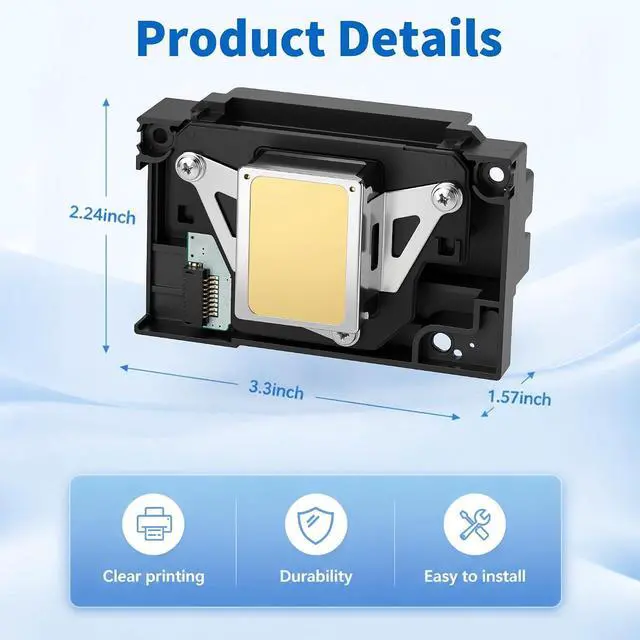
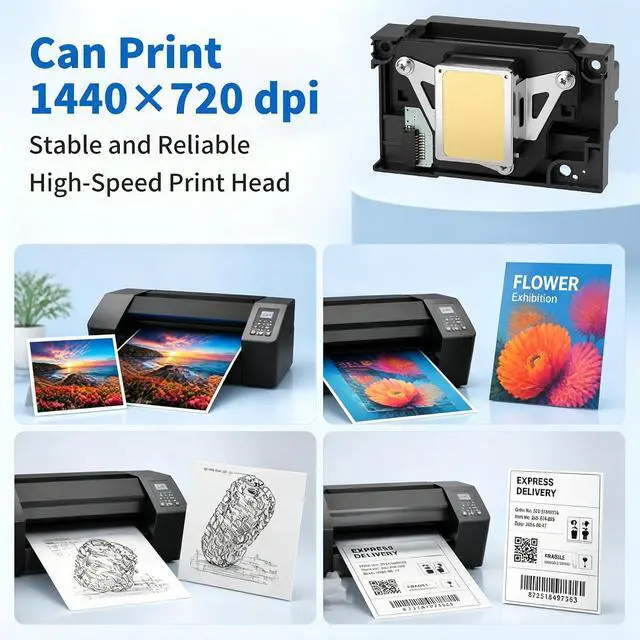


Upgrade L1800 DTF Printhead,Includes A 9 Pin Printer Cable, Replacement for L1800 DTF Printer, L1800 L1800D R1390 R1400 R1430 R1500W R260 R270 R330 DTF Printer
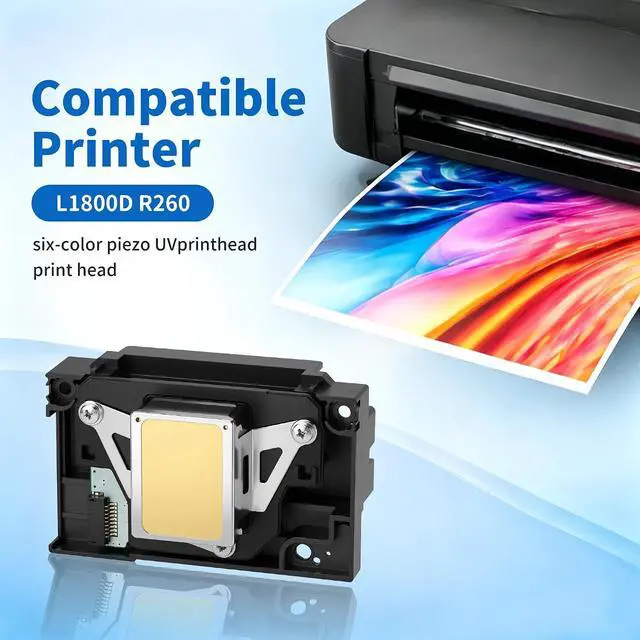
- Compatible Epson printer models: L Series: L1800, L1800D, 1500W Compatible with Epson Stylus Photo Series: 1390, 1400, 1410, 1430 Compatible with R Series: R260, R265, R270, R280, R330, R360, R380, R390 Compatible with Epson Stylus Photo: RX560, RX580, RX590
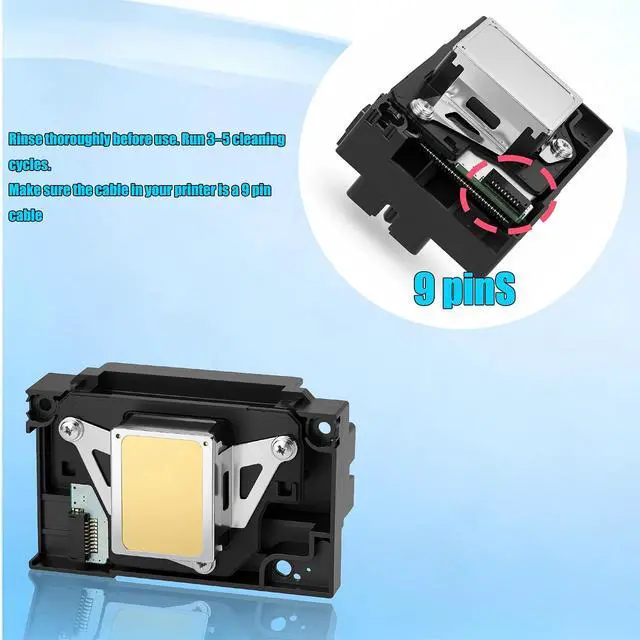
- This printhead is compatible with the Epson L1800 and 1390 printers. It connects via a 9-pin cable. Incompatible With The Modified 13 Pin Print hHead Cable, If you have an unmodified L1800 or 1390 printer and need a standard replacement printhead, this is your best choice. Upgrade or replace your printhead with the L1800 Printhead, designed for high-quality printing with exceptional precision. This printhead ensures vibrant colours, sharp details, and consistent performance.
- Purchase Advice: Since DTF configurations often vary depending on third-party modifications, please carefully inspect the connector on your printhead before purchasing to ensure it is the 9-pin version. Replace the data cable when replacing the printhead to
+
+
Overview
Specs
Reviews

Any questions? Our AI mode will help you find out quickly.
Try me now
Q1: Broken lines, horizontal streaks, or missing colors during printing?
Clogged nozzles or air bubbles in the ink path. Solution: Go to Computer Print Preferences Maintenance Nozzle Check. Clean 13 times after each check, If still clogged Manually clean, soak, or replace the print head
Q2: Completely blank page/no ink flowing out?
Check: Ink chamber valve is open; ink level is sufficient; shipping lock (for new machines) is deactivated; ink tubes have no kinks or large air bubbles; print heads FFC cable is securely inserted with no oxidation or damage.
Q3: Color misalignment, color mixing, or ghosting?
Causes: Calibration offset, clogging, ink issues. Solution: First, perform a nozzle check and cleaning. If normal Calibrate the printhead (vertical/horizontal). Use unblended ink or stable ink to prevent ink mixing.
Q4: Still no improvement after multiple cleanings?
Stop repeated cleaning (wastes ink/damages the printhead). Instructions: Soak in cleaning solution/gently flush with a needle (Proceed with caution) Still ineffective Replace with a brand-new genuine print head (L1800-specific)
Q5: How to extend service life and prevent clogs?
Print at least one color page per week. Use genuine ink; do not mix different brands. For long-term use: Seal to prevent dust and maintain ink level 1/3. Shut down normally; in case of unexpected power outage,
Q1: Broken lines, horizontal streaks, or missing colors during printing?
Q2: Completely blank page/no ink flowing out?
Q3: Color misalignment, color mixing, or ghosting?
Q4: Still no improvement after multiple cleanings?
Q5: How to extend service life and prevent clogs?
Clogged nozzles or air bubbles in the ink path. Solution: Go to Computer Print Preferences Maintenance Nozzle Check. Clean 13 times after each check, If still clogged Manually clean, soak, or replace the print head
Q2: Completely blank page/no ink flowing out?
Check: Ink chamber valve is open; ink level is sufficient; shipping lock (for new machines) is deactivated; ink tubes have no kinks or large air bubbles; print heads FFC cable is securely inserted with no oxidation or damage.
Q3: Color misalignment, color mixing, or ghosting?
Causes: Calibration offset, clogging, ink issues. Solution: First, perform a nozzle check and cleaning. If normal Calibrate the printhead (vertical/horizontal). Use unblended ink or stable ink to prevent ink mixing.
Q4: Still no improvement after multiple cleanings?
Stop repeated cleaning (wastes ink/damages the printhead). Instructions: Soak in cleaning solution/gently flush with a needle (Proceed with caution) Still ineffective Replace with a brand-new genuine print head (L1800-specific)
Q5: How to extend service life and prevent clogs?
Print at least one color page per week. Use genuine ink; do not mix different brands. For long-term use: Seal to prevent dust and maintain ink level 1/3. Shut down normally; in case of unexpected power outage,
Q1: Broken lines, horizontal streaks, or missing colors during printing?
Q2: Completely blank page/no ink flowing out?
Q3: Color misalignment, color mixing, or ghosting?
Q4: Still no improvement after multiple cleanings?
Q5: How to extend service life and prevent clogs?
Warranty & Returns
Warranty, Returns, And Additional Information
Warranty
- Please contact the Seller directly for warranty information. Warranty information may also be found on the Manufacturer's website.
- CONTACT
Return Policies
- Return for refund within: 30 days
- Return for replacement within: 30 days
- This item is covered by Zhanfu Technology Co., Limited Return Policy
Manufacturer Contact Info
- For a directory of all our manufacturers, please click below.
- Manufacturers Directory
LOADING...