Your Browsing History
- Free 30-day Returns
$407.99
Meet Your Seller
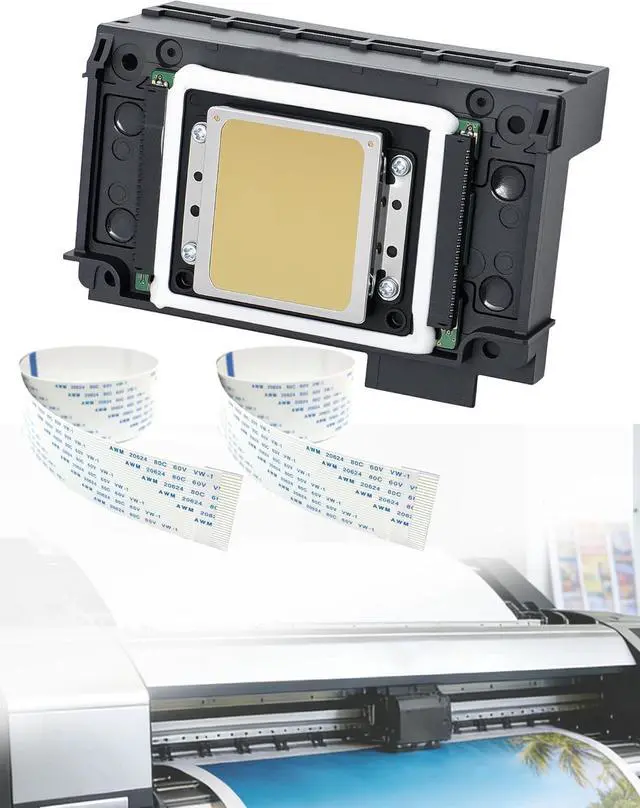
XP600 Printhead Replacement for UV DTF Printers, High-Precision 6 Color Print Head for XP600 XP601 XP510, Smooth Ink Flow & Anti-Clogging Nozzle, with 2PCS 29 Pins Flat Data Cable
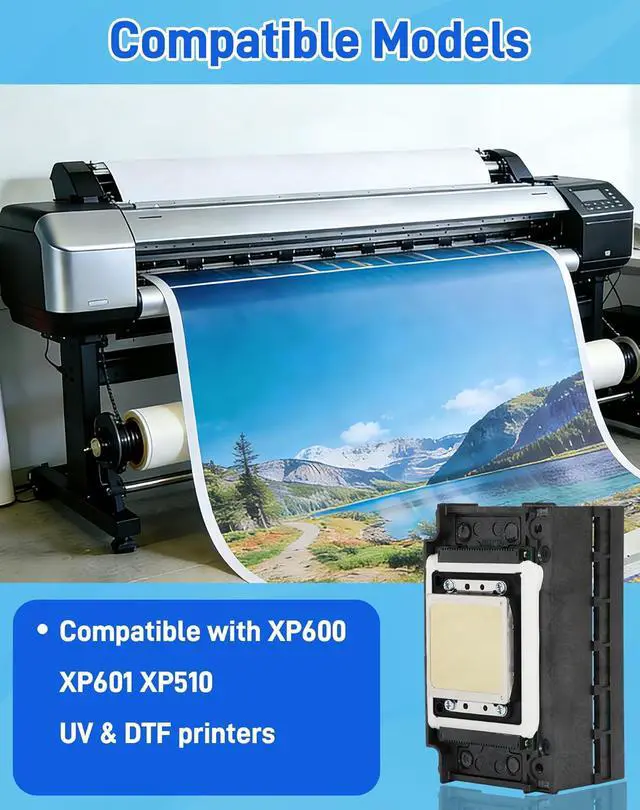
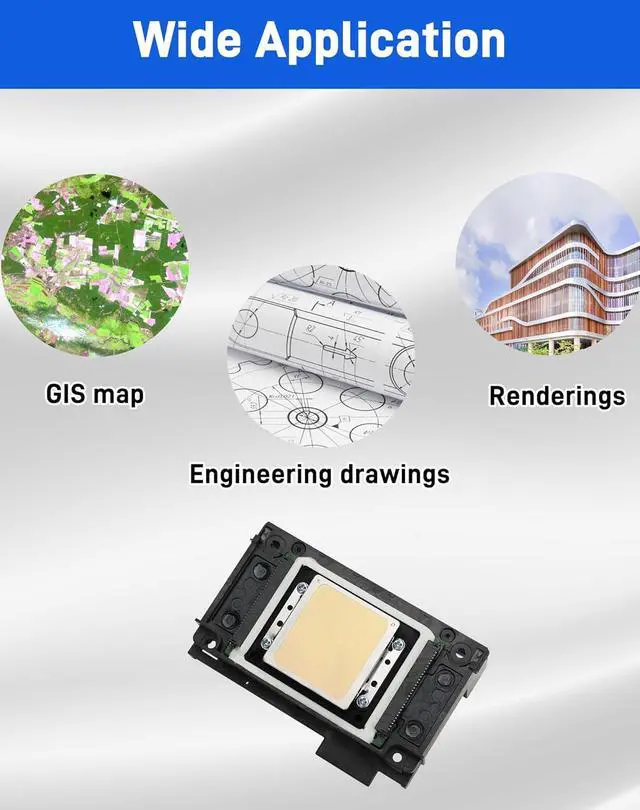
- Broad Compatibility & VersatilityExpertly designed to replace the XP600 printhead, ensuring 100% compatibility with XP600, XP601, XP510, XP610, XP700, XP800, XP950 series. Compatible with various ink types including UV, DTF, and Eco-Solvent, making it the ideal upgrade for your digital flatbed or textile printing business
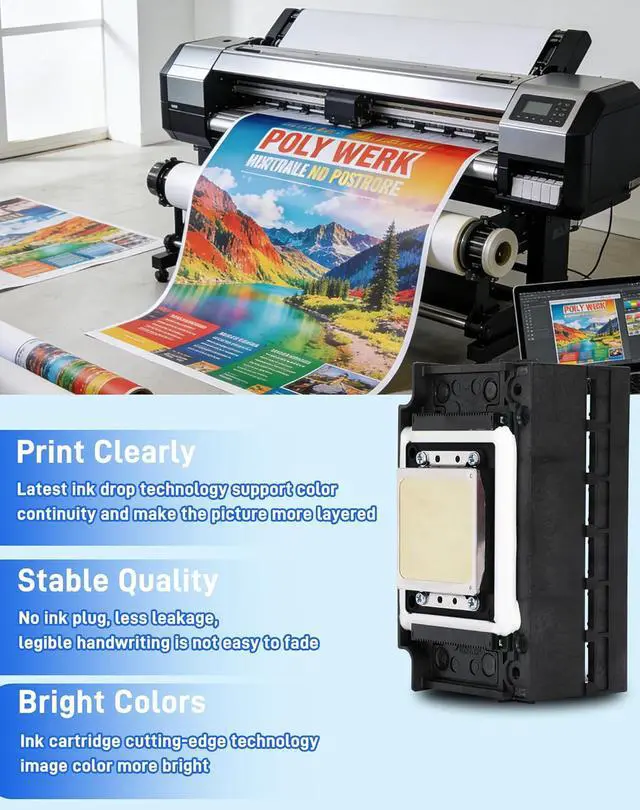
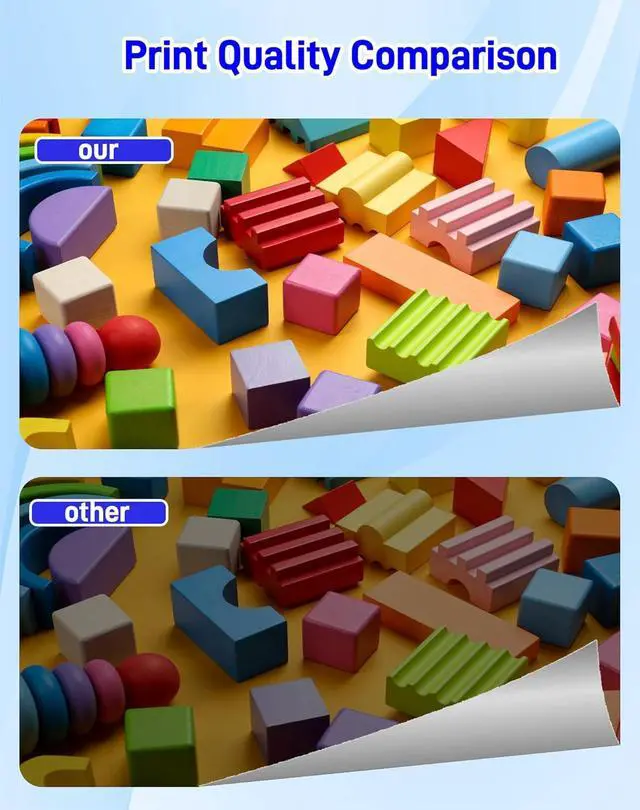
- Precision Engineering & No CloggingFeaturing high-density micron-level nozzles, our printhead delivers a smooth, uninterrupted ink flow. The upgraded internal structure minimizes the risk of clogging and ink breaks, ensuring sharp text, vibrant gradients, and high-resolution photo quality output every time
- Corrosion-Resistant Built with industrial-grade materials, the housing is resistant to corrosion and aging. This robust construction withstands the chemical properties of UV and DTF inks, significantly extending the lifespan of the printhead compared to standard aftermarket replacements
- Triple-Layer Protective PackagingWe understand the fragility of prin
+
+
Overview
Specs
Reviews
Any questions? Our AI mode will help you find out quickly.
Try me now
1.Installation Instructions
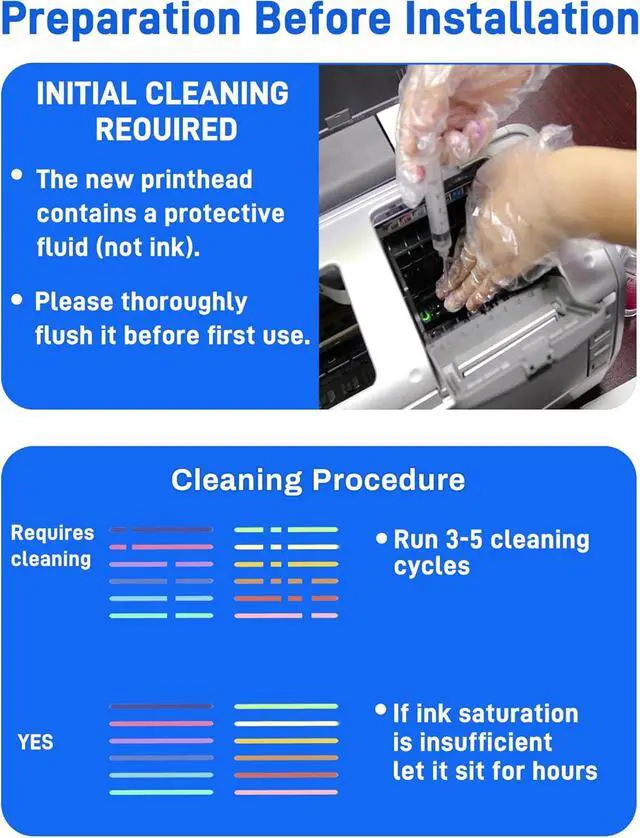
Turn off the printer and disconnect the power supply. Carefully remove the old printhead.Properly install the XP600 printhead into position.Ensure all data cables are securely connected.Refill the ink and perform ink supply.Execute 23 standard cleanings before printing.
2. Daily Maintenance Guide (Very Important)
To prevent partial color or white ink clogging. Perform daily nozzle checks. Conduct light cleaning after each workday. Shake the white ink cartridge 23 times daily. Activate the white ink circulation system. Maintain environmental conditions
Temperature: 2028°C
3. Troubleshooting
Issue: Certain colors or white ink fail to print
Possible Causes:
White ink sedimentation. Air trapped in the ink path. Insufficient cleaning and maintenance. Equipment left idle for extended periods
Solutions:
Perform 23 forceful cleaning cycles. Run white ink in a continuous loop for 30 minutes. Inspect ink bags and tubes for air pockets. Conduct nozzle soaking (1015 minutes)
Installation Instructions and Routine Maintenance Troubleshooting

Turn off the printer and disconnect the power supply. Carefully remove the old printhead.Properly install the XP600 printhead into position.Ensure all data cables are securely connected.Refill the ink and perform ink supply.Execute 23 standard cleanings before printing.
2. Daily Maintenance Guide (Very Important)
To prevent partial color or white ink clogging. Perform daily nozzle checks. Conduct light cleaning after each workday. Shake the white ink cartridge 23 times daily. Activate the white ink circulation system. Maintain environmental conditions
Temperature: 2028°C
3. Troubleshooting
Issue: Certain colors or white ink fail to print
Possible Causes:
White ink sedimentation. Air trapped in the ink path. Insufficient cleaning and maintenance. Equipment left idle for extended periods
Solutions:
Perform 23 forceful cleaning cycles. Run white ink in a continuous loop for 30 minutes. Inspect ink bags and tubes for air pockets. Conduct nozzle soaking (1015 minutes)
Installation Instructions and Routine Maintenance Troubleshooting
Warranty & Returns
Warranty, Returns, And Additional Information
Warranty
- Please contact the Seller directly for warranty information. Warranty information may also be found on the Manufacturer's website.
- CONTACT
Return Policies
- Return for refund within: 30 days
- Return for replacement within: 30 days
- This item is covered by Zhanfu Technology Co., Limited Return Policy
Manufacturer Contact Info
- For a directory of all our manufacturers, please click below.
- Manufacturers Directory
LOADING...