Your Browsing History
- Free 30-day Returns
$252.99
Meet Your Seller
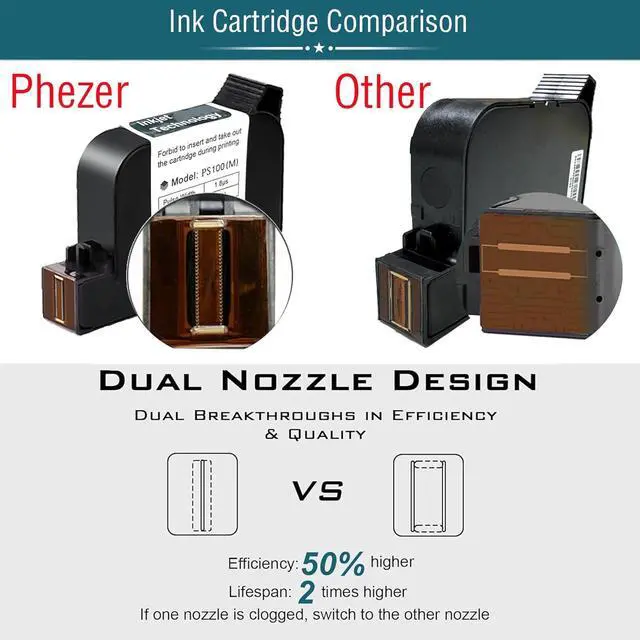
Phezer Portable Mini Handheld Inkjet Printer PC98 for Flat and Curved Surface, with Touch Screen Quick-Drying Ink Cartridge, 0.5" Print Height for Label Logo Date Code Text Number Image
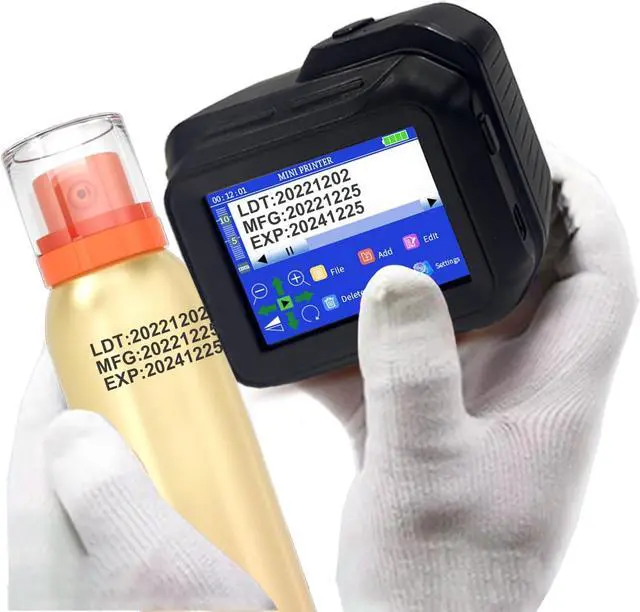
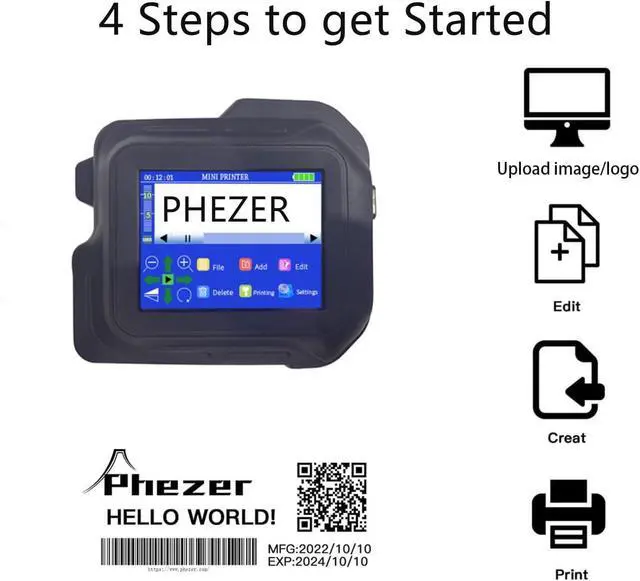
- 1.[Mini Handheld Printer Size]: This portable mini inkjet coder has a compact body, convenient HD coding, weighs 0.55lb/0.25kg and is at a very small size of 3.8*2.75*1.8inch (97*70*45mm). Based upon reliable inkjet technology, delivers consistent, high-quality, fast printing, exceptional value and ease of use. Fits in your pocket nicely, lightweight and portable, print anywhere and anytime.
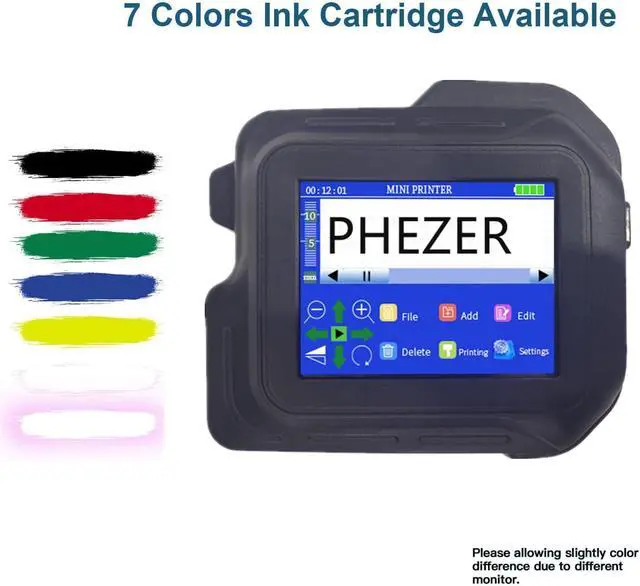
- 2.[No need to be connected to APP]: This smart mini-size inkjet printer adopts intelligent 4 core CUP and high capacity battery keep the system running smoothly and continuously.No need to download an app to edit text on the touch screen, upgraded HD touch screen interface, colour display and diverse content fonts.
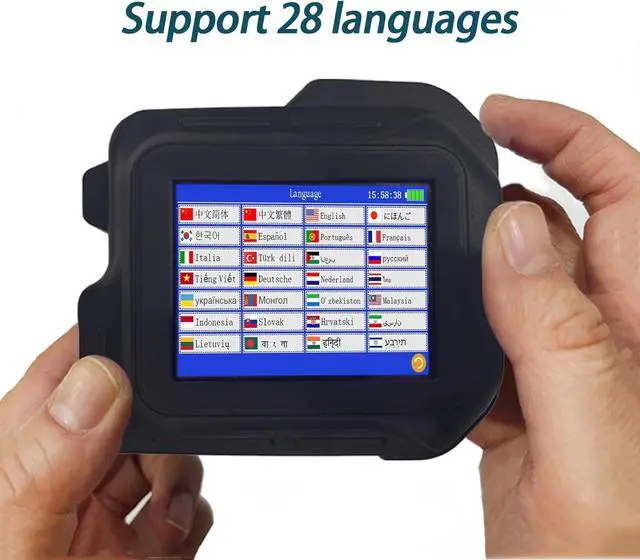
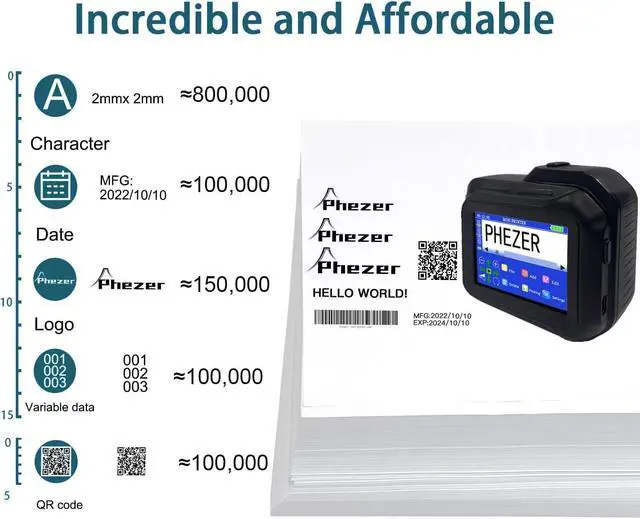
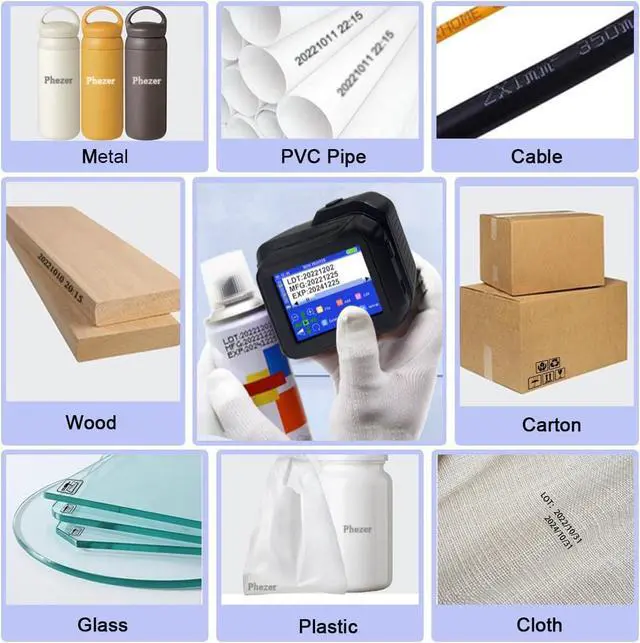
- 3.[8+ Printing Contents and any Printing Surface]: The handheld inkjet printer is suitable for printing text, label, digital, QR code, barcode, production date, time, logos on wood, clothing, paper, cardboard and glass, steel, plastic, aluminium foil, cables and other materials. 28 La
+
+
Overview
Specs
Reviews
Any questions? Our AI mode will help you find out quickly.
Try me now
1Printing on Everything2Print Codes & More3Printing Any Material4Print Anywhere. Instant.Press and hold the center of the screenwith the touch pen, and turn on themachine at the same time to enter thecalibration interface.
Click the center of the cross-hair tocalibrate the screen.
PC98 mini handheld inkjet printer can print on any surface PC98 Mini Inkjet Print How to solve screen not working? (Screen Calibrate Guide) PC98 MINI Inkjet Printer How to edit text font? PC98 Inkjet Printer How to install the ink cartridge for Mini Printer PC98? PC98 Inkjet Printer How to upload and print your own images/logos with Mini Printer? PC98 Inkjet Printer

Click the center of the cross-hair tocalibrate the screen.
PC98 mini handheld inkjet printer can print on any surface PC98 Mini Inkjet Print How to solve screen not working? (Screen Calibrate Guide) PC98 MINI Inkjet Printer How to edit text font? PC98 Inkjet Printer How to install the ink cartridge for Mini Printer PC98? PC98 Inkjet Printer How to upload and print your own images/logos with Mini Printer? PC98 Inkjet Printer
Warranty & Returns
Warranty, Returns, And Additional Information
Warranty
- Please contact the Seller directly for warranty information. Warranty information may also be found on the Manufacturer's website.
- CONTACT
Return Policies
- Return for refund within: 30 days
- Return for replacement within: 30 days
- This item is covered by Zhanfu Technology Co., Limited Return Policy
Manufacturer Contact Info
- For a directory of all our manufacturers, please click below.
- Manufacturers Directory
LOADING...