

Your Browsing History
- Free 30-day Returns
$281.99

Meet Your Seller

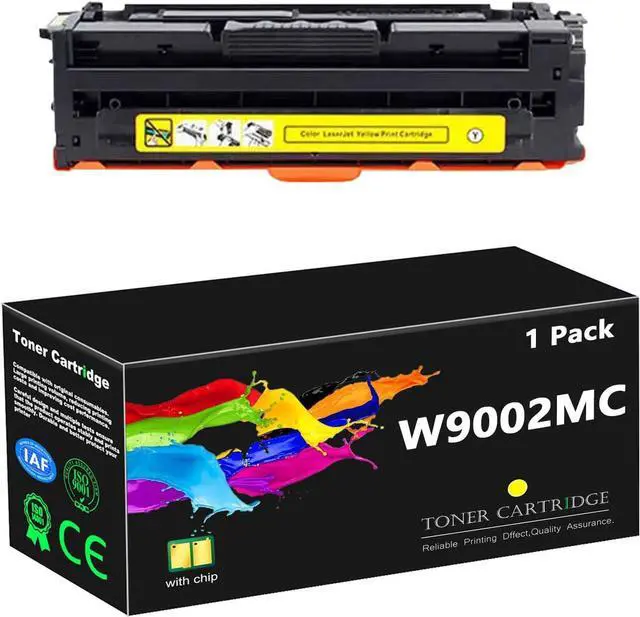



W9000MC W9001MC W9002MC W9003MC Toner Cartridge Replacement for HP W9000MC W9001MC W9002MC W9003MC High Yield Toner Work for HP Managed E65150dn E65160dn Printers,Yellow
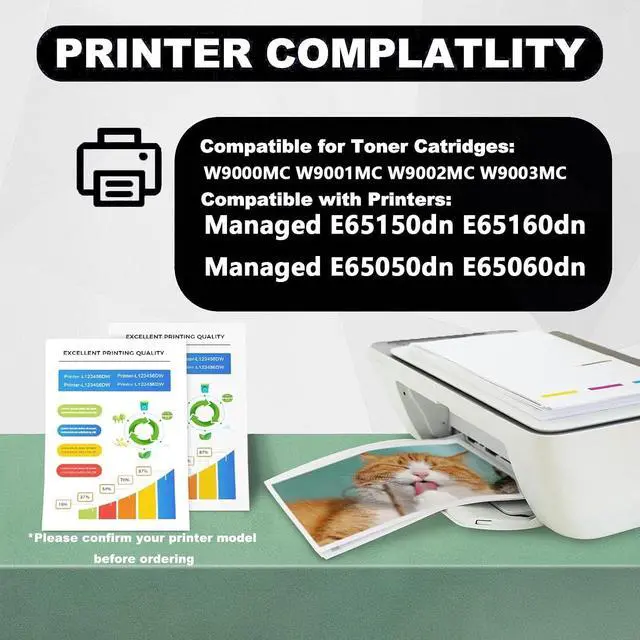
- Applicable printers models: Work for HP Managed E65150dn E65160dn Managed E65050dn E65060dn printers.
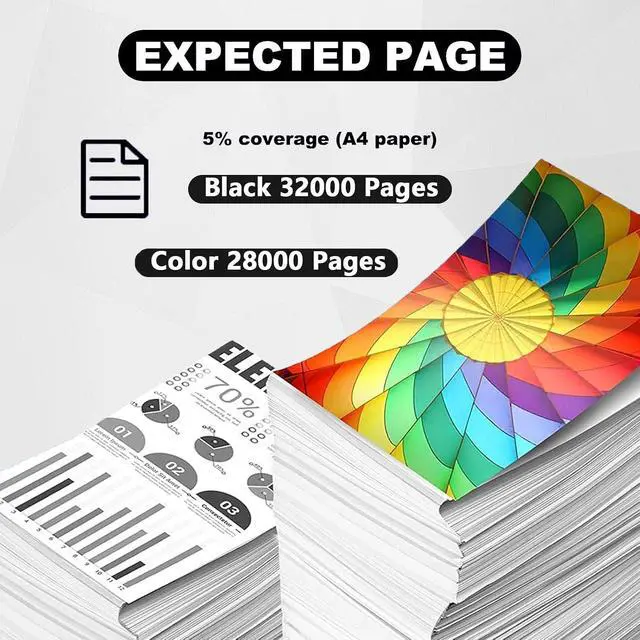
- High page yield: W9000MC black toner cartridge can print up to 32000 pages, W9001MC W9002MC W9003MC color toner cartridge can print up to 28000 pages(A4 paper coverage of 5%).
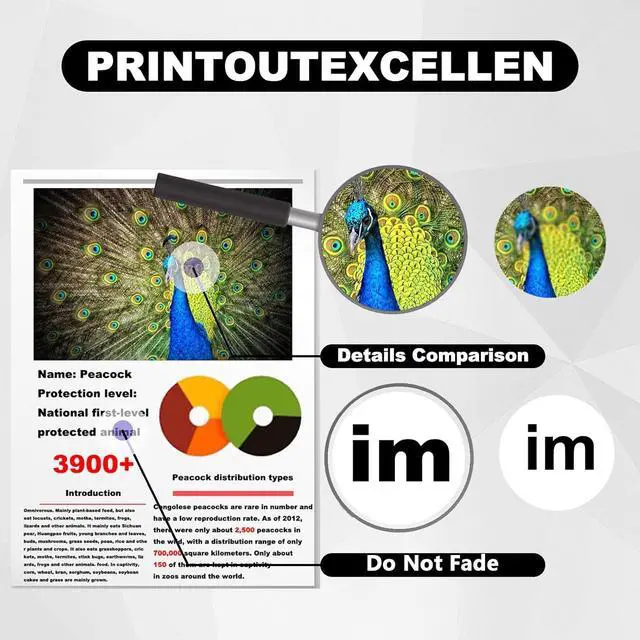
- Rigorous testing: Passed ISO9001 and ISO14001 certification. Toner cartridge replacement parts are tested by strict industry quality control process.
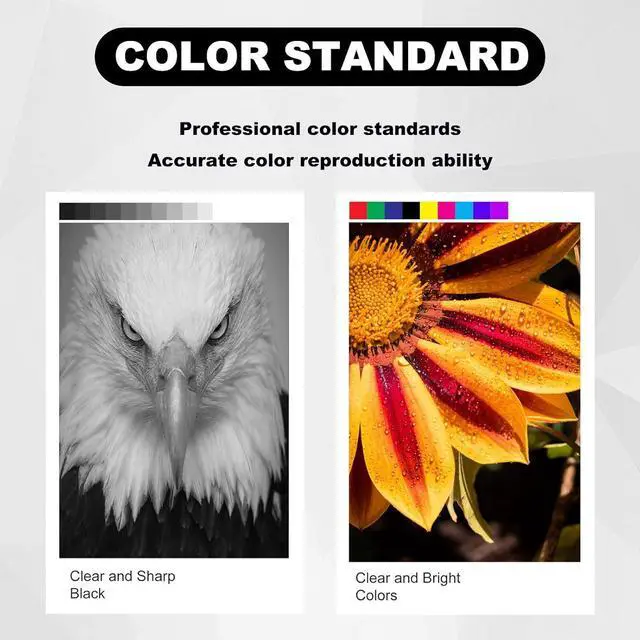
- High quality: Improve your printing quality. Our W9000MC W9001MC W9002MC W9003MC for HP W9000MC W9001MC W9002MC W9003MC toner cartridge high yield ensures clear text and bright colors, setting a higher printing standard.
- Multi-scenario application: It can meet the needs of various office, study, medical, bank, shopping mall printing scenarios. Our toner has a high printing rate, low waste toner and excellent quality.
+
+
Overview
Specs
Reviews

Any questions? Our AI mode will help you find out quickly.
Try me now
Compatible printersW9000MC W9001MC W9002MC W9003MC toner cartridge compatible for HP Managed E65150dn E65160dn Managed E65050dn E65060dn printers.
Note: Do not touch the drum core during installation to avoid scratching the drum core and affecting the printing effect.
Warm Tips: Due to different models in different regions, please confirm your model before purchasing. Some models need to replace your original chip before they can continue to be used. Please understand.
Please make sure not to touch the chip on the toner cartridge to obtain the best performance.
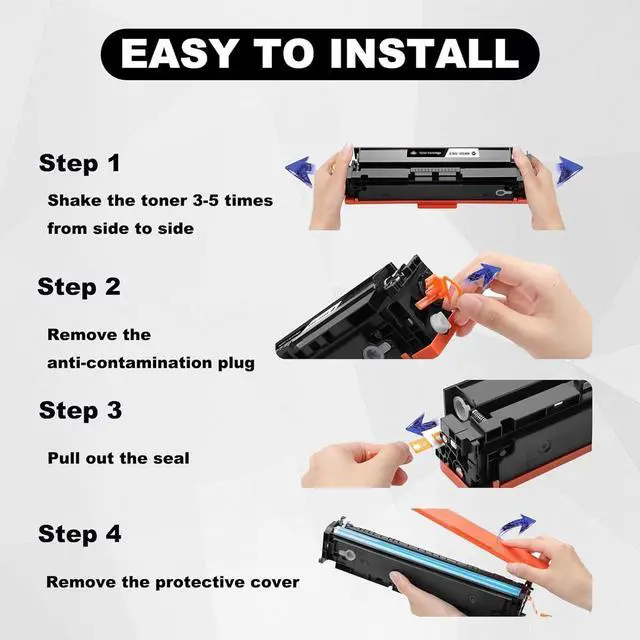
Installation steps:
Before installation, it is best to use a vacuum cleaner or soft cloth to clean the remaining toner or paper scraps in the printer. Do not blow toner into it.
Take out the toner cartridge and shake it horizontally 4-8 times to evenly distribute the toner.
Remove the orange protection buckles on both sides of the toner cartridge. If there is isolation paper, slowly pull out the black isolation paper in the direction of the indicator.
Pull out the seal evenly and straight to avoid breaking it. The length of the seal is about twice the length of the toner cartridge.
When installing the toner cartridge, push the toner cartridge smoothly along the guide rails on both sides of the device to ensure that it is installed in place.
Sincere Service
If you have questions, please contact us directly, we guarantee to reply to your message within 24 hours and provide solutions to solve your problem.
Note: Do not touch the drum core during installation to avoid scratching the drum core and affecting the printing effect.
Warm Tips: Due to different models in different regions, please confirm your model before purchasing. Some models need to replace your original chip before they can continue to be used. Please understand.
Please make sure not to touch the chip on the toner cartridge to obtain the best performance.
Installation steps:
Before installation, it is best to use a vacuum cleaner or soft cloth to clean the remaining toner or paper scraps in the printer. Do not blow toner into it.
Take out the toner cartridge and shake it horizontally 4-8 times to evenly distribute the toner.
Remove the orange protection buckles on both sides of the toner cartridge. If there is isolation paper, slowly pull out the black isolation paper in the direction of the indicator.
Pull out the seal evenly and straight to avoid breaking it. The length of the seal is about twice the length of the toner cartridge.
When installing the toner cartridge, push the toner cartridge smoothly along the guide rails on both sides of the device to ensure that it is installed in place.
Sincere Service
If you have questions, please contact us directly, we guarantee to reply to your message within 24 hours and provide solutions to solve your problem.
Warranty & Returns
Warranty, Returns, And Additional Information
Warranty
- Please contact the Seller directly for warranty information. Warranty information may also be found on the Manufacturer's website.
- CONTACT
Return Policies
- Return for refund within: 30 days
- Return for replacement within: 30 days
- This item is covered by Zhanfu Technology Co., Limited Return Policy
Manufacturer Contact Info
- For a directory of all our manufacturers, please click below.
- Manufacturers Directory
LOADING...