

Your Browsing History
- Free 30-day Returns
$569.99

Meet Your Seller


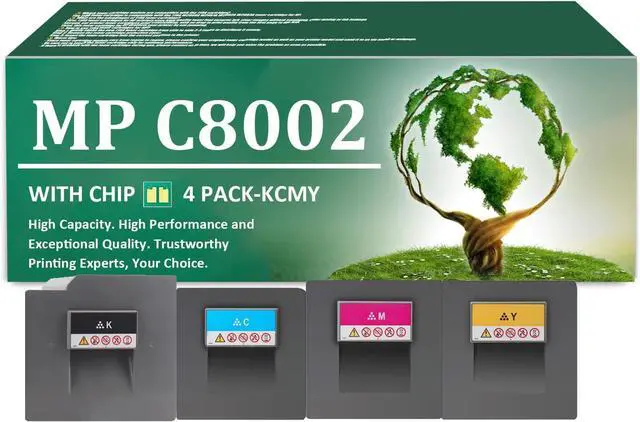



MP C8002 Toner Cartridges Replacement for Ricoh 842083 842086 842085 842084 Toner Cartridge with Chip Work for Ricoh MP C6502 C8002 C6502SP C8002SP Printers, 4 Pack(KCMY)
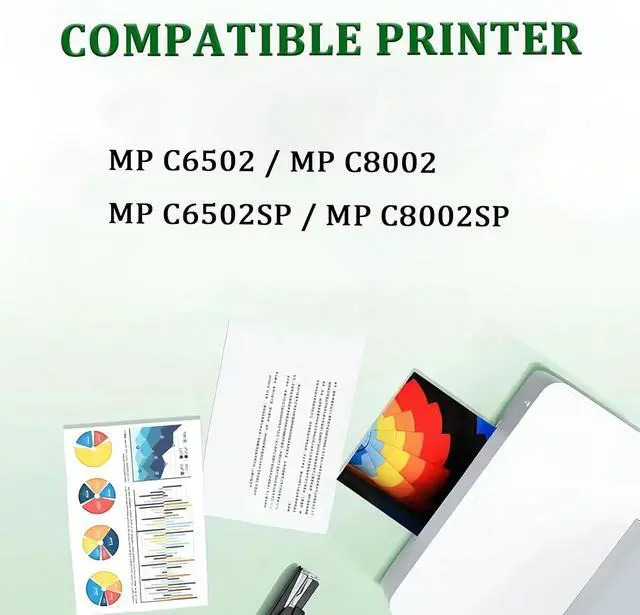
- Printer Model: The MP C8002 toner cartridges compatible for Ricoh MP C6502 C8002 C6502SP C8002SP printers
- You Can Get: For Ricoh MP C8002 toner cartridge set includes 842083 black, 842086 cyan, 842085 magenta, 842084 yellow toner cartridge(4 cartridges in total)
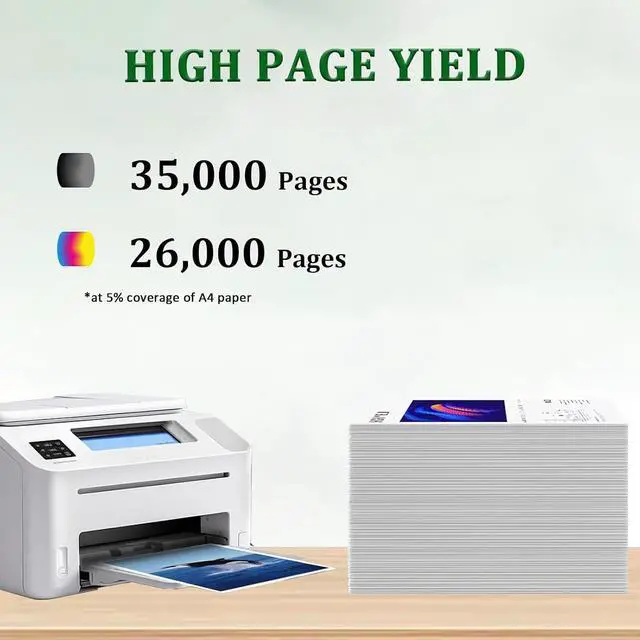
- Print Pages: The MP C8002 842083 black toner print 35,000 pages, while the 842086 cyan, 842085 magenta, and 842084 yellow toners each print 26,000 pages, all at 5% coverage of A4 paper
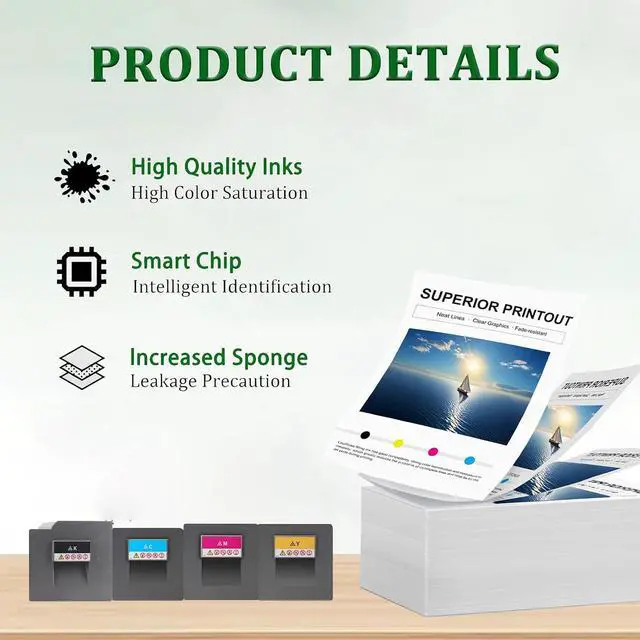
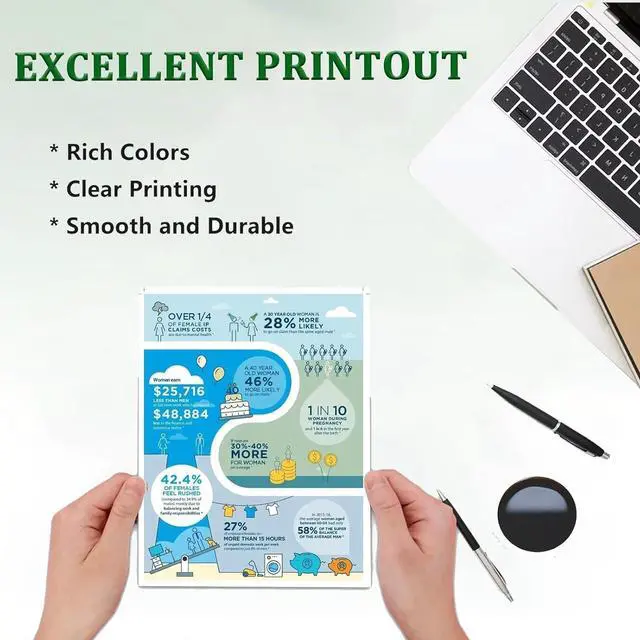
- Excellent Performance: Achieve crisp, vibrant prints with our MP C8002 toner cartridge. Enjoy clear text, rich colors, and reliable performance, ensuring smooth operation and fewer paper jams for an enhanced printing experience
- After-Sales Service: If you have questions or concerns, feel free to contact us alltime by email. We are committed to providing a satisfactory solution within 24 hours
+
+
Overview
Specs
Reviews

Any questions? Our AI mode will help you find out quickly.
Try me now
Compatible Printers:
Compatible with a range for Ricoh printers, including MP C6502 C8002 C6502SP C8002SP.
You Will Receive:
1 x Black MP C8002 842083 toner cartridge
1 x Cyan MP C8002 842086 toner cartridge
1 x Magenta MP C8002 842085 toner cartridge
1 x Yellow MP C8002 842084 toner cartridge
Printing Experience:
1. Enjoy outstanding printing results with the MP C8002 toner cartridge.
2. Provide vibrant colors and clear text, making your documents look polished and professional.
3. Designed for reliability, this cartridge helps prevent paper jams and ensures smooth printer operation for a seamless printing experience.
Easy Installation:
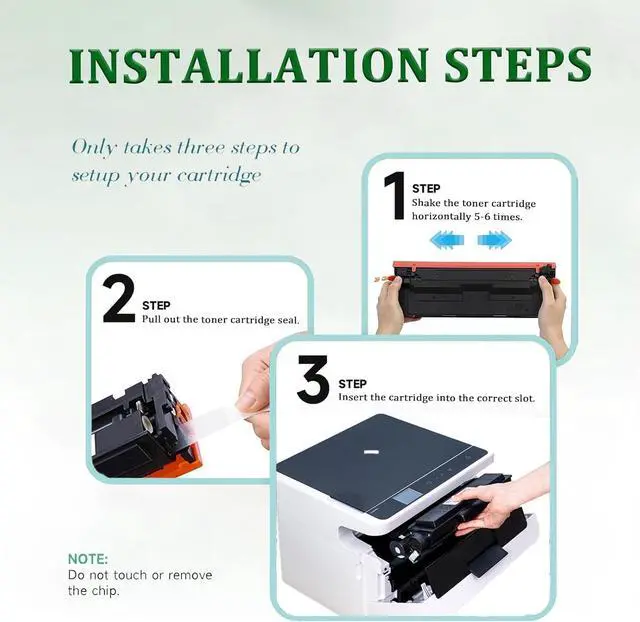
1. Shake the new MP C8002 toner cartridge gently from side to side 2-3 times to evenly distribute the toner.
2. Remove the protective cover from the cartridge.
3. Insert the cartridge into the printer, ensuring it is properly aligned.
Helpful Tips:
1. Toner cartridge models may vary by region. To ensure compatibility, please double-check your printer model and cartridge type. Feel free to contact us via email or our website for assistance.
2. For best performance, avoid touching the toner cartridge chip.
3. If you experience any issues, dont hesitate to contact us. Were dedicated to resolving any concerns within 24 hours.
Compatible with a range for Ricoh printers, including MP C6502 C8002 C6502SP C8002SP.
You Will Receive:
1 x Black MP C8002 842083 toner cartridge
1 x Cyan MP C8002 842086 toner cartridge
1 x Magenta MP C8002 842085 toner cartridge
1 x Yellow MP C8002 842084 toner cartridge
Printing Experience:
1. Enjoy outstanding printing results with the MP C8002 toner cartridge.
2. Provide vibrant colors and clear text, making your documents look polished and professional.
3. Designed for reliability, this cartridge helps prevent paper jams and ensures smooth printer operation for a seamless printing experience.
Easy Installation:
1. Shake the new MP C8002 toner cartridge gently from side to side 2-3 times to evenly distribute the toner.
2. Remove the protective cover from the cartridge.
3. Insert the cartridge into the printer, ensuring it is properly aligned.
Helpful Tips:
1. Toner cartridge models may vary by region. To ensure compatibility, please double-check your printer model and cartridge type. Feel free to contact us via email or our website for assistance.
2. For best performance, avoid touching the toner cartridge chip.
3. If you experience any issues, dont hesitate to contact us. Were dedicated to resolving any concerns within 24 hours.
Warranty & Returns
Warranty, Returns, And Additional Information
Warranty
- Please contact the Seller directly for warranty information. Warranty information may also be found on the Manufacturer's website.
- CONTACT
Return Policies
- Return for refund within: 30 days
- Return for replacement within: 30 days
- This item is covered by Zhanfu Technology Co., Limited Return Policy
Manufacturer Contact Info
- For a directory of all our manufacturers, please click below.
- Manufacturers Directory
LOADING...