Your Browsing History
- Free 30-day Returns
$137.99
Meet Your Seller
Gloryang Inkless Portable Printer for Travel, Wireless Thermal Printer Supports 8.5 x 11 Inch Thermal Paper, Bluetooth Machine Includes Carry Case and 3 Rolls of Paper Kit, Green
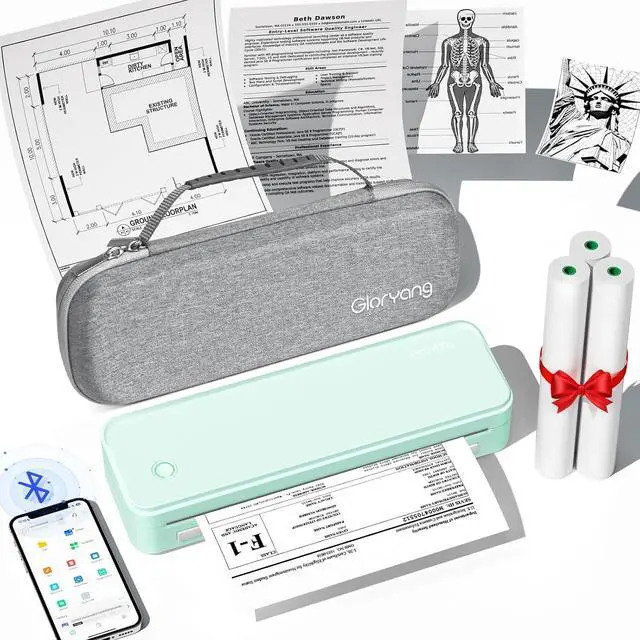
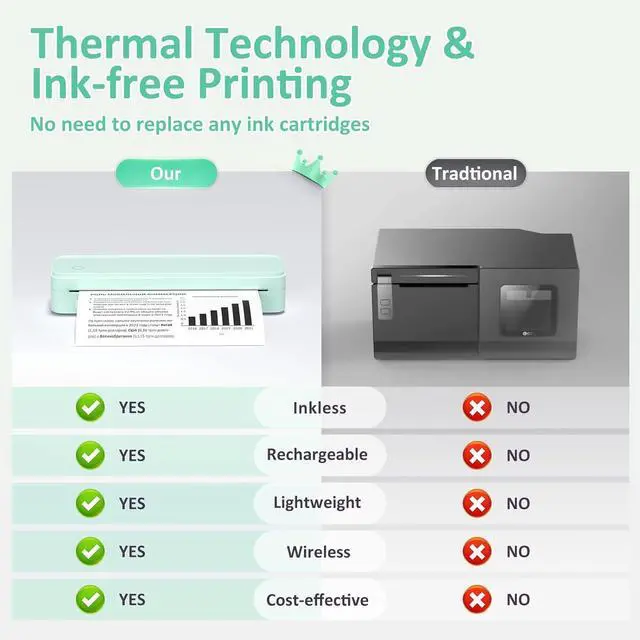
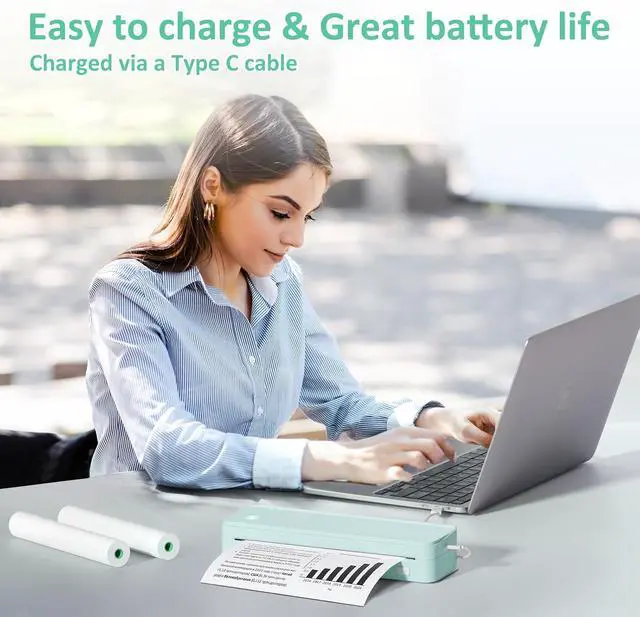
- Inkless Printing Gloryang portable printer uses advanced thermal technology, requiring no ink, toner, or ribbons. The package includes the printer, 3 thermal paper rolls (1 pre-installed + 2 extras), a carrying case, charging cable, manual, and guide card. Cost-effective and easy to use. Note: Only compatible with Gloryang thermal paper; not for regular, inkjet, or plain paper.
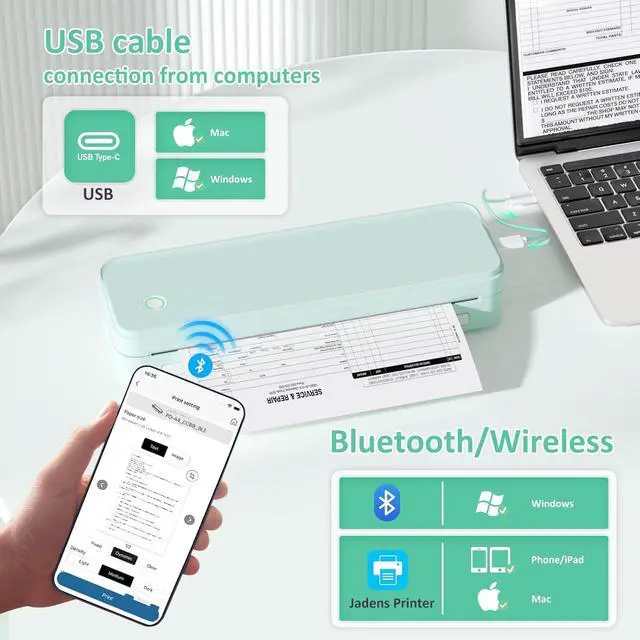
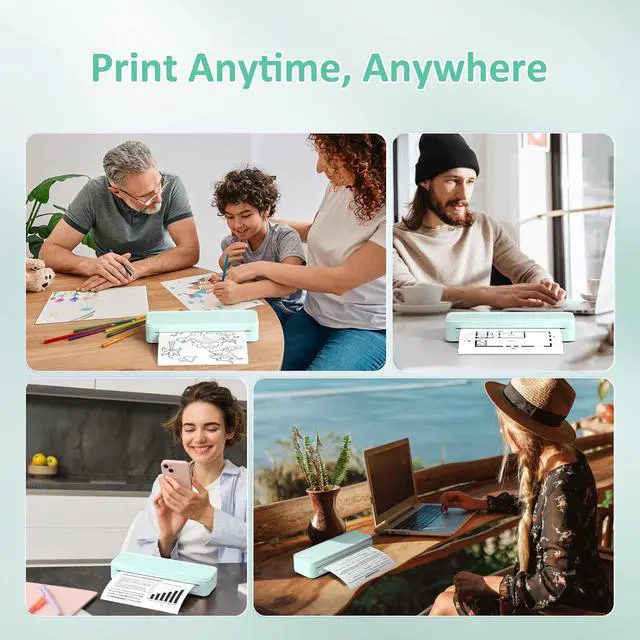
- Seamless Bluetooth Connectivity The Gloryang mobile sticker printer connects easily to iOS and Android via Bluetooth through the Jadens Printer app. It also works as a compact printer for laptops and computerssimply turn on the printer first, then install the driver to set up. Print anytime, anywhere.
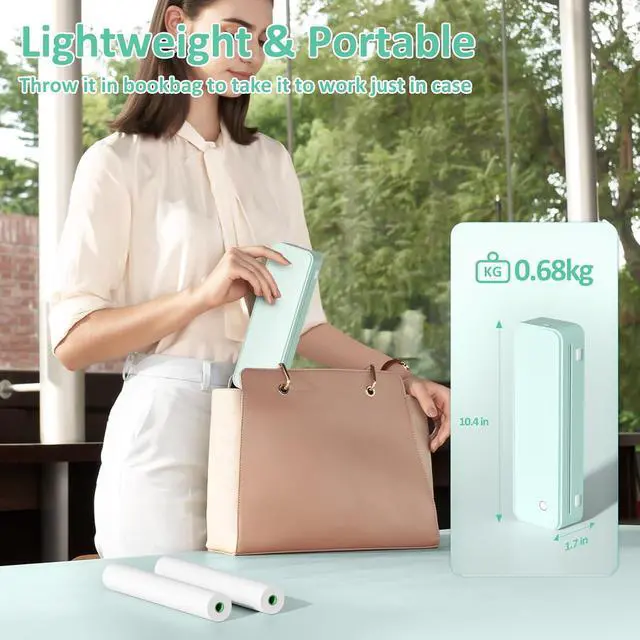
- Ultra-Portable Design - Weighing just 1.75lb and measuring 1.7in thick, the Gloryang portable printer is incredibly lightweight and compact. Perfect for on-the-go printing during travels, work, or university, it easily fits into backpacks or briefcases. Ideal for emergency scenarios, contracts, office doc
+
+
Overview
Reviews
Any questions? Our AI mode will help you find out quickly.
Try me now
1Shool Printer2Office Printer3Home Printer4Travel Printer How can I do if I print blank/nothing?
Flip the paper to print again. Please use Gloryang/JADENS thermal paper to get the best performance. Only Supports Thermal Paper!!It doesn't compatible with other regular standard paper.
How to connect with computer?
Turn on the printer and connect the printer to the computer. Download the driver from the website first. If it shows the driver is not available, please restrart your computer. (It Does support Bluetooth with Mac)
How to use with Chromebook?
Install the latest 'shipping Printer' extension to print. You can find the tutorial video on jadens website.
How to use with phone?
Turn on the Printer. Download the 'Jadens printer' App, and then connect the Bluetooth through the app. Turn off your Bluetooth and restart the app if you can't find the printer model.
The video showcases the product in use.The video guides you through product setup.The video compares multiple products.The video shows the product being unpacked. Powerful App Save Your Money & Time Inkless Printing Rechargeable & Large Capacity What You Get with The Gloryang PD-A4 Set?
How can I do if I print blank/nothing?
How to connect with computer?
How to use with Chromebook?
How to use with phone?
Gloryang High-QualityPD-A4 Thermal Printer! Your Holiday Gift Choice! Gloryang portable printer

Flip the paper to print again. Please use Gloryang/JADENS thermal paper to get the best performance. Only Supports Thermal Paper!!It doesn't compatible with other regular standard paper.
How to connect with computer?
Turn on the printer and connect the printer to the computer. Download the driver from the website first. If it shows the driver is not available, please restrart your computer. (It Does support Bluetooth with Mac)
How to use with Chromebook?
Install the latest 'shipping Printer' extension to print. You can find the tutorial video on jadens website.
How to use with phone?
Turn on the Printer. Download the 'Jadens printer' App, and then connect the Bluetooth through the app. Turn off your Bluetooth and restart the app if you can't find the printer model.
The video showcases the product in use.The video guides you through product setup.The video compares multiple products.The video shows the product being unpacked. Powerful App Save Your Money & Time Inkless Printing Rechargeable & Large Capacity What You Get with The Gloryang PD-A4 Set?
How can I do if I print blank/nothing?
How to connect with computer?
How to use with Chromebook?
How to use with phone?
Gloryang High-QualityPD-A4 Thermal Printer! Your Holiday Gift Choice! Gloryang portable printer
Warranty & Returns
Warranty, Returns, And Additional Information
Warranty
- Please contact the Seller directly for warranty information. Warranty information may also be found on the Manufacturer's website.
- CONTACT
Return Policies
- Return for refund within: 30 days
- Return for replacement within: 30 days
- This item is covered by Zhanfu Technology Co., Limited Return Policy
Manufacturer Contact Info
- For a directory of all our manufacturers, please click below.
- Manufacturers Directory
LOADING...