• $378.99
  • Free 30-day Returns
  • Price alert
    Shop it at NeweggBusiness.

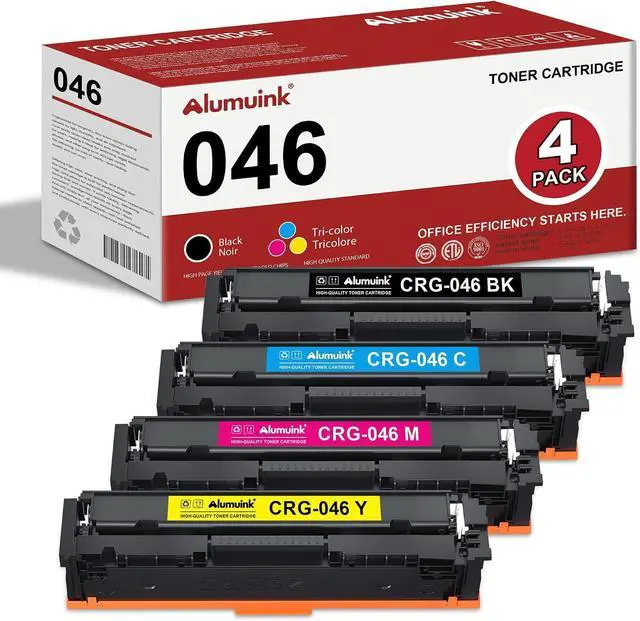
    046 Toner Cartridges CRG046 CRG-046 CRG 046 Toner Replacement for Canon Color imageCLASS LBP654Cdw MF735Cdw MF731Cdw MF733Cdw Printer (4 Pack)

    • Package Contents: 4 Pack CRG-046 Color Toner Cartridge
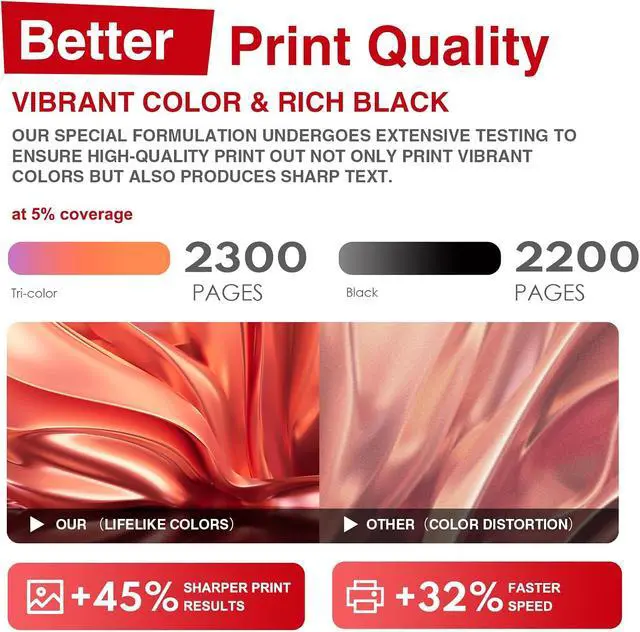
    • High Page Yield: Up to 2,200 pages for black and up to 2,300 pages for color (at 5% coverage, A4), delivering consistent and reliable performance for all your printing needs
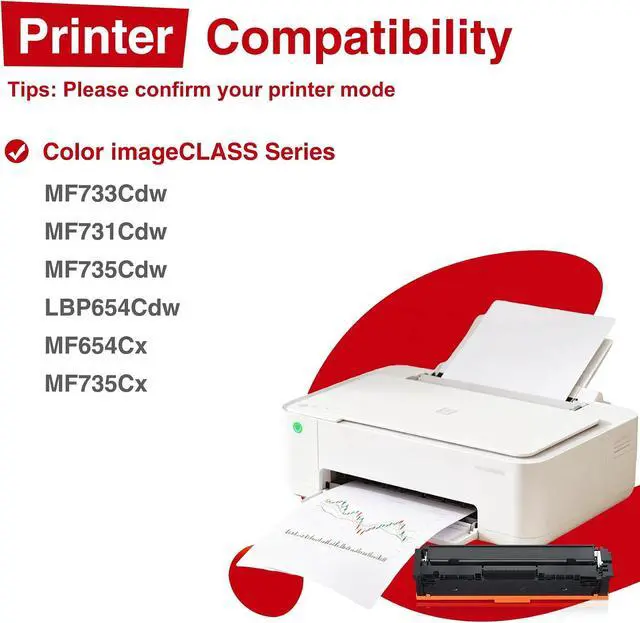
    • Compatible Printer Models: Color imageCLASS MF733Cdw, MF731Cdw, MF735Cdw, LBP654Cdw, MF654Cx, MF735Cx Printer
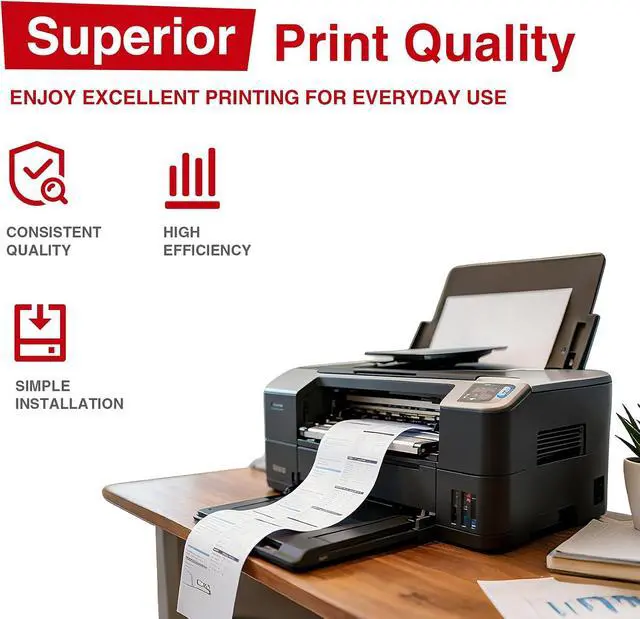
    • Vivid & Clear Prints: Professional-grade toner provides sharp text, vibrant colors and clear details, making your presentations, marketing materials and documents look more professional
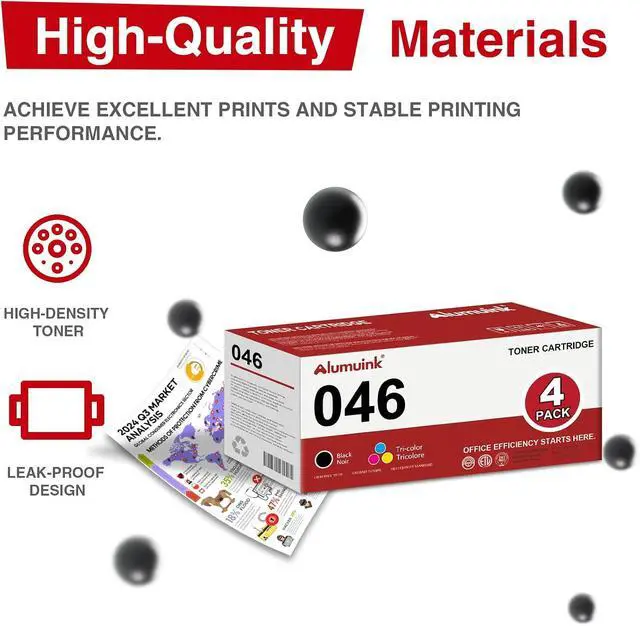
    • Durable & Stable: Built with advanced toner technology and high-quality components, the toner cartridge ensures consistent performance, no fading, no streaking, and long-lasting use
    +
    +
    Overview
    Reviews
    avatar

    Any questions? Our AI mode will help you find out quickly.

    Product Model
    046 Toner Cartridge.

    Compatible Models
    Color imageCLASS MF733Cdw
    Color imageCLASS MF731Cdw
    Color imageCLASS MF735Cdw
    Color imageCLASS LBP654Cdw
    Color imageCLASS MF654Cx
    Color imageCLASS MF735Cx

    Professional print results
    Whether you're printing contracts, reports, or schoolwork, Kienul toner delivers sharp lines,
    solid fills, and clean text, page after page. Expect crisp, professional results with every print.

    High quality materials, quality assurance
    Made with premium toner powder and high-quality components, cartridges deliver smooth
    operation and consistent output from start to finish.

    Installation Instructions
    1.Pull the front cover toward you to access the toner cartridge compartment.
    2.Grasp the handle of the used toner cartridge and gently pull it out. Place it on a piece of
    paper or in a bag to avoid toner spill.
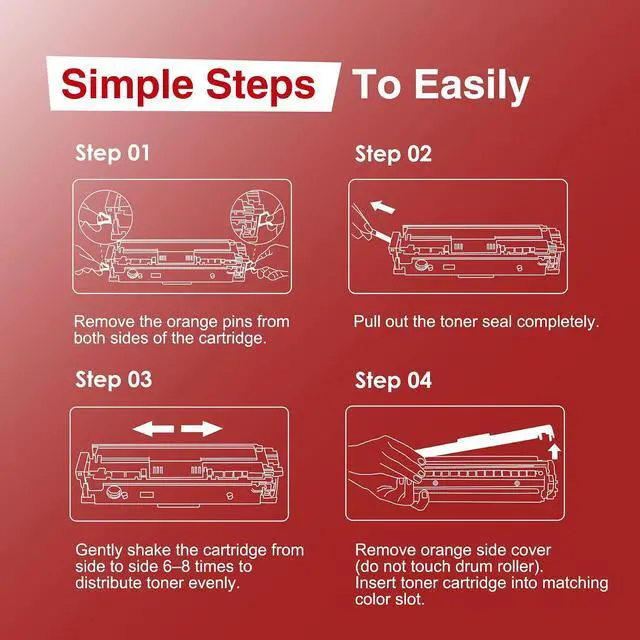
    3.Remove all packaging materials from the new toner cartridge, including plastic wrap and
    foam pieces.
    4.Locate the orange or red sealing tape and pull it straight out. This tape keeps toner from
    leaking during shipping.
    5. Align the cartridge with the guides inside the printer and slide it in until it clicks into place.
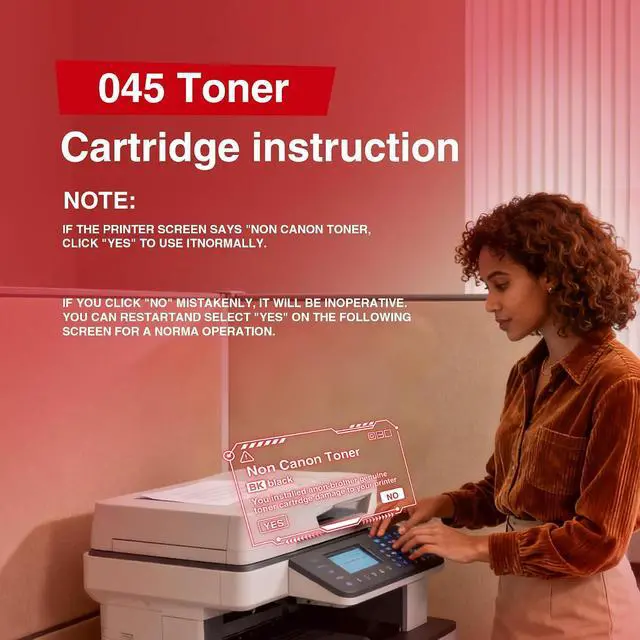
    6.Close the front cover and wait for recogniti. The printer may show a non-genuine
    cartridge messagethis is normal. Proceed to use as usual.
    7.Its recommended to print a test page to ensure the cartridge is installed correctly and
    printing well.

    Warranty & Returns

    Warranty, Returns, And Additional Information

    Warranty

    • Please contact the Seller directly for warranty information. Warranty information may also be found on the Manufacturer's website.
    • CONTACT

    Return Policies

    Manufacturer Contact Info

    LOADING...