

Your Browsing History
- Free 30-day Returns
$180.99

Meet Your Seller

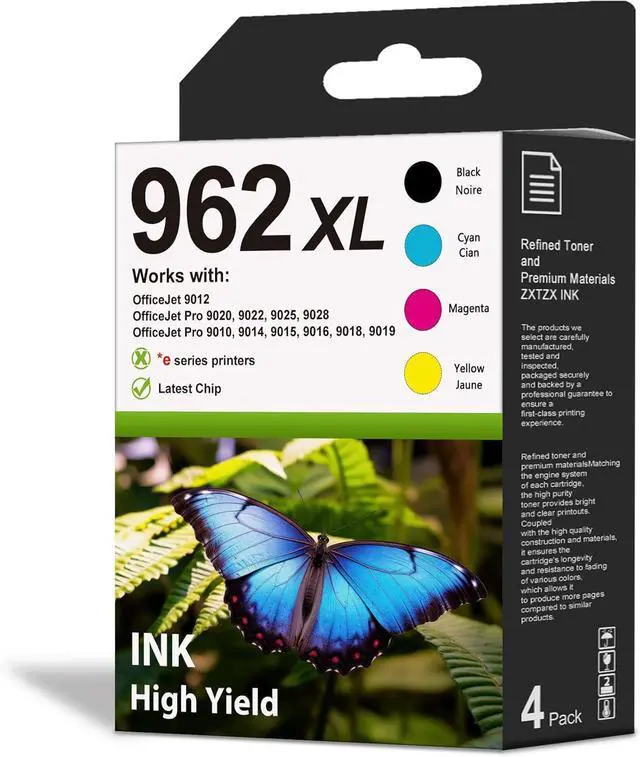




962XL Ink Cartridges Combo Pack 4-Pack Compatible Pro 9010
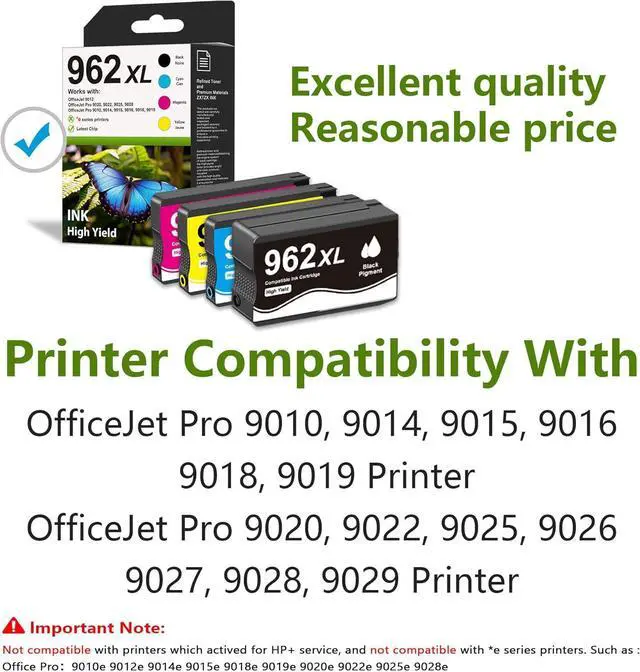
- Replacement for HP 962XL Ink Cartridge for Office Pro 9025 9020 9012 9022 9027 9018 9014 9026 Printer (962XL Ink, BK/C/M/Y)
- What's in the box: new 962XL High Yield Ink Cartridges Combo Pack 4 Pack (1 × 962XL black ink Cartridge; 1 × 962 XL cyan ink Cartridge; 1 × 962 XL 962 magenta ink Cartridge; 1 × 962 962XL yellow ink Cartridge)
- 962XL ink Cartridges to use with: Office Pro 9010 9012 9015 9018 9020 9025 9014 9016 9019 9022 9026 9027 9028 9029 Printers
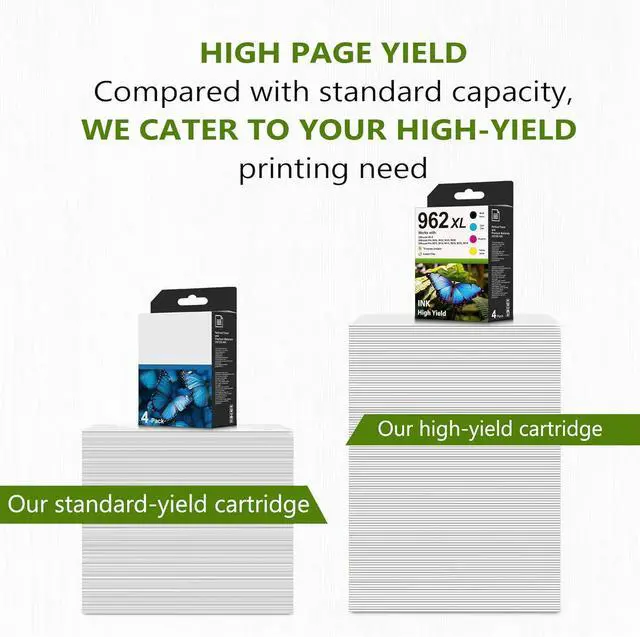
- Cartridge high yield (approx.): Black is 2,200 pages per Ink cartridge, Color is 1,800 pages per Ink cartridge.
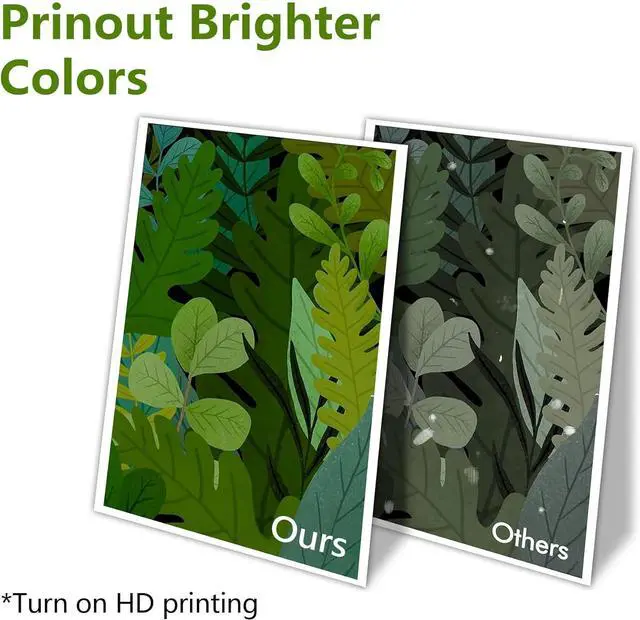
- Our offers a substantially greater ink capacity than standard cartridges, thereby enabling a higher number of prints per cartridge. These cartridges produce sharp text and vivid colors, ensuring consistently professional-quality outputs
- Worry-Free with 2-Year Warranty & Premium Support: Backed by an industry-leading 2-year warranty and our dedicated US-based support team. Encounter any issue? We're here to resolve it pro
+
+
Overview
Reviews

Any questions? Our AI mode will help you find out quickly.
Try me now
Is it difficult to install the ink cartridges?
The ink cartridge installation is very simple. Just open the printer cartridge cover, remove the old cartridge, insert the new one into the corresponding color slot, and gently push it in. Its easy to operate and requires no additional setup.
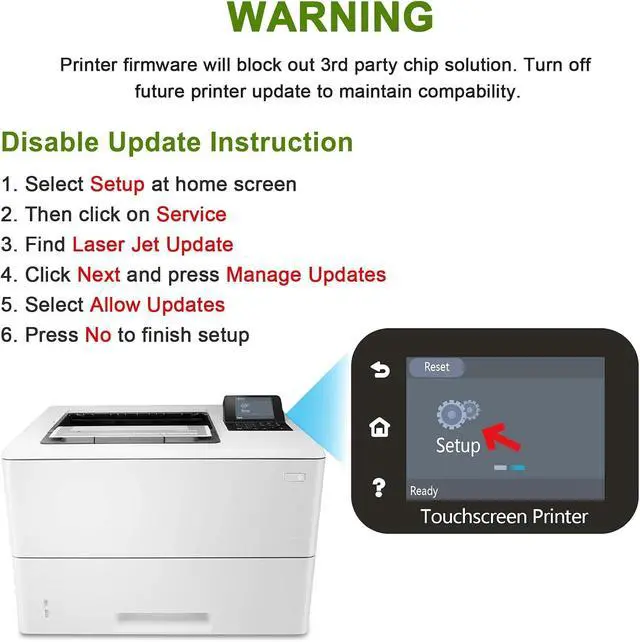
Why should I avoid updating the printer firmware?
Firmware updates may affect the printers compatibility, especially when using compatible ink. To ensure stable performance with compatible ink cartridges, we recommend skipping or disabling such updates to avoid potential compatibility issues.
Is it important to clean the printhead before printing?
Yes, its recommended to clean the printhead regularly. Dry ink may clog the printhead, causing print lines or fading. Regular cleaning helps maintain vibrant print quality and extends the printers lifespan.
What should I do if the 30-day return period has passed?
If 30 days have passed, please contact our Custormer Care via buyer-seller messages, and we'll assist you promptly.
How can I contact the Customer Care Team if I need assistance?
After your purchase is complete, you can contact our Customer Care Team through the Buyer-Seller Messaging channel. If you encounter any issues, feel free to reach out for assistance.
Is it difficult to install the ink cartridges?
Why should I avoid updating the printer firmware?
Is it important to clean the printhead before printing?
What should I do if the 30-day return period has passed?
How can I contact the Customer Care Team if I need assistance?
The ink cartridge installation is very simple. Just open the printer cartridge cover, remove the old cartridge, insert the new one into the corresponding color slot, and gently push it in. Its easy to operate and requires no additional setup.
Why should I avoid updating the printer firmware?
Firmware updates may affect the printers compatibility, especially when using compatible ink. To ensure stable performance with compatible ink cartridges, we recommend skipping or disabling such updates to avoid potential compatibility issues.
Is it important to clean the printhead before printing?
Yes, its recommended to clean the printhead regularly. Dry ink may clog the printhead, causing print lines or fading. Regular cleaning helps maintain vibrant print quality and extends the printers lifespan.
What should I do if the 30-day return period has passed?
If 30 days have passed, please contact our Custormer Care via buyer-seller messages, and we'll assist you promptly.
How can I contact the Customer Care Team if I need assistance?
After your purchase is complete, you can contact our Customer Care Team through the Buyer-Seller Messaging channel. If you encounter any issues, feel free to reach out for assistance.
Is it difficult to install the ink cartridges?
Why should I avoid updating the printer firmware?
Is it important to clean the printhead before printing?
What should I do if the 30-day return period has passed?
How can I contact the Customer Care Team if I need assistance?
Warranty & Returns
Warranty, Returns, And Additional Information
Warranty
- Please contact the Seller directly for warranty information. Warranty information may also be found on the Manufacturer's website.
- CONTACT
Return Policies
- Return for refund within: 30 days
- Return for replacement within: 30 days
- This item is covered by Zhanfu Technology Co., Limited Return Policy
Manufacturer Contact Info
- For a directory of all our manufacturers, please click below.
- Manufacturers Directory
LOADING...