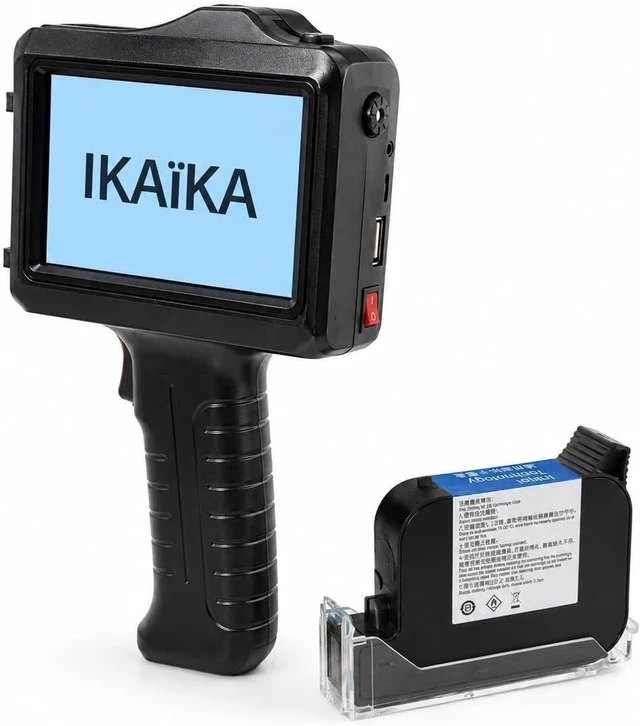
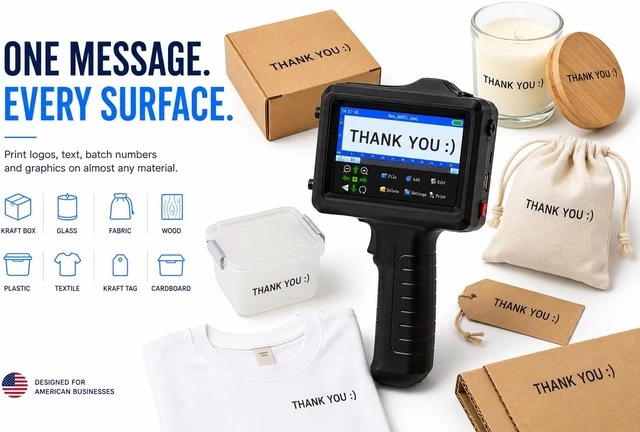
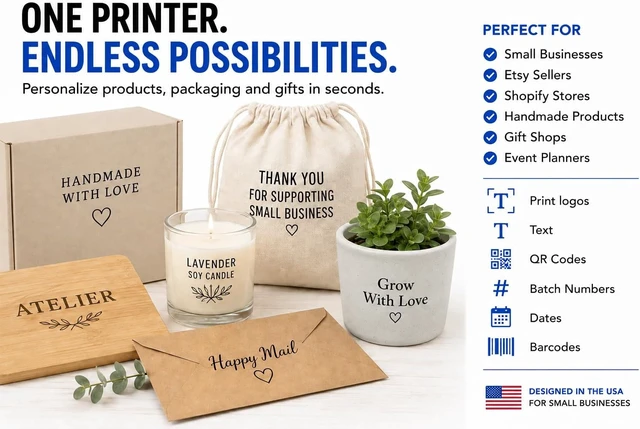
The Ikaïka handheld inkjet printer puts your brand on nearly any surfacecardboard, kraft paper, fabric, wood, plastic, glass, and metal. Fast-drying ink delivers crisp, durable markings wherever your products take you.
Bring your brand to the details that customers see. Use the IKAÏKA handheld inkjet printer to add logos, text and product information directly to compatible packaging. Personalize small batches and update your message as your business evolves.
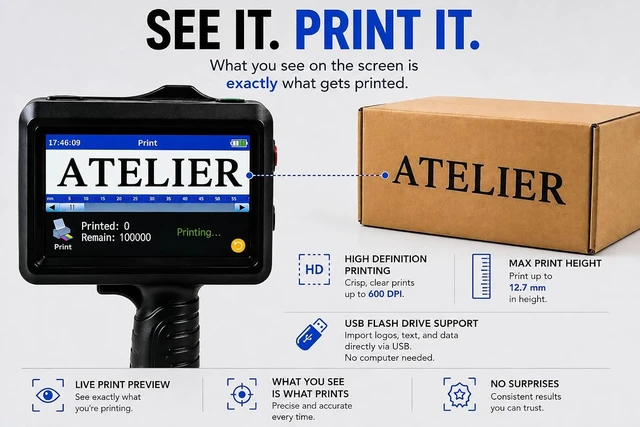
Import your logo from a USB flash drive and add a branded detail to compatible boxes and bags. Keep artwork within the 0.5 in (12.7 mm) maximum print height.
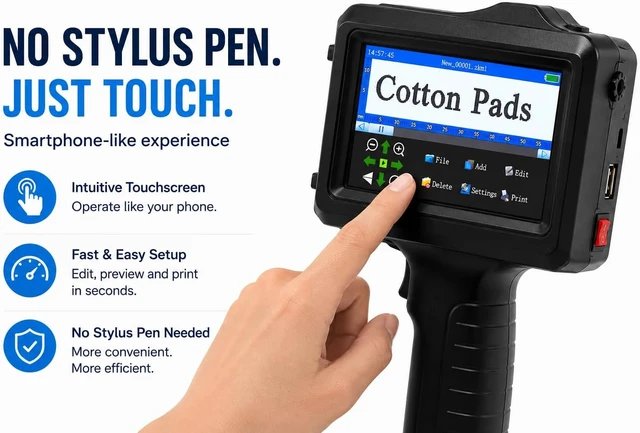
Edit names, short messages and collection details on the touchscreen. Change the text when your next order or product launch calls for something different.
Add dates, batch identifiers and sequential numbers. The built-in counter lets you set a numbering sequence for repeated marking tasks.
Create text directly on the touchscreen or import compatible artwork from a USB flash drive. Adjust text size, spacing and rotation to suit your packaging.
Before printing a batch, test your design on a sample of the same material. Check placement and clarity, then print with a steady, straight movement and allow the ink to dry before handling.
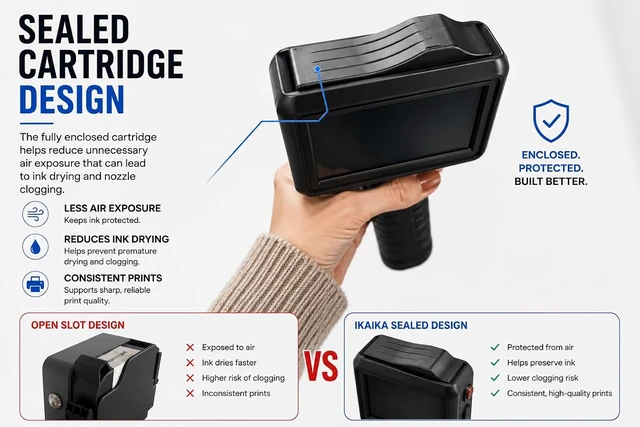
Printing a batch of labels or marking boxes? Keep the printhead covered with the protective clip between uses to help keep the ink from drying out. If a print comes out blurry or has gaps, start with a quick test on scrap paper. Use the tips below to get back to printing.
Turn off the printer and reinstall the cartridge securely. Make a few test prints on scrap material. If large areas remain blank, air inside the cartridge may affect ink flow. Follow the cartridge troubleshooting instructions in the user manual.
Go to Settings Nozzle Settings, switch from Right to Left or vice versa, and print again. If the same line is still missing, turn off the printer, check that the cartridge contacts are clean and undamaged, and reinstall the cartridge firmly.
Make several test prints on scrap paper or cardboard. If the print is still blurry, gently wipe the nozzle with a lint-free cloth lightly dampened with alcohol. Test again. If its still blurry, switch to the other nozzle in Settings Nozzle Settings.
If you see ink dripping from the cartridge itself, turn off the printer, remove the leaking cartridge, and install a replacement.
Printing technology Thermal inkjet (TIJ). Uses a solvent-based ink cartridge. Maximum print height 0.5 in (12.7 mm). Design input Enter text on the touchscreen or import compatible images from a USB flash drive. Printing options Text, logos, dates, batch identifiers, barcodes and sequential numbers. Text customization Adjust text size, spacing, style and rotation. Surface compatibility Results depend on the material, surface finish and ink. Test on your actual packaging before printing a batch. Ink drying Drying time varies by material. Allow the printed area to dry before handling. Cartridge care Turn off the printer before installing or removing the cartridge. Cap the cartridge for storage after use. High-quality printing up to 600 DPI resolution for sharp, clear text, logos and graphics. Print on Wood, Metal, Fabric & More Make every package your own Small details. A recognizable brand. Add your logo Make each batch personal Keep product details clear Your next design starts on screen Print Quality Starts with the Cartridge What Does Your Print Look Like? Large blank areas? Lines Missing Through the Text? Blurry print? Ink leaking? The details that help you choose




 here!