Your Browsing History
- Free 30-day Returns
$117.99
Meet Your Seller
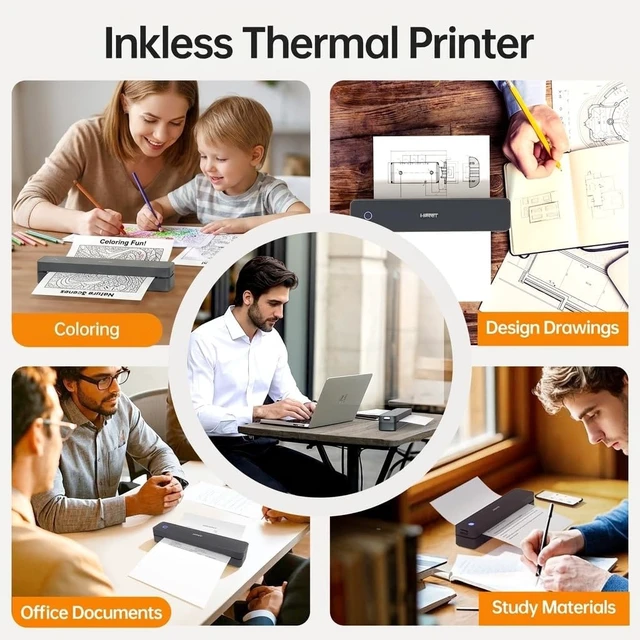
Portable Printer Wireless for Travel with Carry Case& Thermal Paper
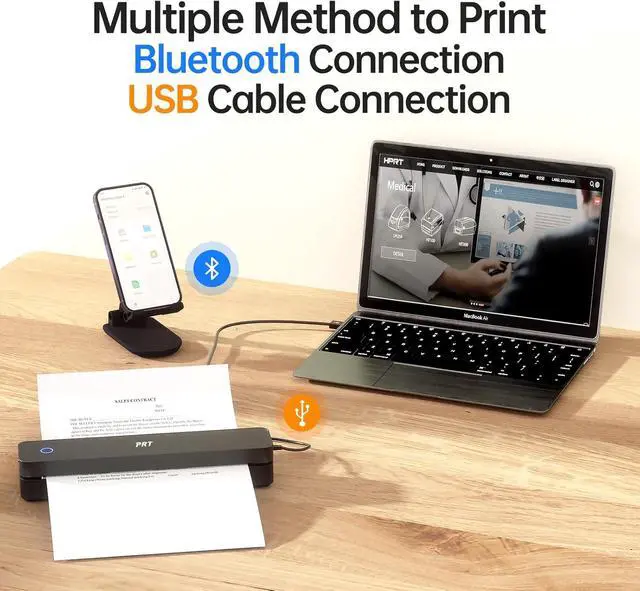
- Inkless Printer for Home Use, Support 8.5x11 US Letter Thermal Paper, Compatible with Phone Laptop200 Sheets Thermal Paper
- Package Includes: 1x PRT Portable Thermal Printer, 200 SHEETS of Thermal Paper, 1x Matching Carrying Case, 1x Charging Cable, and 1x User Manual
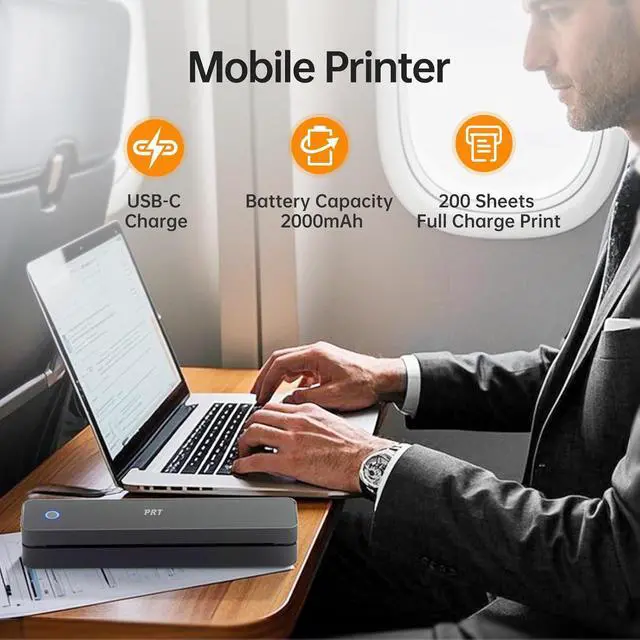
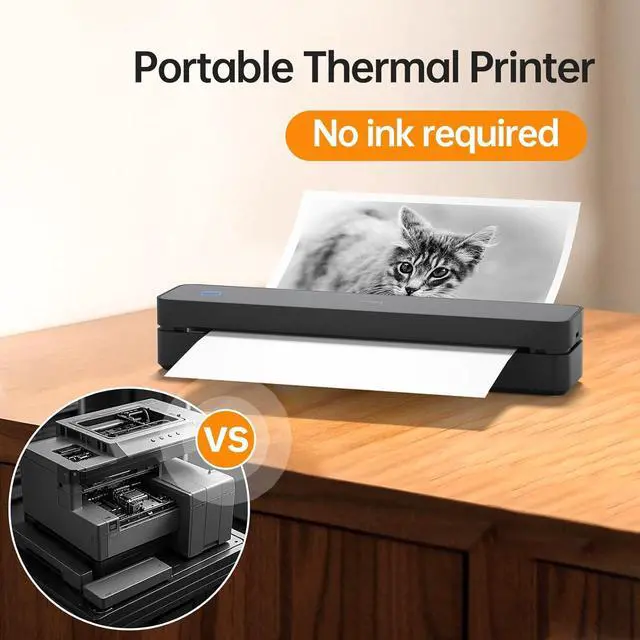
- Ink-Free, High-Efficiency Printing: Say goodbye to costly ink or toner with the PRT Inkless Portable Printer. This high-resolution thermal printer eliminates the need for ink, ribbons, or toneroffering you a maintenance-free printing experience. The customized thermal media ensures clear, crisp prints without the hassle of ink replacement. Each prints in about 30 seconds, and a full charge delivers up to 200 printssteady for all-day creativity
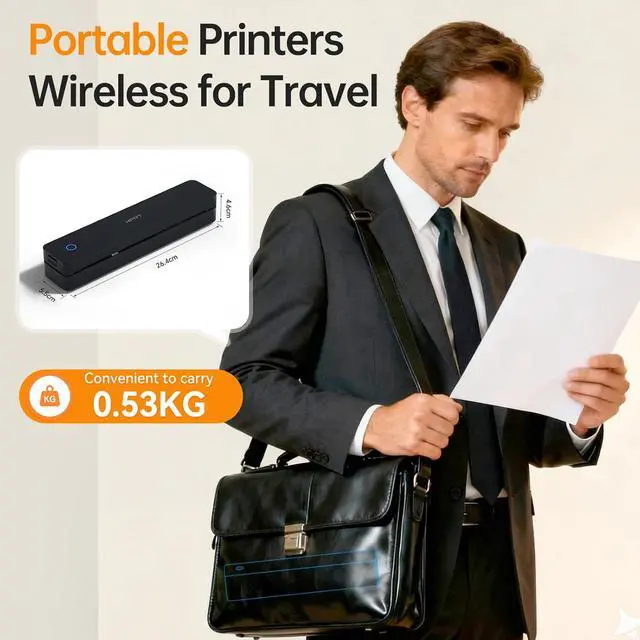
- Portable and Compact: Weighing just 500g, this portable wireless printer is the perfect solution for travel, business trips, or working on the go. Its compact size lets you easily slip it into your bag or briefcase, allowing you to print anytime, anywhere. The ideal mobile pri
+
+
Overview
Specs
Reviews
Any questions? Ask CelesteSM will help you find out quickly.
Try me now
1Office Printer2Outdoor Printer3School Printer4Printer for Home Use What should I do if there is a paper jam during printing?
Open the cover and remove the paper, then feed another piece of paper, restart the printing task.
What should I do if there is blank paper or the machine does not respond when printing?
1. Upgrade the firmware of the APP. 2. Check if the paper position is correct and insert new paper. 3. Get help from our technical department
Why can't the driver automatically recognize the printer?
Please insert the USB cable first before downloading the driver. The driver will automatically recognize the printer model.
8.5 x 11'' Thermal Paper
Open the cover and remove the paper, then feed another piece of paper, restart the printing task.
What should I do if there is blank paper or the machine does not respond when printing?
1. Upgrade the firmware of the APP. 2. Check if the paper position is correct and insert new paper. 3. Get help from our technical department
Why can't the driver automatically recognize the printer?
Please insert the USB cable first before downloading the driver. The driver will automatically recognize the printer model.
8.5 x 11'' Thermal Paper
Warranty & Returns
Warranty, Returns, And Additional Information
Warranty
- Please contact the Seller directly for warranty information. Warranty information may also be found on the Manufacturer's website.
- CONTACT
Return Policies
- Return for refund within: 30 days
- Return for replacement within: 45 days
- This item is covered by Ali Wangwang E-commerce Limited Return Policy
Manufacturer Contact Info
- For a directory of all our manufacturers, please click below.
- Manufacturers Directory
LOADING...