Your Browsing History
- Free 30-day Returns
$306.99
Meet Your Seller
P1 Max Portable Wi-Fi Wireless Thermal Printer for Team
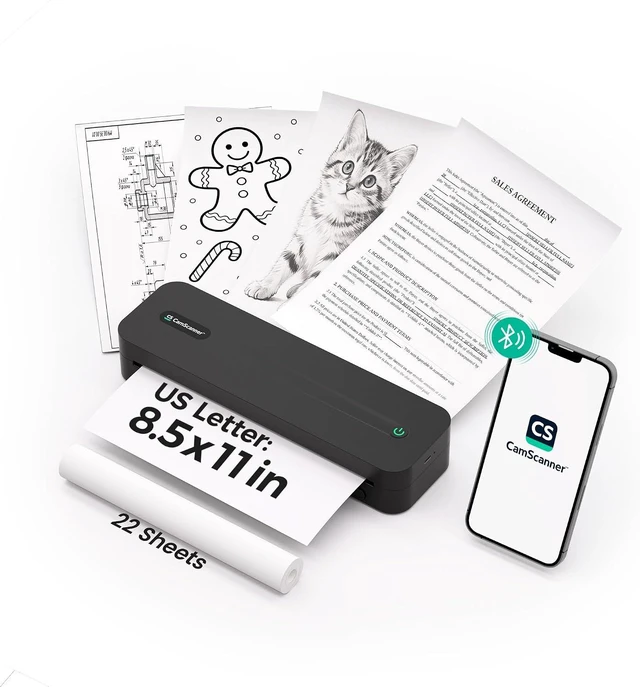
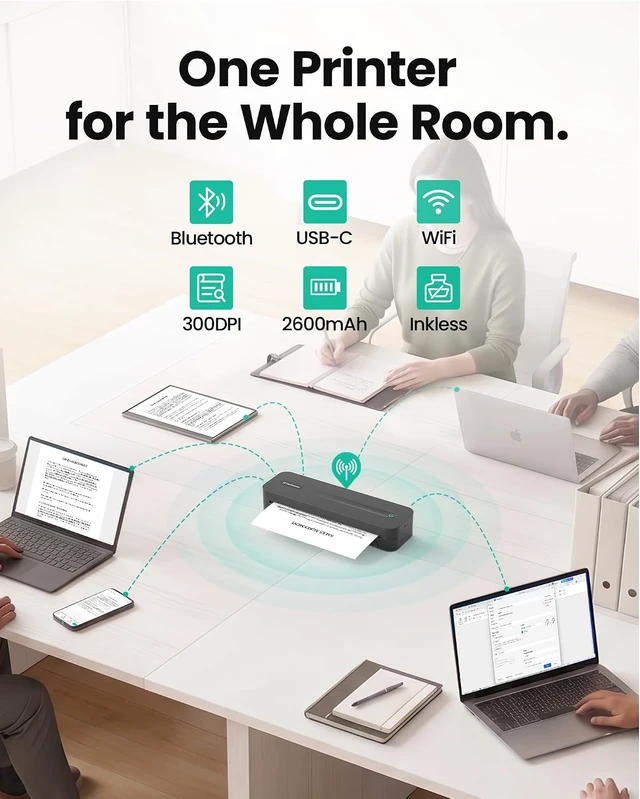
- Shared 2.4GHz Wi-Fi, Bluetooth&USB-C, CamScanner App Scan and Remote Print, Up to 200 Pages per Charge, 8.5 x 11 in, 300 DPI
- . . Put P1 Max on your 2.4GHz Wi-Fi network, and every phone, tablet, and computer in the room can reach it. Send at the same time and the jobs line up on their ownnobody stands over the desk waiting for a turn
- . P1 Max prints with heat, not ink. No cartridges to replace. No ink to dry out on a shelf. Nothing to buy but thermal paper. *Only compatible with 8.5 x 11 inches thermal paper
- . . It takes up about as much desk as a hotdog, so it can live on a shelf, a windowsill, or the corner of the kitchen tableand still print a full Letter page.
- , . 300 dpi is enough to hold 6-point type togetherthe row of legal text at the bottom of a contract, not just the headline at the top. Invoices, forms, and contracts come out clean on the first pass. *Print re
+
+
Overview
Specs
Reviews
Any questions? Ask CelesteSM will help you find out quickly.
Try me now
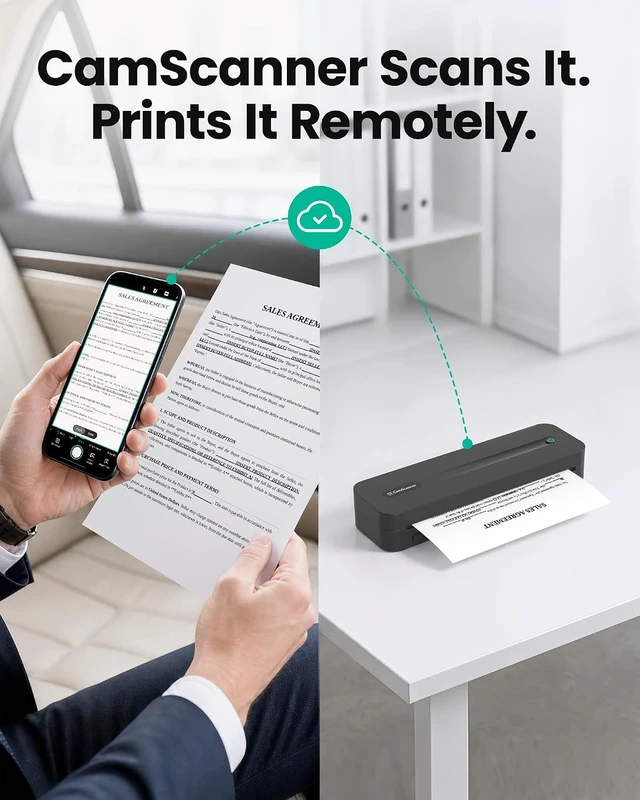
Connect your phone once in the app. After that you can send a job from the coffee shop, the cab, or seat 14Cand it's waiting on the tray when you walk in. *Remote printing requires P1 Max to be powered on and connected to the Wi-Fi with internet access. Feature availability may vary by region.
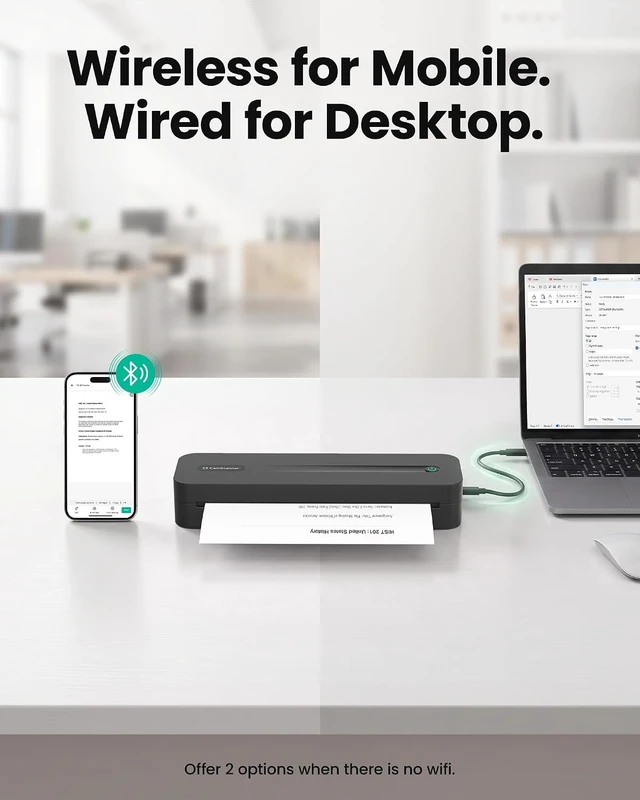
1Shared 2.4GHz Wi-Fi2Compact Profile3Bluetooth&Wired Printing4Enhanced Outputs52600mAh Battery
Does this printer work with regular paper?
No, this printer works exclusively with thermal paper. It uses advanced thermal technology to deliver crisp 300 DPI prints, which means you will never need to buy ink or toner again!
Do I need an app subscription to use the printer?
No. Scanning, automatic scan enhancement, and printing with your CamScanner printer are freeno subscription needed. Additional features like PDF editing, OCR, cloud sync, and file conversion may require a paid plan or be subject to usage limits.
Why does my printer print blank pages?
Check the paper first: scratch it with your fingernail the side that darkens must face the print head. For third-party paper, go to Print Settings > Paper Type and select "Continuous Paper" for rolls or "Single Sheet Paper" for sheets.
What devices are compatible with this printer?
Connect wirelessly via Bluetooth to iOS, Android, or Windows devices. For a wired setup, use a USB-C cable with your macOS or Windows PC after installing the drivers. (Note: Linux and ChromeOS are not supported at this time.)
How can I improve the print quality?
For best results, use a high-resolution file (min. 2480×3036px for full-page). In the CamScanner app, apply sharpening and choose a print filter: Text Only for bold text or Image & Text for fine details. Always use our official thermal paper.
Scanning perfected. Printing redefined. We spent years building the intelligent scanning engine trusted by over 300 million users. We know exactly what makes a document perfect. But digital capture was only the beginning. To give you total control over your workflow, we created the CamScanner hardware. It bridges the gap between your screen and your desk. Every scan translates perfectly to paper, captured by CamScanner and brought to life by our hardware. Your complete document ecosystem is here.
CamScanner P2 Pro
1Shared 2.4GHz Wi-Fi2Compact Profile3Bluetooth&Wired Printing4Enhanced Outputs52600mAh Battery
Does this printer work with regular paper?
No, this printer works exclusively with thermal paper. It uses advanced thermal technology to deliver crisp 300 DPI prints, which means you will never need to buy ink or toner again!
Do I need an app subscription to use the printer?
No. Scanning, automatic scan enhancement, and printing with your CamScanner printer are freeno subscription needed. Additional features like PDF editing, OCR, cloud sync, and file conversion may require a paid plan or be subject to usage limits.
Why does my printer print blank pages?
Check the paper first: scratch it with your fingernail the side that darkens must face the print head. For third-party paper, go to Print Settings > Paper Type and select "Continuous Paper" for rolls or "Single Sheet Paper" for sheets.
What devices are compatible with this printer?
Connect wirelessly via Bluetooth to iOS, Android, or Windows devices. For a wired setup, use a USB-C cable with your macOS or Windows PC after installing the drivers. (Note: Linux and ChromeOS are not supported at this time.)
How can I improve the print quality?
For best results, use a high-resolution file (min. 2480×3036px for full-page). In the CamScanner app, apply sharpening and choose a print filter: Text Only for bold text or Image & Text for fine details. Always use our official thermal paper.
Scanning perfected. Printing redefined. We spent years building the intelligent scanning engine trusted by over 300 million users. We know exactly what makes a document perfect. But digital capture was only the beginning. To give you total control over your workflow, we created the CamScanner hardware. It bridges the gap between your screen and your desk. Every scan translates perfectly to paper, captured by CamScanner and brought to life by our hardware. Your complete document ecosystem is here.
CamScanner P2 Pro
Warranty & Returns
Warranty, Returns, And Additional Information
Warranty
- Please contact the Seller directly for warranty information. Warranty information may also be found on the Manufacturer's website.
- CONTACT
Return Policies
- Return for refund within: 30 days
- Return for replacement within: 45 days
- This item is covered by Ali Wangwang E-commerce Limited Return Policy
Manufacturer Contact Info
- For a directory of all our manufacturers, please click below.
- Manufacturers Directory
LOADING...