• $85.99
  • Free 30-day Returns
  • Price alert
    Shop it at NeweggBusiness.

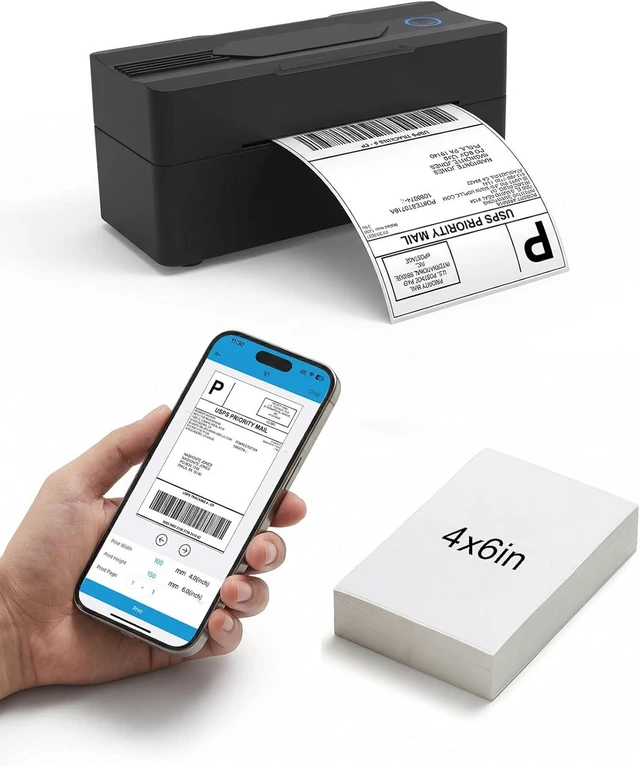
    Forc Bluetooth Thermal Shipping Label Printer, 4x6, Black

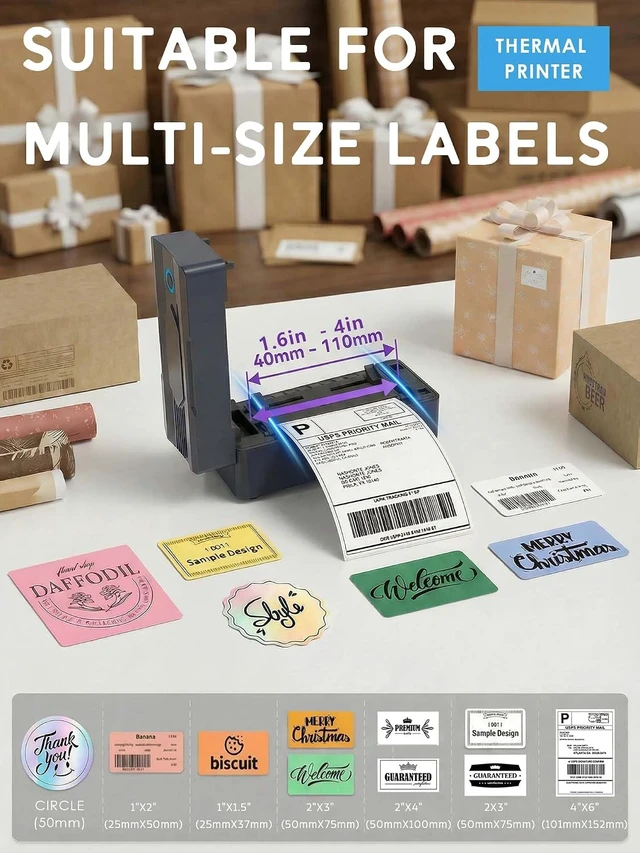
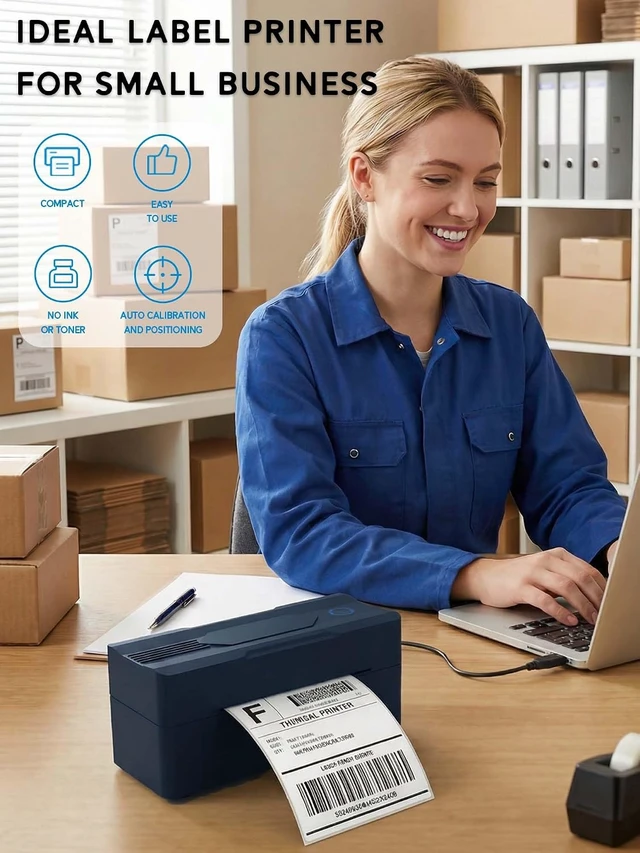
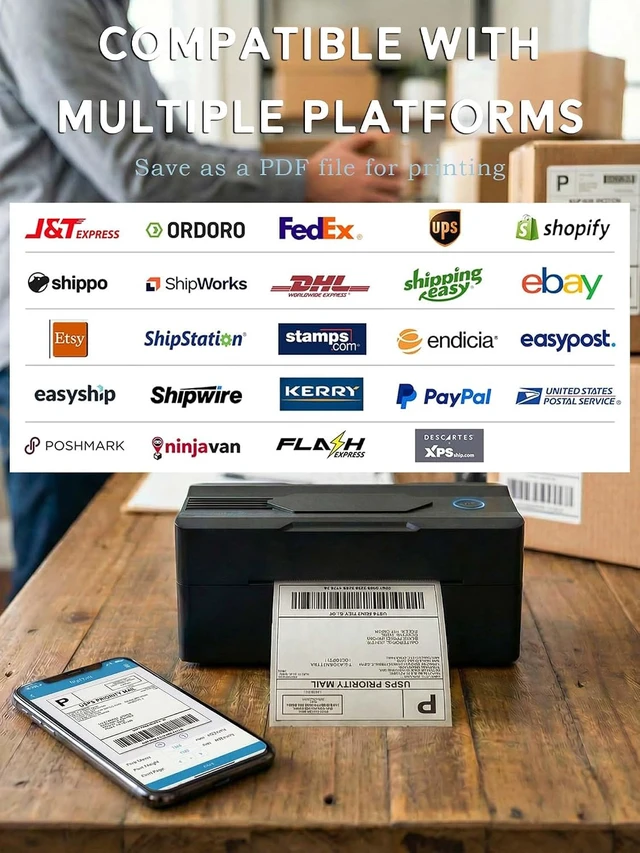
    • Wireless, Compatible with Android, iPhone, Windows & Mac, For Small Business, Works with Amazon, Etsy, USPS
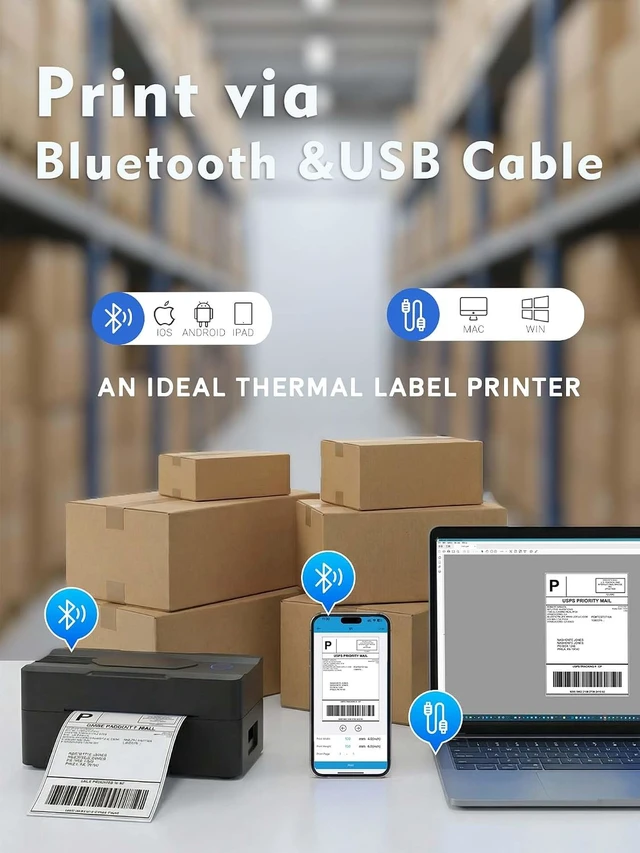
    • [Print via Bluetooth] - The bluetooth shipping label printer supports wireless printing via bluetooth connection. For IOS and Android - need to download the Bluetooth Printing App (Android App: Printed Label, iOS App: Zlabel). Note: Bluetooth only works for Android and iOS, Wi-Fi is not supported.
    • [Print via USB Cable] - The shipping label printer for Windows and Mac OS systems via USB cable. For PC printing needs to download the driver. (Note: All devices cannot be directly connected to Bluetooth and need to be used through the driver).
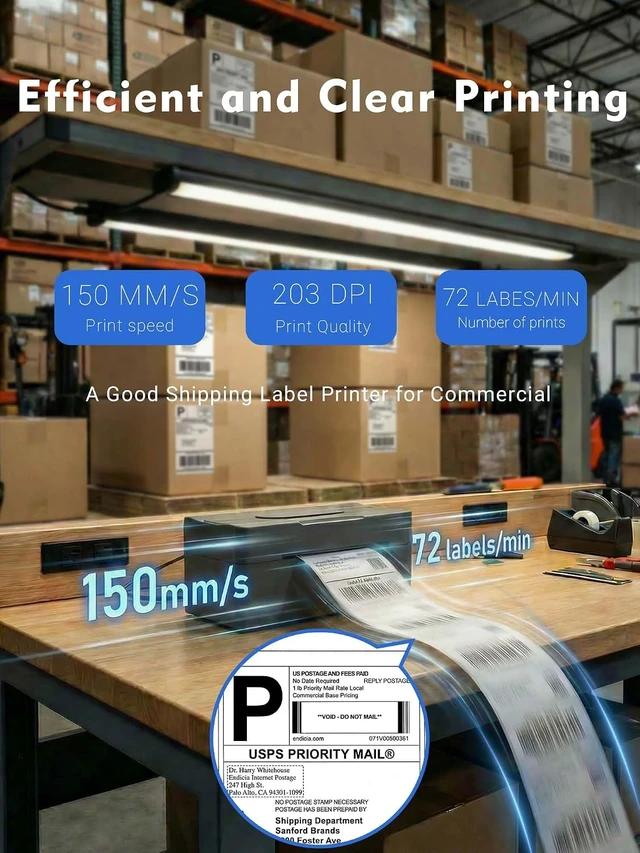
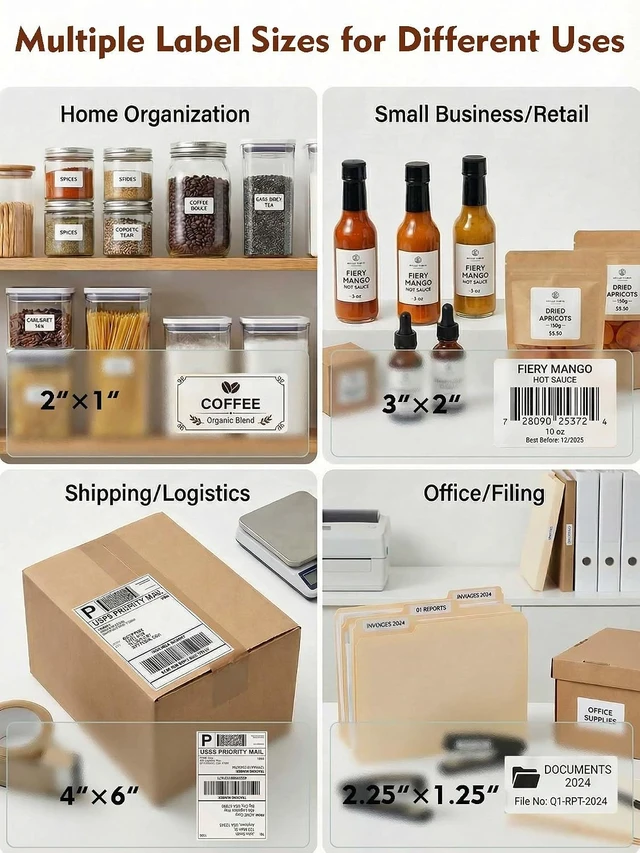
    • [Premium Thermal Printing] - Experience clear and professional label printing with our high-quality thermal printer. With 203 DPI resolution, perfect for shipping labels, inventory management and more. Say goodbye to ink and toner, saving you money and eliminating the hassle of replacing cartridges.
    • [Fast & Efficient Printing] - Increase pro
    +
    +
    Overview
    Specs
    Reviews

    Any questions? Ask CelesteSM will help you find out quickly.


    1.Phone and Tablet Start Print:
    Step 1: Scan QR code download the App (Android App: Printed Label, iOS App: Zlabel).
    Step 2: Turn on the blutooth label printer and your phone's or tablet's Bluetooth.
    Step 3: Click the App to search for the bluetooth signal, connect it via Bluetooth in the App, and select the paper size and file type to start printing.
    2.Laptop/PC Starts Printing
    Step 1: Turn on the thermal label printer and connect it to the computer using a USB cable.
    Step 2: Go to "This PC",open the Disk ,double click"Download driver and view User Manual"web page to download the driver and watch the installation tutorial videos,Select your print model to download 9270 driver.
    Step 3: Please check your laptop/PC's operating system (OS) download and install the correct 9270 driver from the website . Select and open your shipping label and print.
    3.Package includes:
    1xThermal printer
    1xUser Manual
    1xPower Adapter
    1x Type-C Cable
    30x Test labels
    4.More Cost Effective:
    The upgraded thermal printing technology allows the 4x6 thermal label printer no need for ink or toner, making your work more cost-effective. 203DPI high-definition printing, easy to scan and read. Automatic adjustment of label position functionto prevent paper waste.

    Warranty & Returns

    Warranty, Returns, And Additional Information

    Warranty

    • Please contact the Seller directly for warranty information. Warranty information may also be found on the Manufacturer's website.
    • CONTACT

    Return Policies

    Manufacturer Contact Info

    LOADING...