• $102.99
  • Free 30-day Returns
  • Price alert
    Shop it at NeweggBusiness.

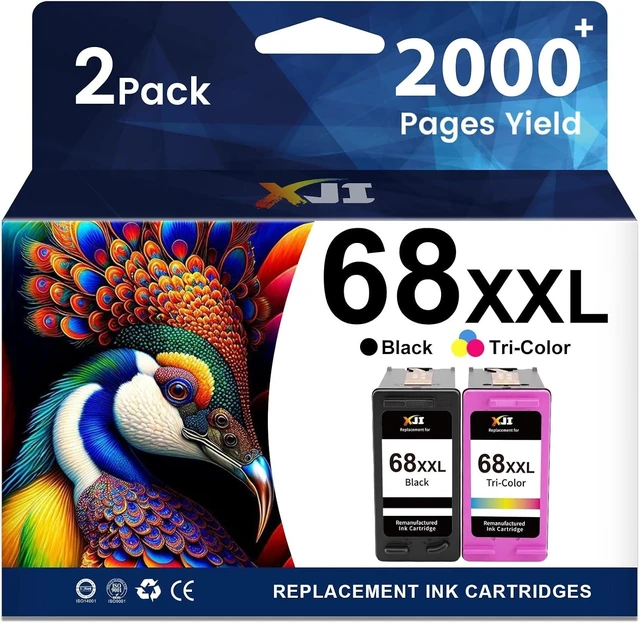
    68XXL 68XL Replacement for HP 68 Ink Cartridges Black/Color Combo Pack

    • 68e 68 XL 68XXL Compatible with HP Envy 6155e 6555e 6152e 6552e 6558e Printer (1 Black, 1 Tri-Color)
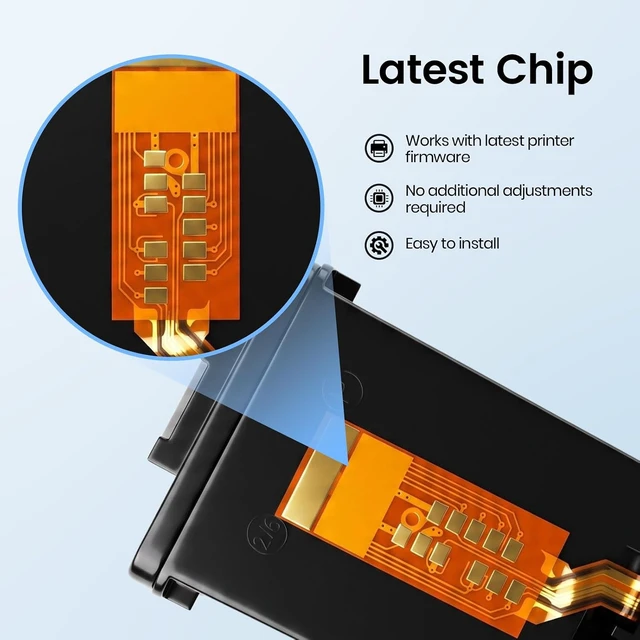
    • 68e 68XL 68XXL Ink With Upgraded Chip: XJI High Yield Ink Cartridges Replacement For hp 68 ink cartridges black/color combo. The Chip Allowing For Seamless Plug-And-Play Installation Without Manual Resets
    • Wide Compatibility List: Fully Compatible With hp envy 6155e ink cartridges work for HP Printers Envy 6100e 6500e Series: 6152e, 6155e, 6165e,6520e,6552e, 6555e, 6558e Printers, Hassle-free setup with consistent, dependable results
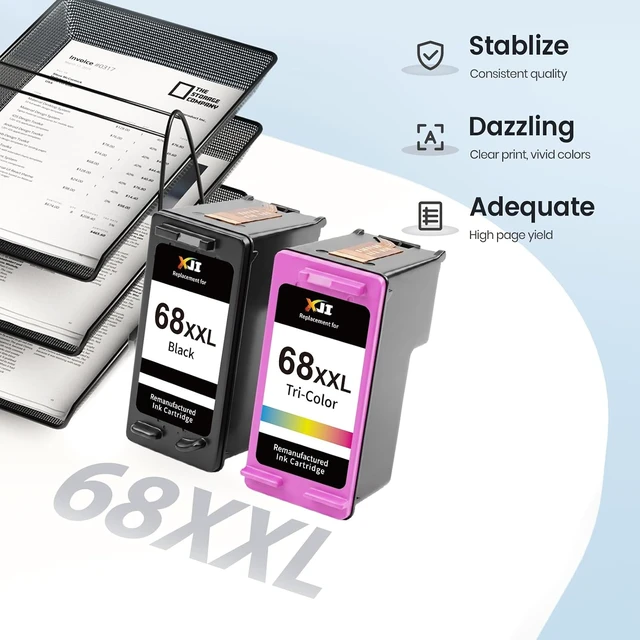
    • Package Contents: The Package Includes 1 Black 68XXL Compatible for hp 68 black ink cartridge and 1 Color 68XXL Compatible for hp 68 tri-color ink cartridge, Along With A User Guide For Easy Installation
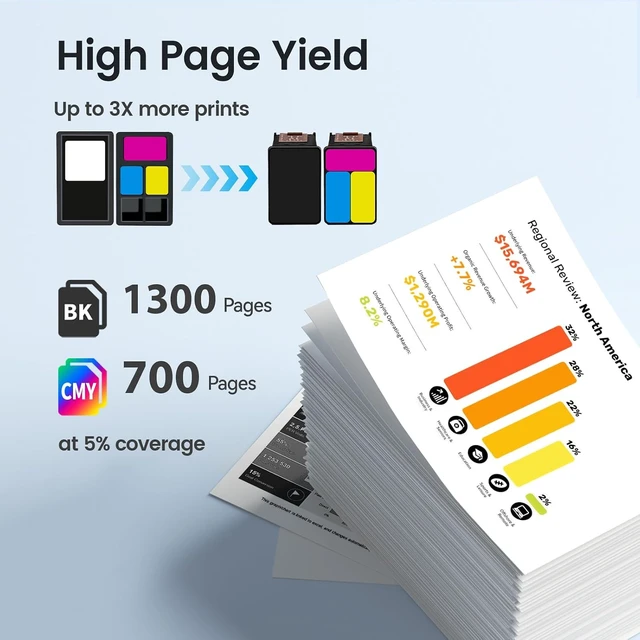
    • High Page Yield: Each up to 1300 pages for 68 XXL Black Ink Cartridge and Up to 700 Pages for 68 XXL color ink cartridge (At 5% Coverage On Letter/A4). Maximize Your Printing Budget. This High-Capacity Combo Pack Reduces Replacement Frequency
    • Quality A
    +
    +
    Overview
    Specs
    Reviews

    Any questions? Ask CelesteSM will help you find out quickly.


    My printer displays a pop-up message such as "Counterfeit," "Used," or "Refilled." Is this a defect? How do I proceed?
    This is normal firmware behavior. Just press Yes Continue OK on the screen. It will NOT affect print quality, color output, or cartridge life.
    Note:Not compatible with printers enrolled in HP+ subscription. Please confirm your printer's situation
    Will the ink level display normally, or will it show as "Low" / "Empty" immediately?
    No. Due to the chip, it may show "Empty" even when full. Just continue printing. It will only stop when ink is truly exhausted
    My printer doesn't recognize the cartridge. What should I do?
    Please fully remove the protective sealing tape from the cartridge bottom. If it persists, power off, unplug for 30s, and restart
    My printer displays a pop-up message such as "Counterfeit," "Used," or "Refilled." Is this a defect? How do I proceed?
    Will the ink level display normally, or will it show as "Low" / "Empty" immediately?
    My printer doesn't recognize the cartridge. What should I do?

    Warranty & Returns

    Warranty, Returns, And Additional Information

    Warranty

    • Please contact the Seller directly for warranty information. Warranty information may also be found on the Manufacturer's website.
    • CONTACT

    Return Policies

    Manufacturer Contact Info

    LOADING...