• $87.99
  • Free 30-day Returns
  • Price alert
    Shop it at NeweggBusiness.

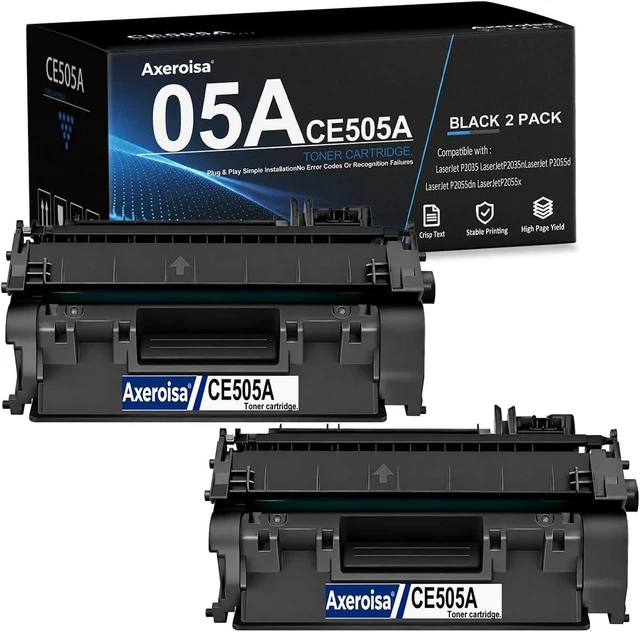
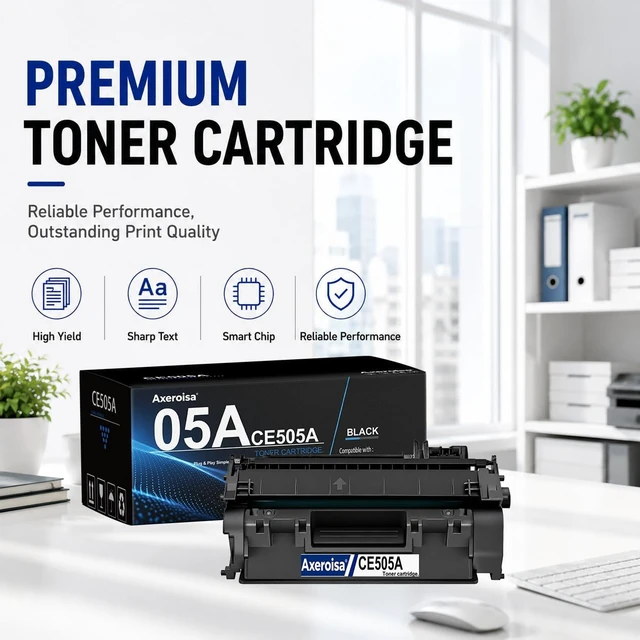
    05A CE505A Toner Cartridges Compatible for HP P2035 P2055dn, Black, 2-Pack

    • 05A CE505A Toner Cartridges Compatible for HP P2035 P2055dn P2035n P2055 P2055d P2055x
    • Compatible Printers: 05A CE505A compatible with HP LaserJet P2035, P2035n, P2055, P2055dn, P2055d, P2055x.
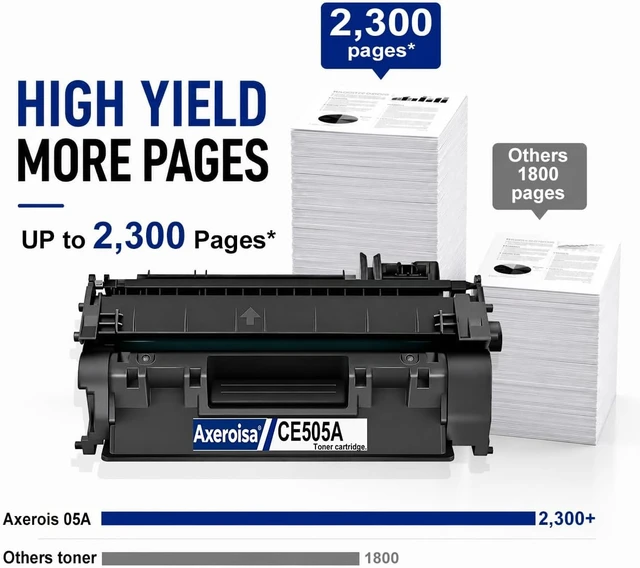
    • High Page Yield: 05A CE505A: up to 2,300 pages per black cartridge. Estimated at 5% coverage on A4/Letter paper. Actual yield varies with page content, coverage and print settings.
    • Package Contents: Includes 2 05A toner cartridges: 2 black. Replacement codes: CE505A. Use one cartridge at a time and keep the remaining cartridge packaged until needed.
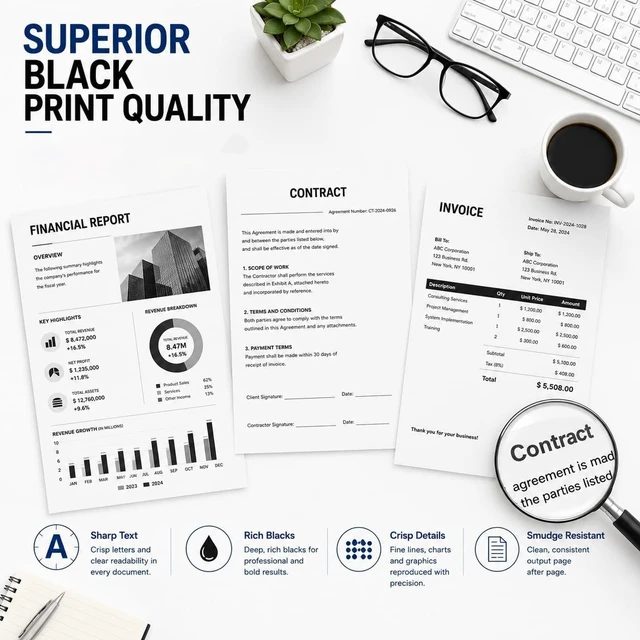
    • Document Printing: 05A CE505A Black toner is designed for text documents, invoices, spreadsheets and reports. For compatible P2035 and P2055dn printers.
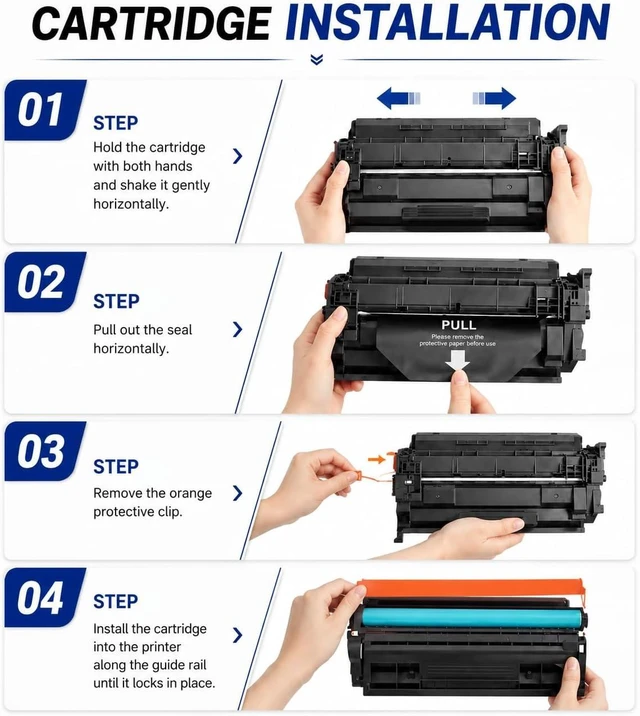
    • Installation: Before installing 05A toner, confirm your printer model and cartridge code, then remove the packaging and protective materials indicated in the supplied instructions. Seat the cartridge in the correct position and close the printer cover.
    +
    +
    Overview
    Specs
    Reviews

    Any questions? Ask CelesteSM will help you find out quickly.

    05A CE505A Toner Cartridges Compatible for HP P2035 P2055dn P2035n P2055 P2055d P2055x
    Compatible Printers: 05A CE505A compatible with HP LaserJet P2035, P2035n, P2055, P2055dn, P2055d, P2055x.
    High Page Yield: 05A CE505A: up to 2,300 pages per black cartridge. Estimated at 5% coverage on A4/Letter paper. Actual yield varies with page content, coverage and print settings.
    Package Contents: Includes 2 05A toner cartridges: 2 black. Replacement codes: CE505A. Use one cartridge at a time and keep the remaining cartridge packaged until needed.
    Document Printing: 05A CE505A Black toner is designed for text documents, invoices, spreadsheets and reports. For compatible P2035 and P2055dn printers.
    Installation: Before installing 05A toner, confirm your printer model and cartridge code, then remove the packaging and protective materials indicated in the supplied instructions. Seat the cartridge in the correct position and close the printer cover.

    Warranty & Returns

    Warranty, Returns, And Additional Information

    Warranty

    • Please contact the Seller directly for warranty information. Warranty information may also be found on the Manufacturer's website.
    • CONTACT

    Return Policies

    Manufacturer Contact Info

    LOADING...