Your Browsing History
- Free 30-day Returns
$137.99
Meet Your Seller
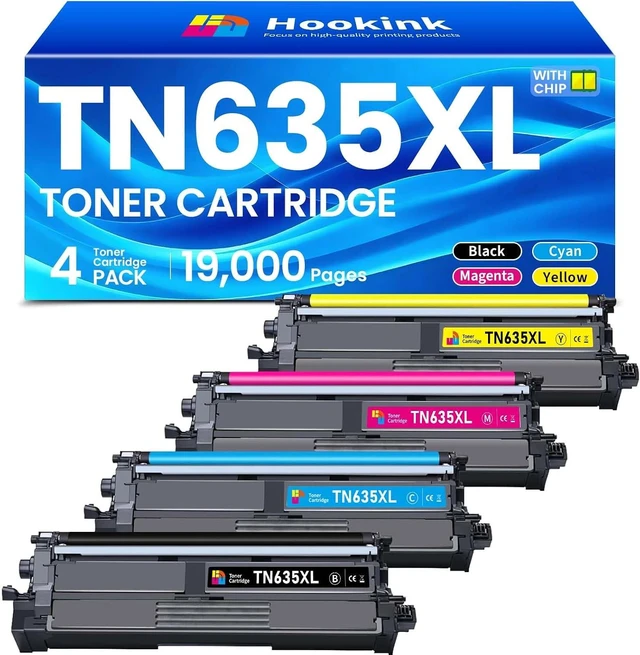
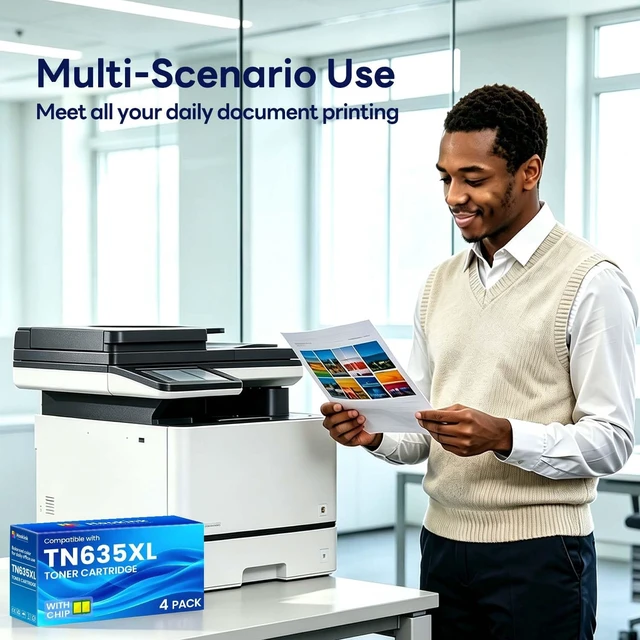
TN635XL TN635 Toner Cartridge Set 4-Pack for HL-L8430CDW with Chip
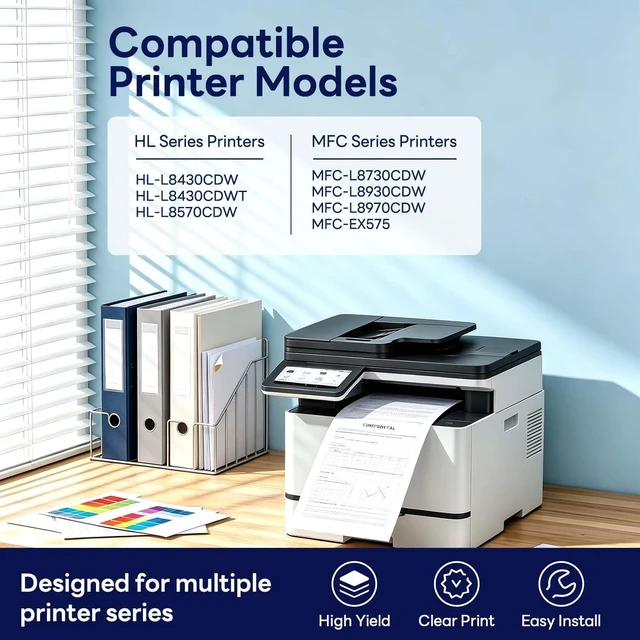
- Compatible for Brother HL-L8570CDW L8430CDWT MFC-L8730CDW MFC-L8930CDW MFC-L8970CDW EX575 Printer
- Stable Compatibility: This high yield TN635XL TN-635XL toner work for HL-L8430CDW, HL-L8430CDWT, HL-L8570CDW, MFC-L8730CDW, MFC-L8930CDW, MFC-L8970CDW, MFC-EX575 Printers.
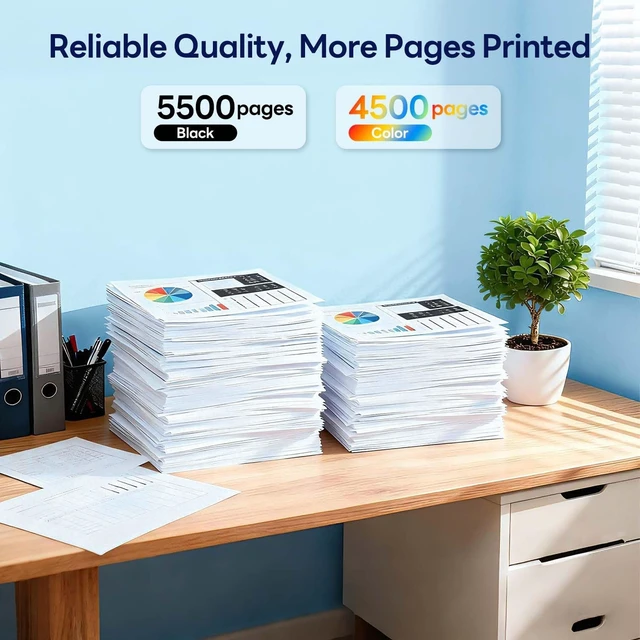
- Outstanding Page Yield: Experience outstanding print efficiency with the Hookink TN635XL toner cartridge. Up to 5500 pages per TN635XL black toner. Up to 4500 pages for TN635XL color toner cartridges. (at 5% coverage of A4 paper.)
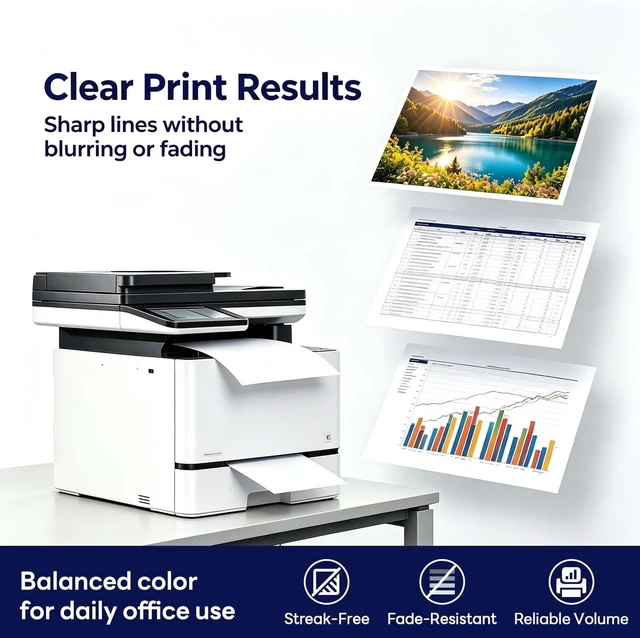
- Outstanding Print Quality: Every TN635XL toner cartridge undergoes a rigorous quality testing program for greater compatibility, delivering crisp black images and text without breaks or jams. Bring your documents to life while protecting your printer.
- Package Contains: 1 x TN635XLBK toner,1 x TN635XLC toner,1 x TN635XLM toner, 1 x TN635XLY toner,
- New version: Hookink Replacement for Brother TN635XL TN-635XL TN635 for HL-L8430CDW Toner Cartridge 4 pack.
+
+
Overview
Specs
Reviews
Any questions? Ask CelesteSM will help you find out quickly.
Try me now
My printer shows "No Toner", "Replace Toner" or "Toner Low", what can I do?
Please try the two methods below: 1. Open and close the front cover of the printer 2. Turn the printer power off and on again, keep operating until the screen shows "Non Brother Toner", then press "Yes".
What does "Non Brother Toner" mean?
This is a normal prompt for compatible toner cartridges, it does not mean the toner is defective. Just press "Yes" to continue printing.
After pressing "Yes", will this affect my printer?
It will not damage your printer, this is only a recognition reminder for third-party toner, and the printer can work normally.
Is this suitable to replace original TN635 and TN635XXL toner cartridges?
Yes. This TN635XL toner replaces TN635/TN635XXL for Brother MFC-L8930CDW. It is easy to install and delivers stable page yield.
My printer shows "No Toner", "Replace Toner" or "Toner Low", what can I do?
What does "Non Brother Toner" mean?
After pressing "Yes", will this affect my printer?
Is this suitable to replace original TN635 and TN635XXL toner cartridges?
Please try the two methods below: 1. Open and close the front cover of the printer 2. Turn the printer power off and on again, keep operating until the screen shows "Non Brother Toner", then press "Yes".
What does "Non Brother Toner" mean?
This is a normal prompt for compatible toner cartridges, it does not mean the toner is defective. Just press "Yes" to continue printing.
After pressing "Yes", will this affect my printer?
It will not damage your printer, this is only a recognition reminder for third-party toner, and the printer can work normally.
Is this suitable to replace original TN635 and TN635XXL toner cartridges?
Yes. This TN635XL toner replaces TN635/TN635XXL for Brother MFC-L8930CDW. It is easy to install and delivers stable page yield.
My printer shows "No Toner", "Replace Toner" or "Toner Low", what can I do?
What does "Non Brother Toner" mean?
After pressing "Yes", will this affect my printer?
Is this suitable to replace original TN635 and TN635XXL toner cartridges?
Warranty & Returns
Warranty, Returns, And Additional Information
Warranty
- Please contact the Seller directly for warranty information. Warranty information may also be found on the Manufacturer's website.
- CONTACT
Return Policies
- Return for refund within: 30 days
- Return for replacement within: 45 days
- This item is covered by Ali Wangwang E-commerce Limited Return Policy
Manufacturer Contact Info
- For a directory of all our manufacturers, please click below.
- Manufacturers Directory
LOADING...