Your Browsing History
- Free 30-day Returns
$238.99
Meet Your Seller
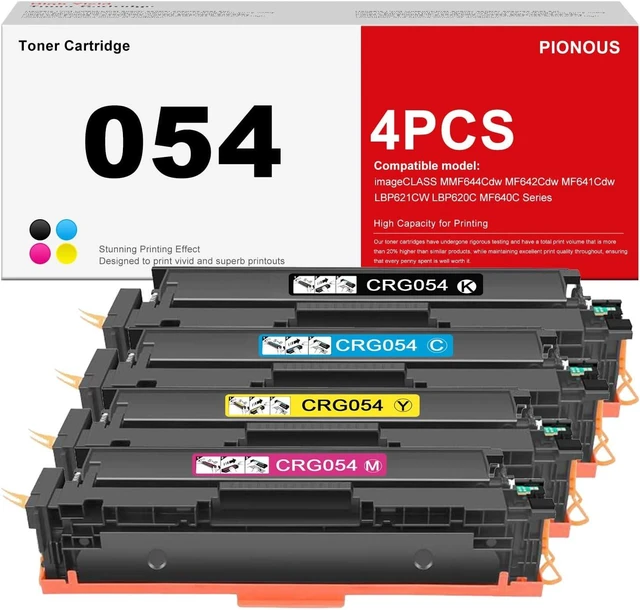
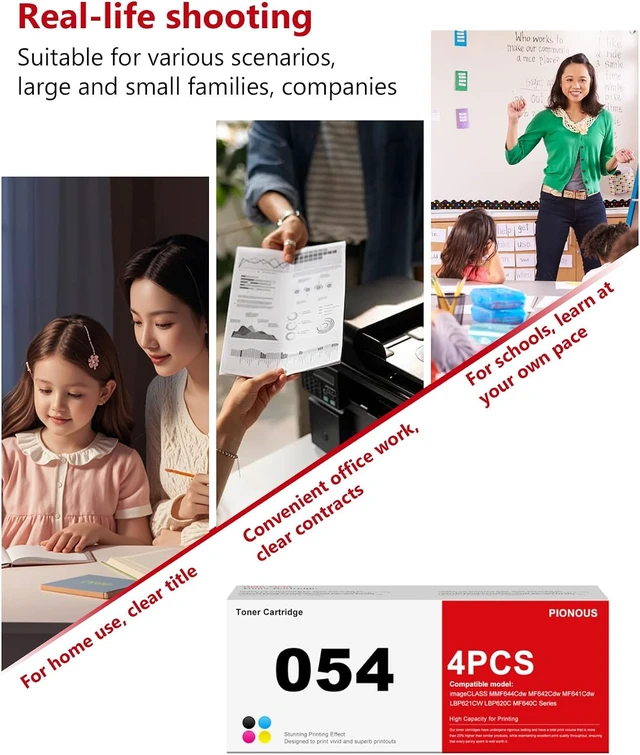
054 Toner Cartridge Set Replacement for Canon 054 054H CRG-054
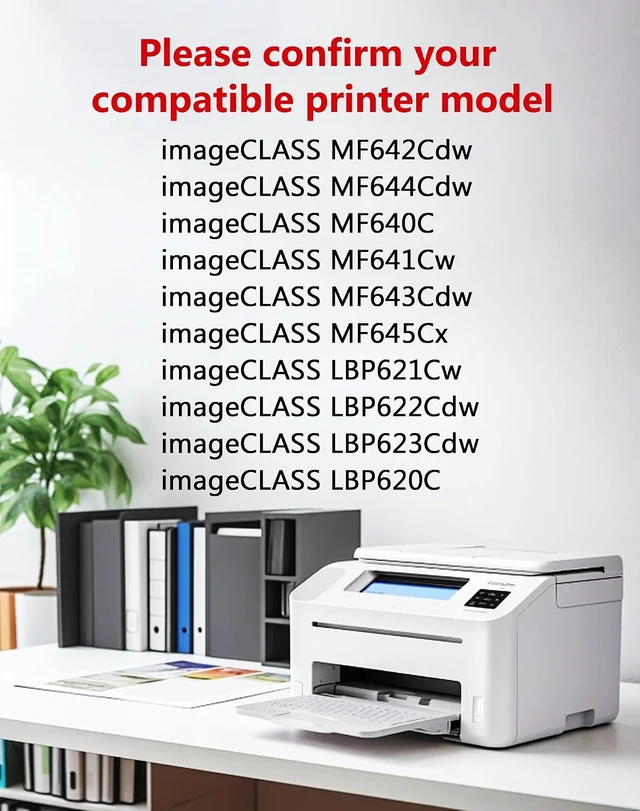
- Compatible with Color imageCLASS MF642Cdw MF644Cdw MF641Cw LBP623Cdw LBP622Cdw Printer (4-Pack, B/C/M/Y)
- Package Contents: 4 Pack 054 high yield compatible toner cartridge CRG-054 054h toner cartridges set for MF644Cdw MF642Cdw MF641Cw LBP622Cdw toner
- Compatible Printer Models: Color imageCLASS MF642Cdw MF644Cdw MF641Cw MF643Cdw MF645Cx LBP621Cw LBP622Cdw LBP623Cdw MF640C LBP620C Printer
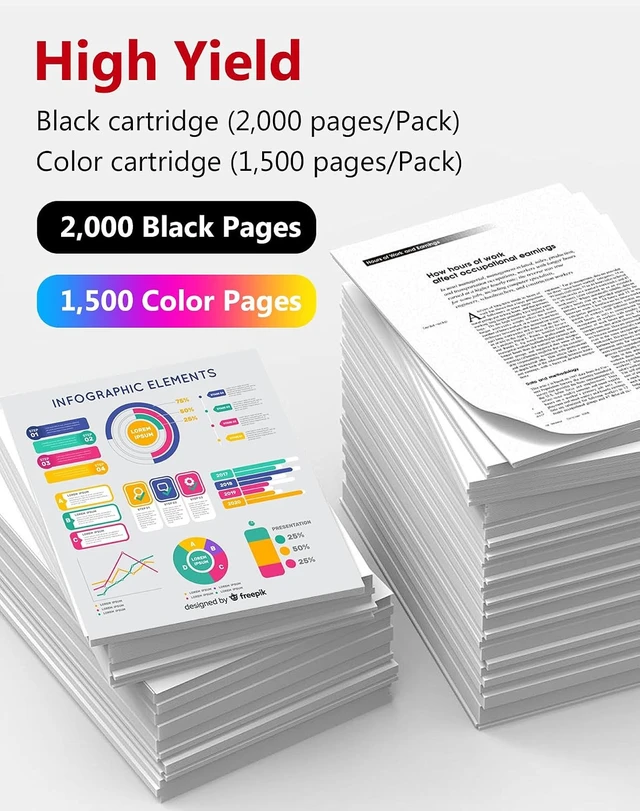
- Page Yield: Up to 2,000 pages per Black 054 toner cartridge, 1,500 pages per Color 054 toner cartridge at 5% coverage (A4 paper size), compatible for MF644Cdw, MF642Cdw toner
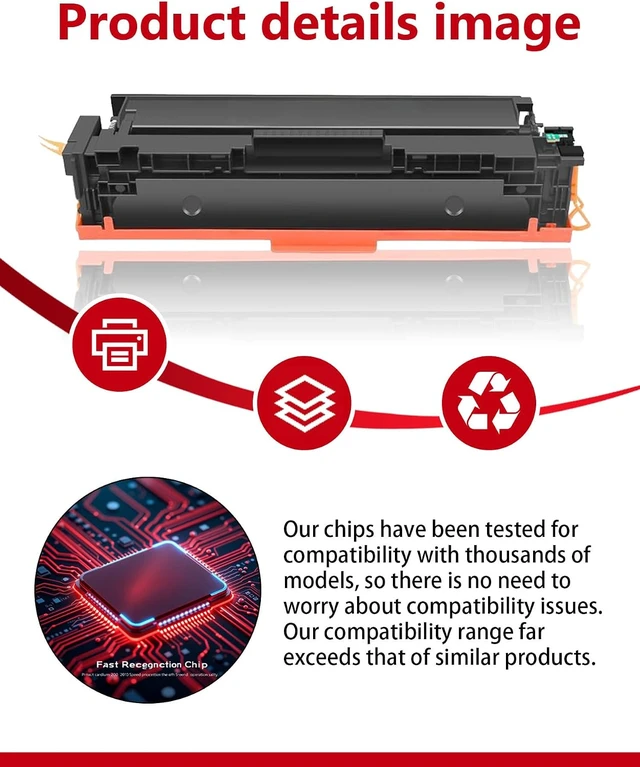
- Excellent performance: Each of our 054 toner cartridges goes through a rigorous quality testing procedure to ensure quality and compatibility with your printer
- Rigorous Manufacturing Process: All products utilize high quality components and fine toner to give you excellent printing results. Easy installation and won't damage your printer
+
+
Overview
Specs
Reviews
Any questions? Ask CelesteSM will help you find out quickly.
Try me now
Is the toner cartridge easy to install?
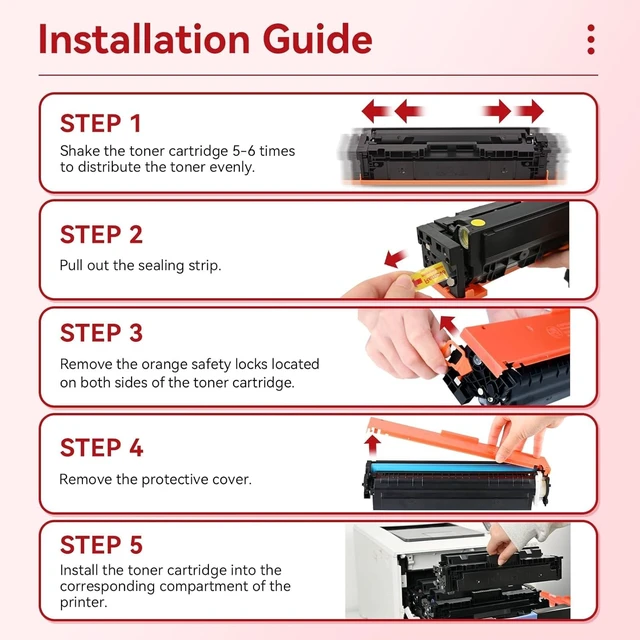
Yes, installation is quick and simple. Remove the protective cover, gently shake, and insert into your printer until it clicks.
What should I do if my printer does not recognize the toner cartridge?
Remove the cartridge and reinstall it firmly. Make sure all protective covers and sealing tape are completely removed, then restart the printer and try again.
How can I tell when the toner cartridge needs replacement?
When prints show faded text, vertical streaks, or uneven black density, it's time to replace your toner cartridge.
Why did I get fewer pages than the claimed yield?
Our 054 toner cartridge set claim up to 2000 pages per black and 1500 pages per color at 5% coverage (Letter/A4). Actual yield varies by print coverage, content type, and settings heavy images or high coverage reduce pages. This is standard.
Is the toner cartridge easy to install?
What should I do if my printer does not recognize the toner cartridge?
How can I tell when the toner cartridge needs replacement?
Why did I get fewer pages than the claimed yield?
Warranty & Returns
Warranty, Returns, And Additional Information
Warranty
- Please contact the Seller directly for warranty information. Warranty information may also be found on the Manufacturer's website.
- CONTACT
Return Policies
- Return for refund within: 30 days
- Return for replacement within: 45 days
- This item is covered by Ali Wangwang E-commerce Limited Return Policy
Manufacturer Contact Info
- For a directory of all our manufacturers, please click below.
- Manufacturers Directory
LOADING...