• $213.99
  • Free 30-day Returns
  • Price alert
    Shop it at NeweggBusiness.

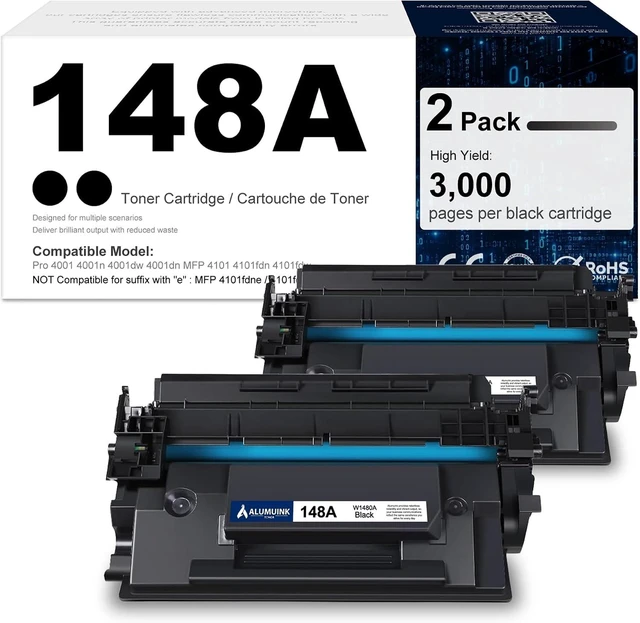
    148A Toner Cartridge 2-Pack Compatible for HP 148A W1480A Toner Cartridge

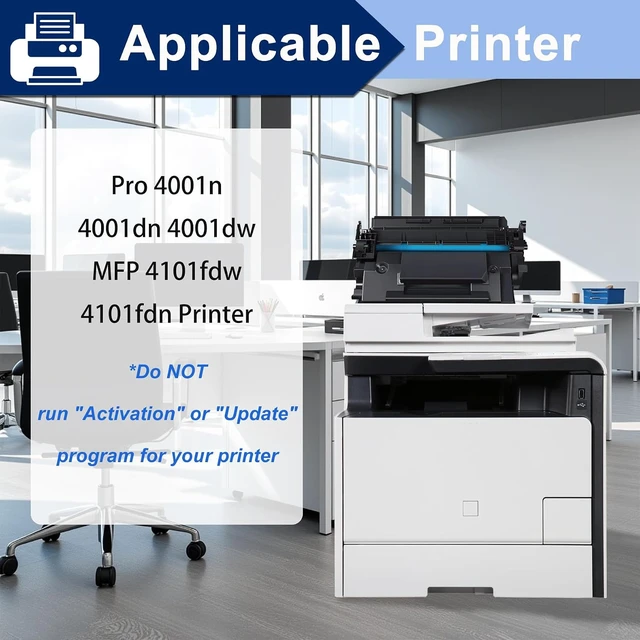
    • Compatible with Pro 4001n 4001dw 4001dn MFP 4101fdn 4101fdw Printer, High Yield Replacement for HP 148A Toner Cartridge
    • You will get - 2 Pack Compatible 148A Black Toner Cartridge
    • Compatible printers - Pro 4001 4001n 4001dw 4001dn MFP 4101 4101fdn 4101fdw NOT compatible with printers suffix with Letter "e"such as MFP 4101fdne/ 4101fdwePro 4001ne/ Pro 4001dne/ Pro 4001dwe
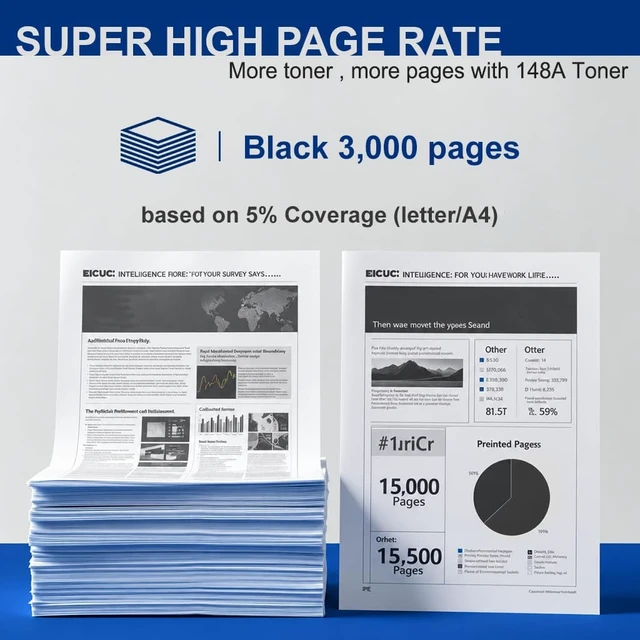
    • Page Yield - 3000 pages per black toner cartridge at 5% coverage (Letter/A4)
    • High quality - firm fixation, clear colors, low powder consumption, high resolution, easy printing to handle various office documents
    • Attention - Before using a third-party cartridge with a compatible chip, you must disable the printers original-consumable verification feature. To do so, navigate to: Settings Supply Settings Cartridge Supply and set it to Off. Additionally, to prevent future firmware updates from blocking compatible toner cartridges, it is strongly recommended that you also turn off both Printer AutoUpdate and Fi
    +
    +
    Overview
    Specs
    Reviews

    Any questions? Ask CelesteSM will help you find out quickly.

    Compatible with Pro 4001n 4001dw 4001dn MFP 4101fdn 4101fdw Printer, High Yield Replacement for HP 148A Toner Cartridge
    You will get - 2 Pack Compatible 148A Black Toner Cartridge
    Compatible printers - Pro 4001 4001n 4001dw 4001dn MFP 4101 4101fdn 4101fdw NOT compatible with printers suffix with Letter "e"such as MFP 4101fdne/ 4101fdwePro 4001ne/ Pro 4001dne/ Pro 4001dwe
    Page Yield - 3000 pages per black toner cartridge at 5% coverage (Letter/A4)
    High quality - firm fixation, clear colors, low powder consumption, high resolution, easy printing to handle various office documents
    Attention - Before using a third-party cartridge with a compatible chip, you must disable the printers original-consumable verification feature. To do so, navigate to: Settings Supply Settings Cartridge Supply and set it to Off. Additionally, to prevent future firmware updates from blocking compatible toner cartridges, it is strongly recommended that you also turn off both Printer AutoUpdate and Firmware Update within the same Settings menu

    Warranty & Returns

    Warranty, Returns, And Additional Information

    Warranty

    • Please contact the Seller directly for warranty information. Warranty information may also be found on the Manufacturer's website.
    • CONTACT

    Return Policies

    Manufacturer Contact Info

    LOADING...