• $72.99
  • Free 30-day Returns
  • Price alert
    Shop it at NeweggBusiness.

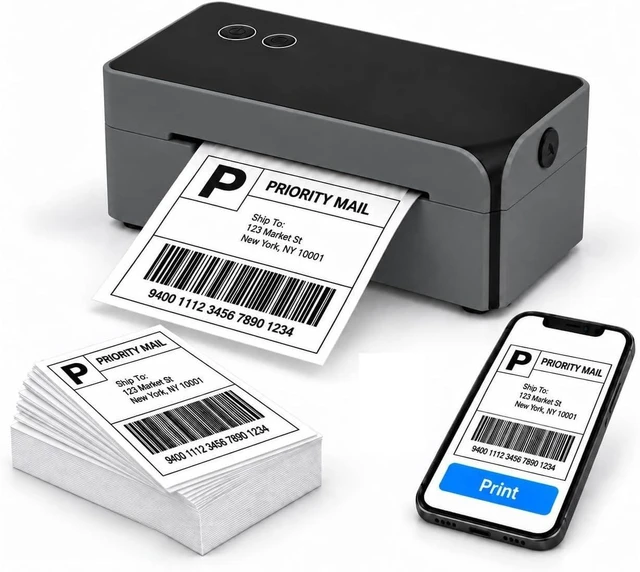
    Bluetooth Thermal Shipping Label Printer, 4x6 Thermal Label Printer

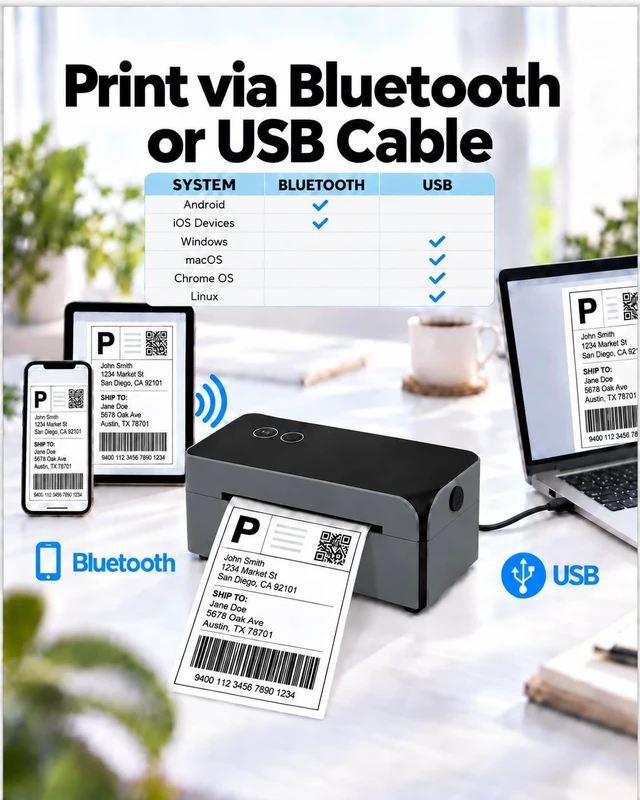
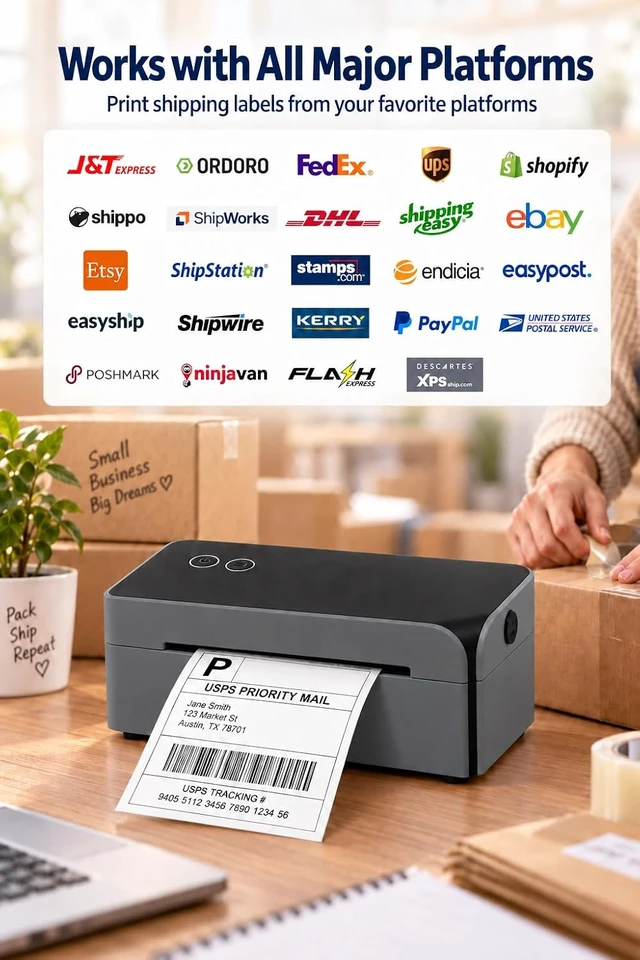
    • Quick Setup, Fast Speed, Crisp Print Quality, Compatible with iPhone, Android, Windows&Mac, Work with Amazon Shopify Etsy UPS
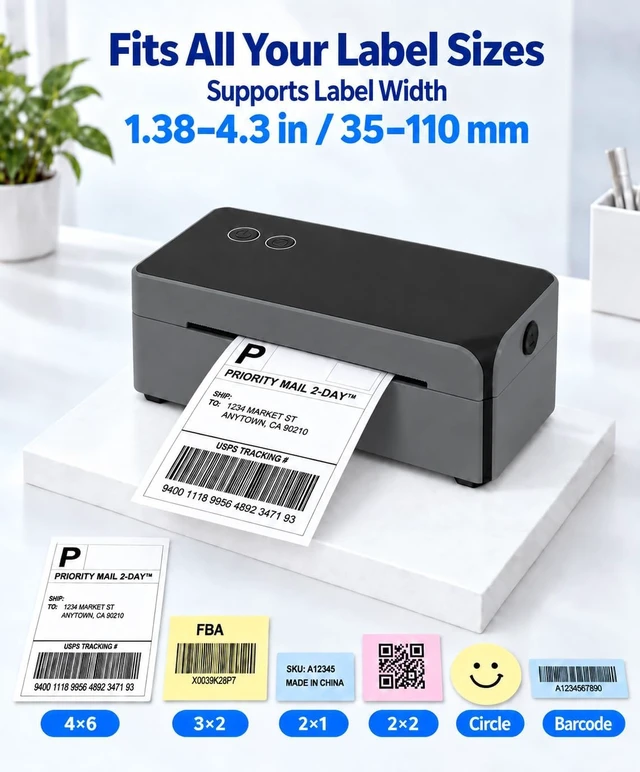
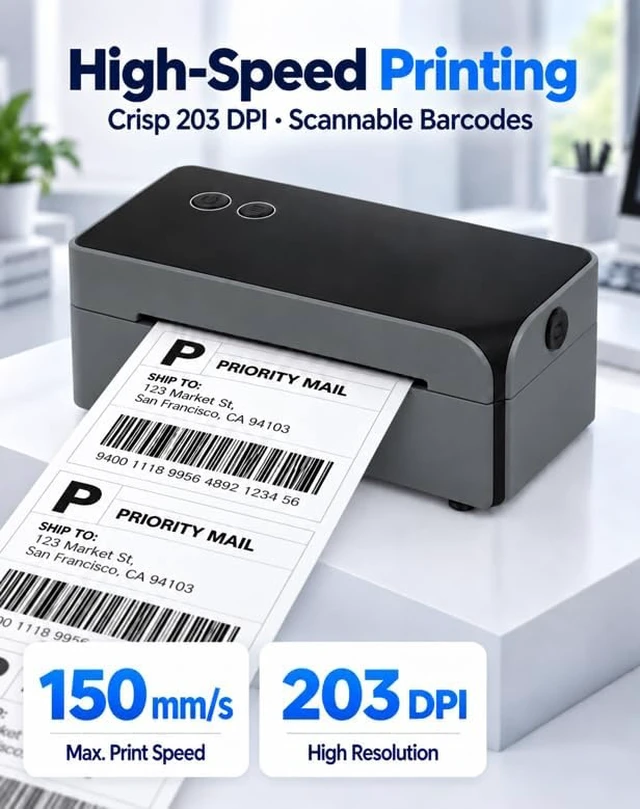
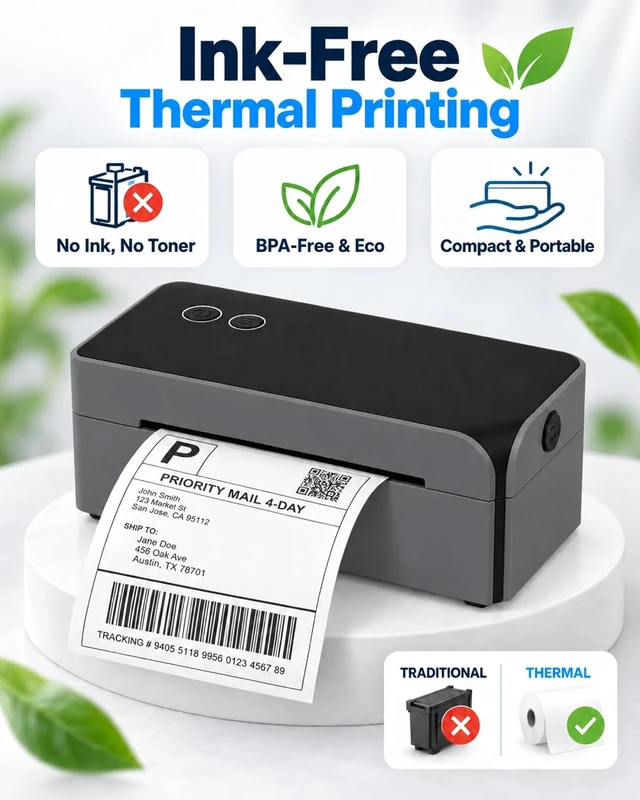
    • Direct Thermal Performance - This label printer delivers direct thermal performance. As a thermal printer, it prints at 203 dpi and up to 150 mm/s without ink, toner, or ribbons. Whether you need a shipping label printer, a thermal label printer, or a thermal shipping label printer, choose compatible direct thermal labels within the supported 25 to 110 mm width
    • Compact for Daily Fulfillment - This compact label printer measures 7.20 x 3.15 x 2.66 in, weighs about 1.17 lb, and fits home offices, small shops, and packing stations. As a thermal printer, it is compact for daily fulfillment. Whether you need a shipping label printer, a thermal label printer, or a thermal shipping label printer, a 24V power adapter keeps it ready at a dedicated workstation
    • Status You Can Act On - On this label printer, green indicates ready and blue confirms Bluetooth. As a therma
    +
    +
    Overview
    Specs
    Reviews

    Any questions? Ask CelesteSM will help you find out quickly.


    Why is my label printing blank ?
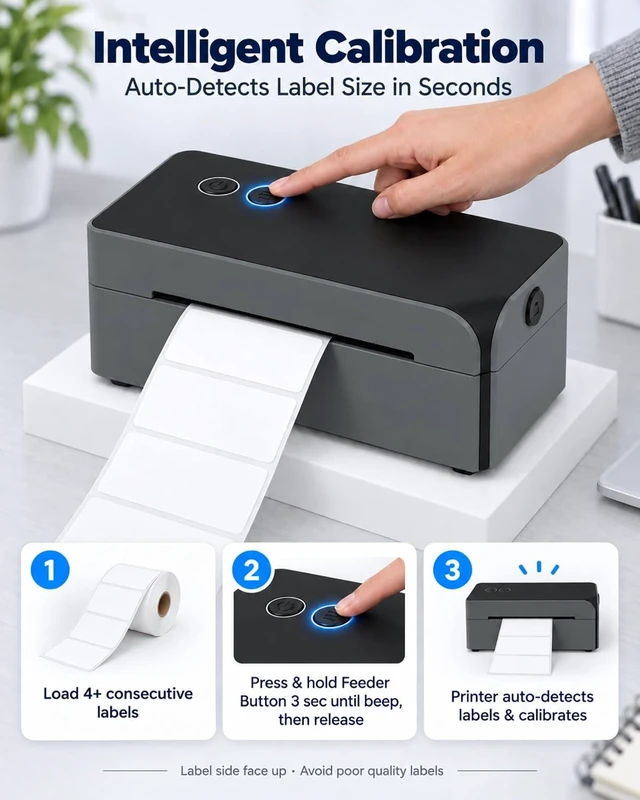
    Confirm that the printable side faces up, then check the selected size and runcalibration after reloading.
    What if Bluetooth is not detected ordisconnects?
    Check phone Bluetooth, open Labelnize, select LP610BT in the app, and verify theblue status light. If it still fails, capture the OS, app version, and LED status for support.
    How do I keep barcodes clear andscannable ?
    Use compatible direct thermal media, match the page size, keep the print head clean,and scan-test one label before a batch.
    How do I calibrate after changing labels?
    Load at least four labels, hold Feed about 3 seconds, release after one beep, and letthe printer identify the media.
    How to use Bluetooth connection on mobile phone? How to install the driver on Windows? How to install the driver on macOS? Why is my label printing blank ?
    What if Bluetooth is not detected ordisconnects?
    How do I keep barcodes clear andscannable ?
    How do I calibrate after changing labels?

    Warranty & Returns

    Warranty, Returns, And Additional Information

    Warranty

    • Please contact the Seller directly for warranty information. Warranty information may also be found on the Manufacturer's website.
    • CONTACT

    Return Policies

    Manufacturer Contact Info

    LOADING...