USB ConnectionSetup Guide
Learn how to connect your portable thermal label printer to a computer via USB with this easy step-by-step tutorial. Follow the setup process, install the required driver, add your printer, and start printing shipping labels with ease. This guide helps you get started quickly and enjoy convenient, reliable printing for your home, office, or small business.
Learn how to connect your portable thermal printer to your compatible mobile device via Bluetooth. Follow the simple step-by-step instructions to set up the connection, open the printer app, and start printing documents and labels with ease. Enjoy convenient wireless printing at home, in the office, or on the go. Please ensure Bluetooth is enabled and follow the instructions in the printer app before printing.
What devices is this printer compatible with?
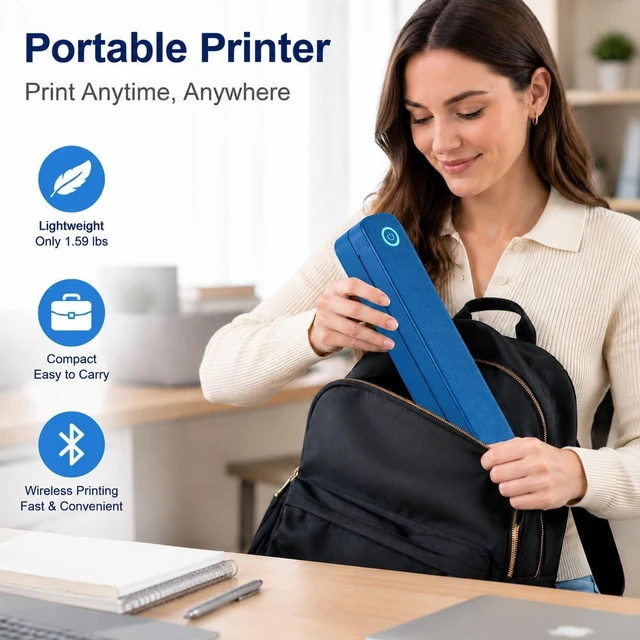
This printer connects wirelessly via Bluetooth to smartphones, tablets, and laptops including iPhone and Android devices. Simply download the companion app to start printing documents, photos, labels, and notes with ease.
How long does the battery last on a single charge?
The built-in 2600mAh rechargeable battery provides extended printing time, so you can stay productive on the go without frequent recharging. It charges conveniently via USB-C, making it ideal for travel and remote work.
What can I print with this portable printer?
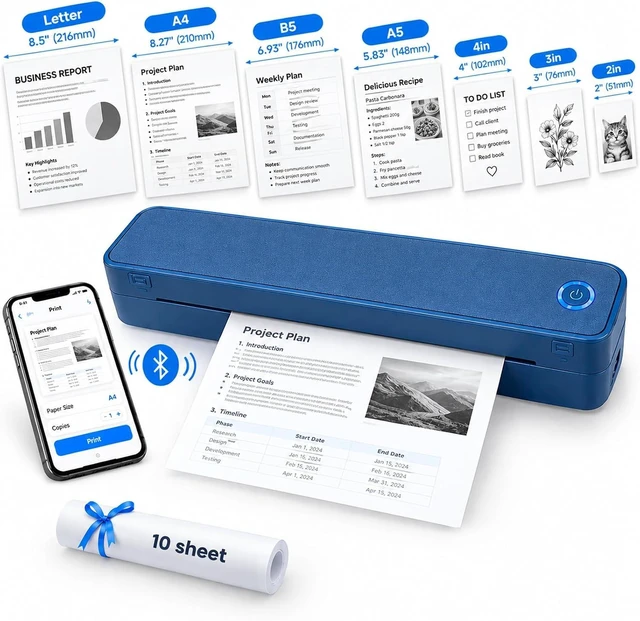
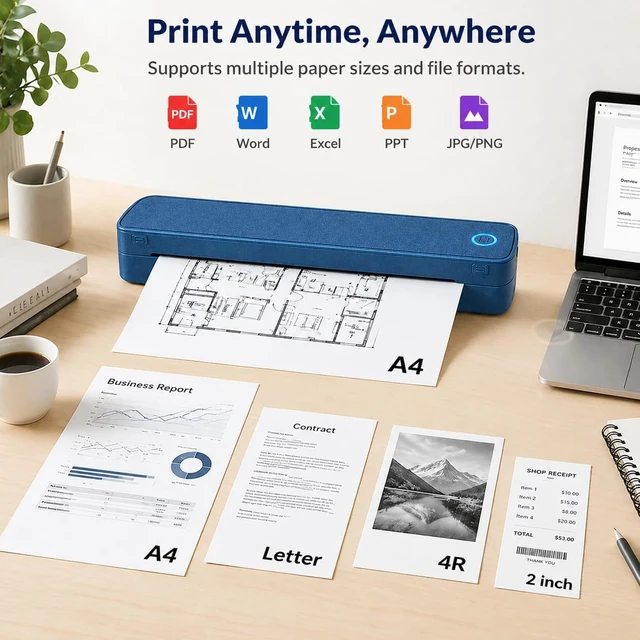
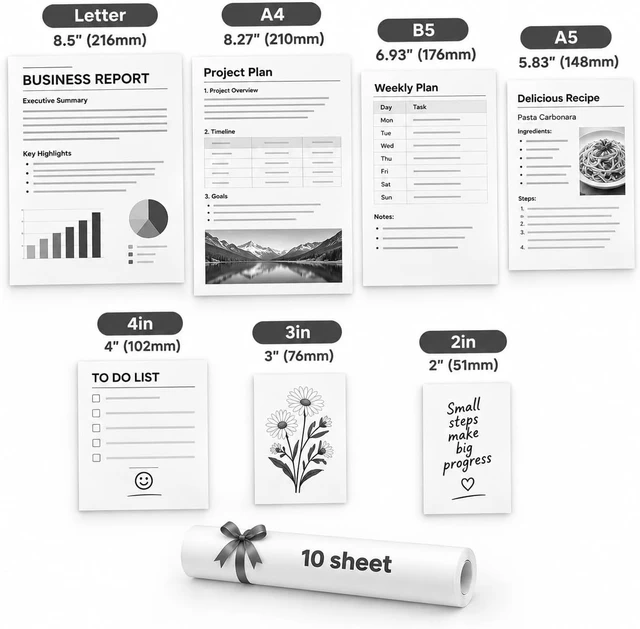
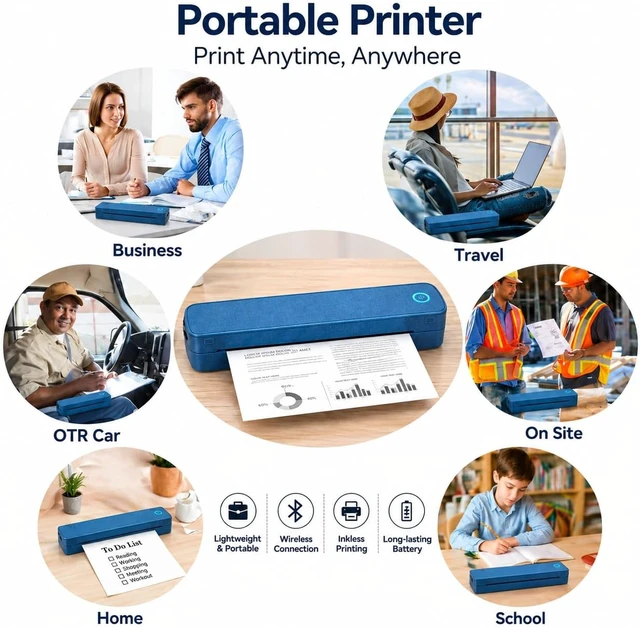
This printer supports a wide range of print jobs, including documents, photos, labels, receipts, checklists, schedules, study materials, and daily notes making it a versatile solution for students, professionals, and families alike.
What is included in the box?
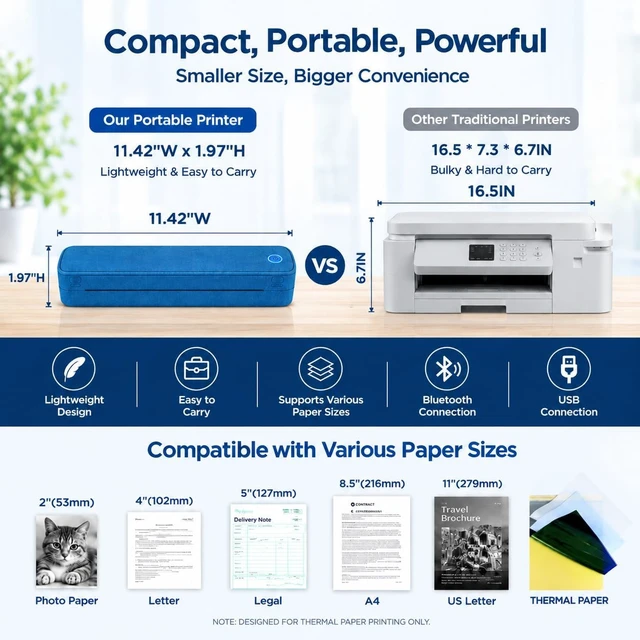
The package includes a portable thermal printer, USB-C charging cable, 10 sheets of thermal paper, a user manual, and retail packaging. Everything you need to start printing right out of the box no extra accessories required.
Does this printer require ink cartridges or toner?
No ink or toner needed. This printer uses inkless thermal printing technology, which produces clear, sharp black-and-white prints without cartridges helping you save on ongoing printing costs.
Connect Your Printer to a Computer Computer Bluetooth Connection Tutorial What devices is this printer compatible with?
How long does the battery last on a single charge?
What can I print with this portable printer?
What is included in the box?
Does this printer require ink cartridges or toner?




 here!