• $591.99
  • Free 30-day Returns
  • Price alert
    Shop it at NeweggBusiness.

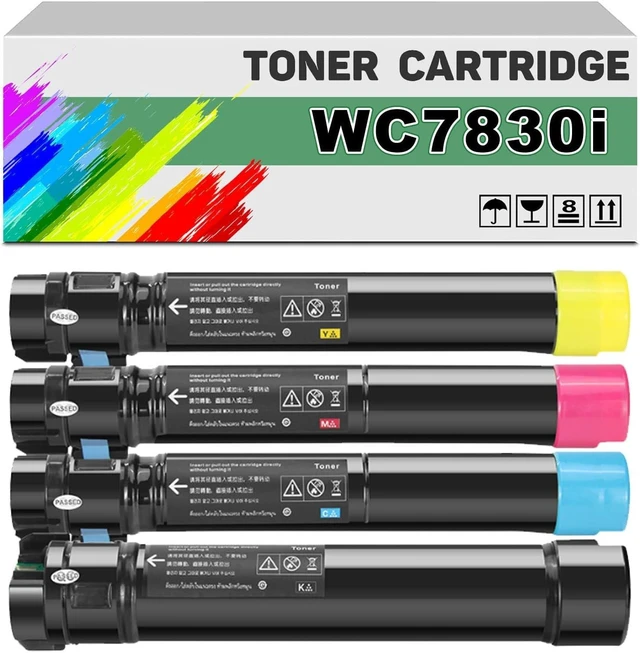
    Compatible Toner Cartridge Replacement for Xerox WC7830i Printers colors

    • Works for High-Capacity 006R01509 006R01512 006R01511 006R01510,with Chip, 26,000 Pages
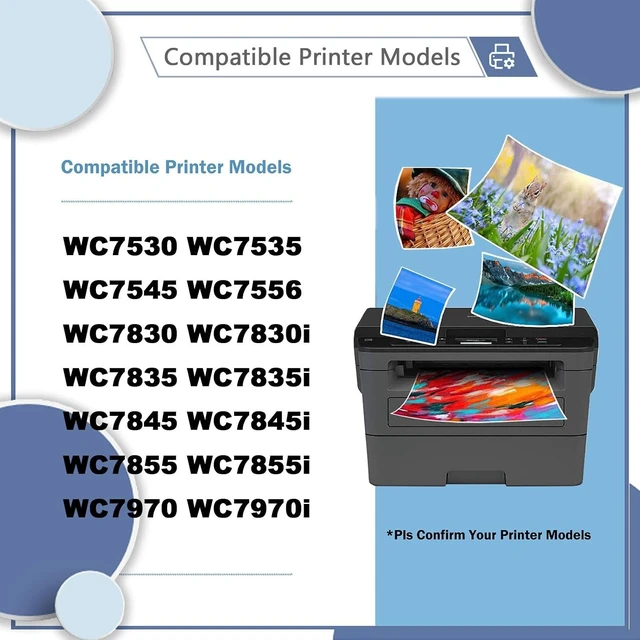
    • Compatible Toner Cartridge Printers: for Xerox WorkCentre WC 7525 7530 7535 7545 7556 7830 7830i 7835 7835i 7845 7845i 7855 7855i 7970 7970i printers. Easy installation with stable performance. Please double-check your printer model before purchase to avoid incompatibility
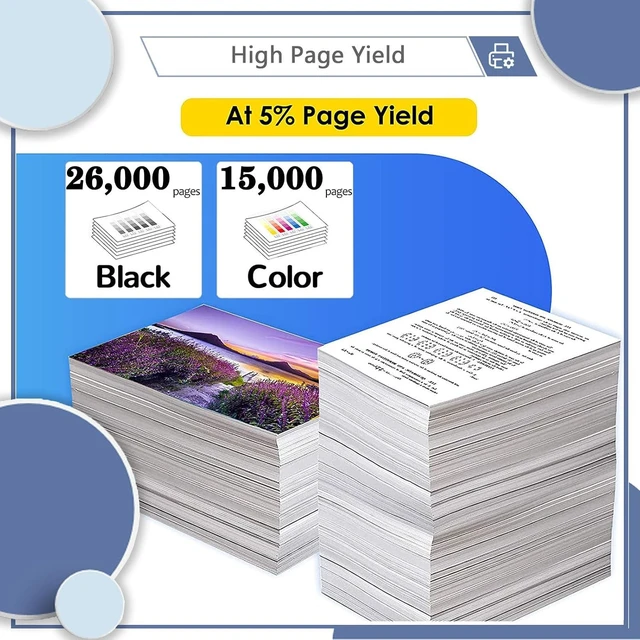
    • High Page Yield for Office Use: Black toner yields up to 26,000 pages, while Cyan, Magenta, and Yellow each yield up to 15,000 pages at 5% coverage (A4/Letter). Ideal for high-volume printing, helping reduce cost per page and replacement frequency
    • Clear Prints & Fade-Resistant Output: Delivers crisp black text and vibrant color graphics with excellent fade resistance and strong water resistance. Perfect for business documents, reports, and presentations that require long-lasting quality
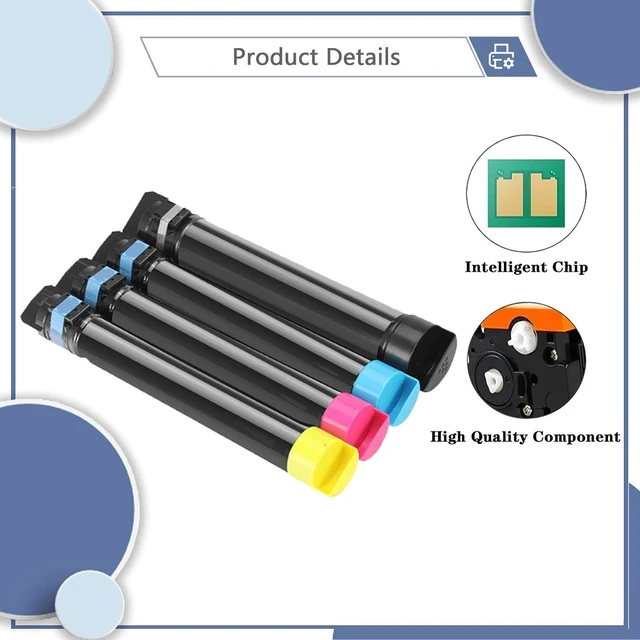
    • Smart Chip for Seamless Compatibility: Built-in intelligent chip ensures quick recognition, accurate toner level tracking, and smooth communi
    +
    +
    Overview
    Specs
    Reviews

    Any questions? Ask CelesteSM will help you find out quickly.


    Welcome to our store your trusted source for high-quality printing supplies.


    These toner cartridges are fully compatible For Xerox WorkCentre WC 7525, 7530, 7535, 7545, 7556, 7830, 7830i, 7835, 7835i, 7845, 7845i, 7855, 7855i, 7970, and 7970i printers, delivering clear text and consistent print performance.


    Q1: Toner leakage
    Check for cracks or excess toner around the roller.
    Fix: Gently rotate the drum a few times to restore normal operation.


    Q2: Black vertical streaks
    Usually caused by dust or residue on the blade.
    Fix: Clean the affected area carefully and reinstall the cartridge.


    Q3: Horizontal black lines
    May result from toner buildup on the roller.
    Fix: Rotate the drum to evenly redistribute the toner.


    Q4: Gray or dark background
    Typically caused by a worn drum or old toner.
    Fix: Replace the cartridge for better print quality.


    Q5: Faded prints or white gaps
    Toner may be uneven or running low.
    Fix: Gently shake the cartridge side to side and reinstall. If the issue continues, replace the cartridge.

    Warranty & Returns

    Warranty, Returns, And Additional Information

    Warranty

    • Please contact the Seller directly for warranty information. Warranty information may also be found on the Manufacturer's website.
    • CONTACT

    Return Policies

    Manufacturer Contact Info

    LOADING...