Your Browsing History
- Free 30-day Returns
$792.99
Meet Your Seller
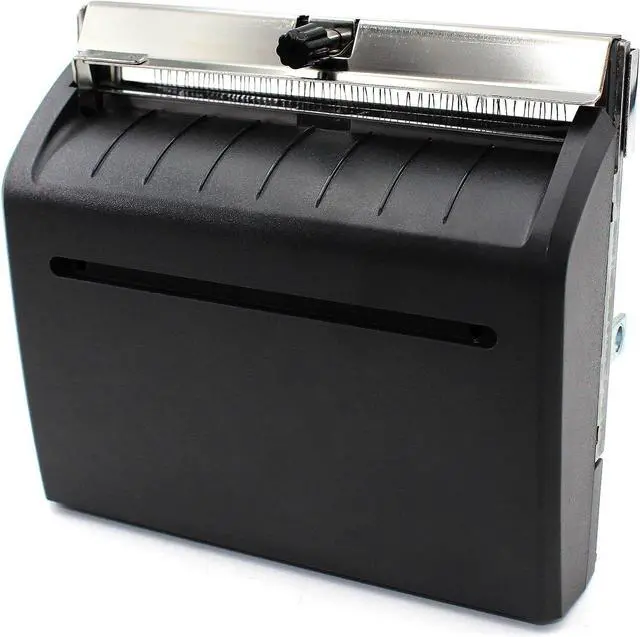
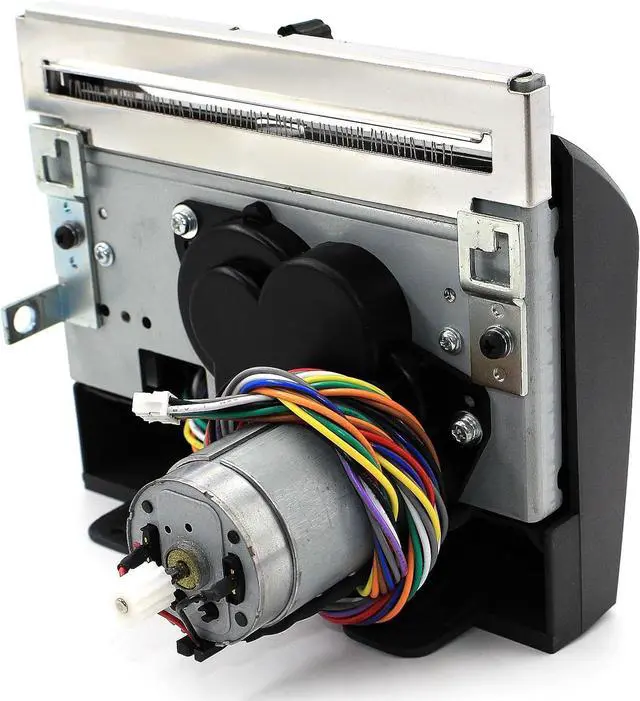
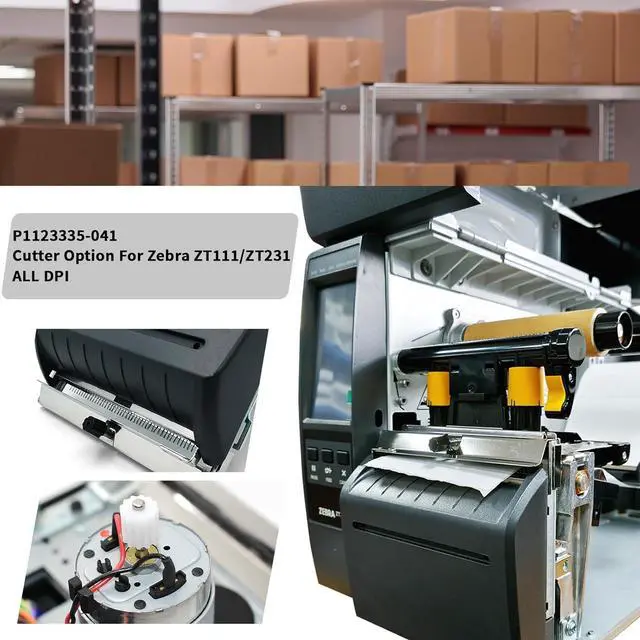
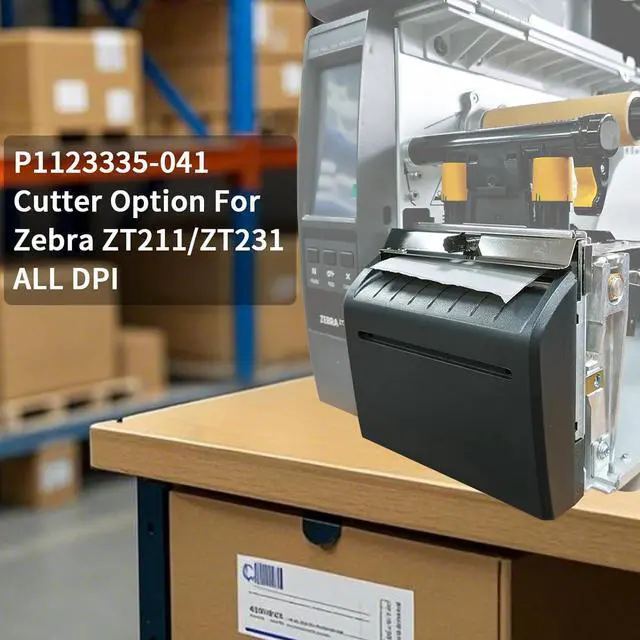
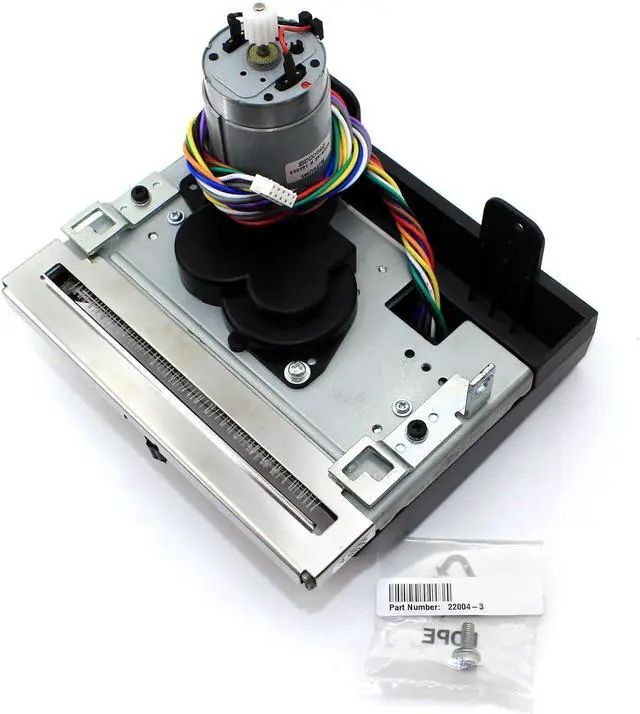
P1123335-041 Kit Cutter Option for Zebra ZT231 ZT211 ZT111 Thermal Barcode Label Printer All dpi
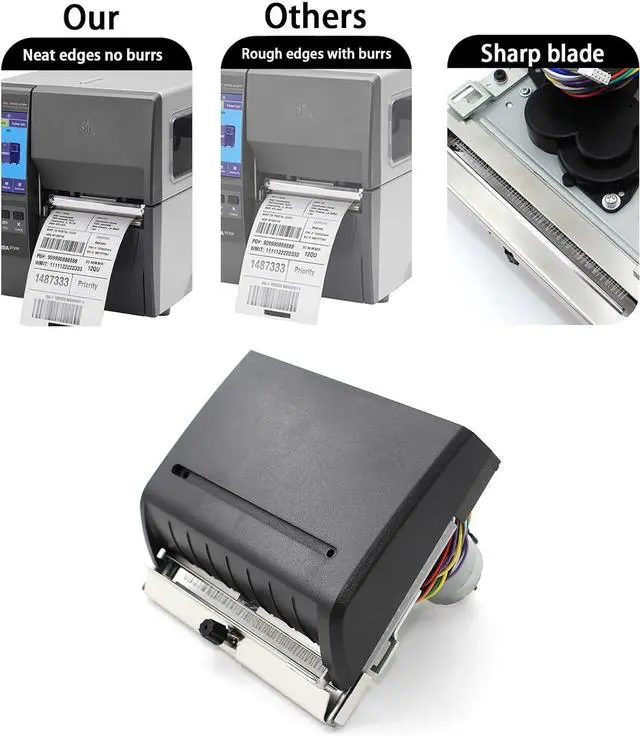
- Perfect Compatibility & Plug-and-Play Installation-Precision engineered exclusively for Zebra ZT231 industrial label printer, perfectly matches the original mounting position and interface. No extra modification or complicated setup required, easy to install and replace directly, saving your installation time and labor cost.
- For Zebra ZT231, ZT211, ZT111 Thermal Label Printer 203dpi 300dpi .(Fit for Zebra ZT23142-T01000FZ, ZT23143-T01000FZ, ZT23142-D01000FZ, ZT23143-D01000FZ .)
- Automatic Efficient Cutting Boost Work Productivity-Comes with automatic cutting design, cuts labels immediately after printing without manual tearing. Synchronizes perfectly with ZT231 high-speed printing, ideal for warehouse, logistics, retail and manufacturing environments to streamline workflow and improve overall efficiency.
- What's include:1x Kit Cutter Option Upgrade ZT231
- Thoughtful After-Sales Service: After receiving GETPARTS Printer's Parts,all customers can return and get refunded in case the pur
+
+
Overview
Specs
Reviews
Any questions? Ask CelesteSM will help you find out quickly.
Try me now
1.Open the Media Cover of printer.Turn off the printer power, unplug the power and data cables, and prepare the necessary cutter components and corresponding tools such as screwdrivers for installation.
2.Remove the Front Lower Panels of the printer.Use a small screwdriver to poke the fixing hole inside the front cover, then slide the front cover to the right and lift it out.
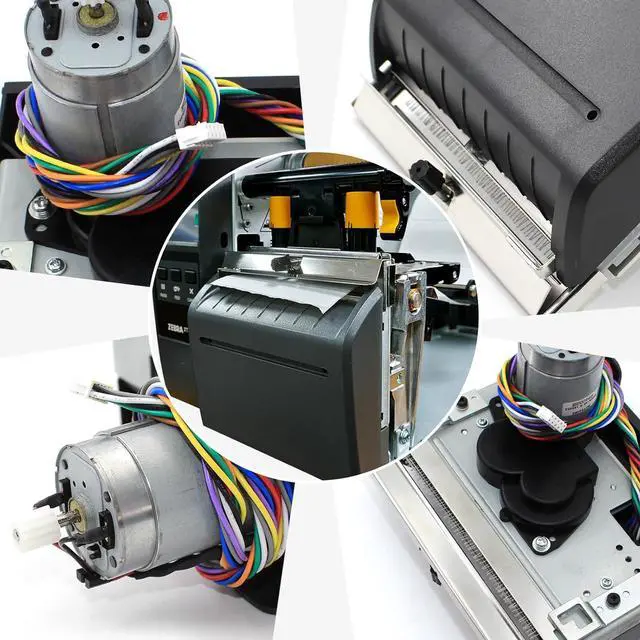
3.Position the cutter assembly, confirm that the mounting bracket is correctly installed, and ensure that the position of "M" is correct. If not, loosen the middle screw and adjust the mounting bracket until "M" is in the correct position.
After installing the cutter in the correct position, it needs to be fixed and tightened with screws to prevent slipping and damage, and then connect the cutter wire to the terminal under the frame.Turn on the printer, installation is complete!
Work for Such as:
ZT23142-T01000FZ
ZT23143-T01000FZ
ZT21142-T01000FZ
ZT21143-T01000FZ
ZT11142-T01000FZ
ZT11143-T01000FZ
Item doesn't fit for zebra ZT410 or ZT411 barcode printers.
Item doesn't fit for zebra ZT230 or ZT220/ZT210 barcode printer,it's not same.
Please confirm your printer's model befor order.
Warranty & Returns
Warranty, Returns, And Additional Information
Warranty
- Please contact the Seller directly for warranty information. Warranty information may also be found on the Manufacturer's website.
- CONTACT
Return Policies
- Return for refund within: 30 days
- Return for replacement within: 45 days
- This item is covered by Ali Wangwang E-commerce Limited Return Policy
Manufacturer Contact Info
- For a directory of all our manufacturers, please click below.
- Manufacturers Directory
LOADING...