Your Browsing History
- Free 30-day Returns
$134.99
Meet Your Seller
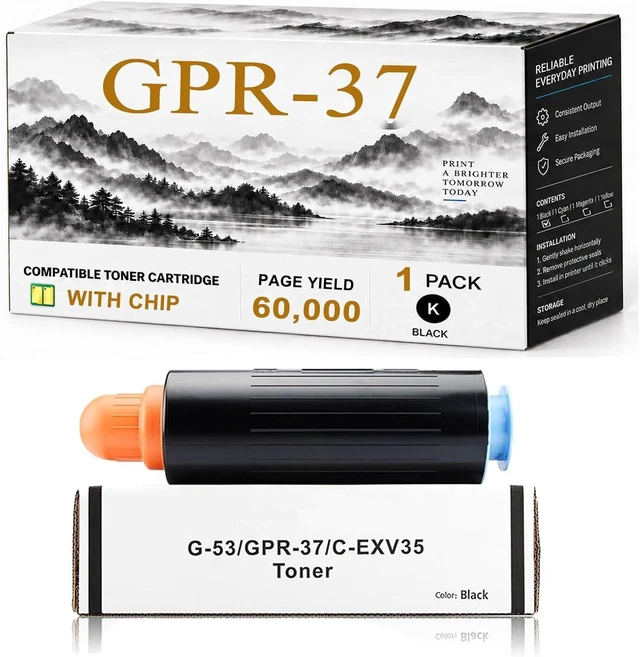
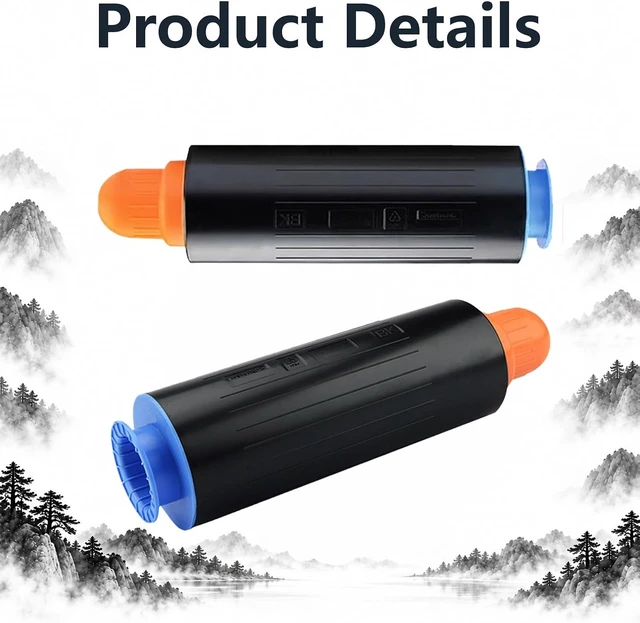
GPR37 GPR-37 Toner Cartridge Compatible for Canon Printers 1
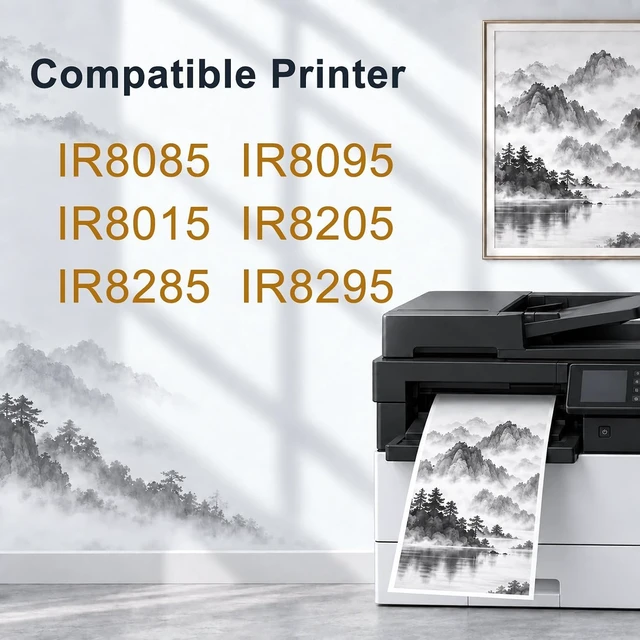
- Compatible for IR8085 IR8095 IR8015 IR8205 IR8285 IR8295 Printers 60,000 Pages for Black, With Smart Chip
- Compatibility: Compatible for Canon IR8085 IR8095 IR8015 IR8205 IR8285 IR8295 Printers, replacement for GPR-37 GPR37 Toner Cartridge
- Page Yield: Up to 60,000 Pages per GPR-37 GPR37 black high yield toner cartridgeat 5% coverage based on Letter A4 paper, work for users with high volume printing needs and reducing frequent replacement
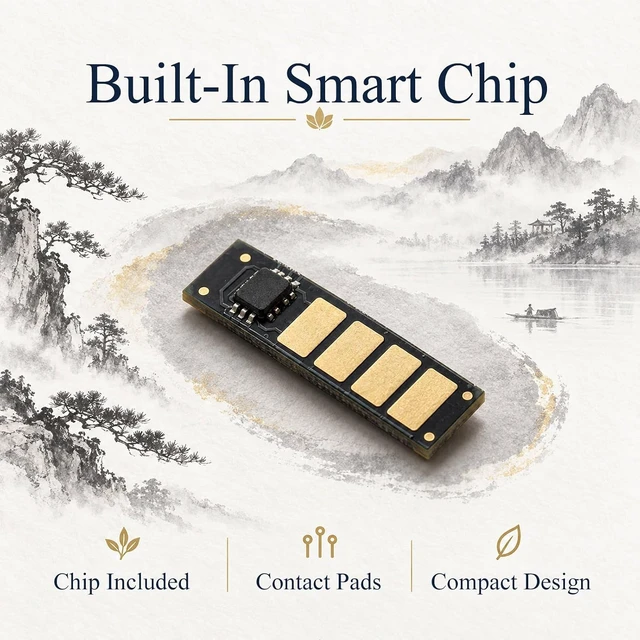
- Smart Chip: Equipped with an upgraded chip that helps the printer recognize the cartridge reliably, making installation easy and helping users replace the toner cartridge smoothly
- Clear Print Quality: Produces crisp text and consistent black output for home, office and business documents
- Packaging: Comes with protective packaging to help keep the toner cartridge protected during shipping
+
+
Overview
Specs
Reviews
Any questions? Ask CelesteSM will help you find out quickly.
Try me now
GPR-37 GPR37 TONER CARTRIDGE QUESTIONS AND ANSWERS
Q1: Which printers can use this cartridge?
A: It is designed for Canon IR8085, IR8095, IR8015, IR8205, IR8285, and IR8295. Please check the printer model and cartridge number.
Q2: What is the estimated page yield?
A: It can print 60,000 pages on Letter A4 paper at 5% coverage.
Q3: Does it include a chip?
A: It includes a smart, updated chip designed to support printer recognition and make replacement more convenient.
Q4: For what types of documents is it suitable?
A: It can be used for reports, invoices, forms, study materials, and routine black-and-white documents at home or in the office.
Q5: What should I check before installation?
A: Confirm that your printer uses the GPR-37 GPR37 Toner Cartridge. Keep the cartridge sealed until needed, then remove the protective caps and sealing materials before installation.
Q6: How should it be installed?
A: Follow the printer manual to remove the used cartridge. Insert the new cartridge into the correct slot, close the cover, and allow time for the printer to recognize it. Avoid forcing the cartridge into place.
Q7: What if a cartridge message appears?
A: Check whether the protective materials have been removed and whether the cartridge is seated correctly. Restart the printer as instructed and print a test page.
Q8: How should it be stored?
A: Store it in the original packaging in a cool, dry place away from direct sunlight. Avoid touching exposed contacts or imaging components.
Warranty & Returns
Warranty, Returns, And Additional Information
Warranty
- Please contact the Seller directly for warranty information. Warranty information may also be found on the Manufacturer's website.
- CONTACT
Return Policies
- Return for refund within: 30 days
- Return for replacement within: 45 days
- This item is covered by Ali Wangwang E-commerce Limited Return Policy
Manufacturer Contact Info
- For a directory of all our manufacturers, please click below.
- Manufacturers Directory
LOADING...