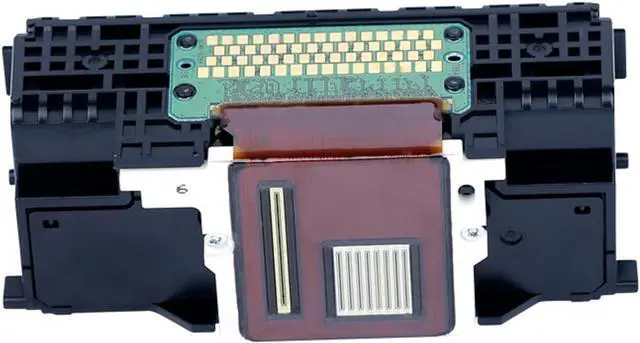
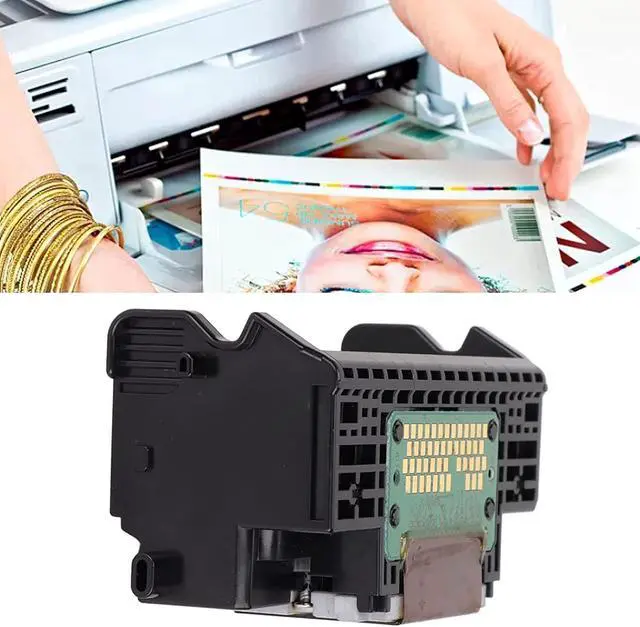
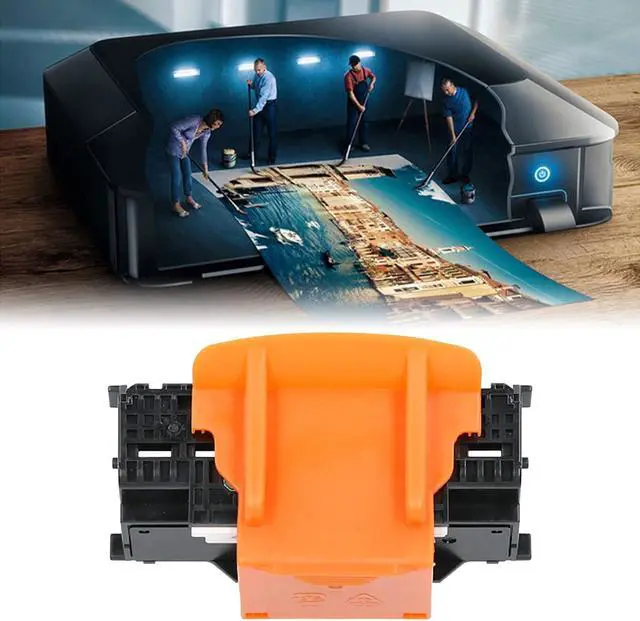
Print out ink smoothly without head blocking.
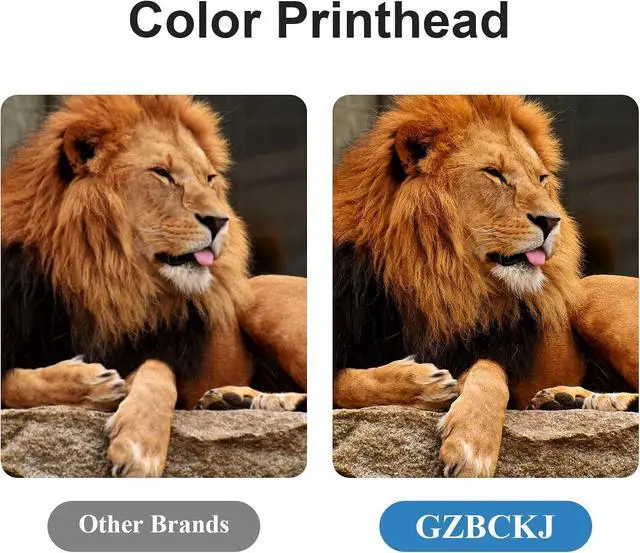
The ink output is extremely fine grained, uniformly clear and rounded, with full color.
Feature
Print clearly
Full of color
No bottom ash,no broken line
Before installing sprinkler head/printing head, please make sure that there is no problem or abnormality in the machine. The mainboard, cleaning unit and other faults may cause shortcircuit and burn out of sprinkler head/printing head.
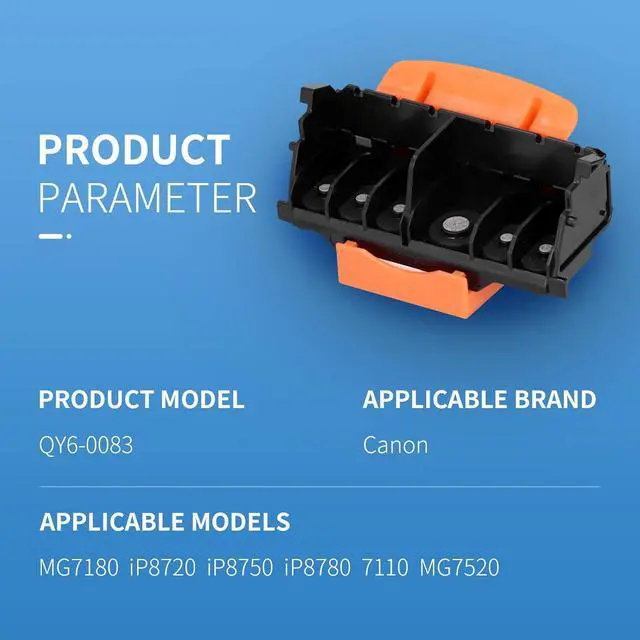
100% compatible with the following printers:
. Canon MG6310 MG6320 MG6350 MG6380 Printer.
. Canon MG7110 MG7120 MG7150 MG7180 MG7520 Printer
. Canon iP8720 iP8750 iP8780 Printer.
Installation Steps:
Step 1: Check your previous printhead is QY6-0083 Printhead or not; The other style printheads such as QY6-0080 etc are similar as QY6-0083 Printhead. Evenough they are similar, but they are not compatible.
Step 2: Open the PE bag and pick up the QY6-0083 Printhead .
Step 3: You will find there is some moisturizer on the nozzle of QY6-0083 Printhead. Please dot clean the moisturizer, it is very helpful to avoid nozzle blockage ;
Step 4: The printer clip move to stay left automatically;
Step 5: Open the print head clip, take out your privious QY6-0083 print head;
Step 6: Set up the new remanufactured print head;
Step 7: Lid the print head cap;
Step 8: After lid the print head cap, it will take some time to ready for printing process.
Usenotes
1. Different Area use different ink cartridge model although printer model is same.
2. Please check your ink cartridge model number before place order.
3. Please Remove the Protective Cover and Blue Tape before installing.
4. Ink Cartridge color must match well with the cartridge slot , make sure they are on the right place when install into priner.
Please note:
1. The product is not an original. It was tested before delivery and
is in good condition. If the printhead does not work after
installation, the motherboard may burn out the printhead during
product installation, which is not a quality problem.
See More Good Performance Note:




 here!