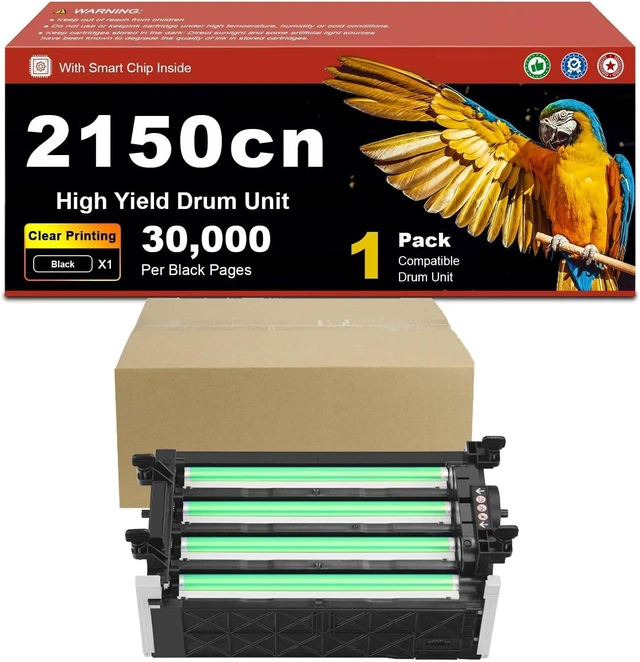
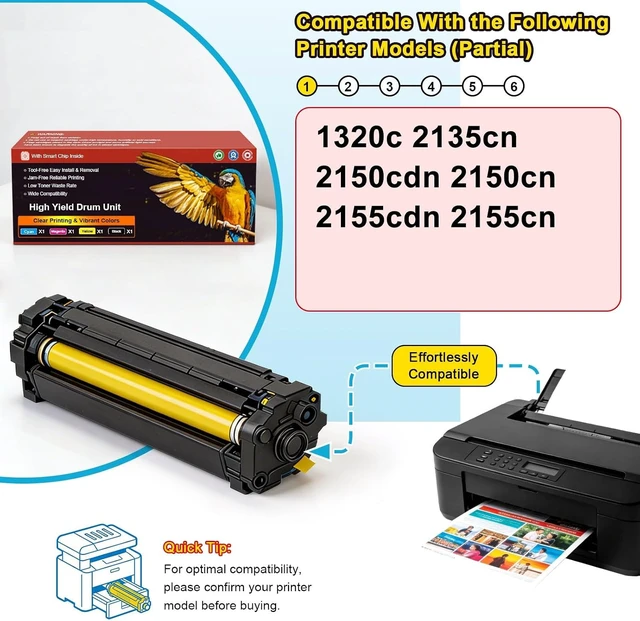
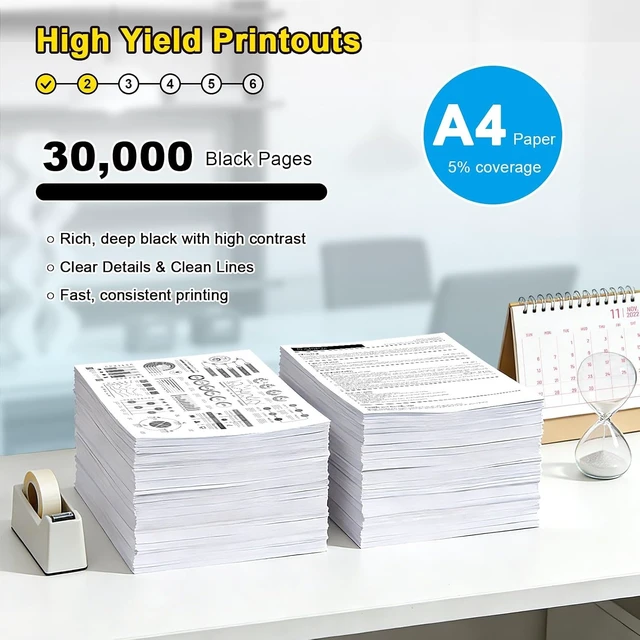
Upgrade your printer maintenance routine with this compatible drum unit replacement. Designed for the listed printer models, this imaging drum helps support crisp text, clean page output, and steady printing performance for daily office, school, and home use.
This drum unit is made for straightforward replacement. When your printer displays a drum replacement message, print quality becomes faded, or repeated marks appear on pages, replacing the drum unit may help restore normal printing quality.
Each unit is packed for clean storage and handling before installation. Please confirm your printer model and drum unit part number before placing an order.
Q1: How do I know if this drum unit fits my printer?
A: Please check your printer model and compare the drum unit part number with your old unit before ordering.
Q2: Is a drum unit the same as a toner cartridge?
A: No. A toner cartridge holds toner powder, while a drum unit transfers the image onto paper. Please confirm which part your printer needs.
Q3: When should I replace the drum unit?
A: Replace it when your printer shows a drum replacement message, or when pages appear faded, streaked, spotted, or uneven.
Q4: Is it easy to install?
A: Yes. Open the printer cover, remove the used drum unit, install the new unit, and follow your printer manual if a reset step is required.
Q5: Why does my printer still show a drum error after installation?
A: Some printers require a manual drum counter reset after replacement. Please follow your printers user manual for the reset process.
Q6: Does this package include toner?
A: No, unless stated otherwise. This listing is for the drum unit only. Toner cartridges are sold separately.
Q7: Can this drum unit help with faded or repeated print marks?
A: If the drum unit is worn, replacing it may help improve faded output, repeated marks, or uneven printing.




 here!