

Your Browsing History
- Free 30-day Returns
$90.99

Meet Your Seller

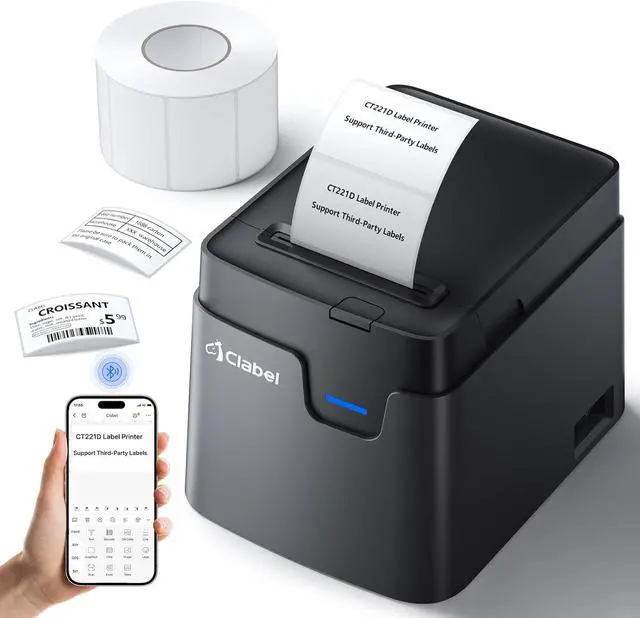
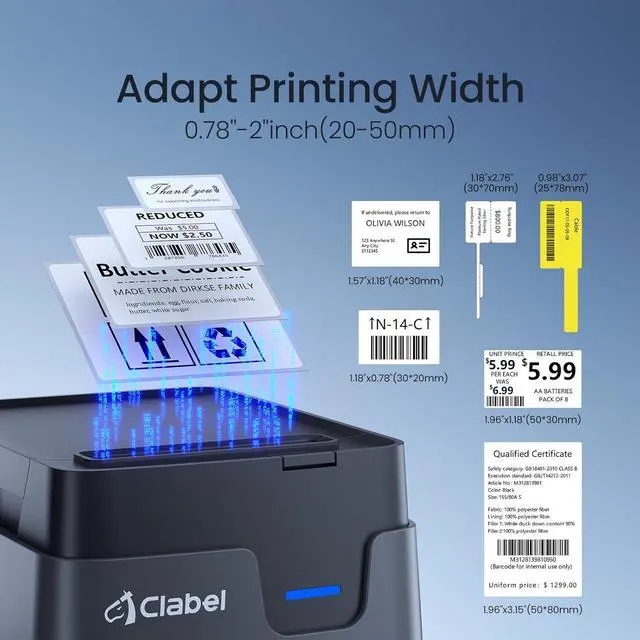
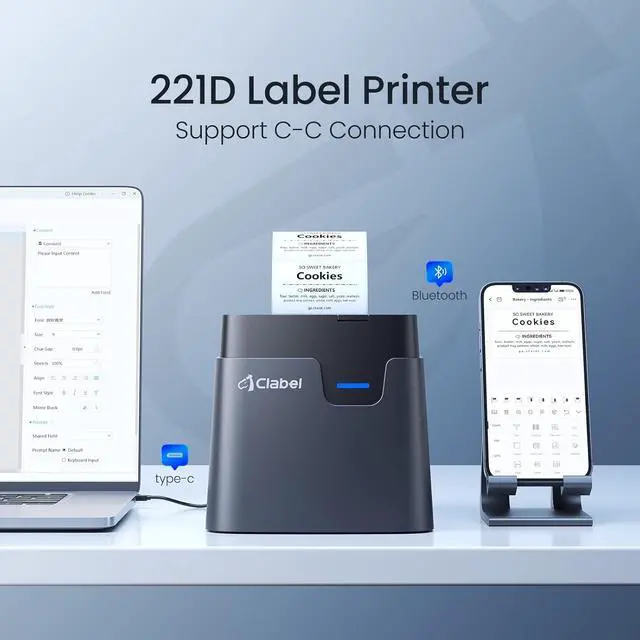


CLABEL Label Maker, Thermal Barcode Printer with No Bound Consumables, Bluetooth & USB Connection, Supports Various Sized 0.98"-1.96", Label Printer for Small Business
- [Cost-Saving Freedom: No Bound Consumables] Experience the cost-saving freedom of our label maker, which eliminates the need for bound consumables. This label maker allows you to use printer paper from any brand available on the website (for thermal paper of suitable size only). Say goodbye to expensive proprietary label paper and embrace the flexibility of choosing affordable options. With this label maker, you can save more.
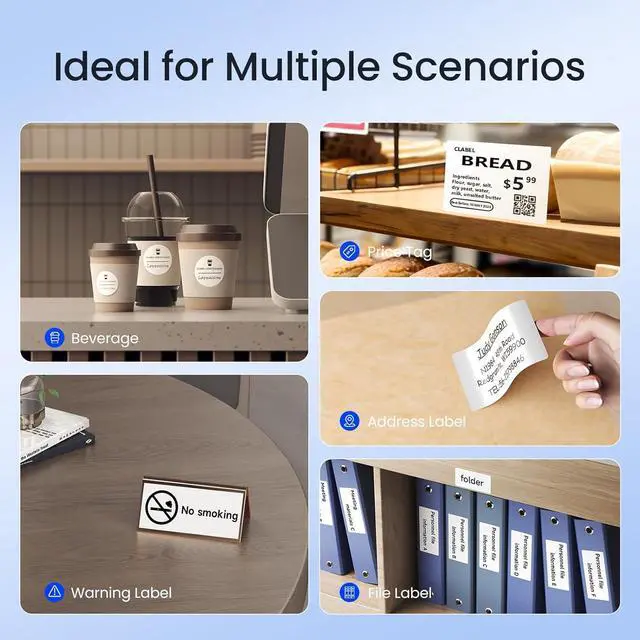
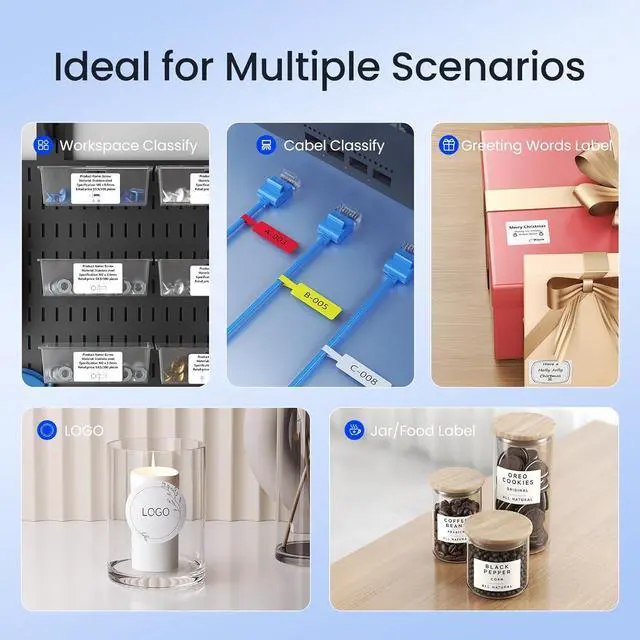
- [Versatile Labeling] From address labels to barcodes, this barcode label printer supports various sized labels, enabling you to label file folders, storage boxes, and more. Provide a polished look to your packages with address labels, streamline your inventory management with barcode labels, or add a personal touch to gift tags and party favors. Whether you're in the workplace or home, our barcode label maker ensures professional labeling in every scenario.
- Simple but Powerful APP: Download the "Clabel trade" app from Google Play or App Store.It can be set up
+
+
Overview
Specs
Reviews

Any questions? Our AI mode will help you find out quickly.
Try me now
What system does CT221D label maker support?
This label maker compatible with both Phone (iOS & Android) and Computer (Windows7&10)
How to set up CT221D label printe on computer via USB cable
1. Before installation, power on printer and connect it to computer via USB cable.
2. Visit "ga.ctaiot.com" Install the CT221D Driver, then open the desktop version APP
3.There is a detailed video on the product details page, please watch it.
How to set up CT221D label maker to connect Bluetooth?
What system does CT221D label maker support?
How to set up CT221D label printe on computer via USB cable
This label maker compatible with both Phone (iOS & Android) and Computer (Windows7&10)
How to set up CT221D label printe on computer via USB cable
1. Before installation, power on printer and connect it to computer via USB cable.
2. Visit "ga.ctaiot.com" Install the CT221D Driver, then open the desktop version APP
3.There is a detailed video on the product details page, please watch it.
How to set up CT221D label maker to connect Bluetooth?
What system does CT221D label maker support?
How to set up CT221D label printe on computer via USB cable
Warranty & Returns
Warranty, Returns, And Additional Information
Warranty
- Please contact the Seller directly for warranty information. Warranty information may also be found on the Manufacturer's website.
- CONTACT
Return Policies
- Return for refund within: 30 days
- Return for replacement within: 45 days
- This item is covered by Ali Wangwang E-commerce Limited Return Policy
Manufacturer Contact Info
- For a directory of all our manufacturers, please click below.
- Manufacturers Directory
LOADING...