

Your Browsing History
- Free 30-day Returns
$115.99

Meet Your Seller


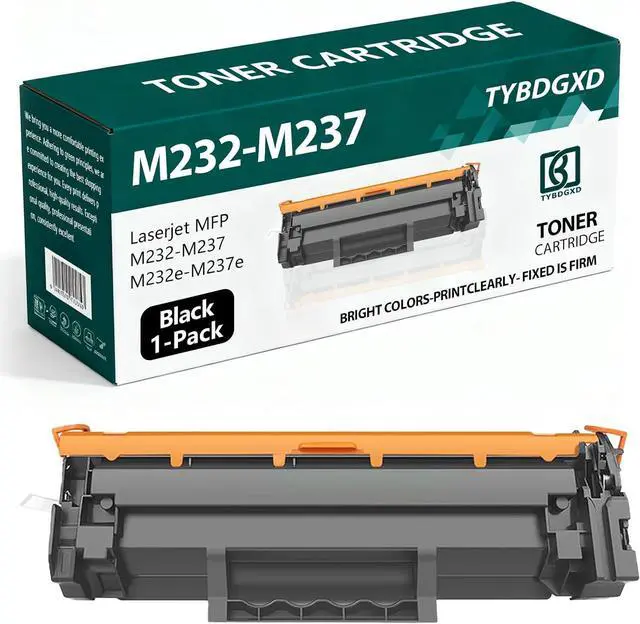


M232-M237 High Yield Black 1400 Pages Toner Cartridge Compatible for HP Compatible Replacement for HP LaserJet MFP M232-M237 M232e-M237e Printers,1-Pack
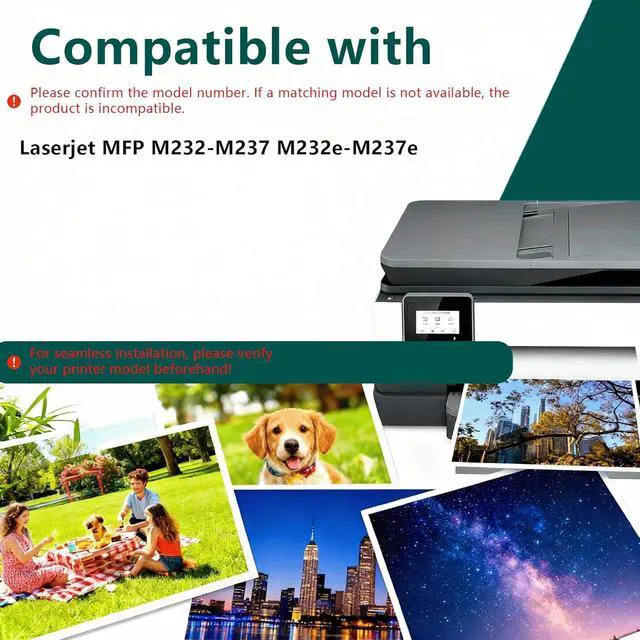
- High compatibilityCompatible with for HP M232-M237 printers including laserJet Pro LaserJet MFP M232-M237 M232e-M237e.
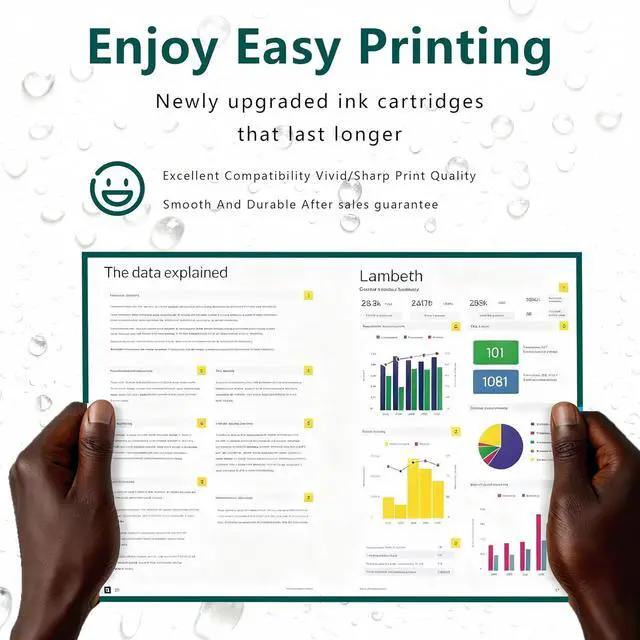
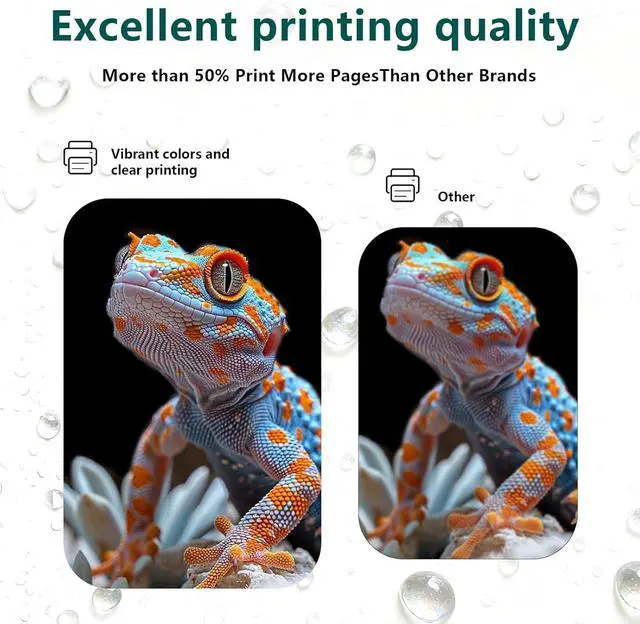
- Our AdvantagesThe toner cartridge uses high-quality toner, with fine particles, low scrap rate, and no ink leakage, ensuring sufficient number of printed pages, high color saturation, and clearer color printing.
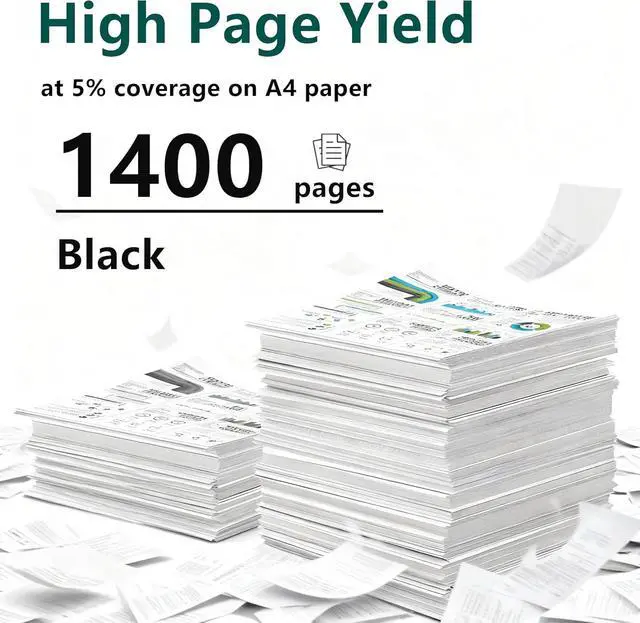
- HIghest Page YIeldUp to 1400 pages per black Ink cartrIdge A4 paper. (5% coverage) A4 paper.
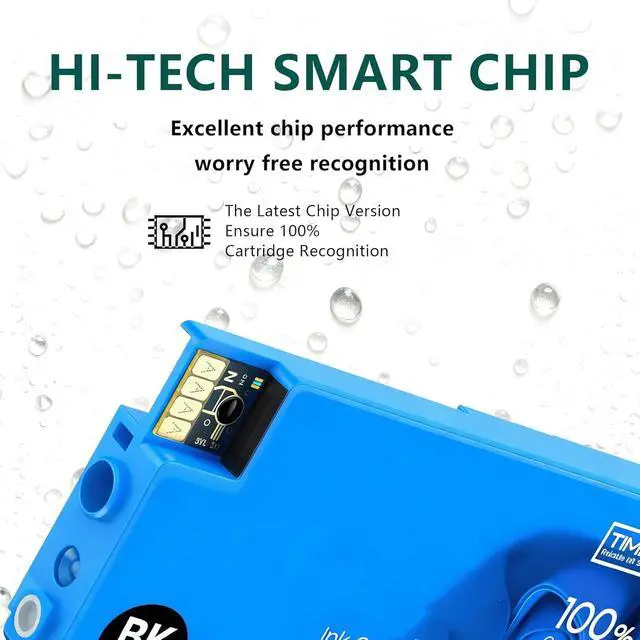
- Smart ChipEquipped with smart chip,Strong recognition,Long-lasting and durable Effectively improve the durability and stability of the toner cartridge!
- Superior ServiceIf you have questions, please contact us directly, we guarantee to reply to your message within 24 hours and provide solutions to solve your problem.
+
+
Overview
Specs
Reviews

Any questions? Our AI mode will help you find out quickly.
Try me now
1. Compatible Cartridge Replacement for M232-M237 Toner Cartridge
2. Why Choose Our Cartridges?
- Strict Quality Control: Precise specifications ensure proper installation.
- Excellent Printing Results: Premium inks provide crisp text and graphics.
- Brand New Chip: Highly compatible with brand new printer firmware.
3. User Manual:
- If your printer displays an alert like "No" instead of "-Genuine", press "Continue"/"Continue"/"Accept" or "OK" and continue.
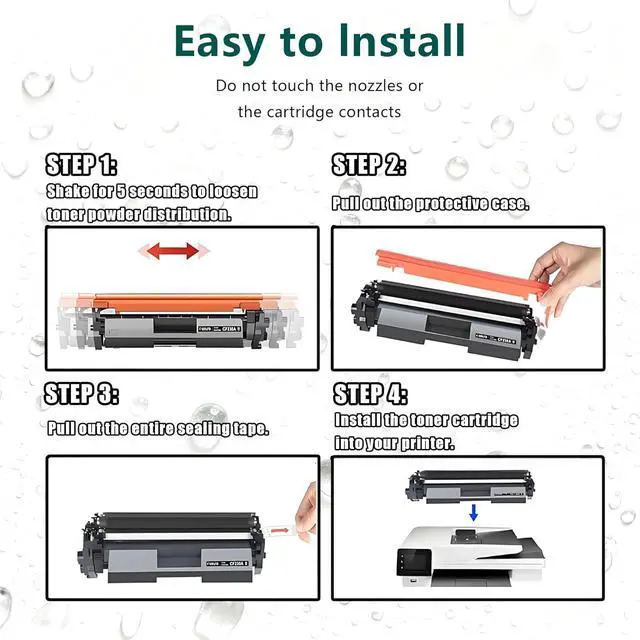
- If you receive an "Ink Cartridge Not Recognized" or "Ink Missing or Damaged" error, remove the affected ink cartridge and gently wipe the chip with a flannel or eraser to remove any dust or adhesion that may be present. Then put the clean ink cartridge back into the appropriate ink cartridge slot. If the problem persists, turn off the printer and unplug it for 30 seconds and try again.
- If you get an unrecognized printer problem, you should check if the nozzles are clogged or if the printer has been cleaned.
- If you notice an "Out of Ink/Empty/Low Ink" error, remove and reinstall the indicated ink cartridge until it is firmly seated in its slot. If all ink cartridges are installed correctly, press OK or Continue to remove the message and print.
2. Why Choose Our Cartridges?
- Strict Quality Control: Precise specifications ensure proper installation.
- Excellent Printing Results: Premium inks provide crisp text and graphics.
- Brand New Chip: Highly compatible with brand new printer firmware.
3. User Manual:
- If your printer displays an alert like "No" instead of "-Genuine", press "Continue"/"Continue"/"Accept" or "OK" and continue.
- If you receive an "Ink Cartridge Not Recognized" or "Ink Missing or Damaged" error, remove the affected ink cartridge and gently wipe the chip with a flannel or eraser to remove any dust or adhesion that may be present. Then put the clean ink cartridge back into the appropriate ink cartridge slot. If the problem persists, turn off the printer and unplug it for 30 seconds and try again.
- If you get an unrecognized printer problem, you should check if the nozzles are clogged or if the printer has been cleaned.
- If you notice an "Out of Ink/Empty/Low Ink" error, remove and reinstall the indicated ink cartridge until it is firmly seated in its slot. If all ink cartridges are installed correctly, press OK or Continue to remove the message and print.
Warranty & Returns
Warranty, Returns, And Additional Information
Warranty
- Please contact the Seller directly for warranty information. Warranty information may also be found on the Manufacturer's website.
- CONTACT
Return Policies
- Return for refund within: 30 days
- Return for replacement within: 30 days
- This item is covered by Chinathru Trading Co., Limited Return Policy
Manufacturer Contact Info
- For a directory of all our manufacturers, please click below.
- Manufacturers Directory
LOADING...