67xl
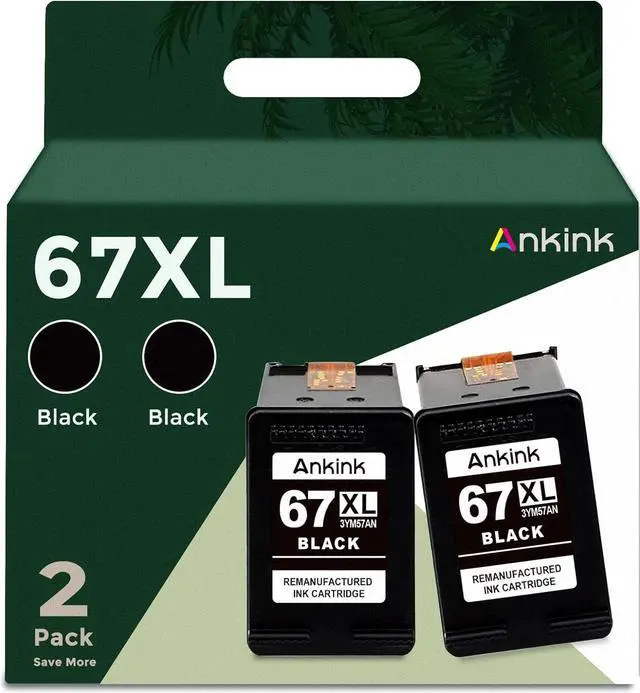
Remanufactured Ink Cartridge: Each Ankink ink 67 xl printer cartridge is equipped with the latest chip, and is strictly tested in production to ensure that each ink 67 cartridge can be recognized and used by the printer. Smooth printing without paper jam or ink leakage.
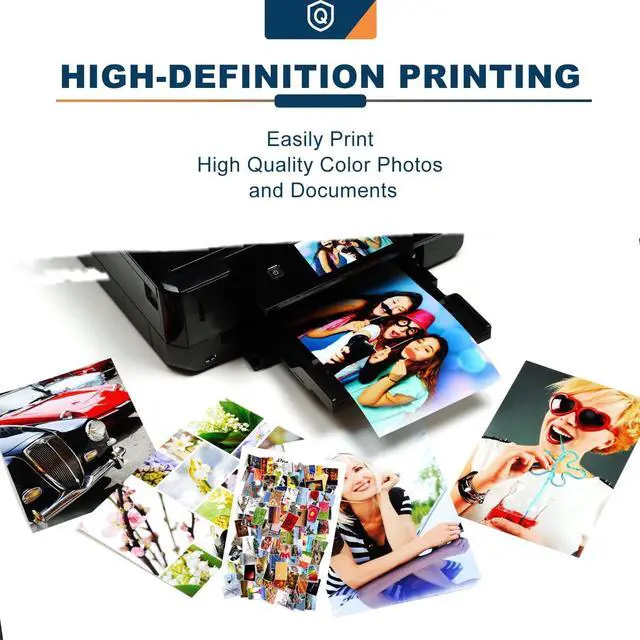
High Quality Printing: Ankink Ink Cartridge 67 xl combo pack adopts high-quality raw materials to minimize the damage of pollution. At the same time, advanced pigment making process technology is adopted to improve the brightness and saturation of color, make the text printing clearer, and make the pattern printing lifelike and vivid on the paper. The printed product will satisfy you
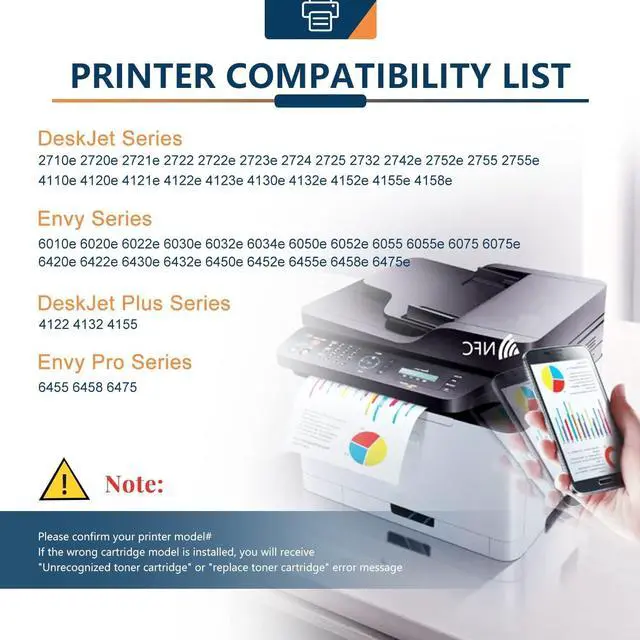
Printer Compatible ink cartridge: (1)
1255 (2) 2700 series: 2710e, 2720e, 2721e, 2722, 2722e, 2723e, 2724, 2725, 2732, 2742e, 2752e, 2755, 2755e (3) t 4100
Series: 4110e, 4120e, 4121e, 4122e, 4123e, 4130e, 4132e, 4152e, 4155e, 4158e; Plus 4122, 4132, 4155 (4) 6000
Series: 6010e, 6020e, 6022e, 6030e, 6032e, 6034e, 6050e, 6052e, 6055, 6055e, 6075, 6075e (5) 6400
Series: 6420e, 6422e, 6430e, 6432e, 6450e, 6452e, 6455e, 6458e, 6475e; Pro 6455, 6458, 6475
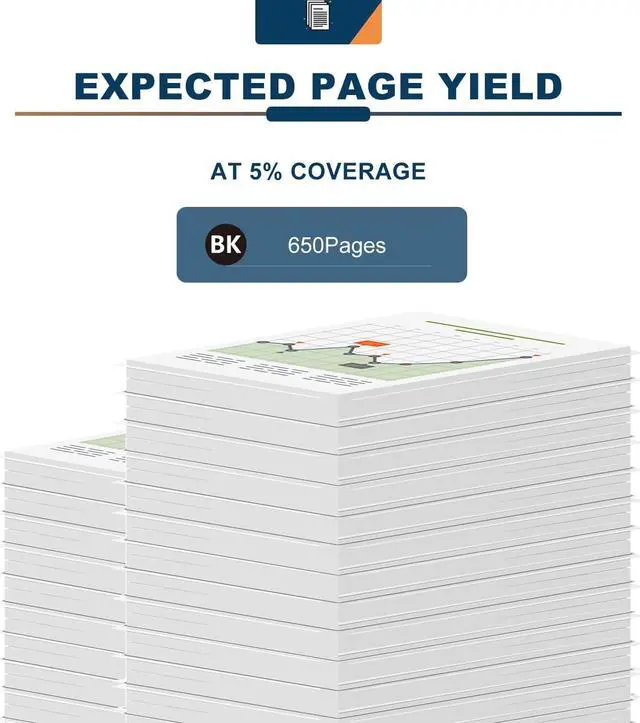
High Capacity Ink Cartridge: This Ankink 67xl ink cartridge is ink 67 black combo pack, which contains 2 pack black. it can be used in a larger amount. About 650 pages can be printed in black. (hp67xlblk combo pack)
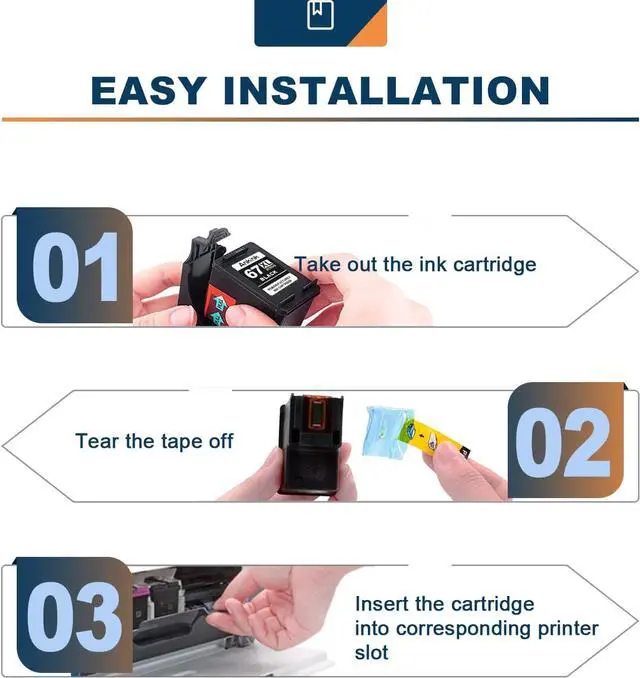
Good Service: Ankink printer ink 67 is easy to install. If you encounter problems in use, you can contact us in time.
Tips: When the low ink volume prompt appears for the first time, please press the Continue button to continue to use until you run out.
Note:
Do not touch the chip and the nozzle.
If you accidentally touch it, wipe it with an eraser or dry lint-free cloth.
Tips:
1. Please wear gloves to prevent from getting ink on your hand.
2. Please clean the printing head before printing.
3. These are NON-genuine ink cartridges and only suitable for printers in North America.
Tips:
Before placing an order, please be sure to confirm your printer model.
Please remove the transparent cover and pull off plastic tape before installing these cartridges. (Don't touch the chip)
Printer screen pop up Non-Original Cartridge? Please just click OK and they will go ahead.
When occur an error message Replace Cartridge or 'Low ink'? Please reinstall them and try, you can try up to 5 times.
When the low ink volume prompt appears for the first time, please press the Continue button to continue to use until you run out.





 here!
here!