

Your Browsing History
- Free 30-day Returns
$162.99

Meet Your Seller


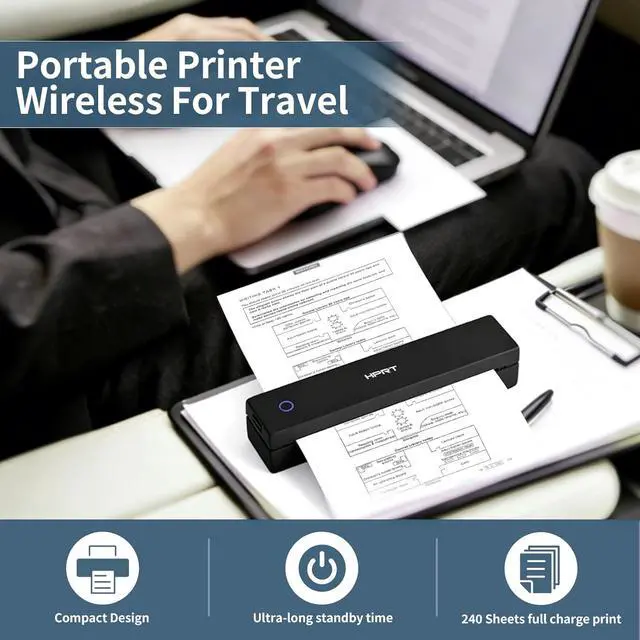


HPRT Inkless Portable Printer Wireless for Travel,Thermal Printer MT620 Pro,300 DPI,Black Thermal Printer Paper 8.5 x 11 Inch US Letter,Continuous Folding,200 Sheets
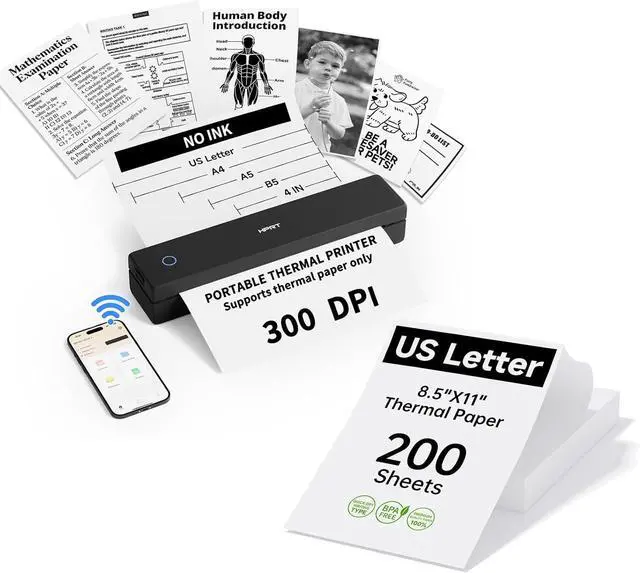
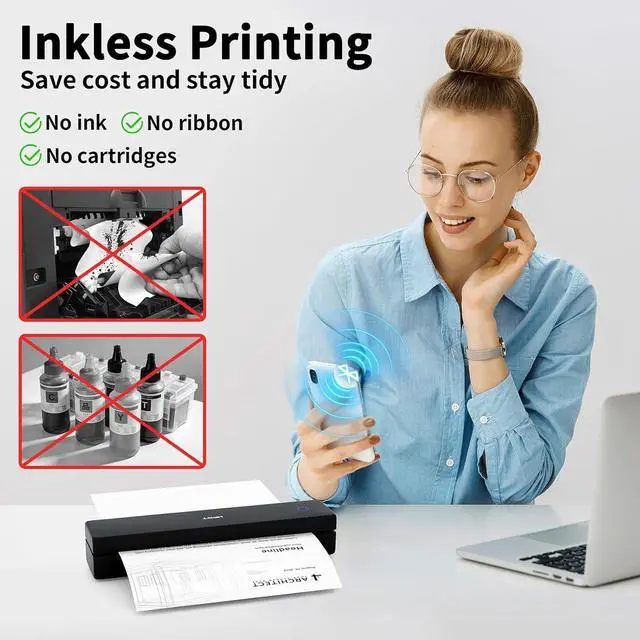
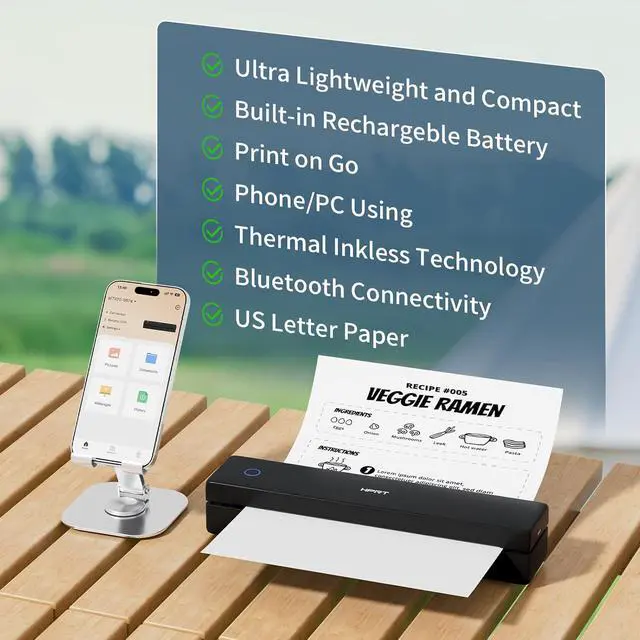
- Inkless thermal printer: HPRT portable printers utilize advanced thermal technology to operate entirely without ink, toner, or ribbons. This eliminates common issues like ink-related blockages and the need for messy cleanups. Just load it with thermal paper to printeach sheet costs just $0.09, making it a more economical choice compared to traditional ink cartridges and paper. (Important: This inkless printer is designed specifically for thermal paper and is not compatible with regular paper.)
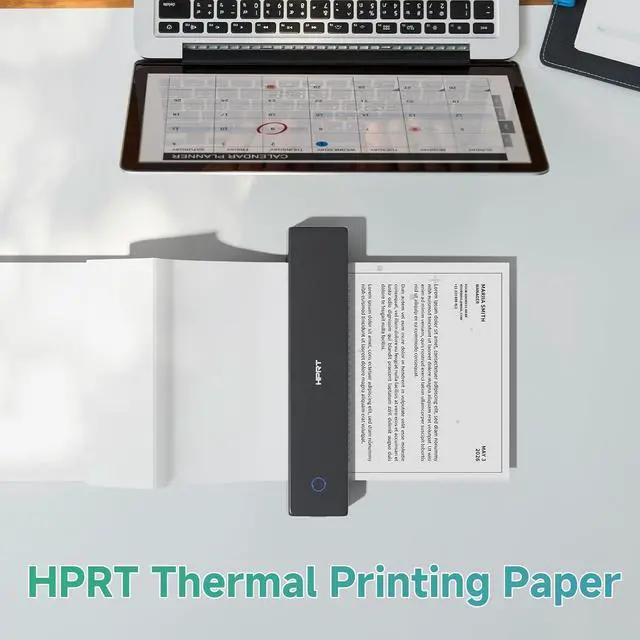
- Paper Specifications:This thermal paper is sized to US Letter (8.5" x 11"). Each pack contains 200 sheets continuous folding paper. Please note: It is designed exclusively for use with thermal printers and is not compatible with laser,inkjet printers or tattoo paper.
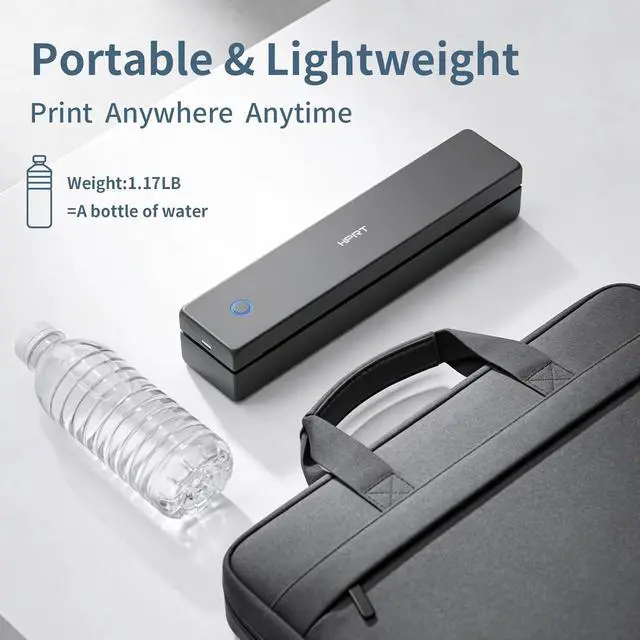
- Compact portable printer: HPRT MT620 Pro is a remarkably lightweight and compact portable printer, weighing only 1.1lb and sized at 10.2 x 2.2 x 1.8 inches. Ideal for printing on the gowhether traveling, working, or studying on
+
+
Overview
Specs
Reviews

Any questions? Our AI mode will help you find out quickly.
Try me now
Inkless thermal printer: HPRT portable printers utilize advanced thermal technology to operate entirely without ink, toner, or ribbons. This eliminates common issues like ink-related blockages and the need for messy cleanups. Just load it with thermal paper to printeach sheet costs just $0.09, making it a more economical choice compared to traditional ink cartridges and paper. (Important: This inkless printer is designed specifically for thermal paper and is not compatible with regular paper.)
Paper Specifications:This thermal paper is sized to US Letter (8.5" x 11"). Each pack contains 200 sheets continuous folding paper. Please note: It is designed exclusively for use with thermal printers and is not compatible with laser,inkjet printers or tattoo paper.
Compact portable printer: HPRT MT620 Pro is a remarkably lightweight and compact portable printer, weighing only 1.1lb and sized at 10.2 x 2.2 x 1.8 inches. Ideal for printing on the gowhether traveling, working, or studying on campus. Despite its small form, it delivers high-definition prints at up to 300 dpi for consistently sharp results.
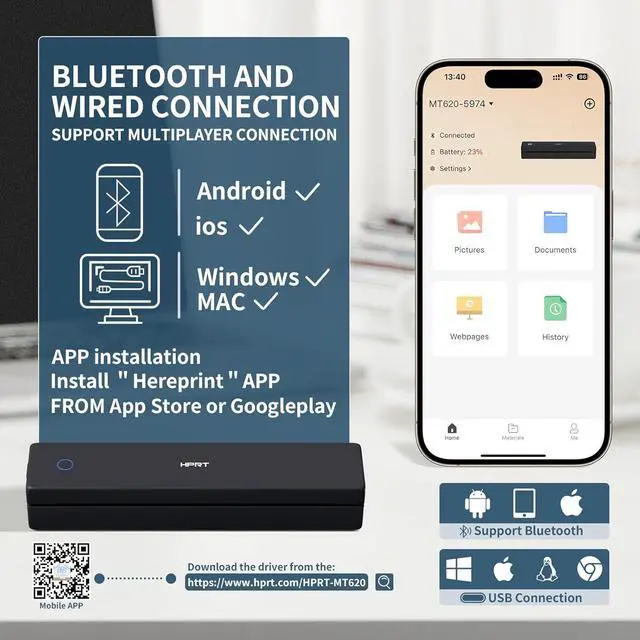
To Print from Your Phone: 1.) Download the HerePrint app from your app store. 2.) Power on the printer. 3.) Enable Bluetooth on your phone, then open the app and tap the + button to add your device. 4.) Select your file type, adjust any paper settings, and start printing.
To Print from Your PC: 1.) Ensure the printer is powered on and connected to your computer via USB before beginning the steps below. 2.) Visit the HPRT website(See the video for reference) in your browser. 3.) Download the driver that matches your computer's operating system (Windows or macOS). 4.) Run the downloaded file and follow the on-screen instructions to complete the driver installation.
Paper Specifications:This thermal paper is sized to US Letter (8.5" x 11"). Each pack contains 200 sheets continuous folding paper. Please note: It is designed exclusively for use with thermal printers and is not compatible with laser,inkjet printers or tattoo paper.
Compact portable printer: HPRT MT620 Pro is a remarkably lightweight and compact portable printer, weighing only 1.1lb and sized at 10.2 x 2.2 x 1.8 inches. Ideal for printing on the gowhether traveling, working, or studying on campus. Despite its small form, it delivers high-definition prints at up to 300 dpi for consistently sharp results.
To Print from Your Phone: 1.) Download the HerePrint app from your app store. 2.) Power on the printer. 3.) Enable Bluetooth on your phone, then open the app and tap the + button to add your device. 4.) Select your file type, adjust any paper settings, and start printing.
To Print from Your PC: 1.) Ensure the printer is powered on and connected to your computer via USB before beginning the steps below. 2.) Visit the HPRT website(See the video for reference) in your browser. 3.) Download the driver that matches your computer's operating system (Windows or macOS). 4.) Run the downloaded file and follow the on-screen instructions to complete the driver installation.
Warranty & Returns
Warranty, Returns, And Additional Information
Warranty
- Please contact the Seller directly for warranty information. Warranty information may also be found on the Manufacturer's website.
- CONTACT
Return Policies
- Return for refund within: 30 days
- Return for replacement within: 30 days
- This item is covered by XinjintongLimited Return Policy
Manufacturer Contact Info
- For a directory of all our manufacturers, please click below.
- Manufacturers Directory
LOADING...