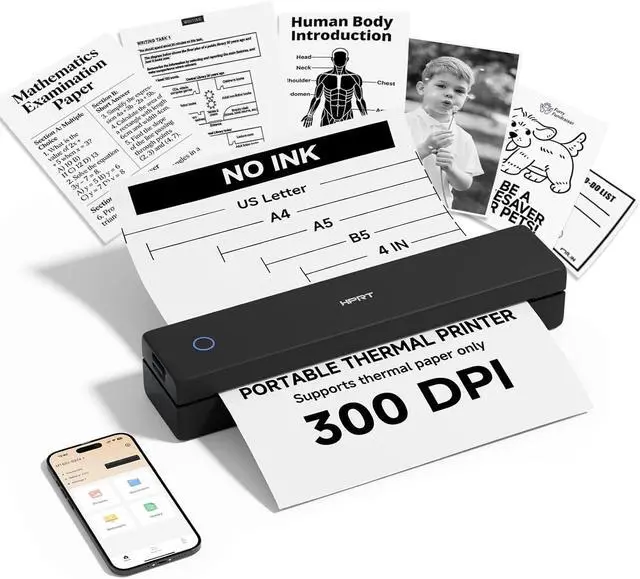
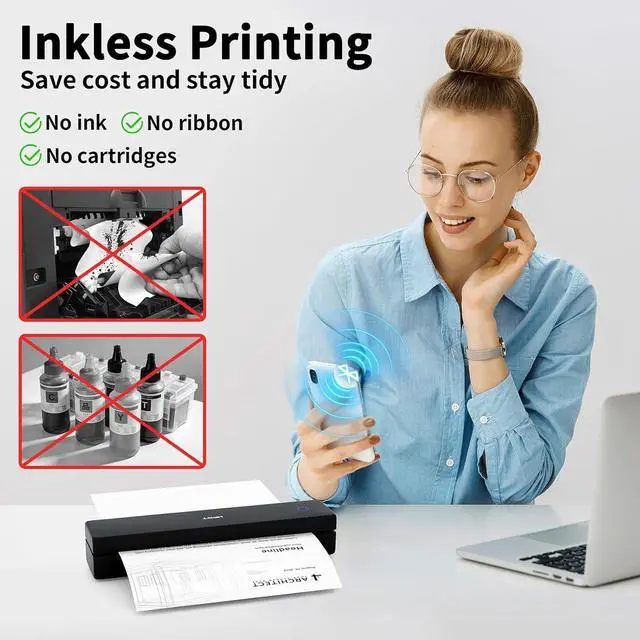
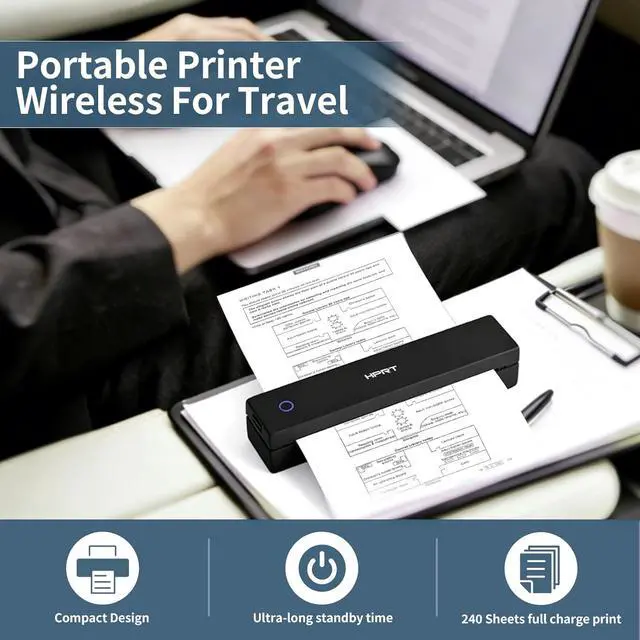
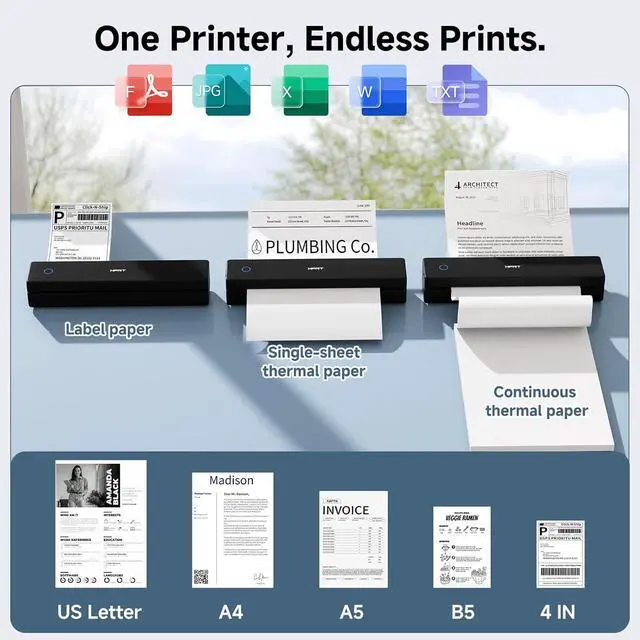
Inkless thermal printer: HPRT portable printers utilize advanced thermal technology to operate entirely without ink, toner, or ribbons. This eliminates common issues like ink-related blockages and the need for messy cleanups. Just load it with thermal paper to print, making it a more economical choice compared to traditional ink cartridges and paper. (Important: This inkless printer is designed specifically for thermal paper and is not compatible with regular paper.)
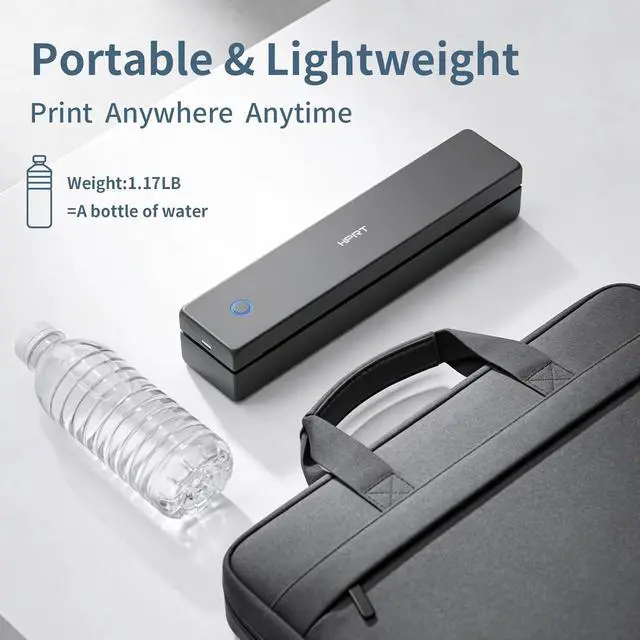
Compact portable printer: HPRT MT620 is a remarkably lightweight and compact portable printer, weighing only 1.17lb and sized at 10.2 x 2.2 x 1.8 inches. Ideal for printing on the gowhether traveling, working, or studying on campus.
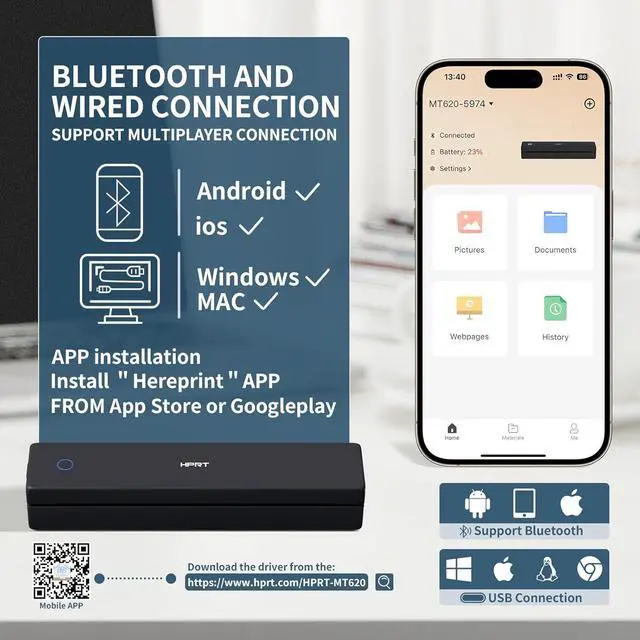
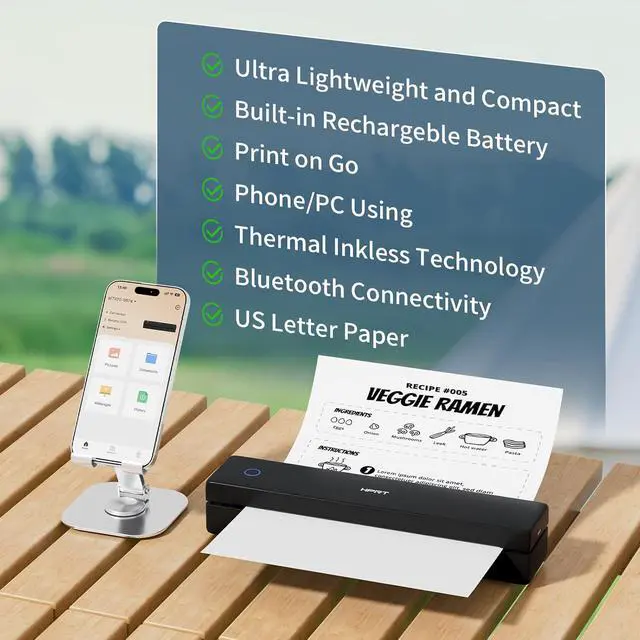
To Print from Your Phone: 1.) Download the HerePrint app from your app store. 2.) Power on the printer. 3.) Enable Bluetooth on your phone, then open the app and tap the + button to add your device. 4.) Select your file type, adjust any paper settings, and start printing.
To Print from Your PC: 1.) Ensure the printer is powered on and connected to your computer via USB before beginning the steps below. 2.) Visit the HPRT website(See the video for reference) in your browser. 3.) Download the driver that matches your computer's operating system (Windows or macOS). 4.) Run the downloaded file and follow the on-screen instructions to complete the driver installation.
Perfect choice:HPRT Thermal printer delivers sharp prints of photos, images, design sketches, and text. Ideal for busy professionals and students. If you're struggling with gift ideas, choosing this product is a fail-safe option.





 here!
here!