• $835.99
  • Free 30-day Returns
  • Price alert
    Shop it at NeweggBusiness.

    Meet Your Seller

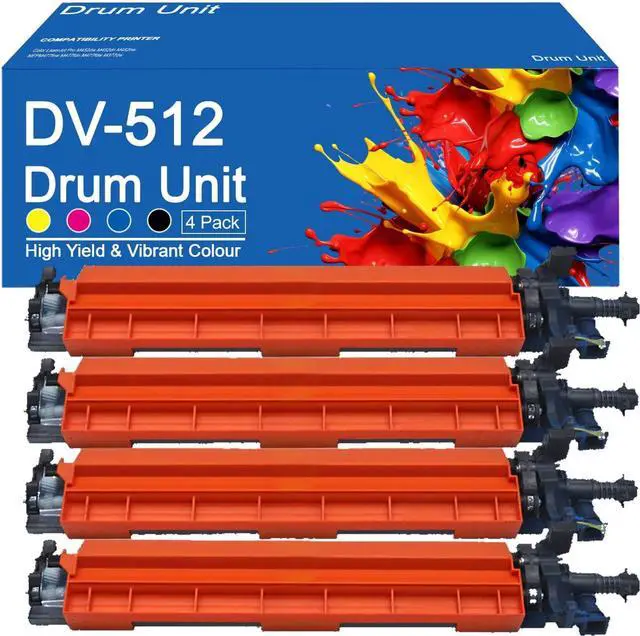
    Ennovor DV-512 Developer Unit Compatible for Konica Minolta A2XN03D A2XN0KD A2XN0ED A2XN08D Developer Unit Work for Konica Minolta Bizhub C224 C224e C284 C284e C364 C364e C

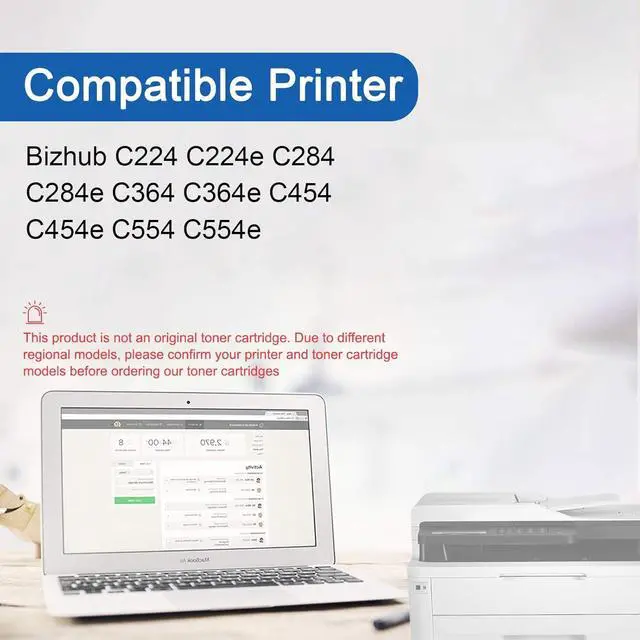
    • Compatible Printerscompatible for Konica Minolta Bizhub C224 C224e C284 C284e C364 C364e C454 C454e C554 C554e printer.
    • Package Contents4-Pack A2XN03D Black Developer Unit x1, A2XN0KD Cyan Developer Unit x1, A2XN0ED Magenta Developer Unit x1, A2XN08D Yellow Developer Unit x1.
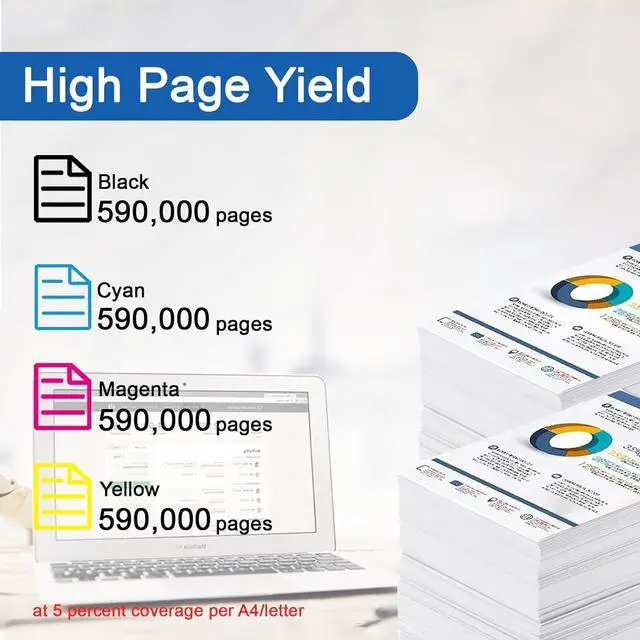
    • Paper YieldDV-512 Black black can print up to 590000 pages,DV-512 colors each can each print up to 590000 pages, these page yields are based on 5% coverage with A4 letter.
    • Excellent QualityOur photosensitive DV-512 Developer Unit provides daily use toner to bring you clear and dazzling printouts, while ensuring that the toner is environmentally friendly.
    • Warm tipsplease confirm your printer model and Developer Unit model before placing an order. If you encounter any product problems, please feel free to contact us via email.
    +
    +
    Overview
    Specs
    Reviews
    avatar

    Any questions? Our AI beta will help you find out quickly.

    About Products
    Replaceable for Konica Minolta DV-512 Developer Unit
    Applicable printer models; Applicable for Konica Minolta Bizhub C224 C224e C284 C284e C364 C364e C454 C454e C554 C554e printer.
    High output: up to 80,000 black pages and 80,000 color pages, 5% coverage (letter/A4 paper).


    Package Contents
    1 A2XN03D black Developer Unit
    1 A2XN0KD cyan Developer Unit
    1 A2XN0ED yellow Developer Unit
    1 A2XN08D magenta Developer Unit


    Advantage
    Excellent quality, HD printing
    Large printing volume, affordable and durable
    Good compatibility, easy to install and use
    High-quality toner makes printing smoother and work more efficient
    Environmentally friendly printing, safe and environmentally friendly, no irritating smell, giving you a healthy environment
    Suitable for various places, such as companies, schools, families, etc.


    installation method
    Remove the black release paper from the drum frame before installation
    Remove the Developer Unit protective cover before installation
    Simply pull out the seal horizontally and load it into the printer


    Skill:
    Since models vary in different regions, please confirm your original Developer Unit model and printer model and send them to us.
    Make sure not to touch the chip on the Developer Unit for optimal performance.
    Please note that if prompted with a non-original message, simply click OK or Continue to continue and start using the Developer Unit.

    Warranty & Returns

    Warranty, Returns, And Additional Information

    Warranty

    • Please contact the Seller directly for warranty information. Warranty information may also be found on the Manufacturer's website.
    • CONTACT

    Return Policies

    Manufacturer Contact Info

    LOADING...