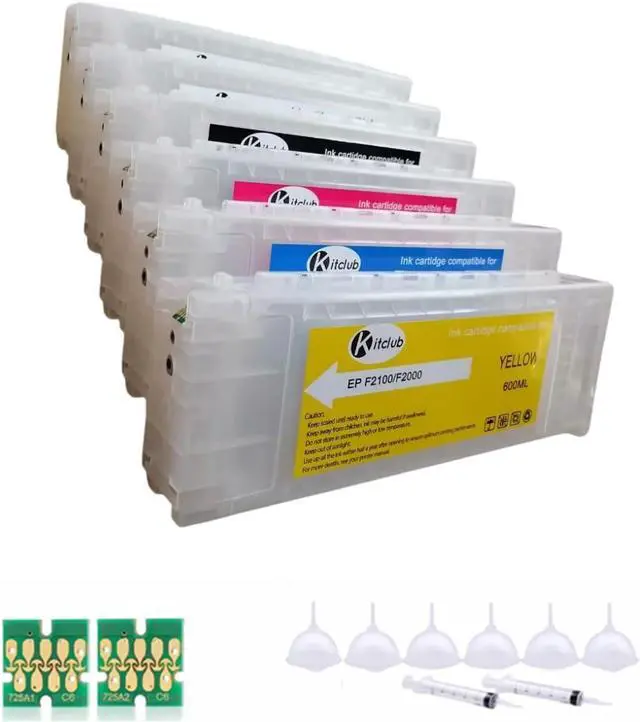
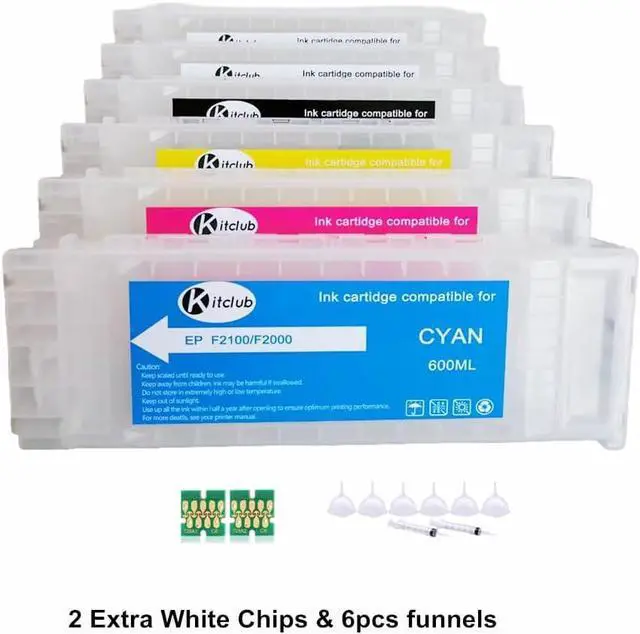
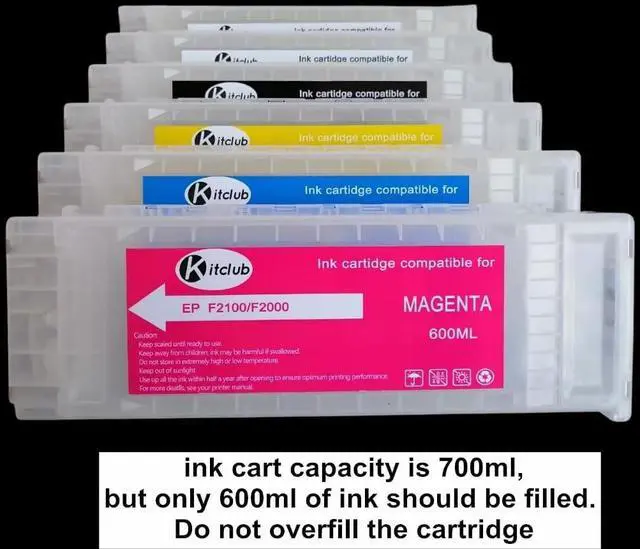
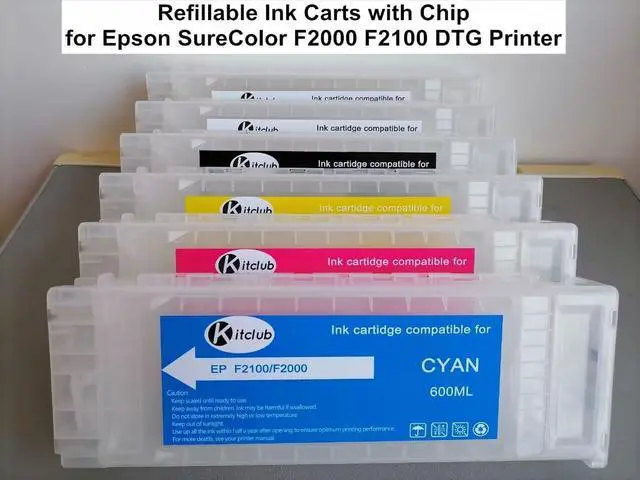
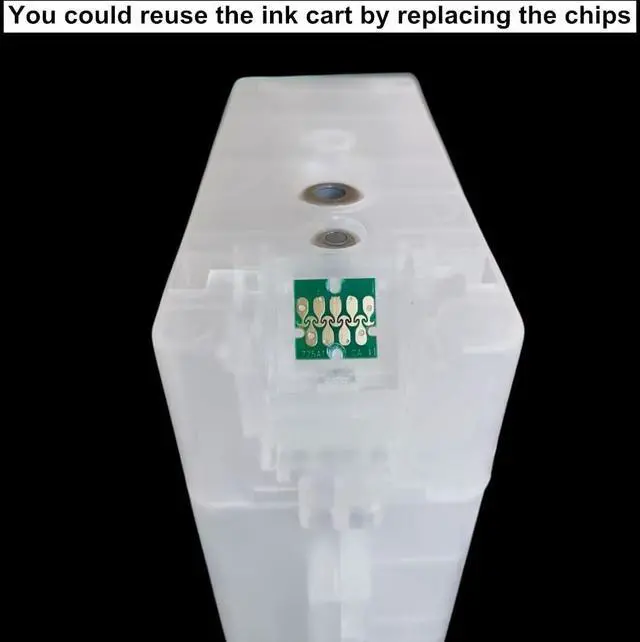
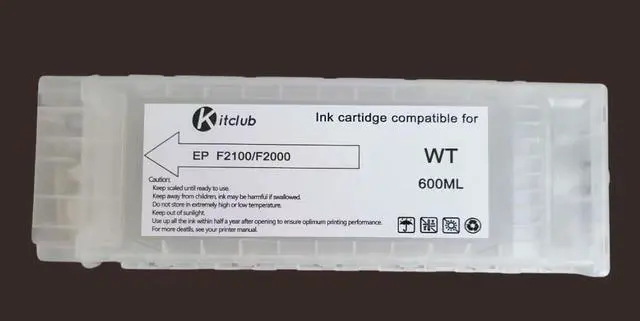
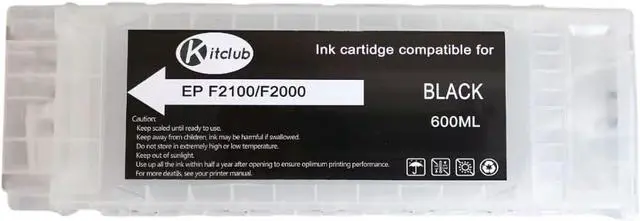
Timely Refilling: Add ink promptly when it is nearly depleted. Avoid waiting until the ink is completely used up. Do not overfill the ink; it is recommended to add 600ml. use the 60ml syringes (included in the package) , refill 10 times.
Injecting Ink: Insert the syringe into the ink cartridge's refill hole and slowly inject the ink to avoid creating air bubbles.
Post-Refill Waiting: After adding ink, wait for about 5 minutes before printing. If issues like broken lines occur (usually due to excessive air trapped in the cartridge preventing ink from reaching the nozzle), perform 1-2 printer cleaning cycles.
Cartridge Recognition Issue: In case the printer fails to recognize the cartridge after refilling, simply restart the printer.
If the chip fails to recognize the ink, there are 2 possible reasons:
Wear and Tear from Prolonged Use: After extended use of the printer, frequent insertion and removal of the ink cartridge may cause poor contact between the chip and the printers terminals, leading to recognition failure.Low-Quality Cartridge: The ink cartridge itself may be defective or of inferior quality.
Our Recommendations:
Reinstall Multiple Times: Try reinserting the cartridge a few more times to ensure proper contact.Adjust Chip Height with Double-Sided Tape: Before replacing the chip, place 2 layers of double-sided tape underneath it on the cartridge.
This will raise the chip slightly (a few millimeters higher), improving contact with the printers terminals.