Open the Top Cover, Prepare for installation
NOTE: During Printhead replacement, do not move the Carriage from the position indicated.
Remove the Printhead and Press the OK Button
NOTE: Do not touch the Linear Scale (A)or Carriage Shaft (B). Touching these parts may damage them.
Holding the Grips (C), take out the New Printhead
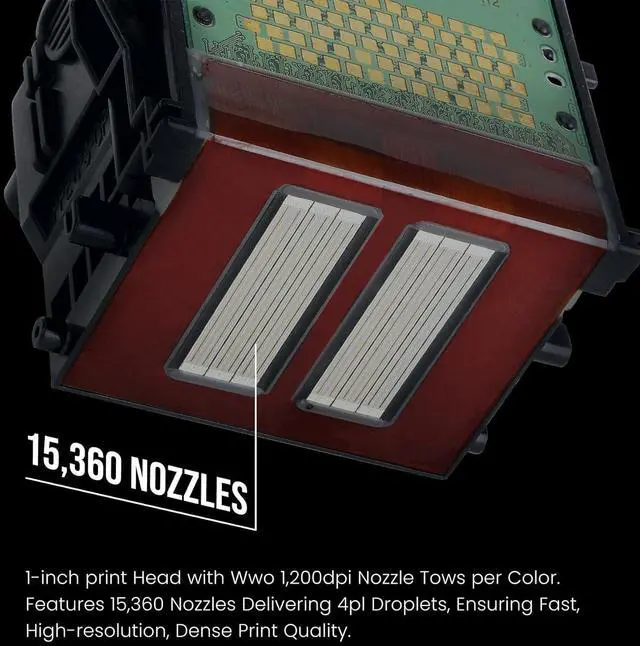
NOTE: Always hold it by the grips (C). Never touch the nozzles (D), metal contacts (E) or ink supply section (F). This may damage the Printhead and affect printing quality
Installing the New Printhead, Close the Top Cover
NOTE: You need to wait about 6 minutes for the ink to fill, at which point if it shows words such as unrecognised, you can select the clear function on the printer and install it again.
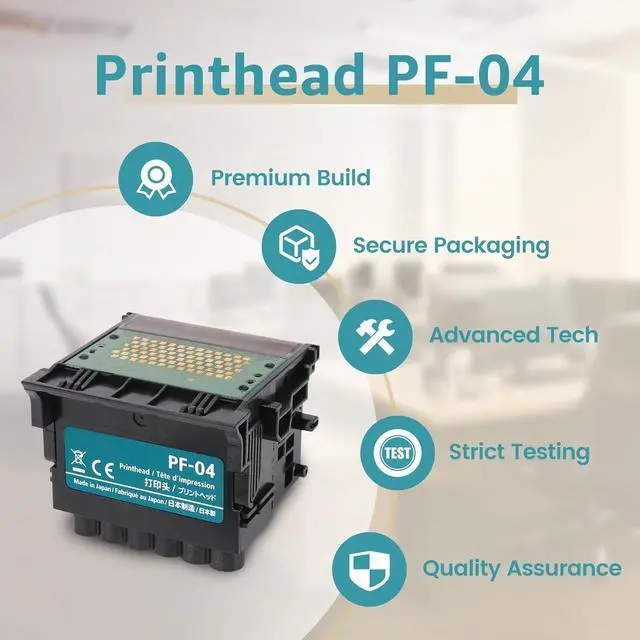
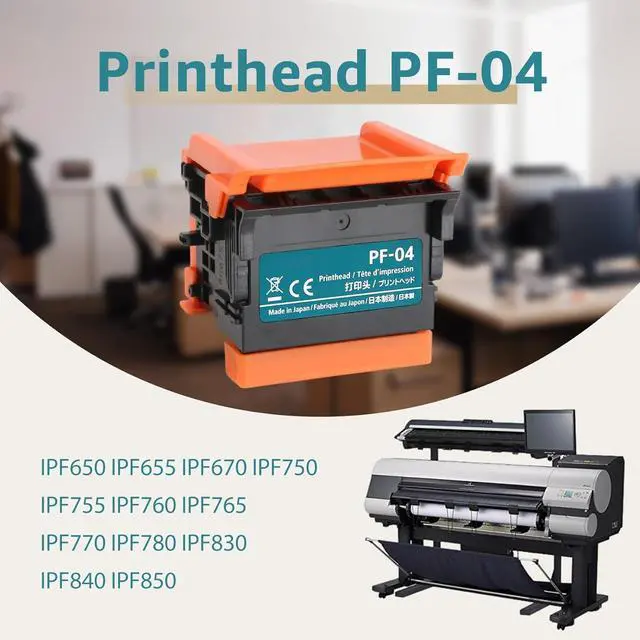
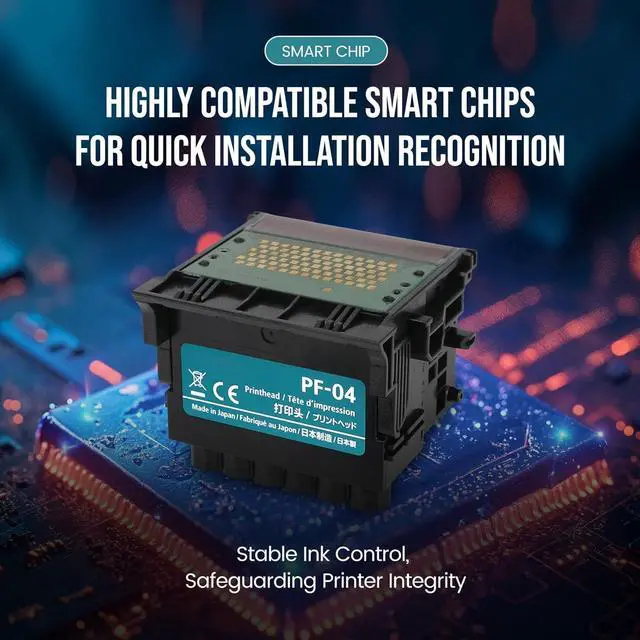
PF-04 PF04 Print Head Printhead Compatible with with Canon imagePROGRAF iPF670, iPF780, iPF650, iPF655, iPF680, iPF750, iPF755, iPF760, iPF765, iPF770 (PF 04)
Share:
Found a lower price? Let us know. Although we can't match every price reported, we'll use your feedback to ensure that our prices remain competitive.
Fields with an asterisk * are required
**