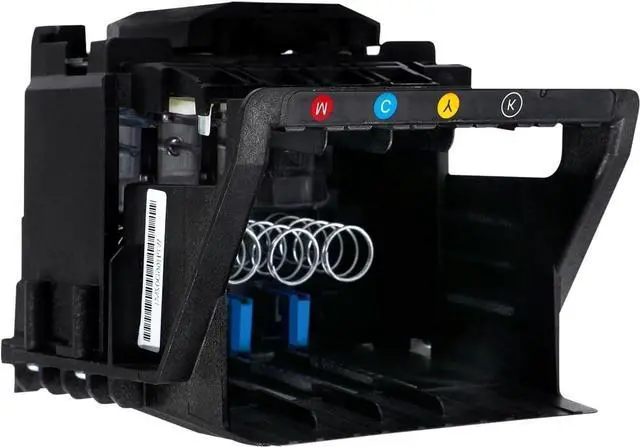
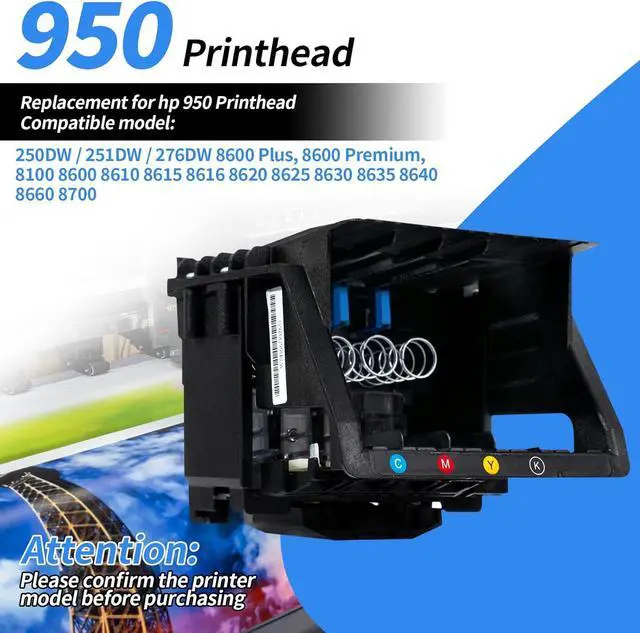
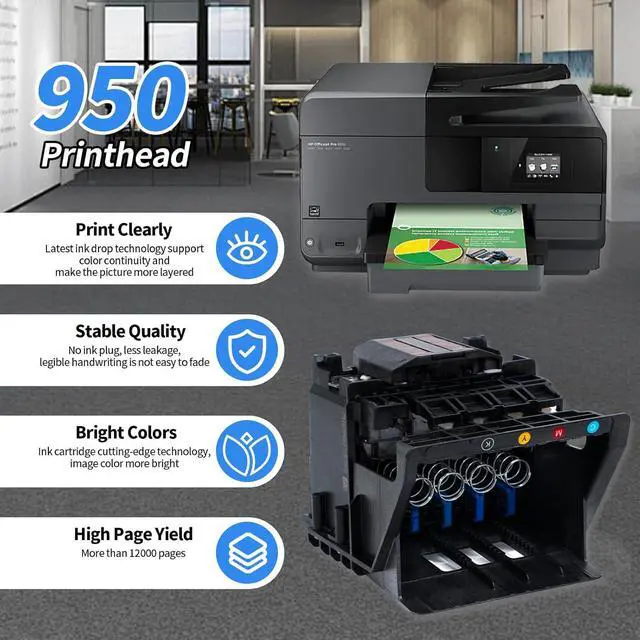
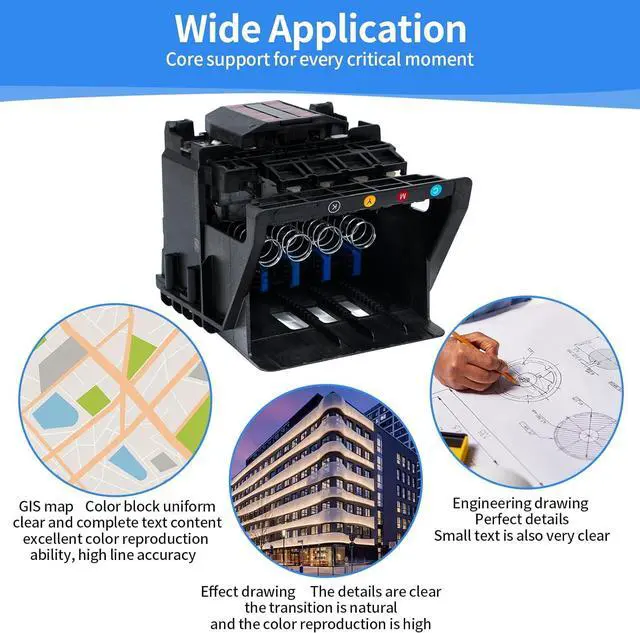
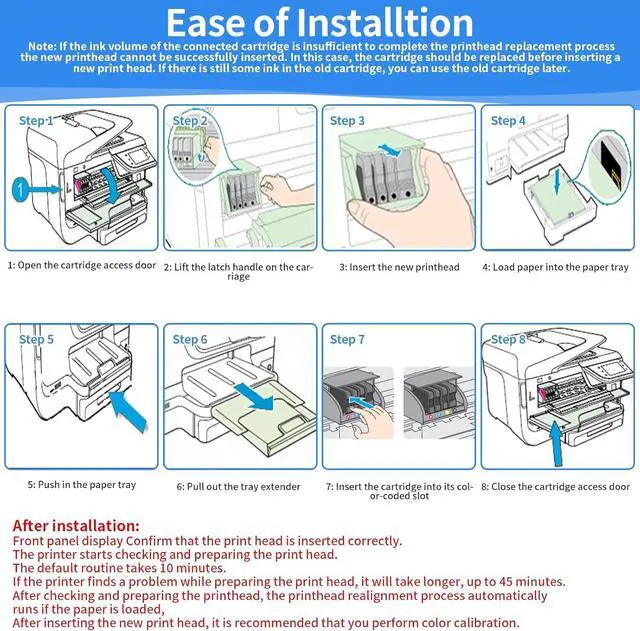
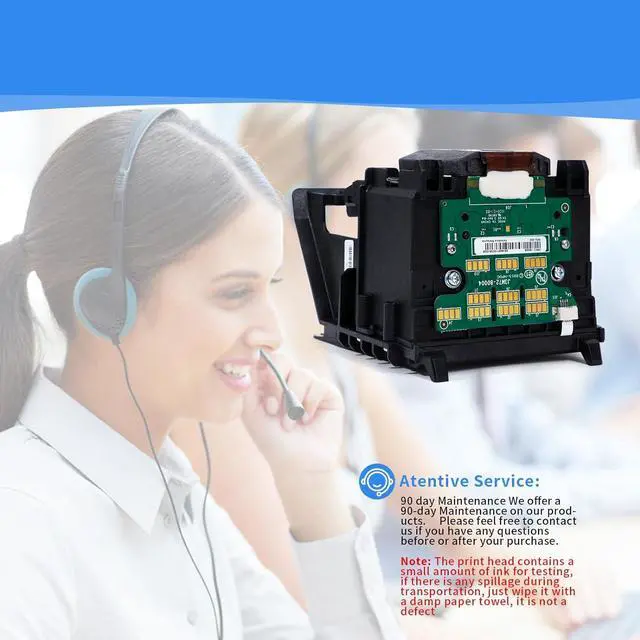
Our 950 951 printer head compatible with hp office 8100 8600 8610 8620 8650 8630 8625 8635 8640 8700 250DW 251DW 276DW .Before purchasing, please confirm whether the print head is suitable for your printer
Common installation operation faults and their solutions
1, After installation ,"the print head appears to be missing, not detected or incorrectly installed"or the installation is normal without error prompt , but the blank paper is printed
You can do this:
Clean the protective oil, and then perform the self-cleaning of the machine, if it is useless, perform the deap cleaning
Follow the steps to perform the machine self-cleaning
Control panel
Setup--Tools--Clean printhead
if not , you can carry out secondary deep cleaning or tertiary deep cleaning according to the prompts
The easy mistake to make is to leave during this step, and on your return, the first page is blank. You will miss the prompt to upgrade to secondary cleaning. All you need to do is wait for the prompt for the secondary cleanup and click Yes on the secondary cleanup
2, Prompt after installation that the print head cannot be aligned
You can do this
Calibrate steps
Setup--Tools--Align Printhead
Operation of alignment calibration
After a while, the printer prints out the paper of test, which means that the calibration is successful
3, In case of unrecognized conditions
You can do this:
Take out the chip, wipe the chip with a dry paper towel, wipe off the protective liquid on the chip,
Note: Do not wipe with water, wipe the chip with a dry paper towel
4, If there is a code error, or if the print head is not recognized
You can do this:
1, Please wipe the print head chip contacts several more times, and try to install a few more times.
2, Try to install a few more times, try to clean a few more times, it is best to carry out a deep cleaning. Ensure that the ink in the cartridge is sufficient, try to add enough ink, do not use too poor quality ink
3, Check the contact points and shelves, there may be a problem with other parts of the printer parts
4, Check whether there is a problem with the cartridge, if possible, replace a new cartridge to try
5, If it still does not work, if possible, try a different machine, confirm whether it is a print head problem or problem with the printer components themselves
5, If there is a error, the printer head can't get ink
You can do this:
1. Check the status of the ink cartridge : First of all, confirm whether the ink cartridge is installed correctly and not expired, ensure that the ink in the ink cartridge is sufficient, try to add enough ink, do not use poor quality ink, replace the new ink cartridge if necessary.
2, print head blockage, long-term use or poor ink quality may lead to blockage, if the printer head blockage, you can perform cleaning operations, you can use the printer's built-in cleaning function or manual cleaning, using a special cleaning solution to gently wipe the print head surface
3, replace the new printer head installation has a small chance of ink problems, you can