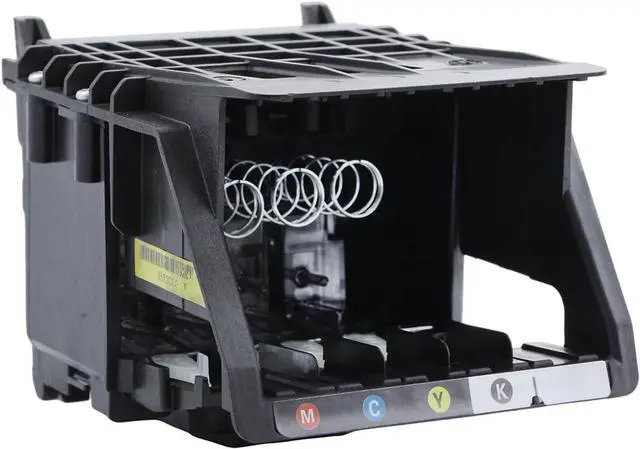
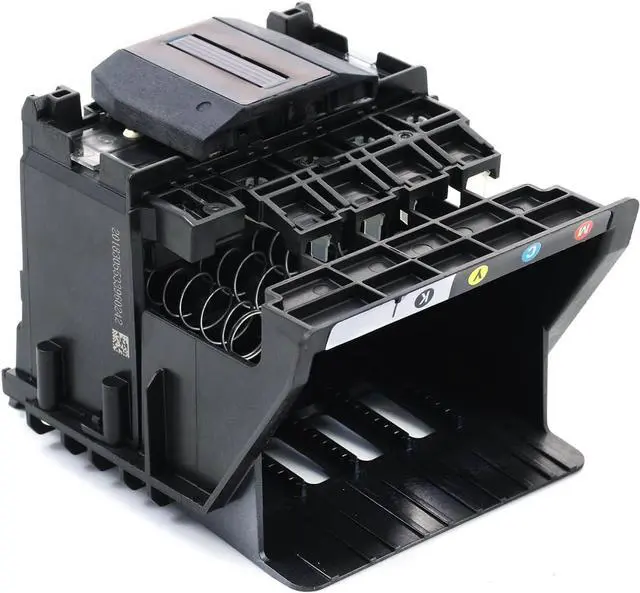
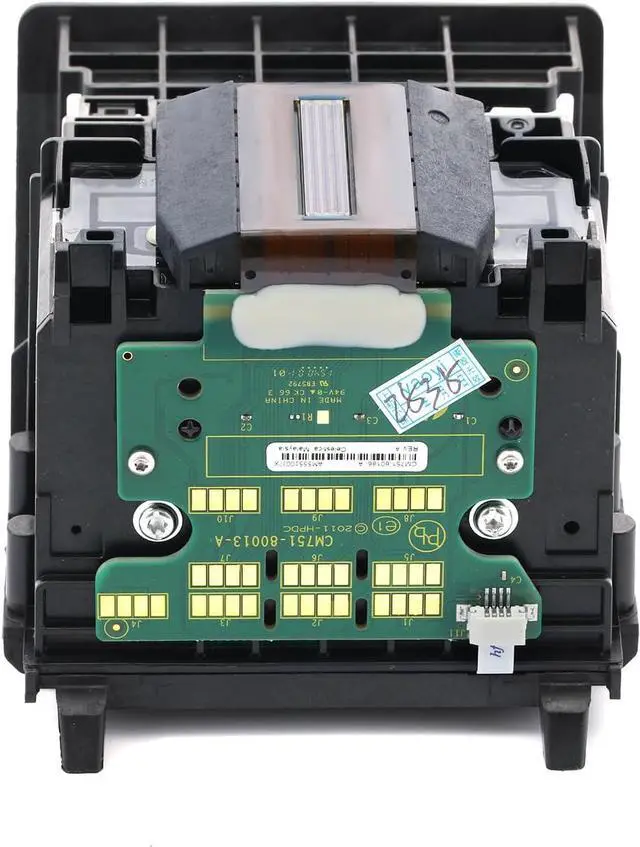
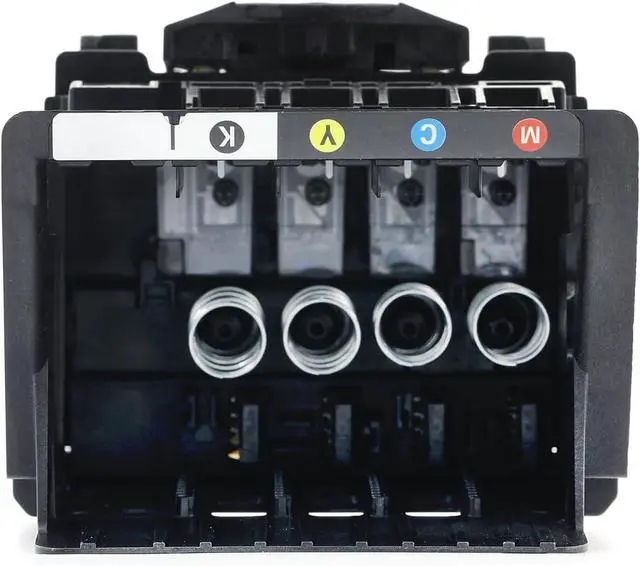
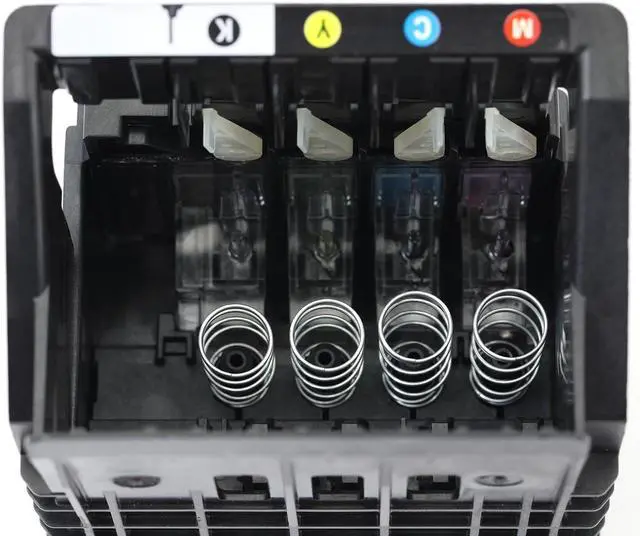
Load unused, plain white paper in the input tray.Press the Power button to turn on the printer, if it is not already on.Slip your fingers into the slot on the left side of the printer, and then pull forward to open the cartridge access door. The carriage moves to the left side of the printer. Wait until the carriage is idle and silent before proceeding.
Lift the latch handle on the carriage
Grasp the sides of the printhead and then lift the printhead and pull it towards you to remove it.NOTE:Do not remove the cartridges from the printhead. You can safely remove the printhead with all of the cartridges inserted.CAUTION: Handle the printhead carefully to avoid ink stains. Avoid touching the underside of the printhead.
Remove the new printhead and cartridges from the plastic packaging.
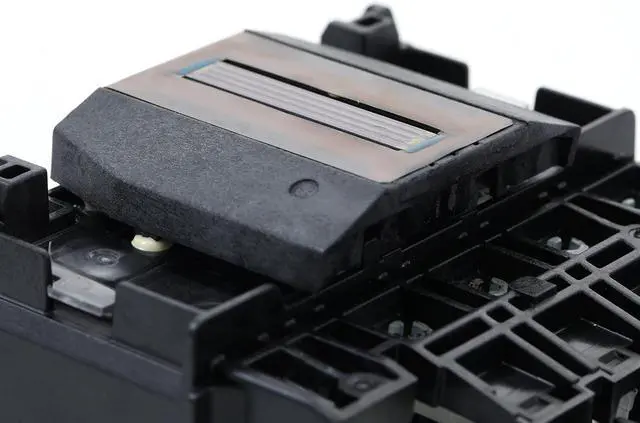
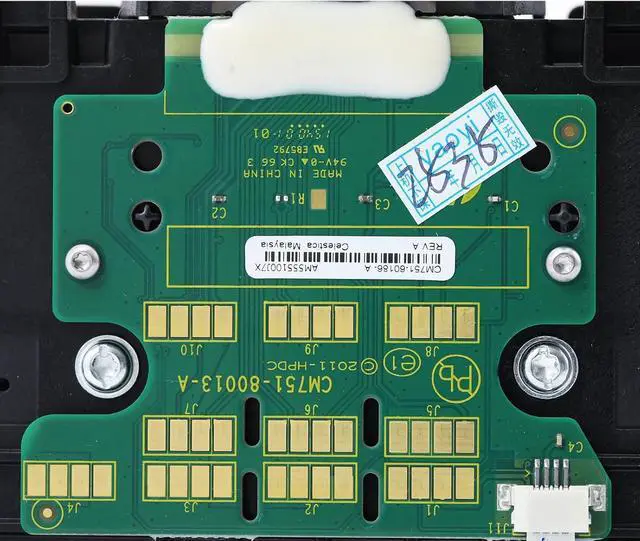
CAUTION: Do not touch the electrical contacts or the nozzles. Touching these areas can cause electrical failures or print quality problems.
Grasp the printhead on both sides with the electrical contacts facing the rear of the printer, and then insert the printhead into the carriage.
Carefully lower the latch handle on the carriage.
Slide the new cartridge into its slot, and then gently push it forward until it clicks into place.NOTE: Make sure that the colored dot on the cartridge label matches the colored dot on the slot.CAUTION: Do not lift the latch handle on the carriage to insert cartridges. Doing so could cause the printhead or cartridges to be incorrectly seated, which could damage the print mechanism and cause printing problems.Repeat these steps to insert other cartridges.Close the cartridge access door.The HP printer starts an initialization process, which takes about six minutes. It is normal for the printer to make noises during this process. After the process completes, the printer prints an alignment page.
HP OfficeJet Pro 251dw
HP OfficeJet Pro 276dw
HP OfficeJet Pro 8100 ePrinter N811a
HP OfficeJet Pro 8600 Plus e
HP OfficeJet Pro 8600 Premium e
HP OfficeJet Pro 8600e
HP OfficeJet Pro 8610 All-in-One
HP OfficeJet Pro 8615 All-in-One
HP OfficeJet Pro 8616 All-in-One
HP OfficeJet Pro 8620 All-In-One
HP OfficeJet Pro 8625 All-in-One
HP OfficeJet Pro 8630 All-in-One
HP OfficeJet Pro 8640 All-in-One
HP OfficeJet Pro 8660 All-in-One
In the United States, type CR322A.For the rest of the world, type CR324A. Our customers are the backbone of our business. We are dedicated to giving you a terrific experience at all times. You are not only buy our products, but our survice.
Thank you for your patronage!
This ItemHP CR322A (CR321A) Print Head, Insert HP 950 & HP 951 Ink Cartridges, for 251dw 276dw 8100 8600 8610 8615 8616 8620 8625 8630 8640 8660Recommendations950 951 Printhead Replacement Kit for HP Officejet Pro 8100 8600 8610 8620 8630 8625 8635 8640 8650 251DW 276DW Printer Replacement Parts Print Head DHAOCAI 950 951 Printhead Replacement Kit for HP OfficeJet Pro 8600 Series (8600/8610/8615/8620/8650), 8100, 251DW/276DW Printer Head HP 950 Printhead with Set up Cartridge OfficeJet Pro 8100 8600 8610 8620 8630 8625 8635 8640 Printer